


Euro Truck Simulator
Download Euro Truck Simulator
Mount the downloaded image and drag the game to the Applications folder.
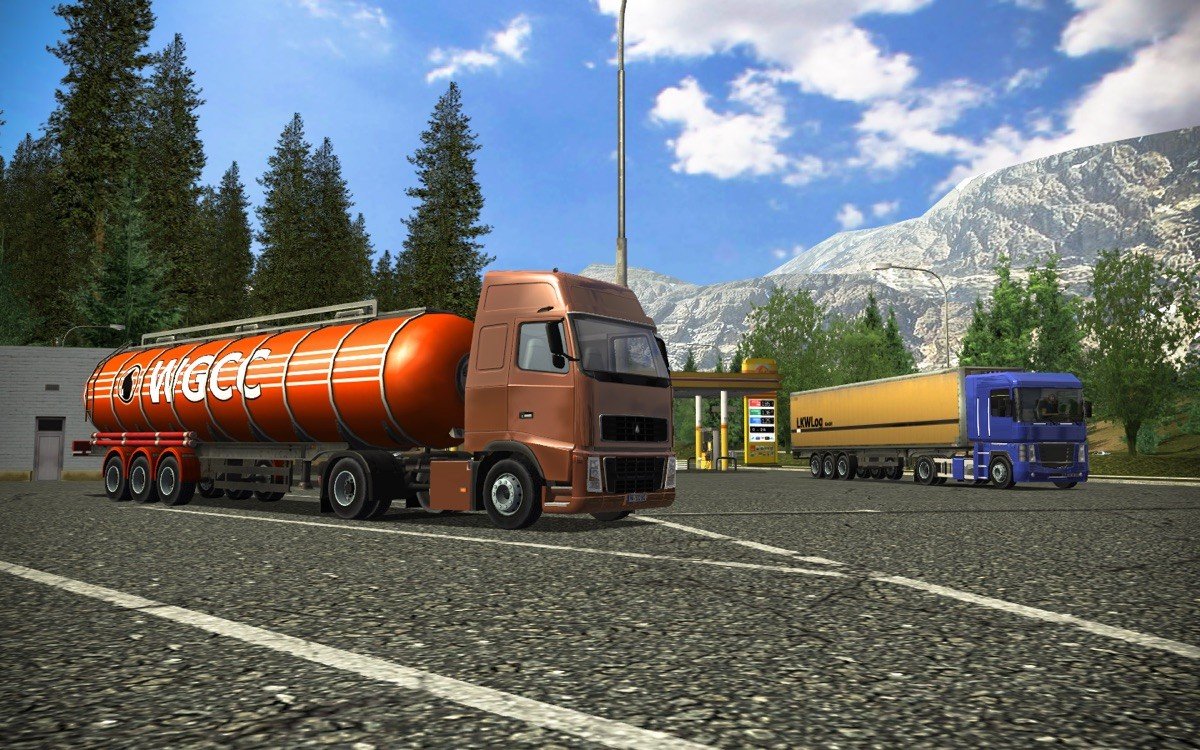
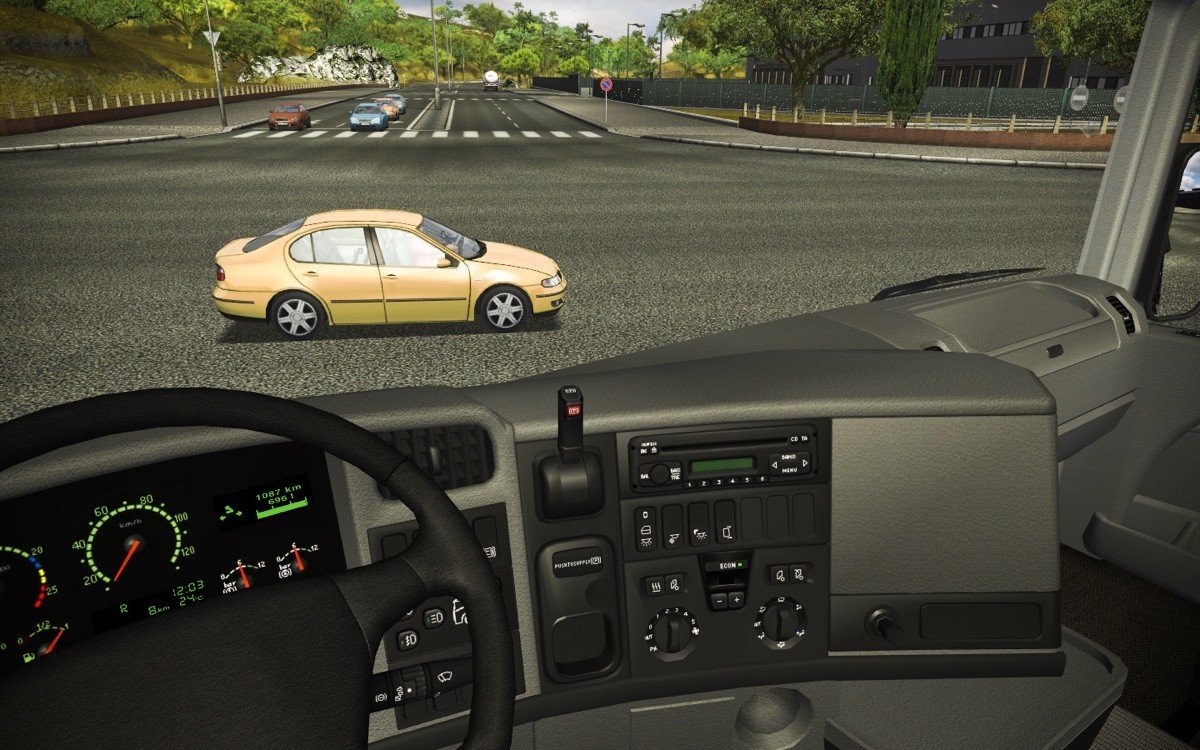
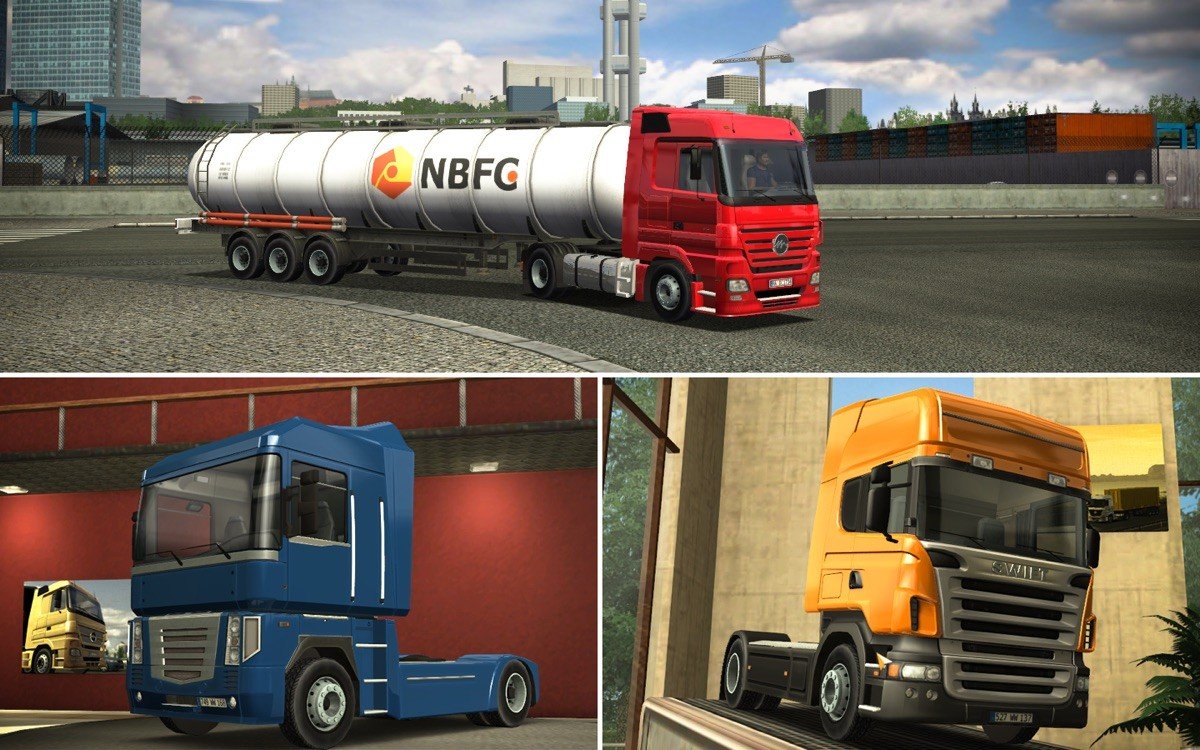
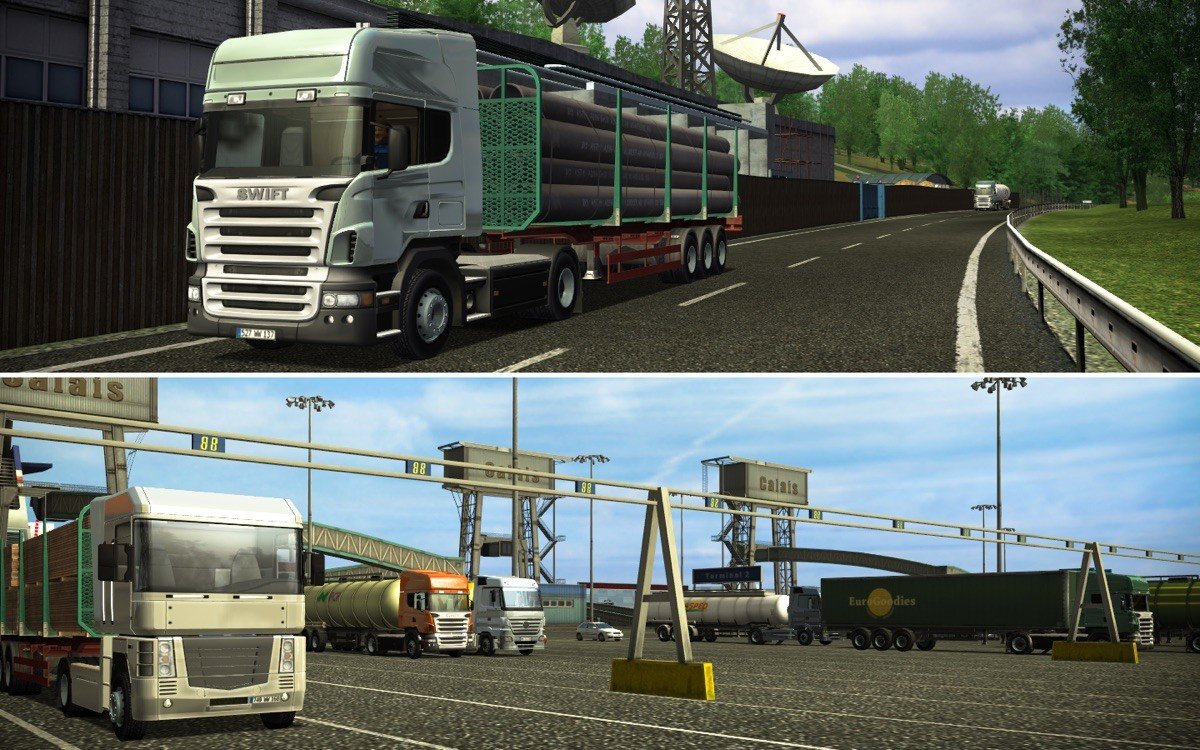
In the world of simulation games, few titles offer the immersive, detailed experience of long-haul driving quite like Euro Truck Simulator. Developed by SCS Software, this game has captivated players around the globe by blending realistic driving mechanics, logistical strategy, and the simple joy of exploring Europe from behind the wheel of a powerful truck. It’s not just a game—it’s a celebration of trucking culture and the open road.
Euro Truck Simulator allows players to step into the shoes of a professional truck driver, delivering cargo across detailed recreations of European cities and highways. From bustling urban centers to winding country roads, the game captures the diversity of Europe’s landscapes. Each delivery task requires careful planning, adherence to traffic laws, and skillful driving, creating a realistic and rewarding experience for those who appreciate attention to detail and strategic thinking.
One of the standout features of Euro Truck Simulator is its realistic driving mechanics. Players must consider speed limits, road conditions, fuel consumption, and vehicle maintenance while managing their deliveries. The trucks themselves are intricately modeled, with controls and handling that mimic real-world physics. This level of detail ensures that every journey feels authentic, whether maneuvering through tight city streets or cruising down long, open highways.
The game also emphasizes economic management and career progression. Players start with a modest truck and gradually build a trucking empire by completing deliveries, earning money, and investing in new vehicles and garages. Hiring drivers, expanding fleets, and managing logistics adds a layer of strategy, turning Euro Truck Simulator into more than just a driving simulator—it becomes a business management experience. The satisfaction of growing your trucking company mirrors the gratification of completing a perfectly executed delivery route.
Exploration and freedom are key components of the game’s appeal. The expansive map includes realistic representations of numerous European countries, each with distinct architecture, road networks, and scenic landscapes. Players can explore diverse regions, encounter dynamic weather conditions, and even experience day-night cycles that affect visibility and driving strategy. This sense of immersion encourages relaxation and curiosity, as players discover hidden routes, scenic vistas, and varied environments.
Euro Truck Simulator also boasts a strong community and modding support, allowing players to enhance their experience with custom trucks, maps, and additional features. This adaptability keeps the game fresh, offering virtually endless content for enthusiasts who want to expand beyond the base game. The combination of realistic mechanics, strategic depth, and player creativity contributes to its enduring popularity.
In conclusion, Euro Truck Simulator is much more than a driving game—it’s an intricate, immersive simulation that captures the thrill and challenge of long-haul trucking. Its realistic physics, economic management elements, and vast European landscapes make it an unparalleled experience for players seeking both relaxation and strategic engagement. Whether navigating narrow city streets or planning cross-country deliveries, Euro Truck Simulator offers a journey that is both satisfying and endlessly rewarding, proving that sometimes the road itself is the greatest adventure.
OS: OS X 10.6.8+Memory 512 MBHard Drive Space 700 MB of free spaceGraphics Hardware 128 MB video card
Mount the downloaded image and drag the game to the Applications folder.
Frequently Asked Questions
Mount the image and run Open Gatekeeper friendly.
Press Enter to bypass Gatekeeper in the Terminal window.
Drag the application to the Applications folder.
The application is ready for use.
ATTENTION! SIP must be disabled. Learn more >
Restart your Mac and hold down Command + R to enter Recovery Mode.
Open Terminal from the Utilities menu.
Enter the command: csrutil disable
Restart your Mac.
This is a common Gatekeeper issue. Follow these steps:
1. Open Terminal
2. Enter: sudo xattr -rd com.apple.quarantine /Applications/AppName.app
3. Replace "AppName" with the actual application name
4. Press Enter and enter your password
Yes, all our downloads are thoroughly checked for viruses and malware.
We use multiple antivirus engines to scan every file.
Our team tests each application before publishing.
We never bundle adware or unwanted software.
Yes, we regularly update our applications to the latest versions.
You can check our website for updates or subscribe to our newsletter.
We strive to provide the most recent versions within 24-48 hours of release.
If a download link is not working, please:
1. Try a different browser
2. Clear your browser cache and cookies
3. Try the alternative download links provided
4. Contact our support team if the issue persists