


Farm Together 2
Download Farm Together 2
Run the downloaded image and drag the application to the Applications folder shortcut.
Once copying is complete, the application can be launched via Launchpad.
Previous Versions
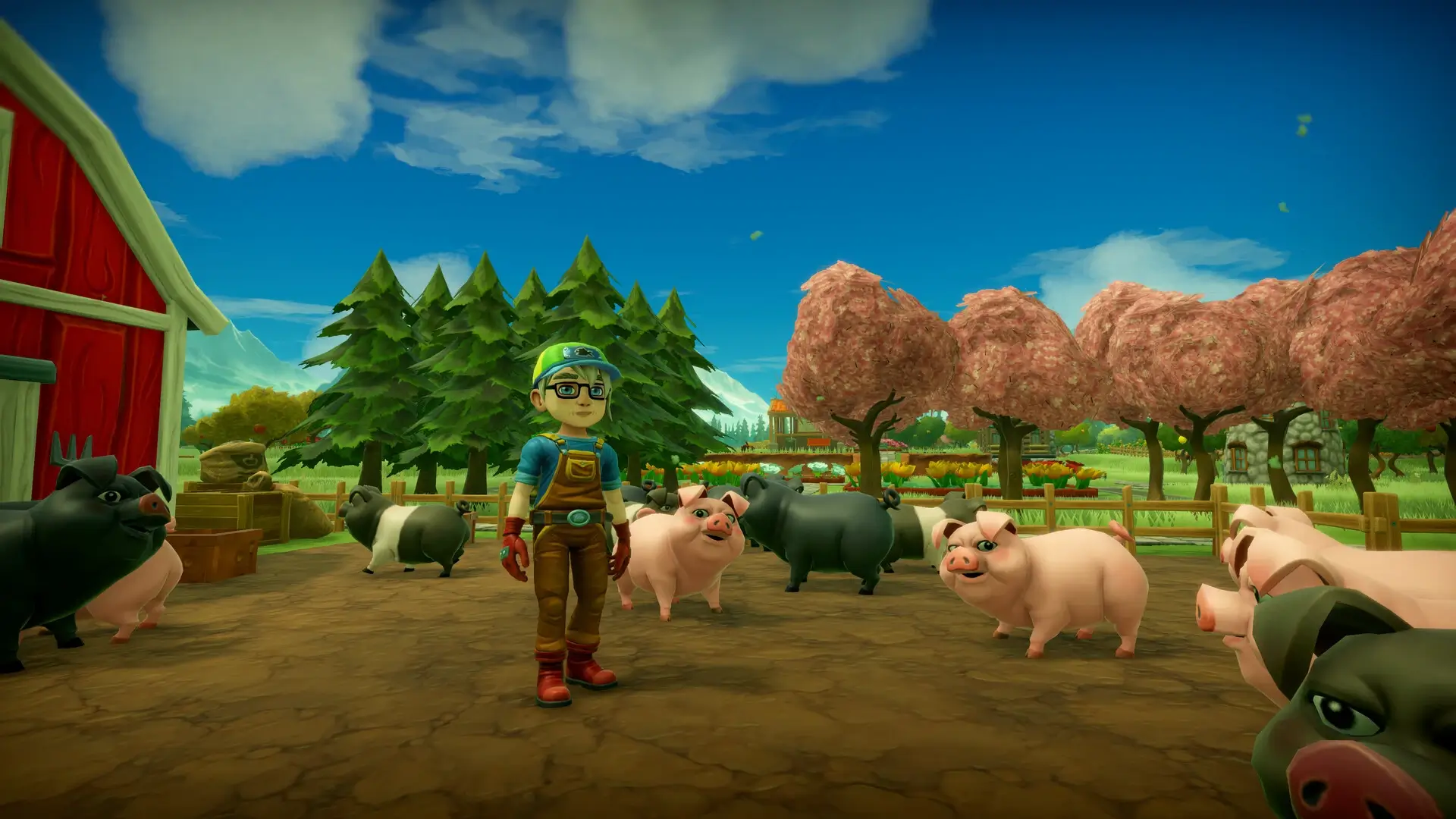
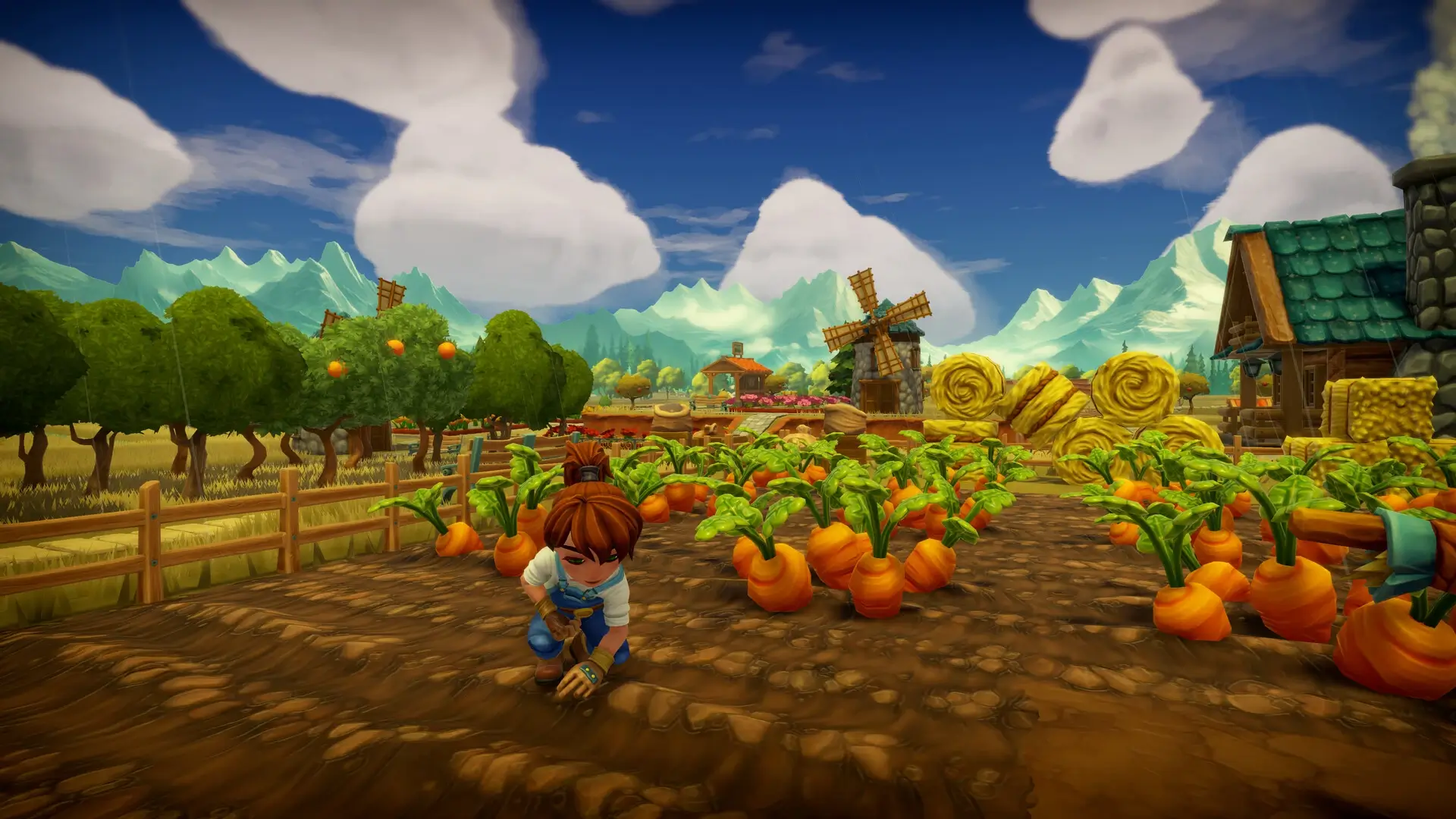

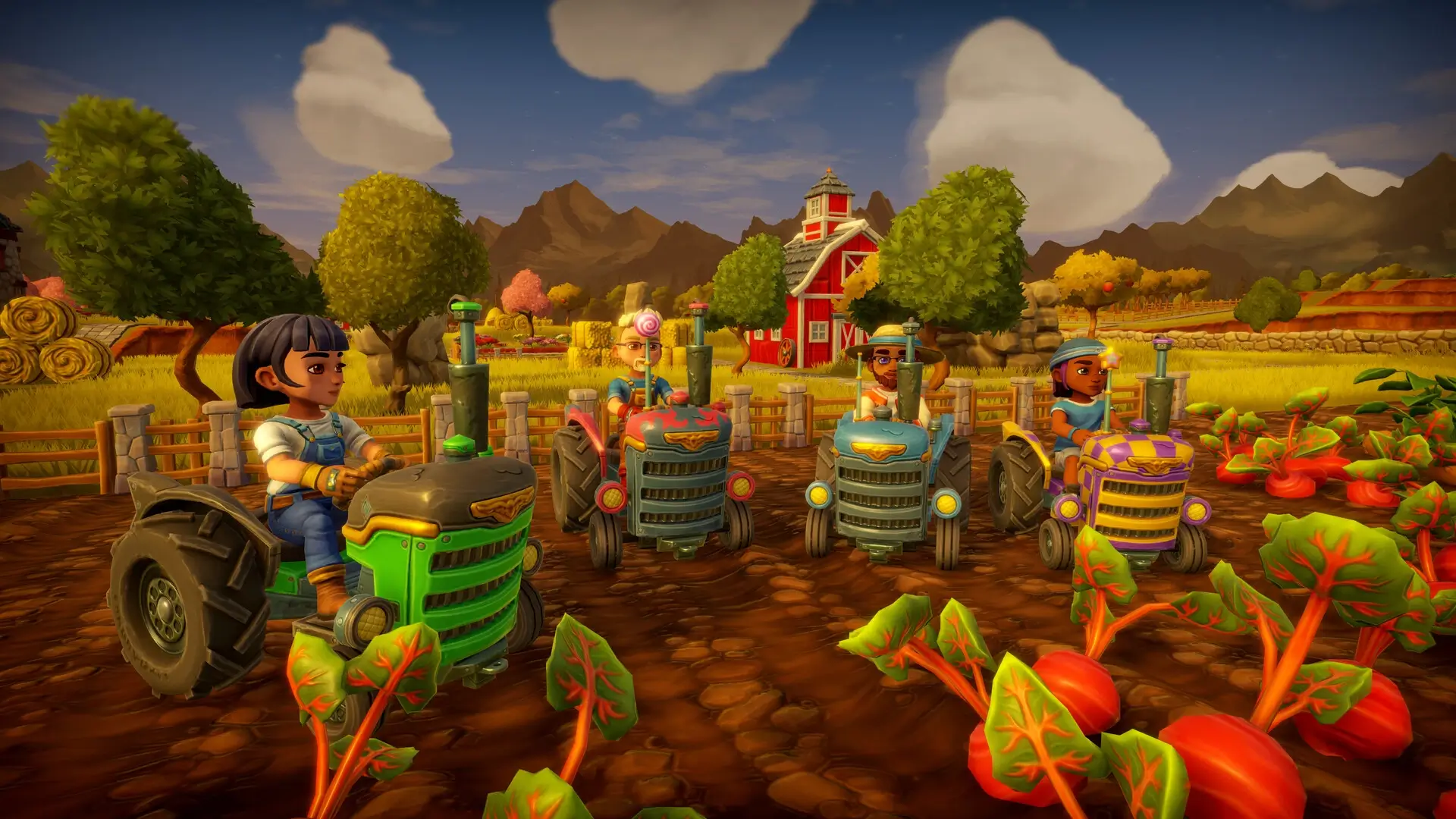
Farm Together 2 is the latest entry in the beloved farming simulation series that emphasizes community, creativity, and relaxing gameplay. Developed by Milkstone Studios, the game expands on its predecessor by offering more tools, crops, and cooperative features, making it an engaging experience for both solo players and friends who enjoy working together to cultivate a thriving farm. Unlike fast-paced farming games, Farm Together 2 focuses on strategic planning, customization, and the joy of watching your farm grow over time.
The game starts with a small plot of land and a handful of basic tools. Players plant seeds, water crops, and care for animals, gradually expanding their farm into a bustling agricultural paradise. Unlike many simulation games that rely solely on linear progression, Farm Together 2 allows for open-ended growth. Players can design their farm layout, decorate buildings, and experiment with crop combinations, giving each farm a unique personality. This level of creative freedom makes the game appealing to a wide range of players, from casual gamers seeking relaxation to those who enjoy complex management challenges.
One of the defining features of Farm Together 2 is its emphasis on multiplayer collaboration. Players can invite friends to join their farms, working together to complete tasks, harvest crops, and care for animals. Cooperative play is seamless, allowing multiple people to contribute without the game feeling overwhelming or chaotic. This social aspect enhances the overall experience, fostering a sense of community and shared accomplishment as players watch their farm flourish.
The game also introduces a variety of new crops, animals, and tools, giving players plenty of options to experiment with farming strategies. Each crop has its own growth cycle and requirements, requiring players to plan ahead and balance their resources. Animals provide both companionship and resources such as milk, eggs, and wool, adding another layer of depth to farm management. The dynamic weather system also plays a role, affecting crop growth and requiring players to adapt their farming schedule. These mechanics make each day on the farm feel meaningful and rewarding.
Visually, Farm Together 2 continues the series’ charming and colorful art style. The game features vibrant environments, cute animals, and beautifully designed buildings that make the farm feel alive. The isometric view provides a clear overview of the farm, helping players manage their space efficiently while appreciating the aesthetic appeal of their creations. Combined with soothing music and relaxing sound effects, the game creates an inviting atmosphere that encourages long, leisurely play sessions.
In conclusion, Farm Together 2 is a delightful blend of strategy, creativity, and cooperative gameplay. Its open-ended approach to farm management, extensive customization options, and multiplayer focus make it a standout title in the simulation genre. Players who enjoy thoughtful planning, imaginative design, and working alongside friends will find endless enjoyment in cultivating their dream farm. Farm Together 2 proves that farming games can be both relaxing and deeply engaging, offering a virtual escape into a world where hard work and creativity yield satisfying rewards.
OS: Mac OS X 10.13+Processor: Intel and Silicon supportedMemory: 4 GB RAMDisk space: 2 GB
Run the downloaded image and drag the application to the Applications folder shortcut.
Once copying is complete, the application can be launched via Launchpad.
Frequently Asked Questions
Mount the image and run Open Gatekeeper friendly.
Press Enter to bypass Gatekeeper in the Terminal window.
Drag the application to the Applications folder.
The application is ready for use.
ATTENTION! SIP must be disabled. Learn more >
Restart your Mac and hold down Command + R to enter Recovery Mode.
Open Terminal from the Utilities menu.
Enter the command: csrutil disable
Restart your Mac.
This is a common Gatekeeper issue. Follow these steps:
1. Open Terminal
2. Enter: sudo xattr -rd com.apple.quarantine /Applications/AppName.app
3. Replace "AppName" with the actual application name
4. Press Enter and enter your password
Yes, all our downloads are thoroughly checked for viruses and malware.
We use multiple antivirus engines to scan every file.
Our team tests each application before publishing.
We never bundle adware or unwanted software.
Yes, we regularly update our applications to the latest versions.
You can check our website for updates or subscribe to our newsletter.
We strive to provide the most recent versions within 24-48 hours of release.
If a download link is not working, please:
1. Try a different browser
2. Clear your browser cache and cookies
3. Try the alternative download links provided
4. Contact our support team if the issue persists