


Farming Simulator 22
Download Farming Simulator 22
Run the downloaded image and drag the game to the Applications folder shortcut.
Once the copying is complete, the game can be launched via Launchpad.
Previous Versions
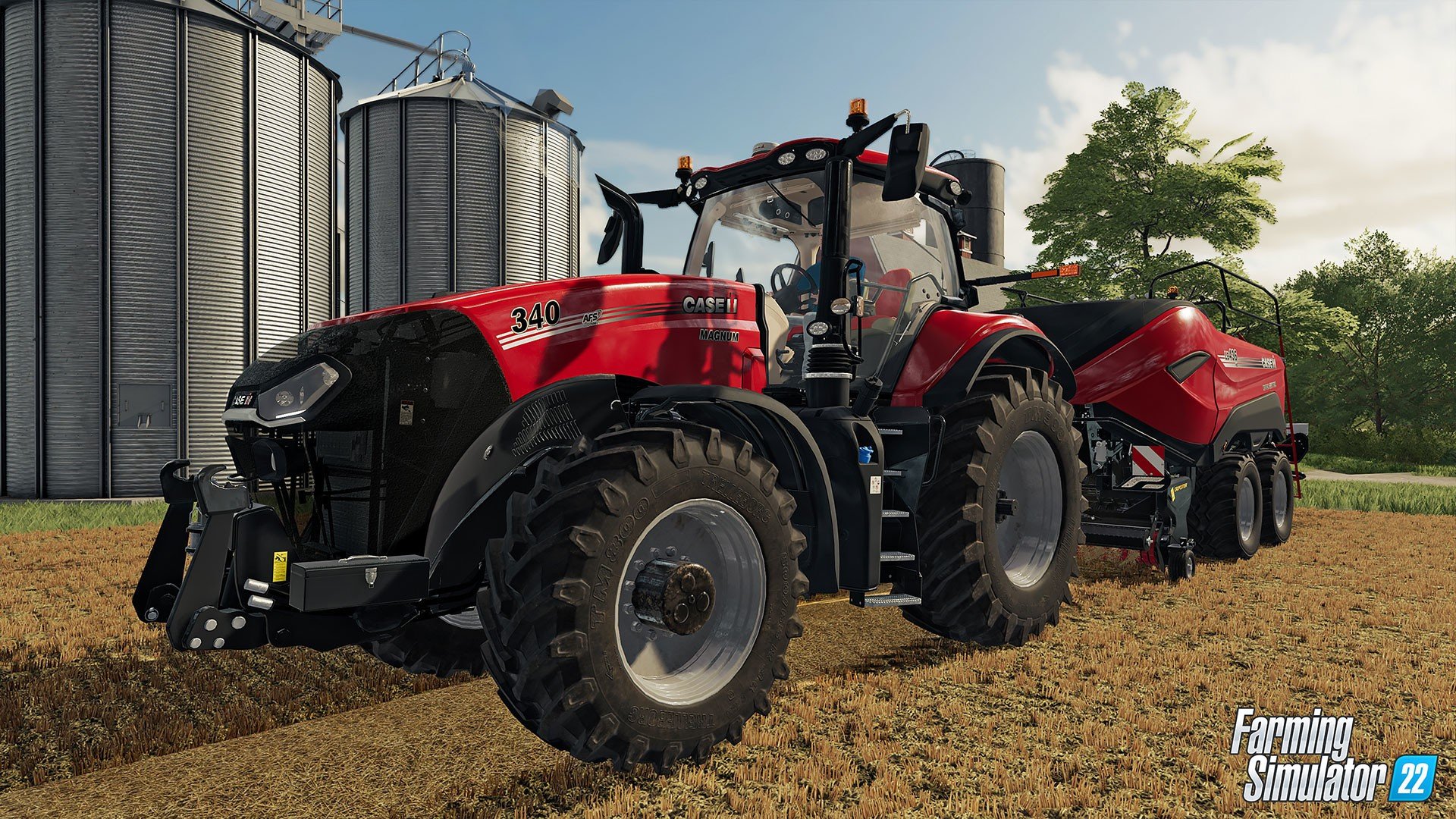
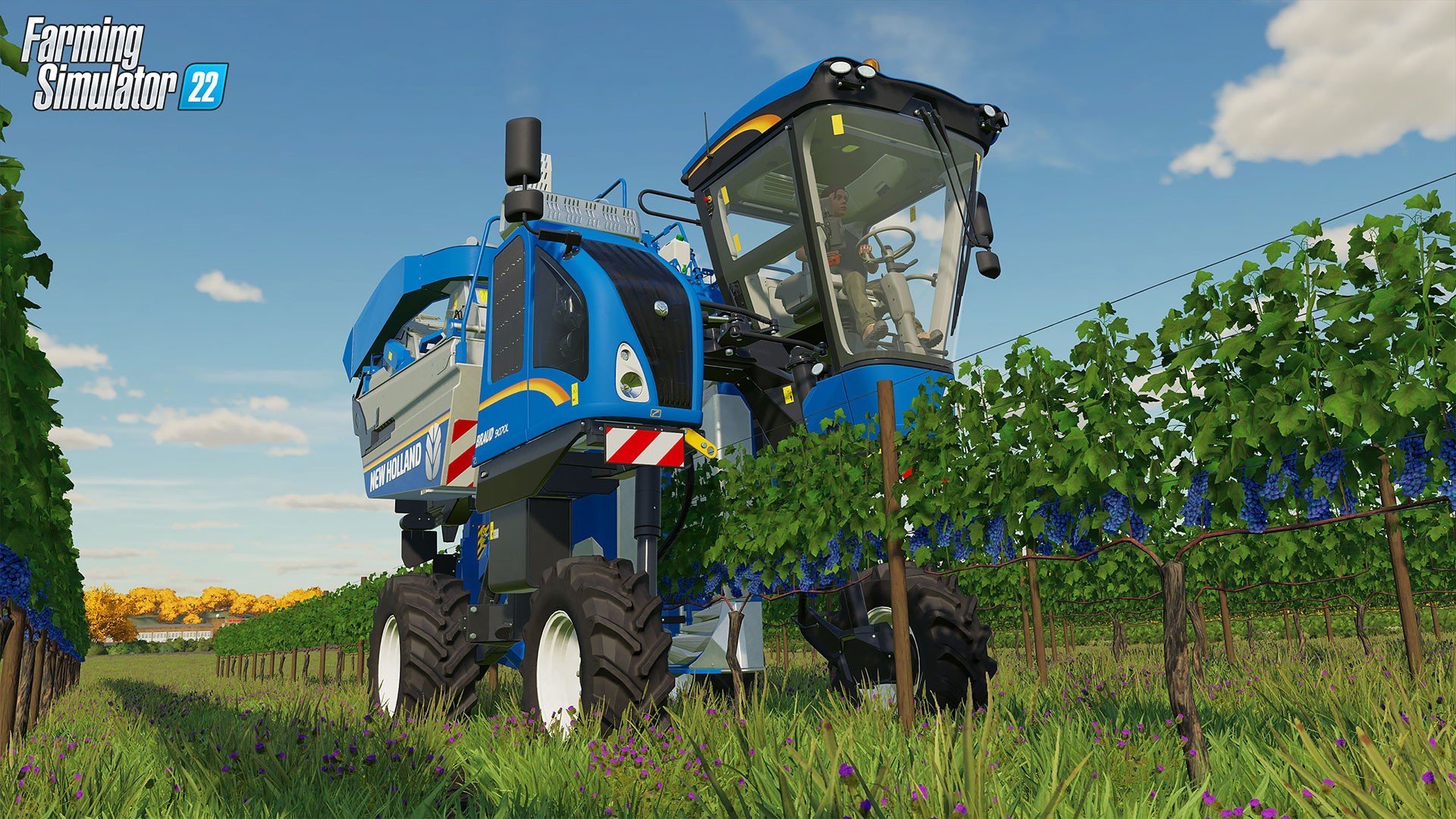
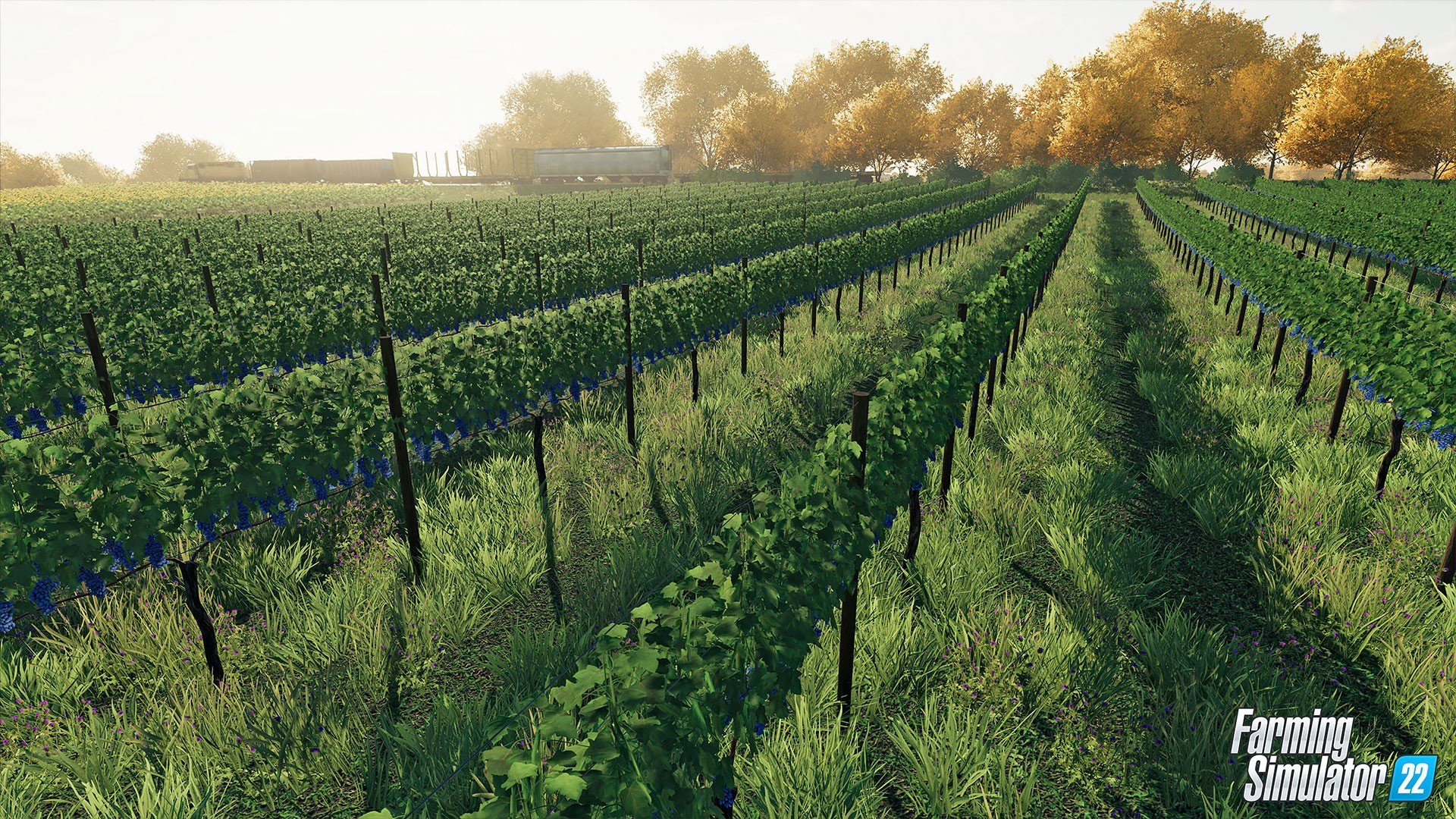
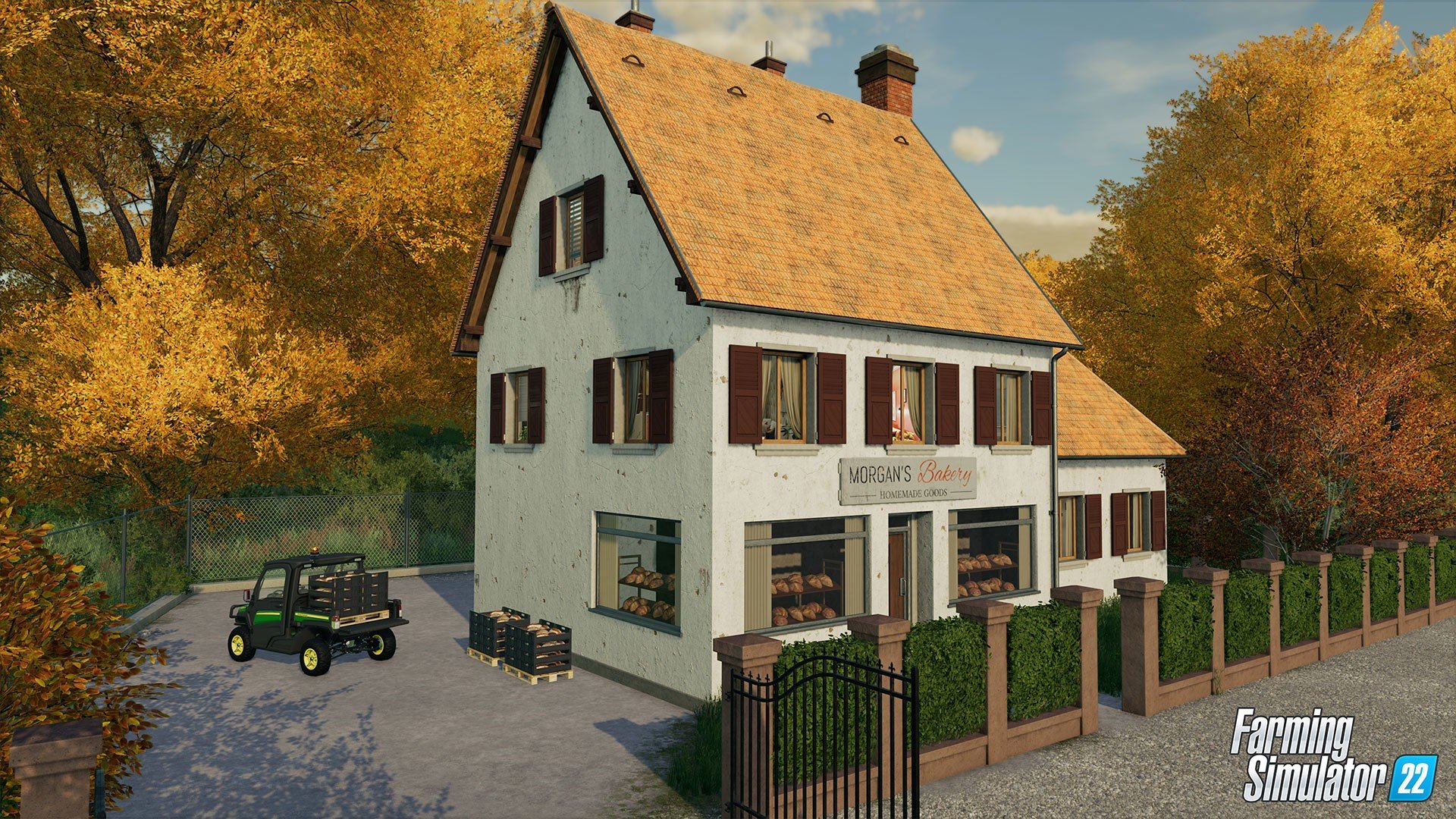
Simulation games have long offered players the opportunity to explore worlds beyond their own, and Farming Simulator 22 takes this concept to new heights. Developed by Giants Software, this installment in the popular series combines realism, strategy, and creativity to provide an immersive farming experience. With its updated mechanics, expanded features, and realistic approach to agriculture, Farming Simulator 22 offers both casual gamers and simulation enthusiasts a comprehensive taste of modern farming life.
At its core, Farming Simulator 22 allows players to manage their own farm from the ground up. Players plant and harvest crops, raise livestock, manage machinery, and oversee the economics of running a farm. Unlike simple farming games, this title emphasizes realism, offering a detailed simulation of seasonal cycles, soil quality, crop growth, and market fluctuations. Success requires planning, patience, and strategy, making each farming season a rewarding challenge.
One of the standout features of Farming Simulator 22 is the introduction of seasonal cycles. Players must now adapt to changing weather, plan crop rotations, and account for seasonal demands in both production and sales. This adds depth to the gameplay, requiring careful timing and resource management. Decisions have real consequences: planting the wrong crop at the wrong time or neglecting soil maintenance can impact yields, forcing players to think critically about every step in the farming process.
The game also expands its roster of vehicles and machinery. Players can operate a wide range of realistic tractors, harvesters, trucks, and tools from over 100 licensed brands. Each piece of equipment behaves differently, and mastering their use is essential for efficient farming. The attention to detail extends to the mechanical operation of these machines, creating an authentic experience that feels grounded in real-world agriculture.
Livestock management is another important aspect of Farming Simulator 22. Players can raise cows, sheep, pigs, and chickens, each requiring attention to feeding, health, and breeding. Proper care ensures high-quality produce, whether it’s milk, wool, or eggs, and adds another layer of strategy and realism to the game. Combining crop farming with animal husbandry allows players to diversify their farm operations and maximize profits.
The game’s open-world environments are rich and expansive, offering multiple regions to explore. Fields, forests, rivers, and towns are carefully designed to provide both functional farming space and visual appeal. Dynamic weather effects, changing seasons, and realistic day-night cycles contribute to immersion, making each day on the farm feel like a living, breathing ecosystem. Players can also engage with towns, trade goods, and expand their farm infrastructure, creating a sense of progression and long-term achievement.
Multiplayer mode further enhances the experience by allowing friends to collaborate on farm management. Whether coordinating crop production or sharing resources, the cooperative gameplay adds social interaction and shared strategy, making large-scale farm operations more enjoyable and efficient.
In conclusion, Farming Simulator 22 is a masterful blend of realism, strategy, and creativity. Its detailed simulation of crops, machinery, livestock, and seasons creates a rich, engaging experience for players who want to immerse themselves in modern farming life. By combining challenging gameplay with expansive freedom and depth, it offers a unique opportunity to experience the rewards and responsibilities of running a farm. For anyone looking to cultivate both crops and strategy, Farming Simulator 22 delivers a truly immersive agricultural adventure.
OS: 10.14 or newerProcessor: Intel Core i5-3330 or AMD FX-8320 or betterRAM: 8 GBVideo card: GeForce GTX 660, AMD Radeon R7 265 or better (min 2GB VRAM, DX11/DX12 support)Network: Broadband Internet connectionDisk space: 35 GB
Run the downloaded image and drag the game to the Applications folder shortcut.
Once the copying is complete, the game can be launched via Launchpad.
Frequently Asked Questions
Mount the image and run Open Gatekeeper friendly.
Press Enter to bypass Gatekeeper in the Terminal window.
Drag the application to the Applications folder.
The application is ready for use.
ATTENTION! SIP must be disabled. Learn more >
Restart your Mac and hold down Command + R to enter Recovery Mode.
Open Terminal from the Utilities menu.
Enter the command: csrutil disable
Restart your Mac.
This is a common Gatekeeper issue. Follow these steps:
1. Open Terminal
2. Enter: sudo xattr -rd com.apple.quarantine /Applications/AppName.app
3. Replace "AppName" with the actual application name
4. Press Enter and enter your password
Yes, all our downloads are thoroughly checked for viruses and malware.
We use multiple antivirus engines to scan every file.
Our team tests each application before publishing.
We never bundle adware or unwanted software.
Yes, we regularly update our applications to the latest versions.
You can check our website for updates or subscribe to our newsletter.
We strive to provide the most recent versions within 24-48 hours of release.
If a download link is not working, please:
1. Try a different browser
2. Clear your browser cache and cookies
3. Try the alternative download links provided
4. Contact our support team if the issue persists