


Flashing Lights – Police, Fire, Emergency Services Simulator
Download Flashing Lights – Police, Fire, Emergency Services Simulator
Run the downloaded image and drag the application to the Applications folder shortcut.
Once the copy is complete, you can launch the application from Launchpad.
Previous Versions
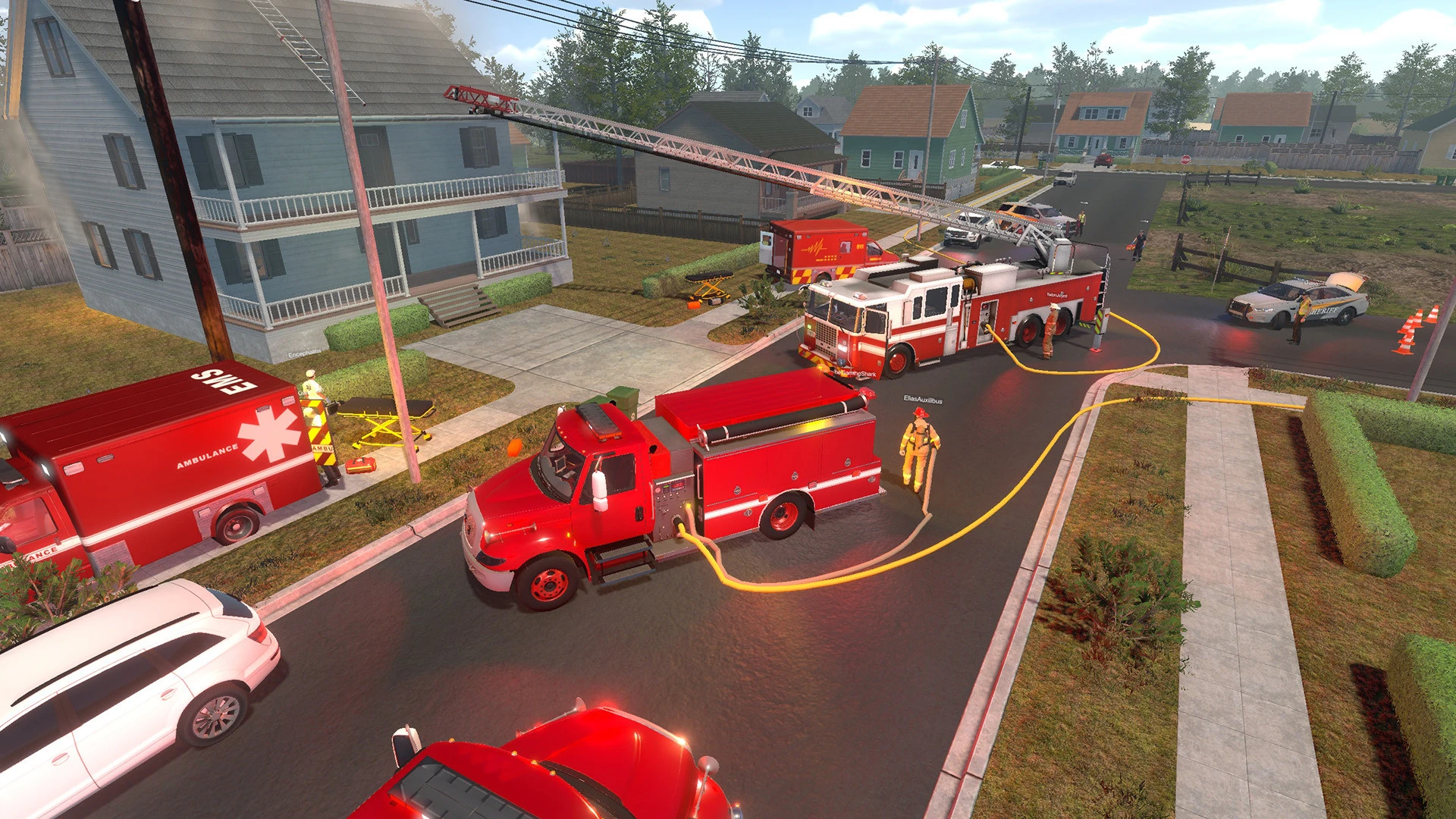
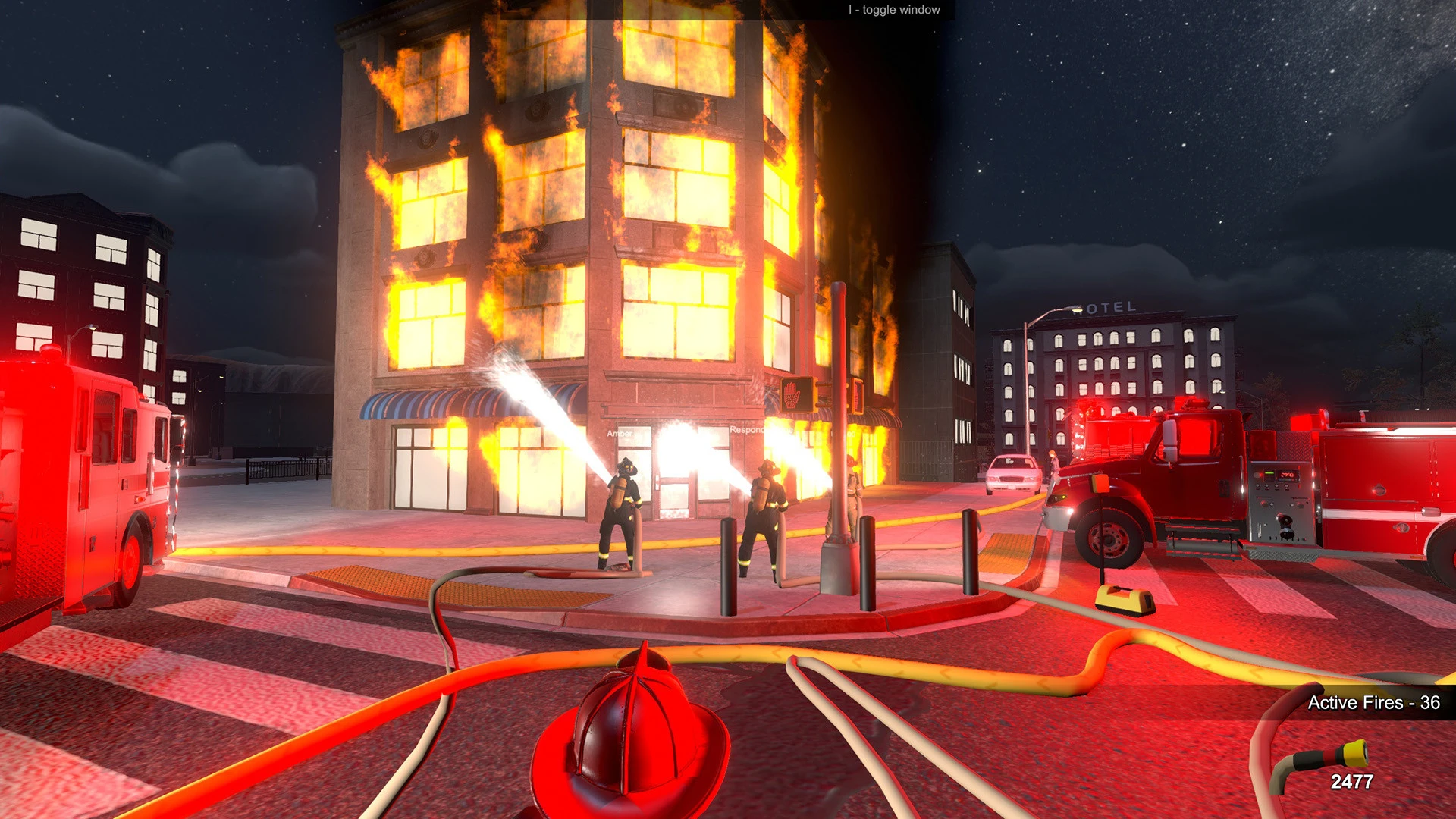
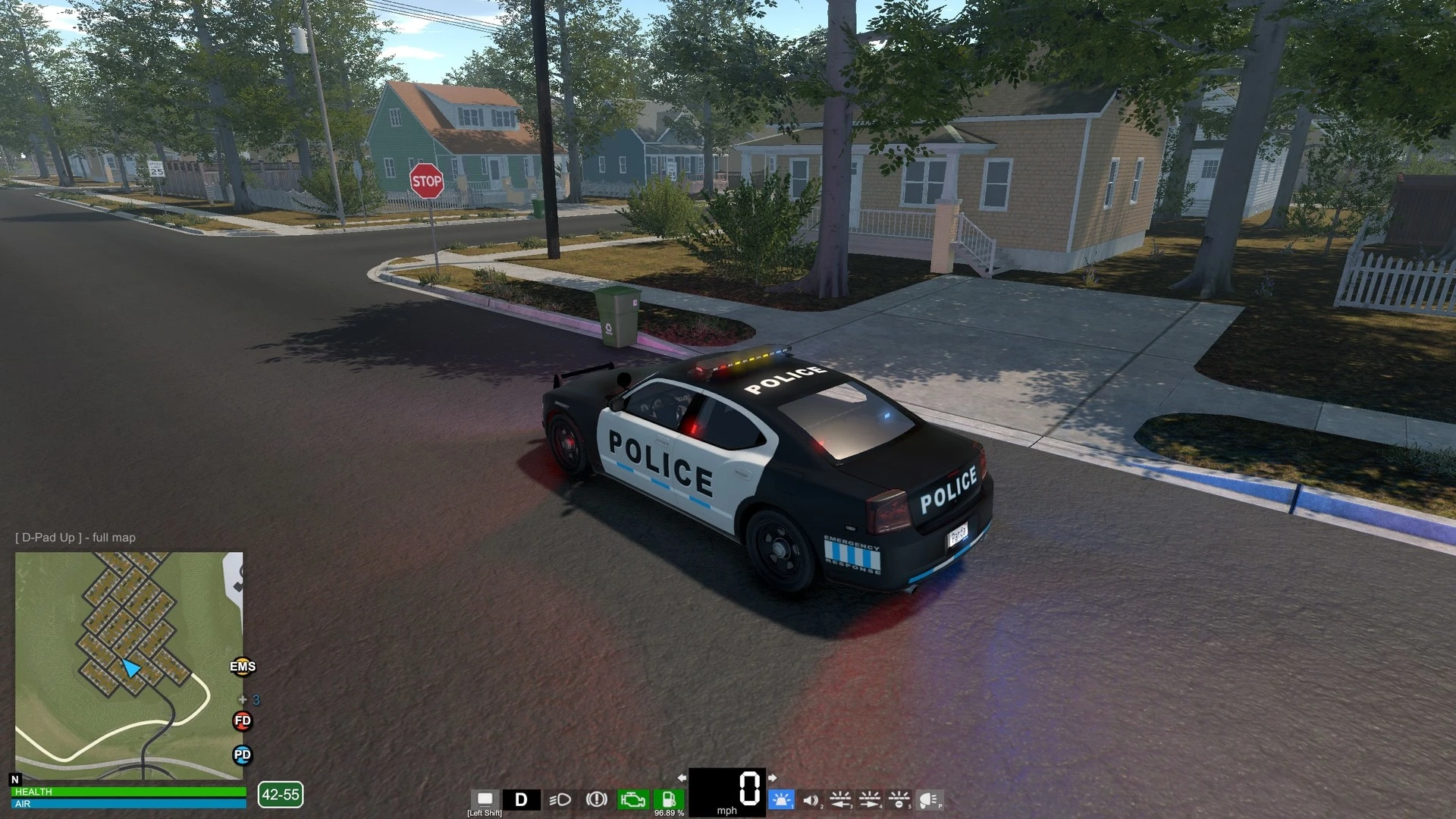
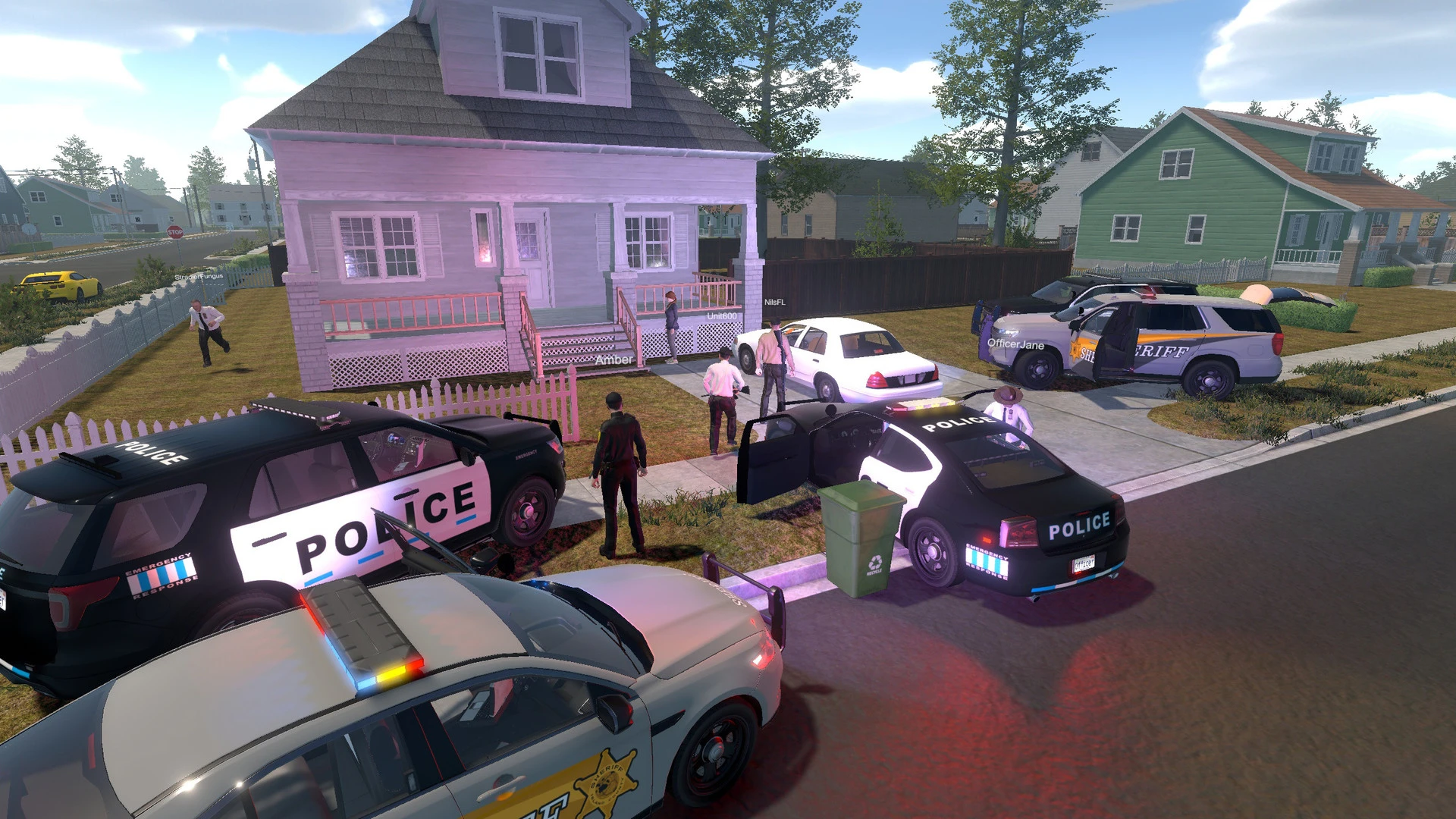
Flashing Lights – Police, Fire, Emergency Services Simulator is an immersive simulation game that places players in the heart of emergency response operations. Unlike traditional action games, this simulator focuses on realism, responsibility, and decision-making, giving players a deeper understanding of how emergency services work together to protect communities.
The game allows players to take on different roles, including police officers, firefighters, and emergency medical responders. Each role comes with its own set of tools, vehicles, and challenges. As a police officer, players manage traffic stops, respond to crimes, and secure accident scenes. Firefighters deal with burning buildings, vehicle fires, and rescue missions, while medical responders provide first aid and transport injured civilians to hospitals. This variety keeps the gameplay engaging and encourages players to experience all aspects of emergency services.
One of the most impressive features of Flashing Lights is its attention to detail. Vehicles are modeled realistically, complete with flashing lights, sirens, and authentic controls. The environment reacts dynamically to player actions, such as traffic responding to sirens or crowds forming at emergency scenes. These small details add depth and realism, making each mission feel meaningful rather than repetitive.
The game also emphasizes teamwork and coordination. Emergency situations often require multiple services to work together, such as police securing an area while firefighters handle a blaze and paramedics treat victims. Players must think strategically and prioritize tasks to ensure public safety. Poor decisions can lead to delays, increased damage, or even mission failure, reinforcing the importance of quick thinking and responsibility.
Another notable aspect of Flashing Lights is its open-world design. Players are free to patrol the city, respond to random incidents, or choose specific missions. This freedom creates a sense of realism, as emergencies can happen at any time and in any location. The day-and-night cycle and weather effects further enhance immersion, influencing visibility, driving conditions, and overall gameplay.
Beyond entertainment, the simulator offers educational value. It provides insight into the challenges faced by real-life emergency workers and highlights the importance of cooperation, discipline, and public service. Players gain appreciation for the complexity of emergency response and the pressure involved in making the right decisions under stress.
In conclusion, Flashing Lights – Police, Fire, Emergency Services Simulator stands out as a thoughtful and realistic simulation game. With its detailed mechanics, diverse roles, and immersive world, it delivers an engaging experience that goes beyond simple gameplay. Whether played for fun or learning, it offers a respectful and realistic look into the world of emergency services.
OS: OS X 10.10 and above (64-bit only)Processor: Intel Core i3 2GHz or equivalentMemory: 4 GB RAMVideo Card: Dedicated graphics card with 1 GB memoryDisk Space: 7 GB
Run the downloaded image and drag the application to the Applications folder shortcut.
Once the copy is complete, you can launch the application from Launchpad.
Frequently Asked Questions
Mount the image and run Open Gatekeeper friendly.
Press Enter to bypass Gatekeeper in the Terminal window.
Drag the application to the Applications folder.
The application is ready for use.
ATTENTION! SIP must be disabled. Learn more >
Restart your Mac and hold down Command + R to enter Recovery Mode.
Open Terminal from the Utilities menu.
Enter the command: csrutil disable
Restart your Mac.
This is a common Gatekeeper issue. Follow these steps:
1. Open Terminal
2. Enter: sudo xattr -rd com.apple.quarantine /Applications/AppName.app
3. Replace "AppName" with the actual application name
4. Press Enter and enter your password
Yes, all our downloads are thoroughly checked for viruses and malware.
We use multiple antivirus engines to scan every file.
Our team tests each application before publishing.
We never bundle adware or unwanted software.
Yes, we regularly update our applications to the latest versions.
You can check our website for updates or subscribe to our newsletter.
We strive to provide the most recent versions within 24-48 hours of release.
If a download link is not working, please:
1. Try a different browser
2. Clear your browser cache and cookies
3. Try the alternative download links provided
4. Contact our support team if the issue persists