


Football Manager 2023 Touch
Download Football Manager 2023 Touch
Run the downloaded image and drag the application to the Applications folder shortcut.
Once copying is complete, the application can be launched via Launchpad.
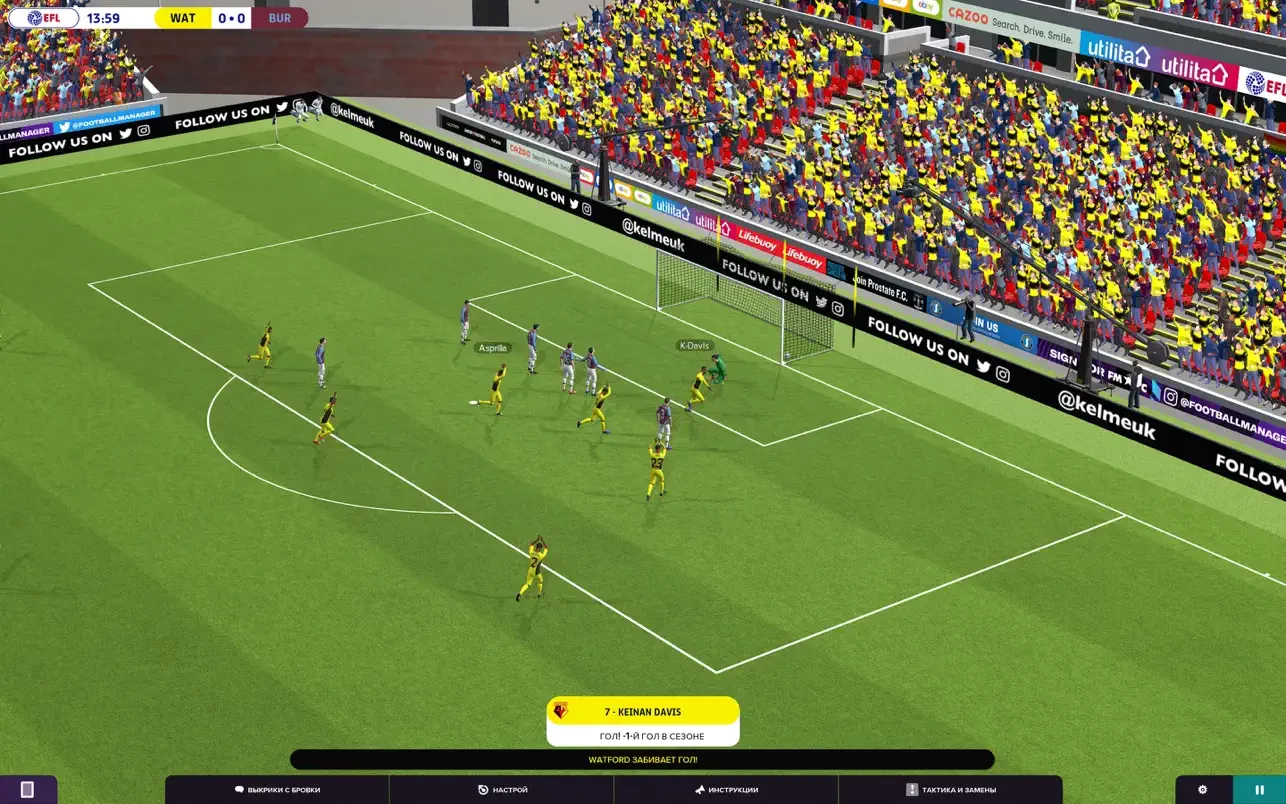
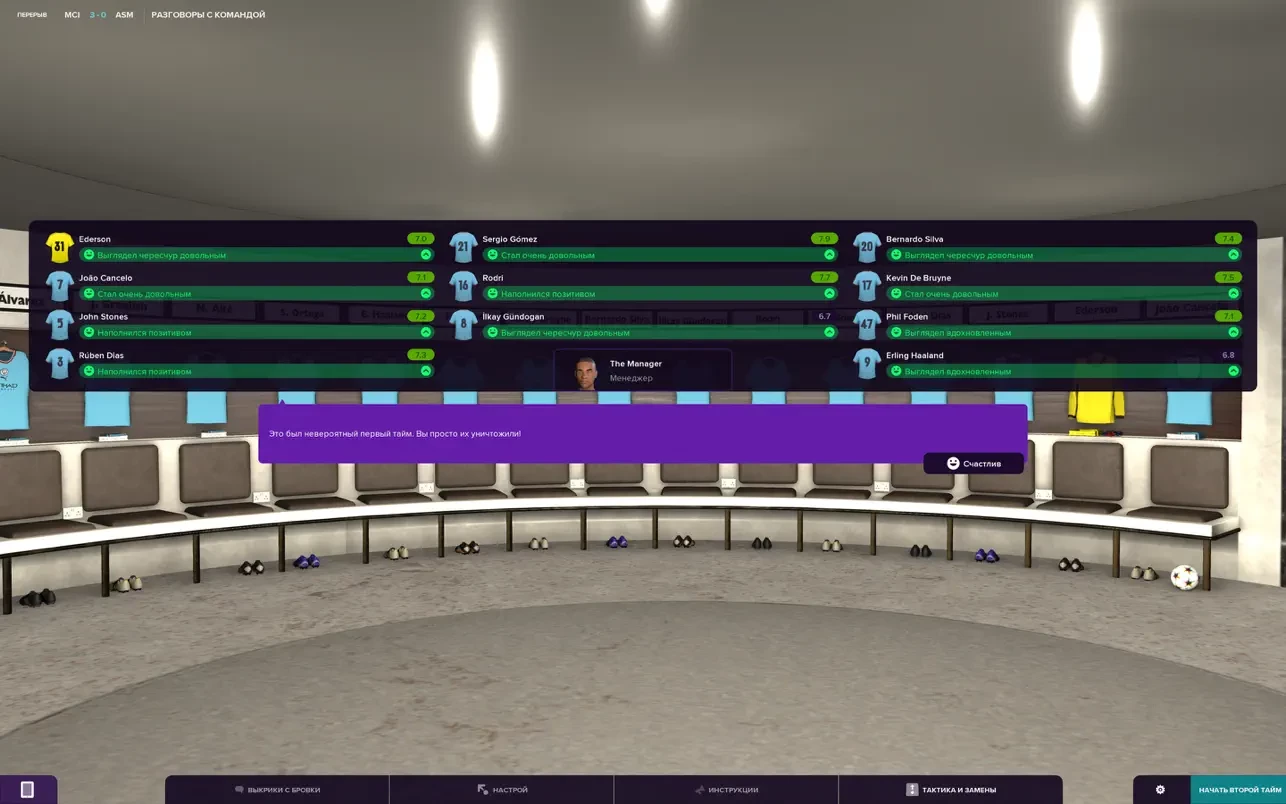
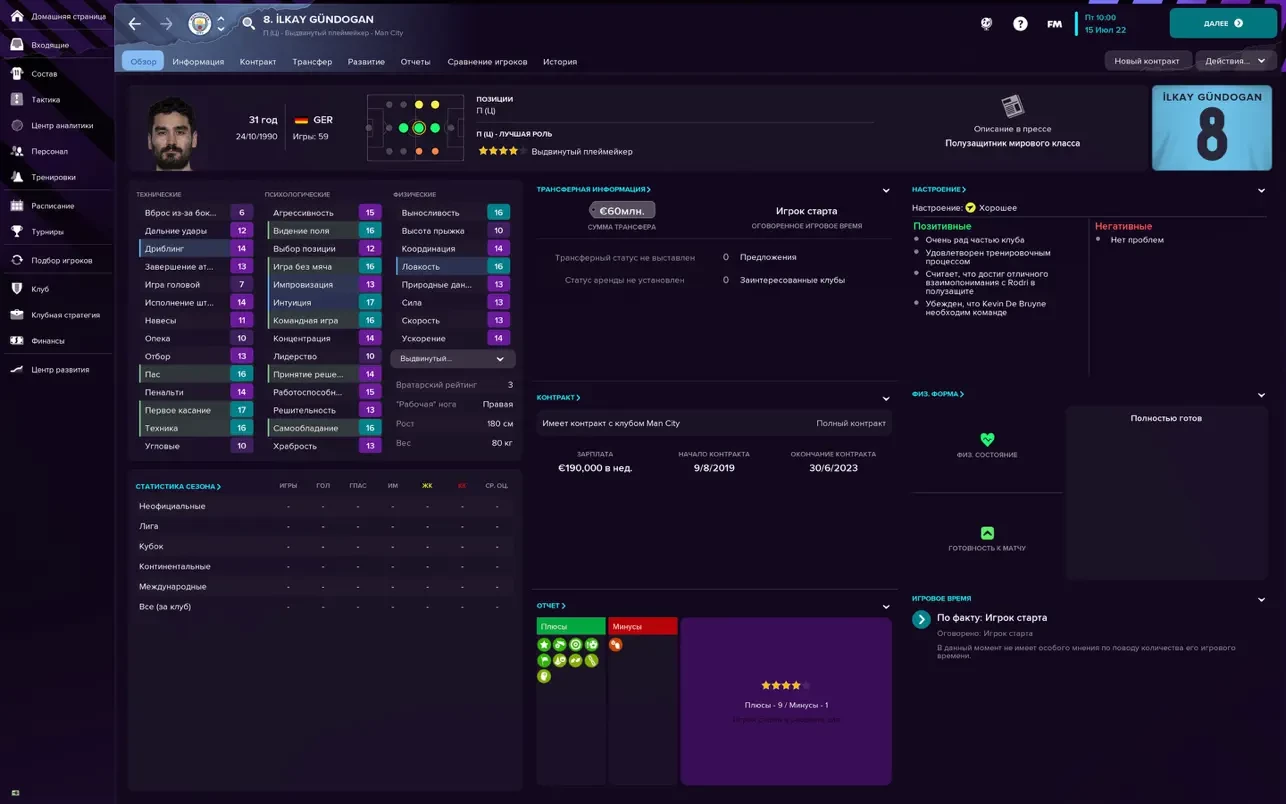
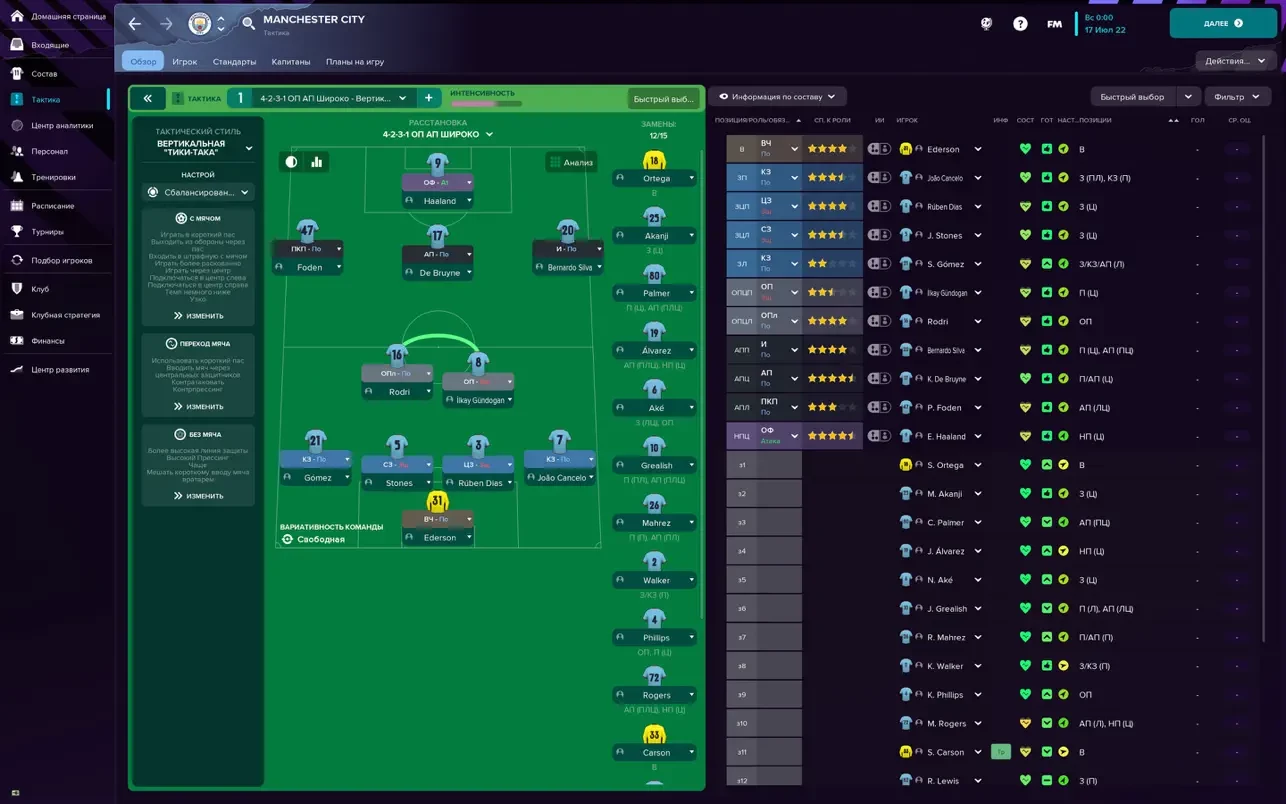
Football Manager has long been a cornerstone for fans of football strategy, giving players the chance to step into the shoes of a manager and control every aspect of a team’s journey. With Football Manager 2023 Touch, the franchise has refined its approach, delivering a fast, intuitive, and deeply engaging experience for both casual players and die-hard football enthusiasts. Designed for portability, this version allows players to manage their favorite clubs on tablets, laptops, and other devices without sacrificing depth or realism.
Streamlined Management for Every Player
One of the standout features of Football Manager 2023 Touch is its balance between accessibility and complexity. Unlike the full version, which offers exhaustive details, the Touch edition focuses on the core elements of management, making gameplay quicker while retaining the strategic depth the series is known for. Players can handle transfers, training, match-day tactics, and squad management with streamlined menus that deliver essential information at a glance. This design ensures that even newcomers can immerse themselves in the managerial experience without feeling overwhelmed.
Despite the simplified interface, the game retains a rich tactical layer. Managers can experiment with formations, adjust pressing styles, and make real-time changes during matches. Every choice—from selecting the captain to deciding whether to sign a promising youngster—can affect the season’s outcome. The challenge lies in balancing short-term results with long-term club development, echoing the pressures real-world managers face.
Authenticity and Realistic Gameplay
Football Manager 2023 Touch excels in realism. Its extensive database includes thousands of real-life players, teams, and leagues from across the globe, offering unparalleled depth for those who enjoy strategic planning. The AI-driven matches simulate real football dynamics, with players behaving according to their skills, morale, and tactical instructions. Injuries, form fluctuations, and media pressure add another layer of authenticity, making each decision crucial. Success in the game requires not just tactical knowledge but also an understanding of player psychology and club dynamics.
Off-field responsibilities further enrich the experience. Negotiating contracts, scouting emerging talent, and managing staff are all essential to building a successful club. Interactions with the media, fans, and board members also influence your managerial reputation. These features encourage players to think beyond individual matches, fostering a sense of long-term planning and strategic growth.
Visuals and User Experience
While the focus of Football Manager 2023 Touch is on strategy rather than graphics, the visual presentation is clean, organized, and optimized for portability. Match highlights, tactical overlays, and statistical screens are easy to navigate, enabling players to make informed decisions quickly. This clarity enhances the gameplay experience, allowing managers to concentrate on building their clubs rather than navigating cumbersome menus.
Conclusion
Football Manager 2023 Touch is the ultimate portable football management experience. It combines realistic gameplay, deep tactical options, and streamlined controls to create an immersive experience that suits both casual and dedicated players. Whether plotting a tactical masterstroke in a crucial league match or nurturing young talent for future glory, this edition allows players to enjoy the thrill of management anywhere, anytime. It proves that passion, strategy, and decision-making are at the heart of football, making every match and every choice meaningful.
Requires macOS 11.0 or later.
Run the downloaded image and drag the application to the Applications folder shortcut.
Once copying is complete, the application can be launched via Launchpad.
Frequently Asked Questions
Mount the image and run Open Gatekeeper friendly.
Press Enter to bypass Gatekeeper in the Terminal window.
Drag the application to the Applications folder.
The application is ready for use.
ATTENTION! SIP must be disabled. Learn more >
Restart your Mac and hold down Command + R to enter Recovery Mode.
Open Terminal from the Utilities menu.
Enter the command: csrutil disable
Restart your Mac.
This is a common Gatekeeper issue. Follow these steps:
1. Open Terminal
2. Enter: sudo xattr -rd com.apple.quarantine /Applications/AppName.app
3. Replace "AppName" with the actual application name
4. Press Enter and enter your password
Yes, all our downloads are thoroughly checked for viruses and malware.
We use multiple antivirus engines to scan every file.
Our team tests each application before publishing.
We never bundle adware or unwanted software.
Yes, we regularly update our applications to the latest versions.
You can check our website for updates or subscribe to our newsletter.
We strive to provide the most recent versions within 24-48 hours of release.
If a download link is not working, please:
1. Try a different browser
2. Clear your browser cache and cookies
3. Try the alternative download links provided
4. Contact our support team if the issue persists