


Fort Triumph
Download Fort Triumph
Run the downloaded package and follow the standard installation procedure.
The installation is completed by choosing a location to place the game.
It is recommended to specify the Applications folder.
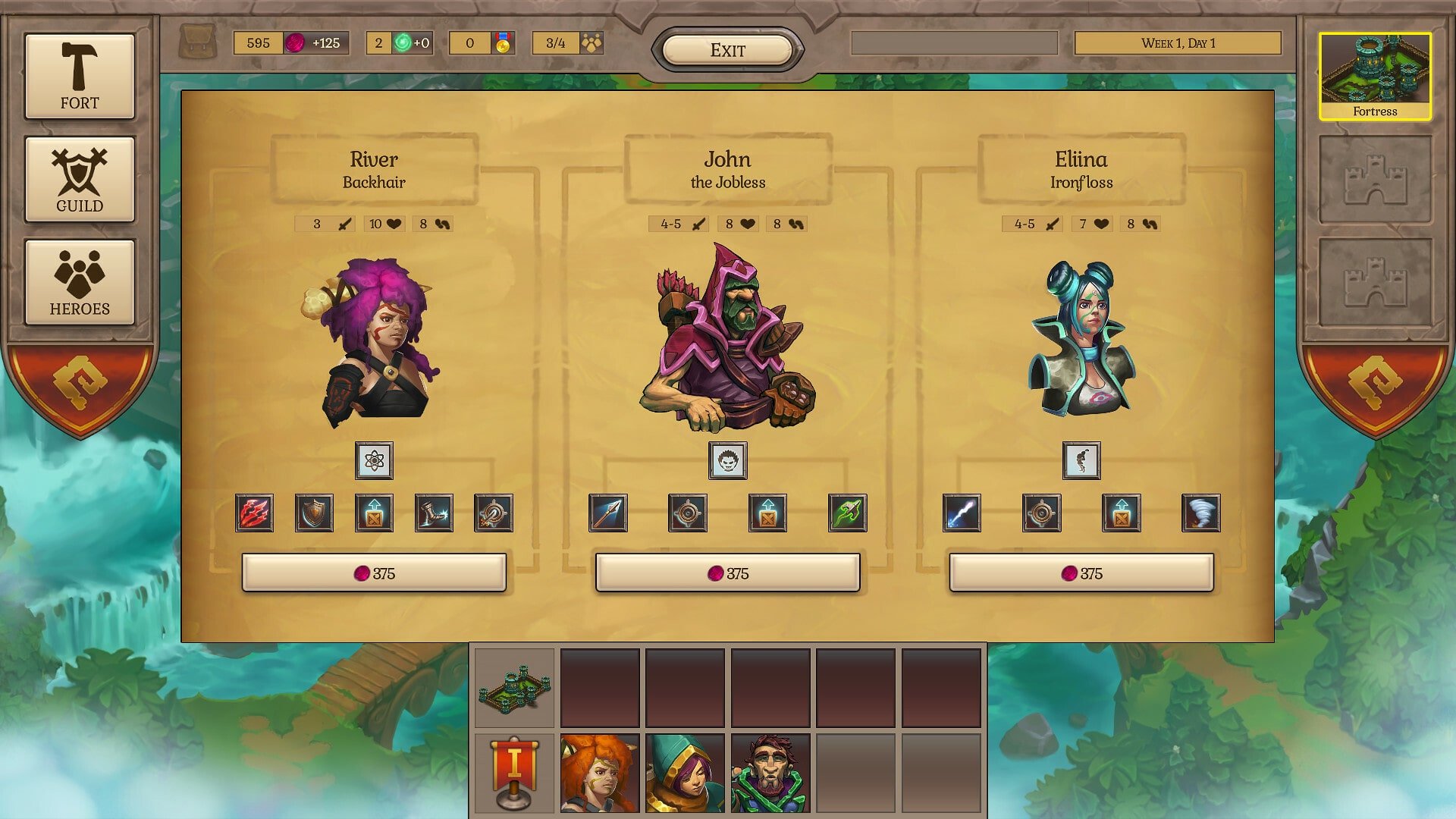
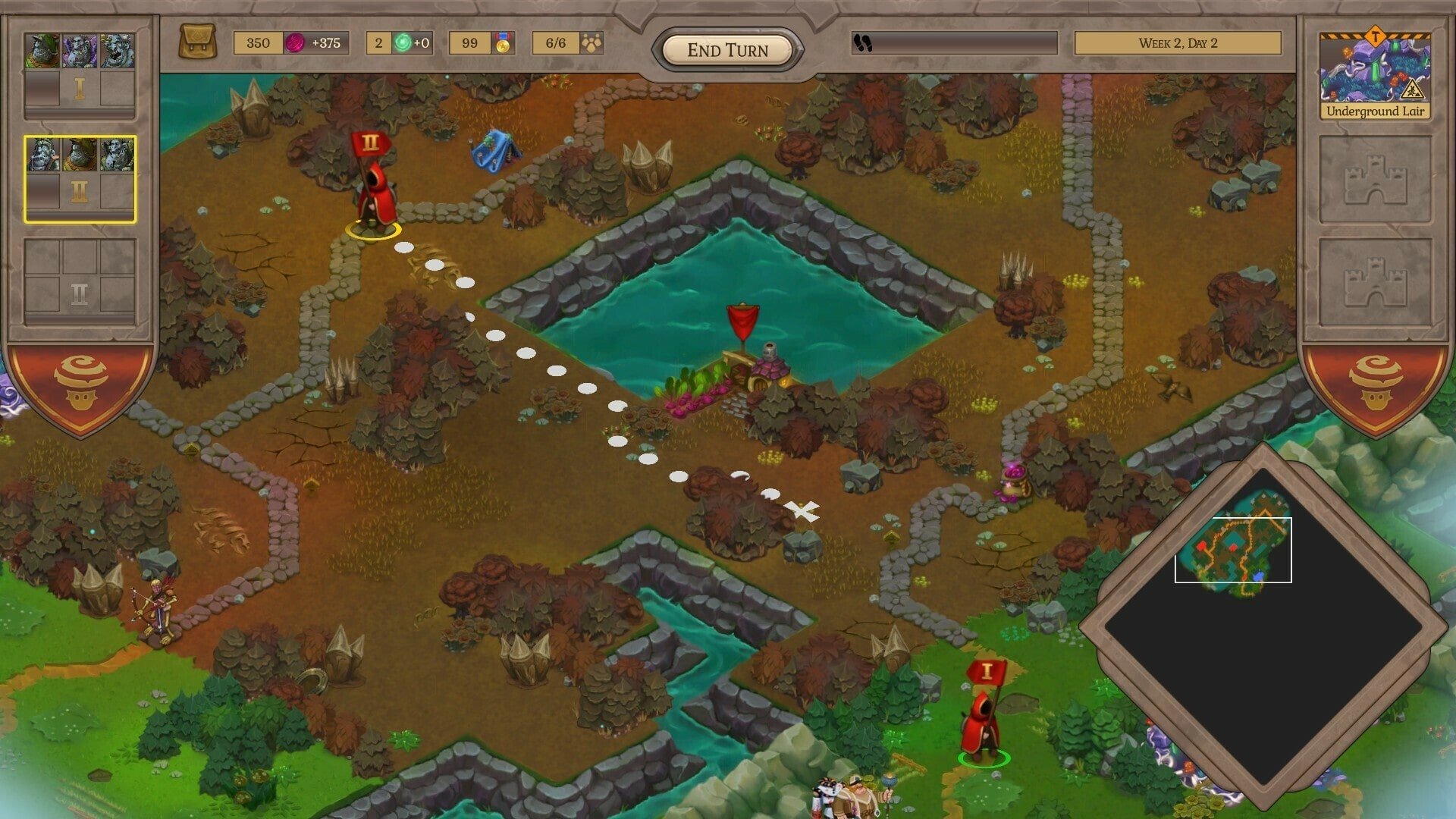
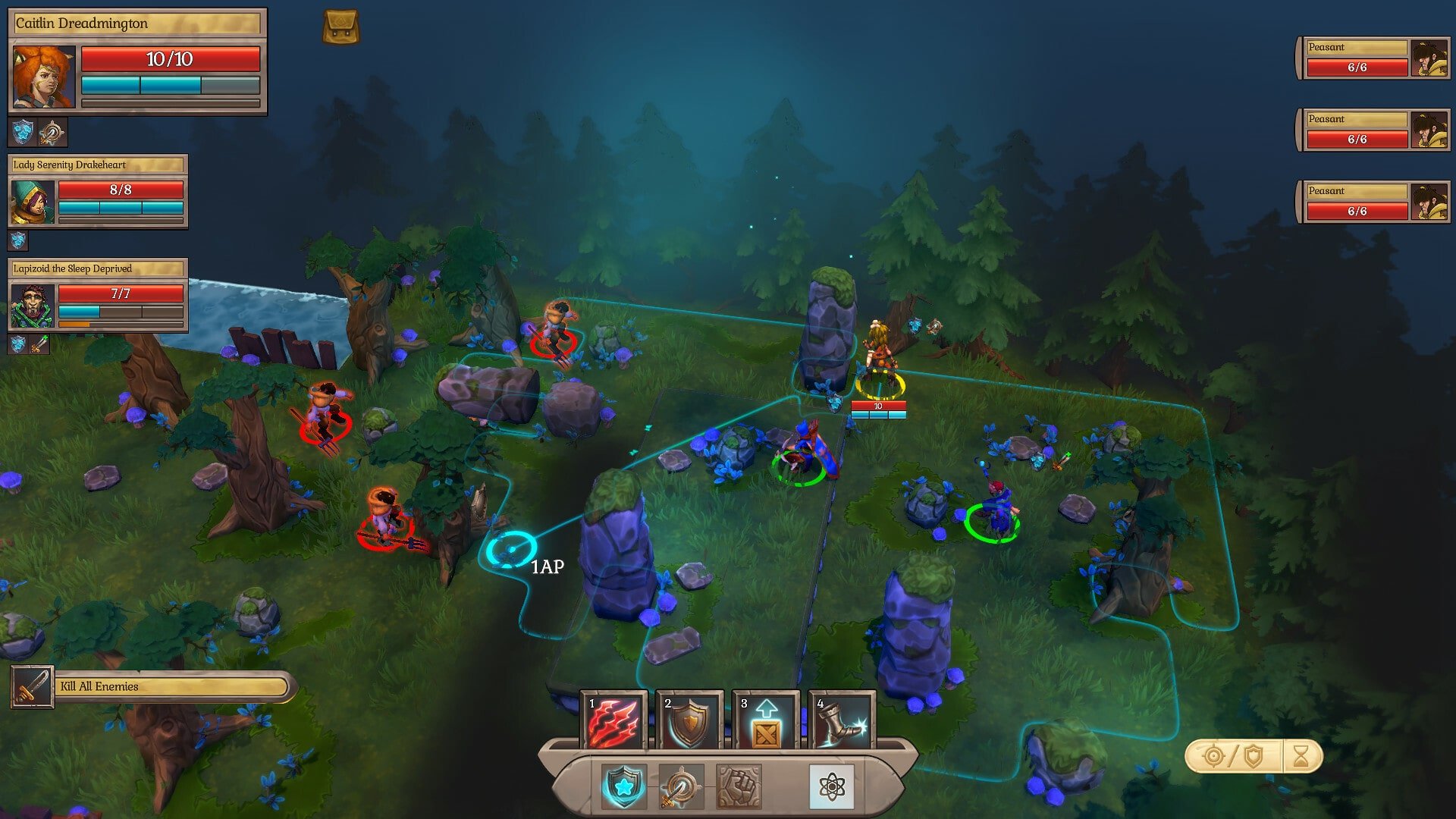
Fort Triumph is a turn-based strategy game that brings a refreshing sense of unpredictability to a genre often defined by careful planning and rigid systems. Developed by CookieByte Entertainment, the game blends classic tactical combat with physics-driven interactions, creating a battlefield where creativity and clever thinking matter just as much as raw strength. Set in a colorful fantasy world, Fort Triumph delivers strategy with personality and humor.
At first glance, the game may remind players of traditional grid-based tactics titles, but that familiarity quickly fades once the action begins. Battles take place on compact maps filled with interactive elements such as trees, boulders, walls, and magical objects. These are not just decorative features; they are tools. Knocking a tree onto an enemy, collapsing a structure, or triggering a chain reaction can completely change the outcome of a fight. This emphasis on environmental manipulation encourages experimentation and rewards inventive playstyles.
The game’s heroes are another standout feature. Each character belongs to a distinct class, such as warriors, mages, archers, or healers, and comes with unique abilities that influence both combat and positioning. As heroes gain experience, they unlock new skills that allow players to shape their strengths and weaknesses. This progression system gives a strong sense of ownership, as every hero evolves differently depending on player choices and battlefield performance.
Beyond combat, Fort Triumph offers a strategic overworld where players manage resources, build structures, and expand their influence. Choosing where to invest resources or which battles to engage in adds meaningful weight to each decision. The game balances this management layer well, ensuring it enhances the experience without overwhelming the player. Every action feels connected to the larger goal of strengthening your faction and surviving in a hostile world.
Visually, the game embraces a hand-painted, storybook aesthetic that complements its lighthearted tone. Bright colors, exaggerated animations, and expressive character designs make the world feel alive and inviting. Even during intense battles, there is a sense of playful chaos that keeps the mood enjoyable rather than grim. This visual charm helps Fort Triumph stand out in a genre that often leans toward darker, more serious themes.
Sound design and music further support the game’s atmosphere. The soundtrack adapts to different situations, shifting from adventurous melodies during exploration to energetic themes in combat. Sound effects are crisp and satisfying, especially when environmental interactions cause dramatic outcomes. These details enhance immersion and reinforce the game’s dynamic nature.
What truly sets Fort Triumph apart is how it rewards creativity. While careful planning is important, the game often encourages players to take risks and think outside the box. Unexpected solutions are not only possible but often the most effective. This sense of freedom makes victories feel earned and memorable.
In conclusion, Fort Triumph is a strategy game that dares to be playful without sacrificing depth. Its combination of tactical combat, environmental interaction, and charming presentation creates an experience that feels both familiar and fresh. For players seeking a strategy title that values ingenuity and embraces chaos, Fort Triumph offers a rewarding and endlessly entertaining journey.
A 64-bit processor and operating system are required.OS: Mac OS X 10.12+ (64-bit)Processor: Intel I3 4160 processor or equivalentRAM: 8 GBVideo Card: NVIDIA GeForce GT 630 or EquivalentDisk space: 3 GB
Run the downloaded package and follow the standard installation procedure.
The installation is completed by choosing a location to place the game.
It is recommended to specify the Applications folder.
Frequently Asked Questions
Mount the image and run Open Gatekeeper friendly.
Press Enter to bypass Gatekeeper in the Terminal window.
Drag the application to the Applications folder.
The application is ready for use.
ATTENTION! SIP must be disabled. Learn more >
Restart your Mac and hold down Command + R to enter Recovery Mode.
Open Terminal from the Utilities menu.
Enter the command: csrutil disable
Restart your Mac.
This is a common Gatekeeper issue. Follow these steps:
1. Open Terminal
2. Enter: sudo xattr -rd com.apple.quarantine /Applications/AppName.app
3. Replace "AppName" with the actual application name
4. Press Enter and enter your password
Yes, all our downloads are thoroughly checked for viruses and malware.
We use multiple antivirus engines to scan every file.
Our team tests each application before publishing.
We never bundle adware or unwanted software.
Yes, we regularly update our applications to the latest versions.
You can check our website for updates or subscribe to our newsletter.
We strive to provide the most recent versions within 24-48 hours of release.
If a download link is not working, please:
1. Try a different browser
2. Clear your browser cache and cookies
3. Try the alternative download links provided
4. Contact our support team if the issue persists