


The Raven Remastered
Download The Raven Remastered
Mount the downloaded image and follow the standard installation procedure.
The installation is completed by choosing a location to place the game.
It is recommended to specify the Applications folder.
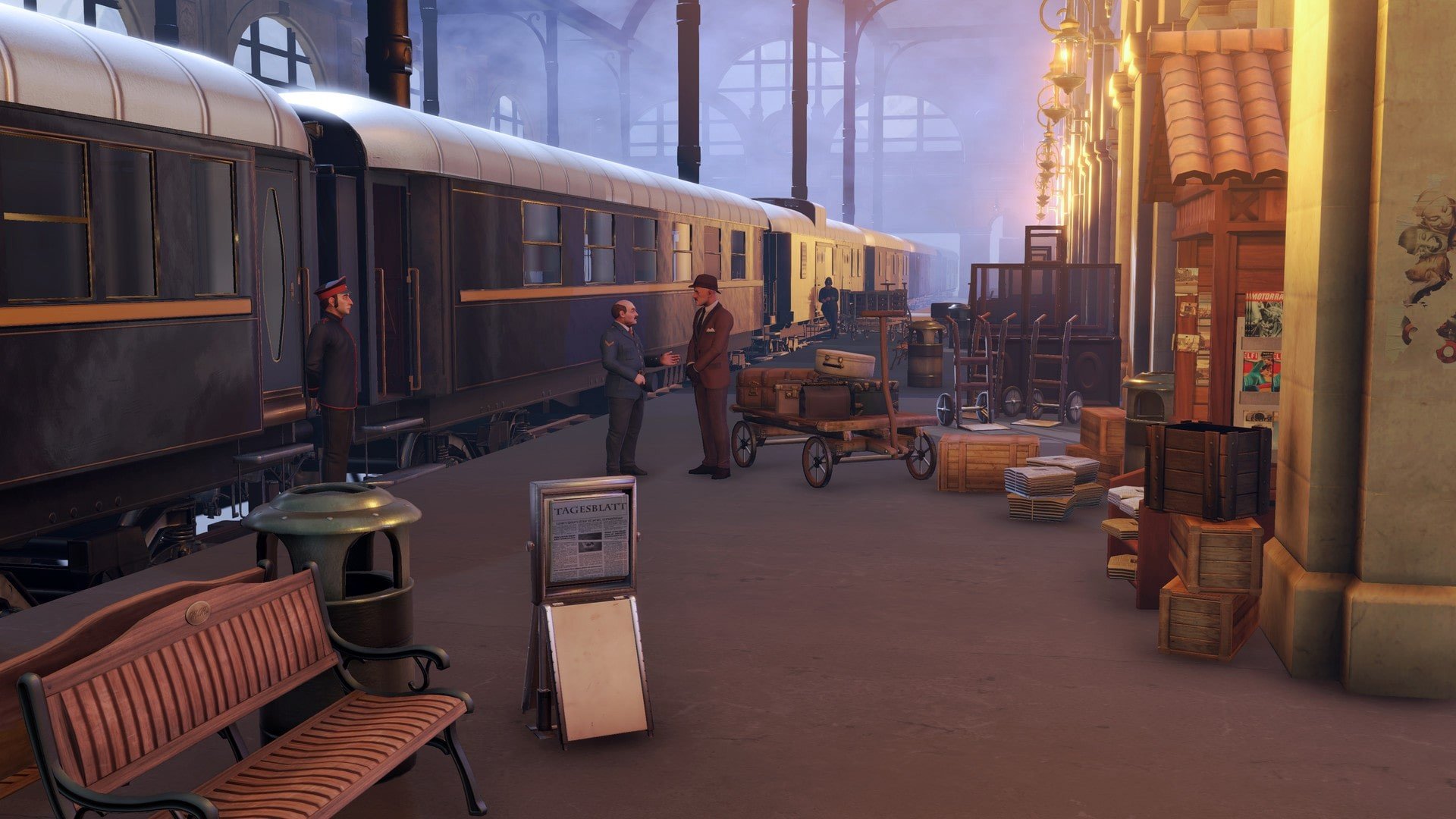
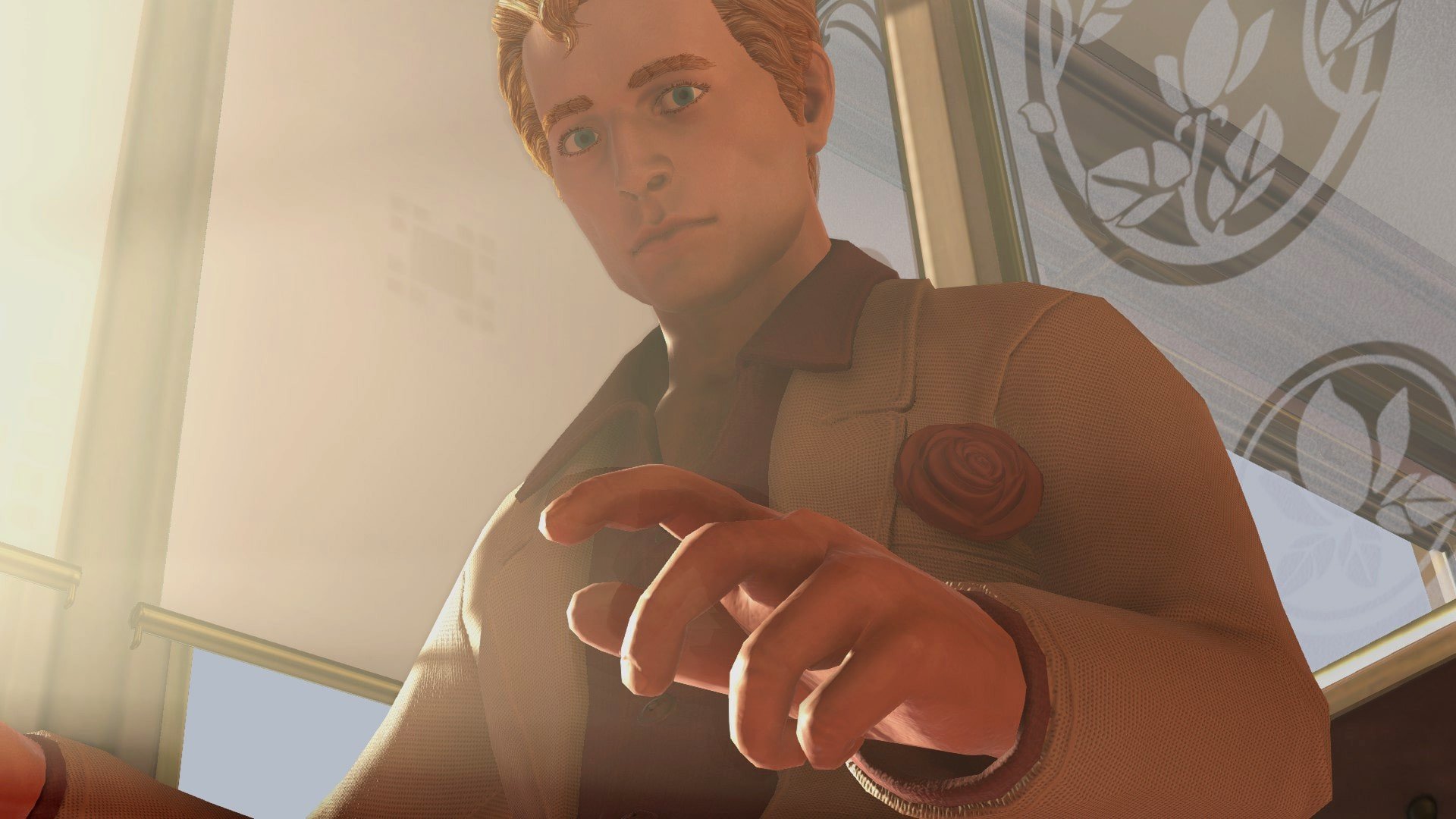
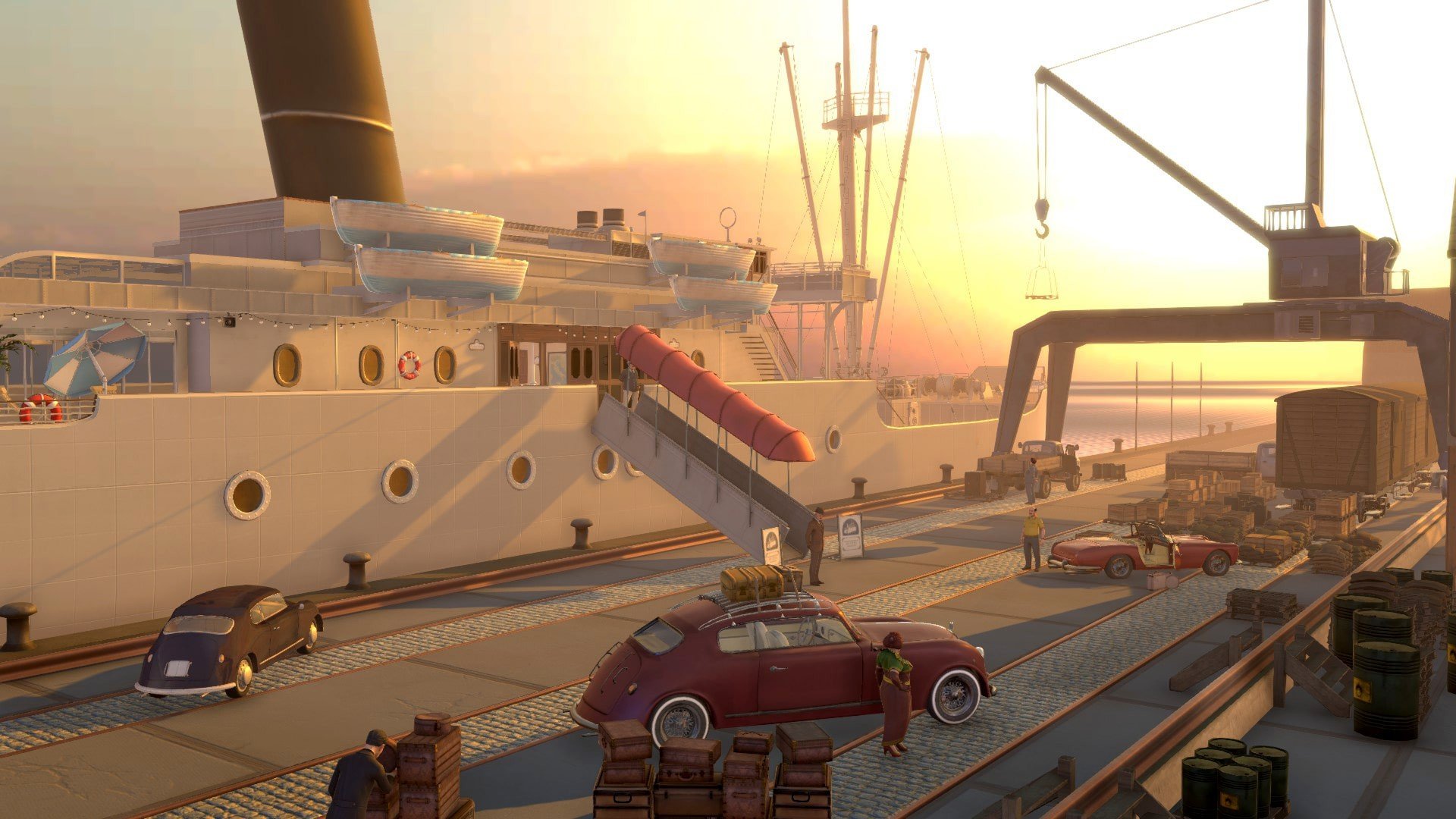
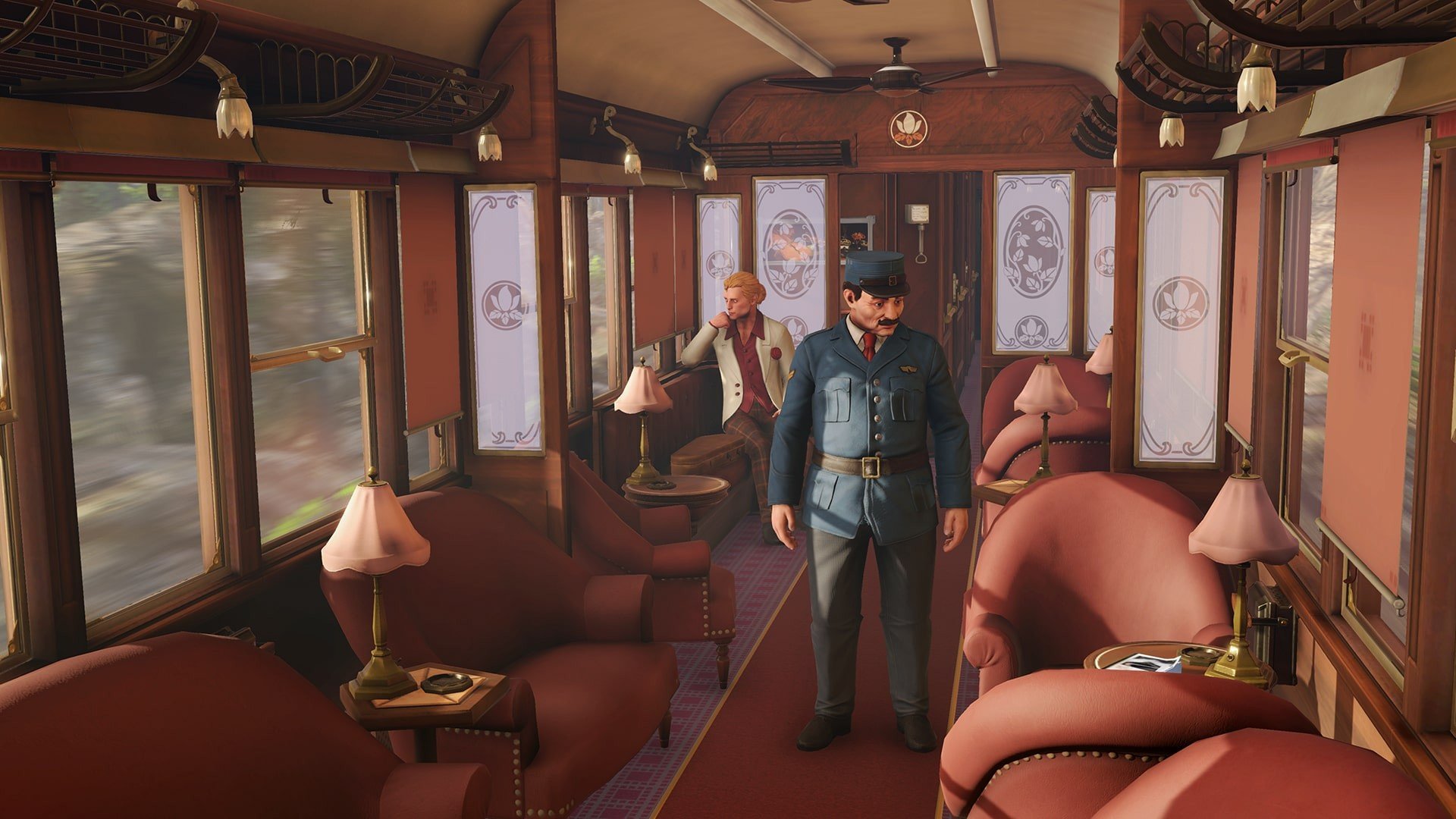
The Raven Remastered brings back a beloved adventure game with enhanced visuals, smoother gameplay, and enriched storytelling, allowing both returning fans and new players to experience a gripping whodunit set in the 1960s. Originally released as The Raven: Legacy of a Master Thief, the remastered edition refines the narrative and gameplay mechanics while maintaining the suspenseful atmosphere that made the original a standout title in the mystery-adventure genre.
Set against the picturesque landscapes of Europe in the 1960s, the game follows the story of Anton Jakob Zellner, a young police inspector who becomes entangled in the pursuit of a notorious thief known as “The Raven.” The thief’s audacious heists and carefully planned crimes have left the European law enforcement agencies puzzled for years. Zellner, driven by both ambition and curiosity, finds himself caught between his duties as a detective and the intricate web of deception spun by the elusive criminal.
One of the most notable aspects of The Raven Remastered is its narrative depth. The game is structured as a classic episodic story, with each chapter revealing new clues, twists, and red herrings. The writing is sharp and atmospheric, capturing the tension of a period when detective work relied on wit, observation, and deduction rather than advanced technology. Players are encouraged to carefully examine crime scenes, interrogate suspects, and piece together evidence, making every decision and observation significant in unraveling the mystery.
Gameplay in The Raven Remastered focuses on a combination of point-and-click mechanics and puzzle-solving. Players interact with richly detailed environments, from opulent mansions to dark, fog-laden streets, searching for clues and uncovering secrets. Puzzles are thoughtfully designed to challenge logical thinking without becoming frustrating, encouraging players to pay attention to small details and subtle hints. The remastered edition also improves navigation and user interface, creating a more fluid and immersive experience compared to the original release.
Visually, The Raven Remastered is a significant upgrade. The environments are meticulously polished, with realistic lighting, textures, and animations that bring 1960s Europe to life. The character models are more expressive, enhancing the storytelling and making interactions with suspects and allies more engaging. Coupled with an evocative soundtrack and period-authentic sound effects, the game creates a fully immersive atmosphere that captures the essence of a classic detective thriller.
Ultimately, The Raven Remastered is more than just a facelift of a classic game. It is a refined and engaging mystery experience that honors the original while enhancing accessibility, visuals, and gameplay. For fans of detective stories, puzzle-solving, and rich narrative-driven games, it offers an unforgettable journey through suspense, intrigue, and clever deduction. By blending story, atmosphere, and interactive mechanics seamlessly, The Raven Remastered reasserts itself as a must-play adventure for anyone who loves a well-crafted mystery.
A 64-bit processor and operating system are required.OS: OS X 10.11 El CapitanProcessor: Intel Core i5 3.2 GhzRAM: 8 GBVideo card: HD7950 Mac Edition / GTX 680 Mac / R9 M370XDisk space: 25 GBAdditionally: Requires a 64-bit processor and operating system
Mount the downloaded image and follow the standard installation procedure.
The installation is completed by choosing a location to place the game.
It is recommended to specify the Applications folder.
Frequently Asked Questions
Mount the image and run Open Gatekeeper friendly.
Press Enter to bypass Gatekeeper in the Terminal window.
Drag the application to the Applications folder.
The application is ready for use.
ATTENTION! SIP must be disabled. Learn more >
Restart your Mac and hold down Command + R to enter Recovery Mode.
Open Terminal from the Utilities menu.
Enter the command: csrutil disable
Restart your Mac.
This is a common Gatekeeper issue. Follow these steps:
1. Open Terminal
2. Enter: sudo xattr -rd com.apple.quarantine /Applications/AppName.app
3. Replace "AppName" with the actual application name
4. Press Enter and enter your password
Yes, all our downloads are thoroughly checked for viruses and malware.
We use multiple antivirus engines to scan every file.
Our team tests each application before publishing.
We never bundle adware or unwanted software.
Yes, we regularly update our applications to the latest versions.
You can check our website for updates or subscribe to our newsletter.
We strive to provide the most recent versions within 24-48 hours of release.
If a download link is not working, please:
1. Try a different browser
2. Clear your browser cache and cookies
3. Try the alternative download links provided
4. Contact our support team if the issue persists