


Growbot
Download Growbot
Run the downloaded image and follow the standard installation procedure.
The installation is completed by choosing a location to place the game.
It is recommended to specify the Applications folder.
Previous Versions
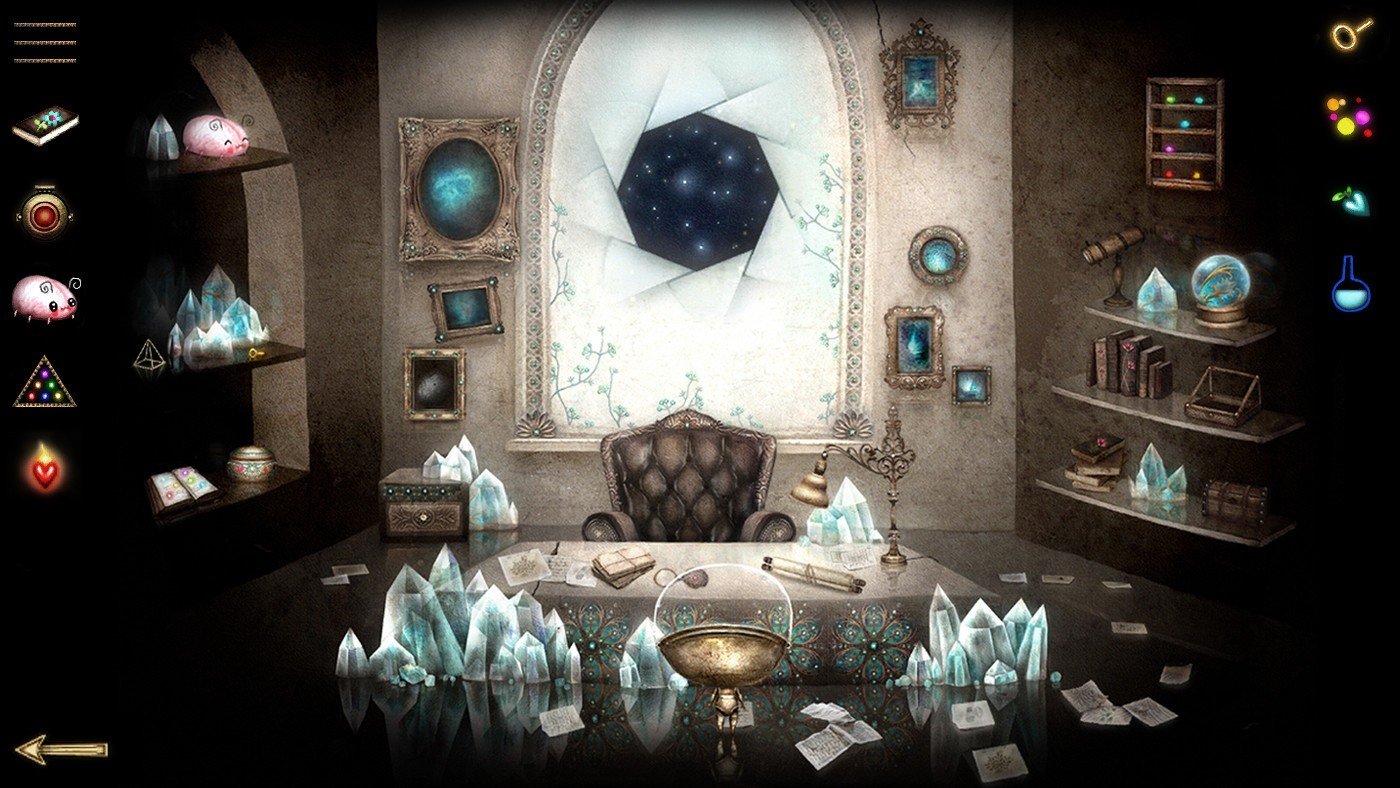
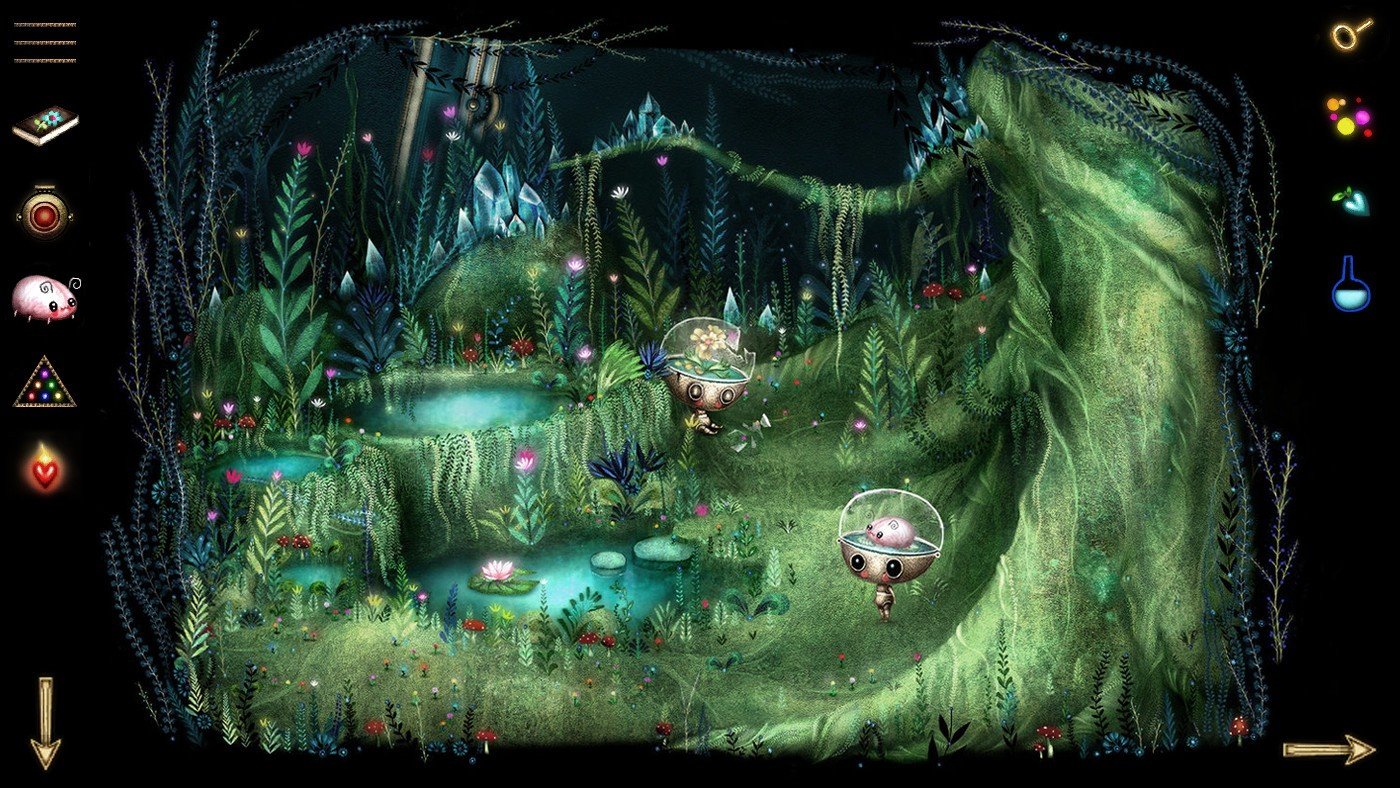
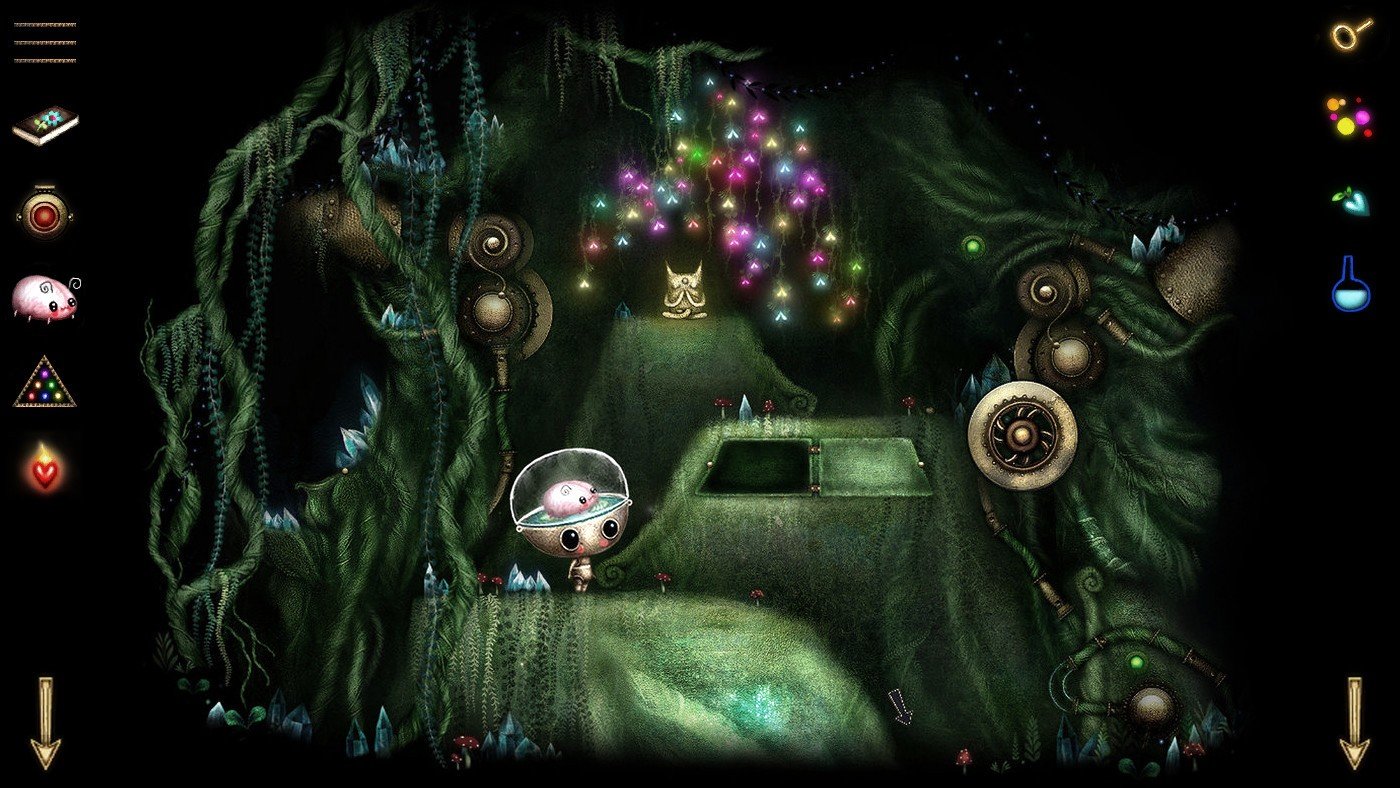
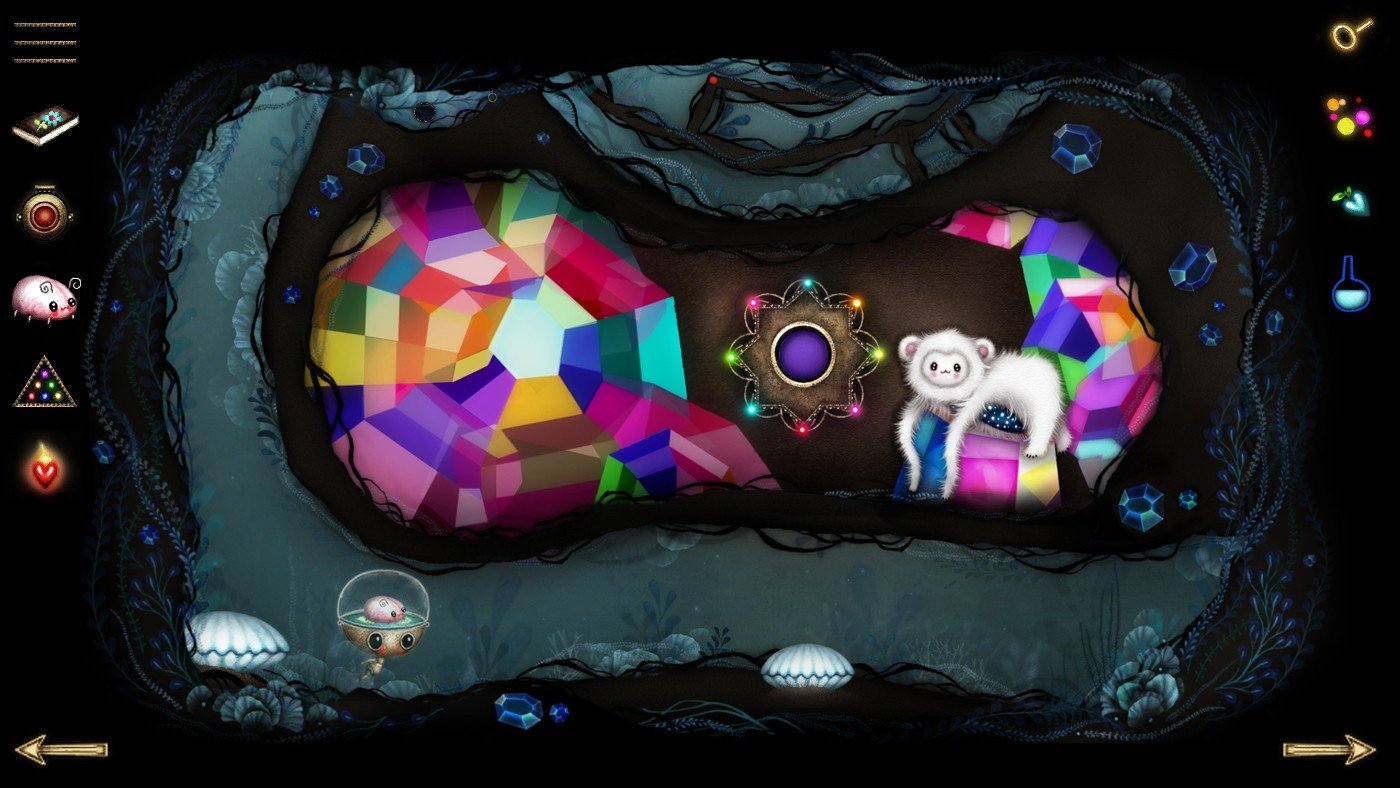
In the world of indie games, Growbot offers a refreshing change of pace by focusing on curiosity, kindness, and emotional intelligence rather than combat or competition. Developed by Wabisabi Playgrounds, this point-and-click adventure combines hand-drawn visuals with thoughtful puzzles and a gentle narrative, creating an experience that feels both imaginative and deeply human. Growbot stands as a reminder that problem-solving can be rooted in empathy just as much as logic.
The story follows Growbot, a small robot living on a vibrant space station shaped like a gigantic tree. When mysterious crystal growths begin to spread and disrupt the station’s harmony, Growbot must set out to uncover their origin and restore balance. Instead of weapons or force, the protagonist relies on observation, dialogue, and emotional awareness to progress, reinforcing the game’s calm and compassionate tone.
One of Growbot’s most distinctive features is its emotion-based puzzle system. Players collect and use emotions—such as joy, fear, confidence, and doubt—to interact with characters and environments. These emotions are not abstract concepts but practical tools that influence how situations unfold. Choosing the right emotional response can unlock new paths, resolve conflicts, or reveal hidden truths, encouraging players to think carefully about how feelings shape communication and understanding.
The game’s visual presentation is charming and expressive. Hand-drawn artwork gives the world a storybook quality, with detailed backgrounds, soft color palettes, and endearing character designs. Each area of the space station feels alive, filled with small animations and visual storytelling details that reward close attention. This artistic approach enhances immersion and complements the game’s warm, thoughtful atmosphere.
Growbot’s puzzle design is accessible yet engaging. Challenges are cleverly integrated into the narrative, ensuring that puzzles feel like natural extensions of the story rather than isolated obstacles. The difficulty curve is gentle, making the game welcoming for players of all experience levels while still offering satisfying moments of insight and discovery. Progress is driven by curiosity and experimentation rather than frustration.
Equally important is Growbot’s focus on dialogue and character interaction. The station is populated with a diverse cast of quirky and memorable characters, each with their own personalities and emotional needs. Conversations are meaningful and often humorous, revealing deeper layers of the story while reinforcing the game’s themes of empathy and cooperation. Listening and understanding are just as important as solving puzzles.
In conclusion, Growbot is a beautifully crafted adventure that celebrates emotional awareness, creativity, and kindness. Its innovative emotion-based mechanics, charming visuals, and thoughtful storytelling come together to create a uniquely uplifting experience. Rather than rushing players toward an endpoint, Growbot invites them to slow down, observe, and connect with the world around them. For those seeking a gentle, imaginative game that values heart as much as intellect, Growbot offers a journey that is both comforting and memorable.
OS: Mac OS X 10.13.+RAM: 4 GB Disk space: 5 GB
Run the downloaded image and follow the standard installation procedure.
The installation is completed by choosing a location to place the game.
It is recommended to specify the Applications folder.
Frequently Asked Questions
Mount the image and run Open Gatekeeper friendly.
Press Enter to bypass Gatekeeper in the Terminal window.
Drag the application to the Applications folder.
The application is ready for use.
ATTENTION! SIP must be disabled. Learn more >
Restart your Mac and hold down Command + R to enter Recovery Mode.
Open Terminal from the Utilities menu.
Enter the command: csrutil disable
Restart your Mac.
This is a common Gatekeeper issue. Follow these steps:
1. Open Terminal
2. Enter: sudo xattr -rd com.apple.quarantine /Applications/AppName.app
3. Replace "AppName" with the actual application name
4. Press Enter and enter your password
Yes, all our downloads are thoroughly checked for viruses and malware.
We use multiple antivirus engines to scan every file.
Our team tests each application before publishing.
We never bundle adware or unwanted software.
Yes, we regularly update our applications to the latest versions.
You can check our website for updates or subscribe to our newsletter.
We strive to provide the most recent versions within 24-48 hours of release.
If a download link is not working, please:
1. Try a different browser
2. Clear your browser cache and cookies
3. Try the alternative download links provided
4. Contact our support team if the issue persists