


Hundred Days – Winemaking Simulator
Download Hundred Days – Winemaking Simulator
Run the downloaded image and follow the standard installation procedure.
The installation is completed by choosing a location to place the game.
It is recommended to specify the Applications folder.
Previous Versions
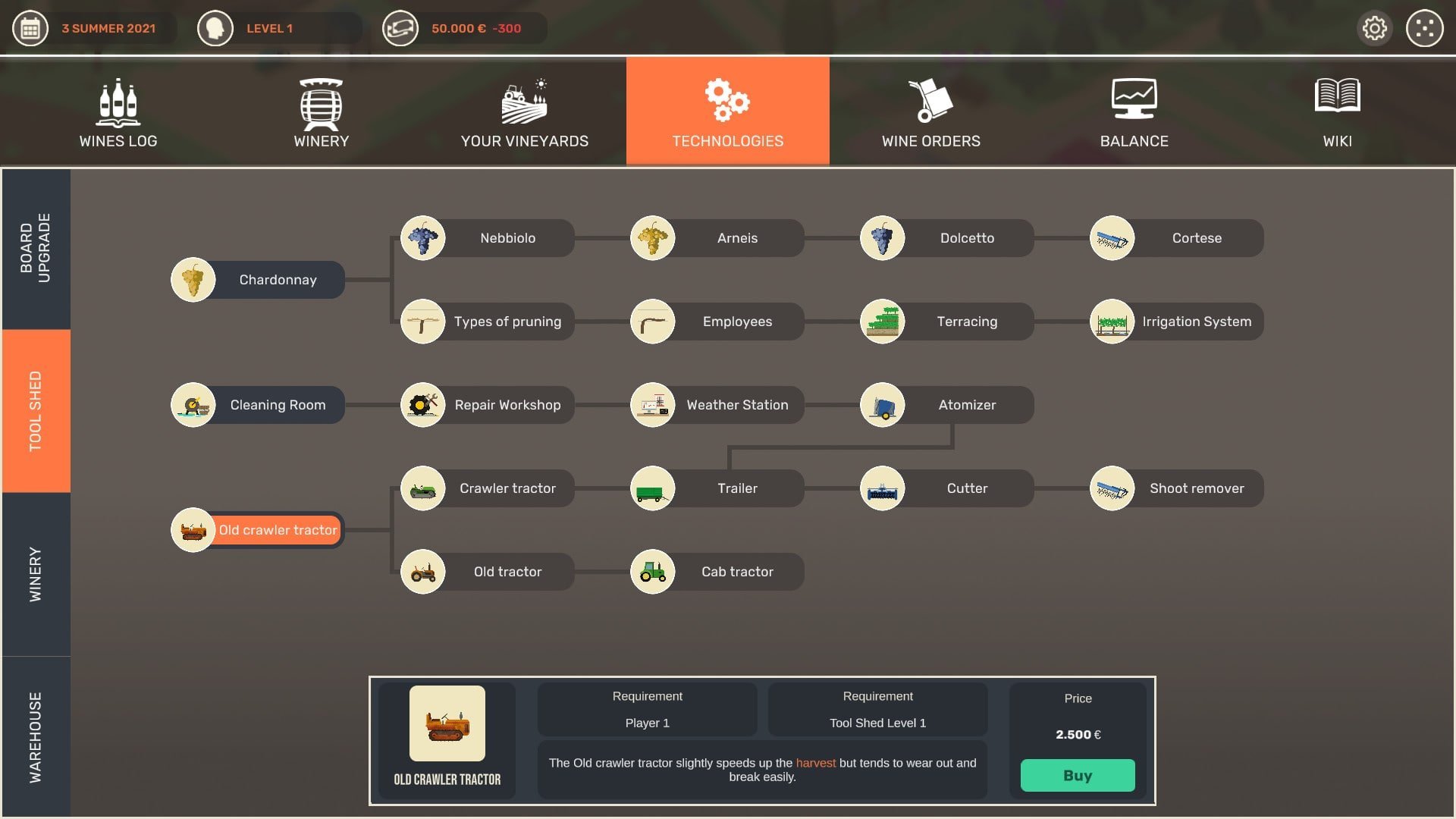

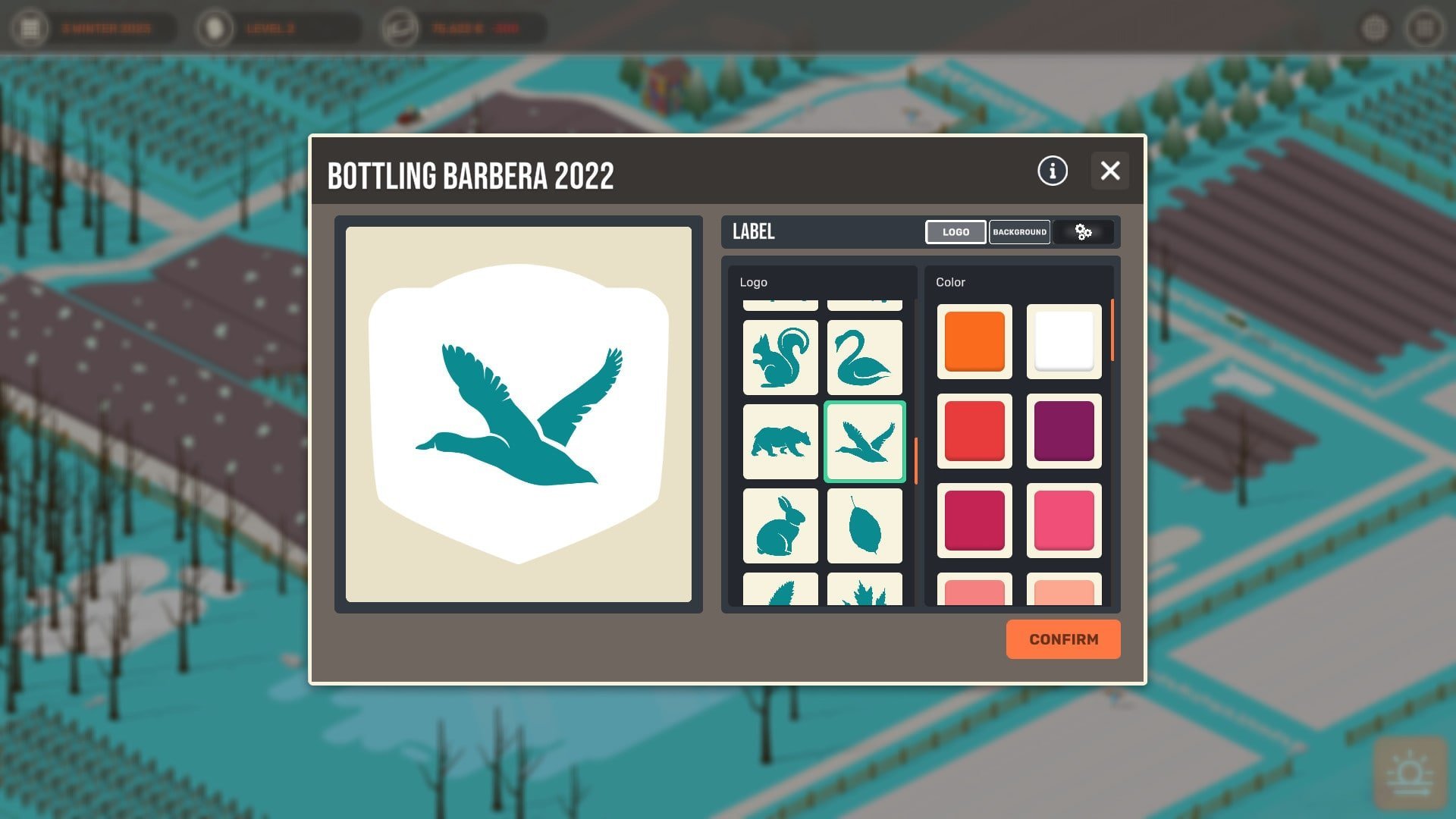
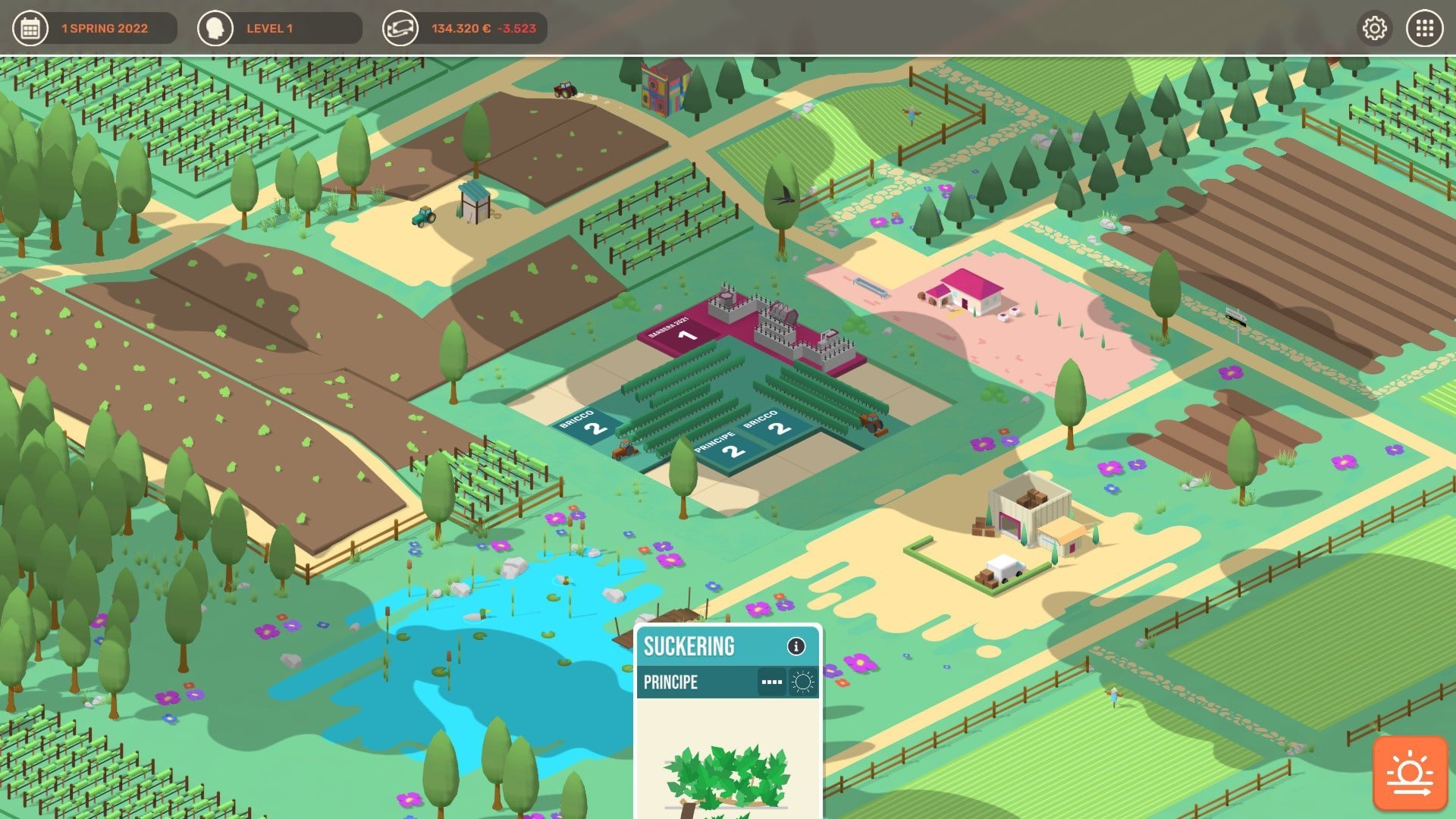
In a world where simulation games span everything from cities to farms, Hundred Days – Winemaking Simulator stands out by offering players the chance to step into the delicate and meticulous craft of winemaking. This game merges strategy, management, and creativity, allowing players to experience every stage of producing wine—from nurturing the vineyard to bottling and selling the final product. The attention to detail and emphasis on decision-making make it a must-play for anyone fascinated by the art of wine.
Gameplay and Mechanics
At its core, Hundred Days focuses on the lifecycle of winemaking. Players begin by acquiring their vineyard, selecting grape varieties, and planting crops according to soil type, climate, and season. The growth of grapes is influenced by weather patterns, pests, and soil conditions, requiring careful planning and attention to detail. The game challenges players to balance short-term gains with long-term sustainability, ensuring that each harvest contributes to producing exceptional wine.
Once the grapes are ready, players oversee the winemaking process itself. From fermentation to aging in barrels, each decision affects the wine’s flavor, aroma, and quality. Choosing the right yeast, adjusting fermentation times, and deciding the type of barrels for aging all contribute to the final product. The game rewards experimentation, allowing players to develop unique wine profiles and refine their techniques over time.
Business and Strategy Elements
Beyond the vineyard, Hundred Days adds a layer of management and strategy. Players must market and sell their wines, negotiate with distributors, and manage finances to expand their operations. Success depends not only on crafting excellent wine but also on understanding market trends, pricing strategies, and customer preferences. The game challenges players to think like both a winemaker and a businessperson, blending creativity with strategic foresight.
Players can also participate in wine competitions, gaining recognition and increasing the value of their products. Winning awards can boost reputation, attract new customers, and open doors for collaborations with other vineyards. This competitive aspect adds depth and replayability, as each decision impacts both the quality of the wine and the business’s growth.
Visuals and Audio Experience
Hundred Days impresses with its visually appealing, realistic representation of vineyards, wineries, and machinery. The game’s aesthetics are complemented by a soothing soundtrack and ambient sounds of nature, creating an immersive experience that captures the calm yet meticulous world of winemaking. Dynamic lighting and seasonal changes enhance the sense of progression, making each stage of production feel tangible and engaging.
Conclusion
Hundred Days – Winemaking Simulator is more than just a management game; it’s a journey into the art, science, and business of wine. Its blend of strategy, creativity, and realism provides players with a rewarding experience that challenges both the mind and the senses. By allowing players to control every aspect of vineyard management and wine production, the game captures the passion and precision required to craft exceptional wines. For enthusiasts of simulation games and wine lovers alike, Hundred Days offers a rich, immersive, and unforgettable experience where every decision shapes the story of the vineyard and the wine it produces.
OS: 10.14.5Processor: 2.5 Ghz Intel Core i7RAM: 4 GBVideo Card: NVIDIA® GeForce® GT 750MDisk space: 1 GB
Run the downloaded image and follow the standard installation procedure.
The installation is completed by choosing a location to place the game.
It is recommended to specify the Applications folder.
Frequently Asked Questions
Mount the image and run Open Gatekeeper friendly.
Press Enter to bypass Gatekeeper in the Terminal window.
Drag the application to the Applications folder.
The application is ready for use.
ATTENTION! SIP must be disabled. Learn more >
Restart your Mac and hold down Command + R to enter Recovery Mode.
Open Terminal from the Utilities menu.
Enter the command: csrutil disable
Restart your Mac.
This is a common Gatekeeper issue. Follow these steps:
1. Open Terminal
2. Enter: sudo xattr -rd com.apple.quarantine /Applications/AppName.app
3. Replace "AppName" with the actual application name
4. Press Enter and enter your password
Yes, all our downloads are thoroughly checked for viruses and malware.
We use multiple antivirus engines to scan every file.
Our team tests each application before publishing.
We never bundle adware or unwanted software.
Yes, we regularly update our applications to the latest versions.
You can check our website for updates or subscribe to our newsletter.
We strive to provide the most recent versions within 24-48 hours of release.
If a download link is not working, please:
1. Try a different browser
2. Clear your browser cache and cookies
3. Try the alternative download links provided
4. Contact our support team if the issue persists