


Twistingo 4: Hummingbird Haven Collector’s Edition
Download Twistingo 4: Hummingbird Haven Collector’s Edition
Run the downloaded image and drag the application to the Applications folder shortcut.
Once the copy is complete, you can launch the application from Launchpad.
Previous Versions


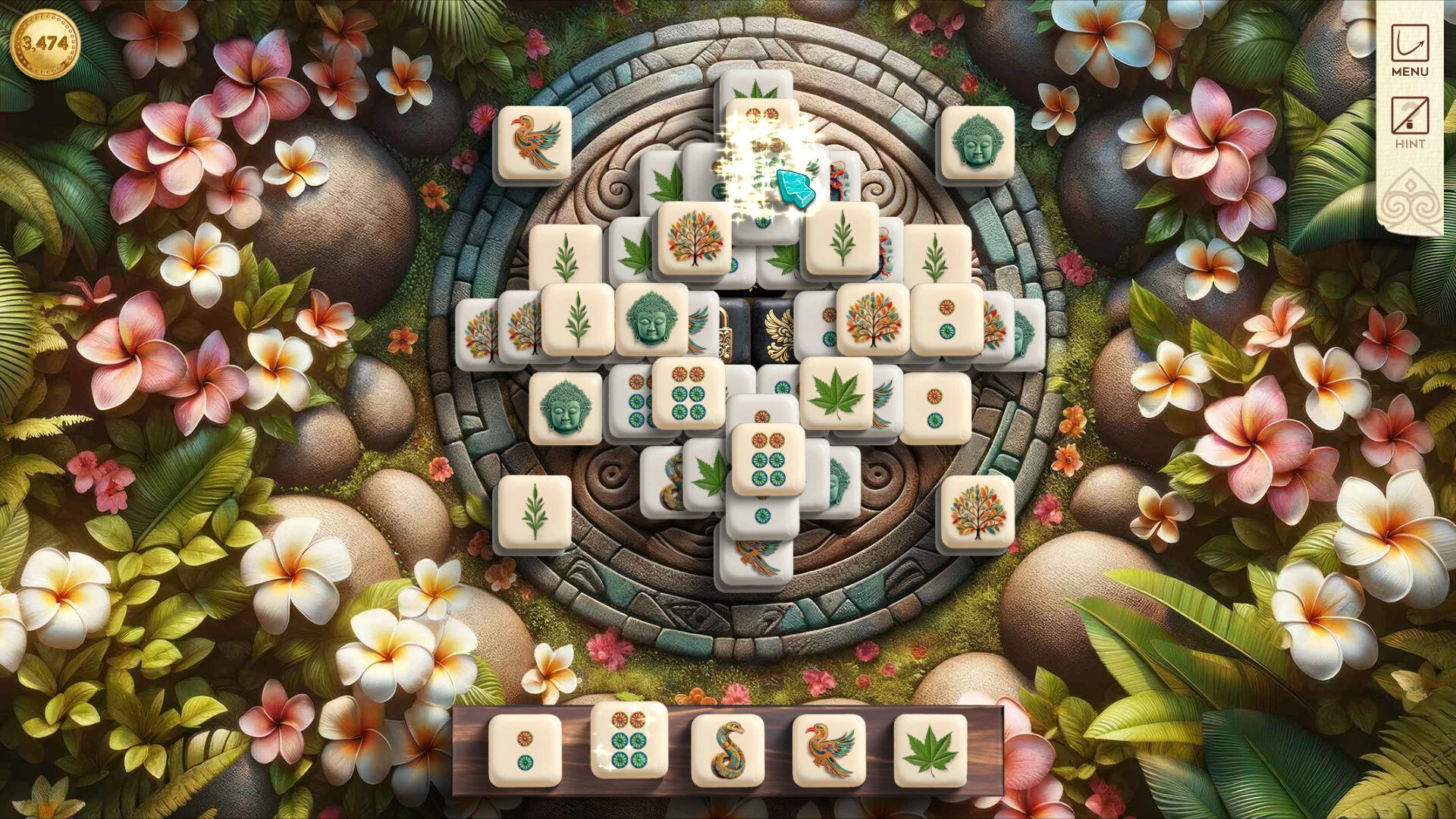

Twistingo 4: Hummingbird Haven Collector's Edition is a delightful puzzle game that offers players a soothing and engaging experience. Developed for fans of casual and family-friendly gaming, it combines colorful visuals, relaxing gameplay, and thoughtful level design to create an immersive environment perfect for those who enjoy both challenge and relaxation. This installment in the Twistingo series continues the tradition of blending logic puzzles with a charming natural theme, making it an enjoyable adventure for players of all ages.
The premise of Twistingo 4: Hummingbird Haven Collector's Edition revolves around restoring a beautiful garden sanctuary for hummingbirds. Players are tasked with solving a series of intricate puzzles to unlock new areas, cultivate plants, and attract various species of birds to the garden. The game encourages exploration and experimentation, allowing players to progress at their own pace while rewarding careful observation and problem-solving. The sense of accomplishment from completing each puzzle is paired with the joy of seeing the garden flourish and the hummingbirds return to their vibrant habitat.
Puzzle mechanics in Twistingo 4 are simple to understand yet increasingly complex as the game progresses. Players must rotate, slide, and align tiles to complete images that form part of the garden scenery. Each puzzle is thoughtfully designed to challenge logical thinking without creating frustration, striking a perfect balance between difficulty and enjoyment. The Collector's Edition introduces bonus puzzles, additional levels, and exclusive content that extend gameplay and provide even more opportunities to engage with the game’s charming world.
One of the game’s standout features is its visual and artistic presentation. The environments are beautifully illustrated, with lush gardens, sparkling waterfalls, and colorful flora that capture the serene atmosphere of a hummingbird sanctuary. Each completed puzzle contributes to a larger scene, gradually transforming the garden into a vibrant, lively haven. The attention to detail in the illustrations ensures that every corner of the garden feels alive and inviting, creating a sense of immersion that enhances the overall gameplay experience.
The audio design in Twistingo 4 further enriches the calming atmosphere. Soft instrumental music and natural sound effects, such as chirping birds and flowing water, accompany players as they solve puzzles. These sounds not only provide relaxation but also help create an emotional connection to the game’s setting. Combined with the visual aesthetics, the soundtrack immerses players in a tranquil environment that feels both rewarding and soothing.
Beyond its puzzles and visuals, the Collector’s Edition adds value by offering extra features, such as concept art galleries, behind-the-scenes content, and bonus levels. These additions provide insight into the creative process behind the game while enhancing replayability and giving dedicated fans more content to enjoy.
In conclusion, Twistingo 4: Hummingbird Haven Collector's Edition is a charming and immersive puzzle game that combines engaging mechanics with a serene, beautifully illustrated world. Its blend of thoughtful puzzles, relaxing gameplay, and captivating visuals makes it an excellent choice for casual gamers, puzzle enthusiasts, and anyone looking to unwind while exploring a virtual haven. This Collector’s Edition is a testament to how casual puzzle games can deliver both mental stimulation and a sense of calm, making it a standout entry in the genre.
OS: macOS 10.15 and later
Run the downloaded image and drag the application to the Applications folder shortcut.
Once the copy is complete, you can launch the application from Launchpad.
Frequently Asked Questions
Mount the image and run Open Gatekeeper friendly.
Press Enter to bypass Gatekeeper in the Terminal window.
Drag the application to the Applications folder.
The application is ready for use.
ATTENTION! SIP must be disabled. Learn more >
Restart your Mac and hold down Command + R to enter Recovery Mode.
Open Terminal from the Utilities menu.
Enter the command: csrutil disable
Restart your Mac.
This is a common Gatekeeper issue. Follow these steps:
1. Open Terminal
2. Enter: sudo xattr -rd com.apple.quarantine /Applications/AppName.app
3. Replace "AppName" with the actual application name
4. Press Enter and enter your password
Yes, all our downloads are thoroughly checked for viruses and malware.
We use multiple antivirus engines to scan every file.
Our team tests each application before publishing.
We never bundle adware or unwanted software.
Yes, we regularly update our applications to the latest versions.
You can check our website for updates or subscribe to our newsletter.
We strive to provide the most recent versions within 24-48 hours of release.
If a download link is not working, please:
1. Try a different browser
2. Clear your browser cache and cookies
3. Try the alternative download links provided
4. Contact our support team if the issue persists