


Hunter Girls
Download Hunter Girls
Mount the downloaded image and follow the standard installation procedure.
The installation is completed by choosing a location to place the game.
It is recommended to specify the Applications folder.
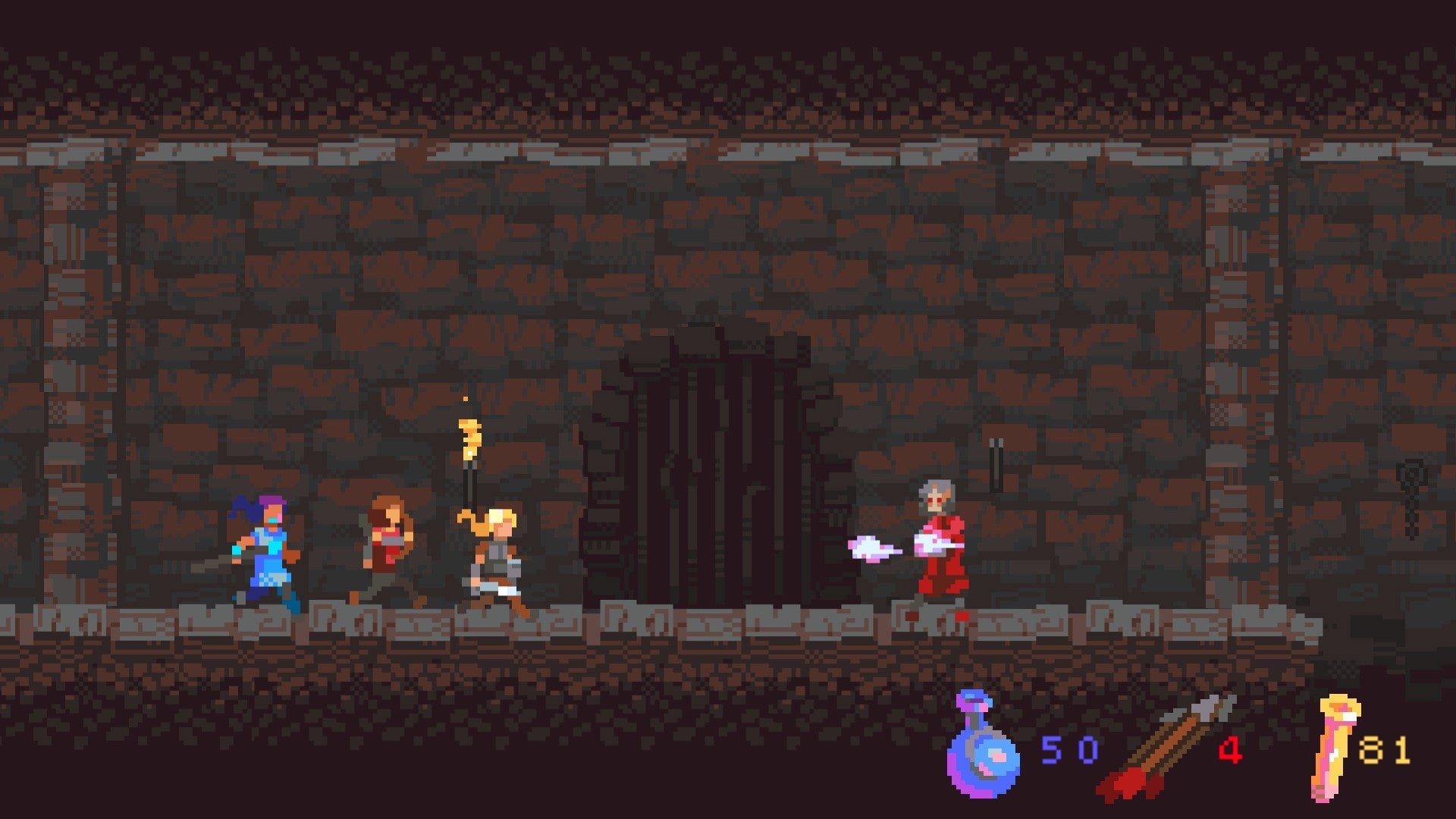
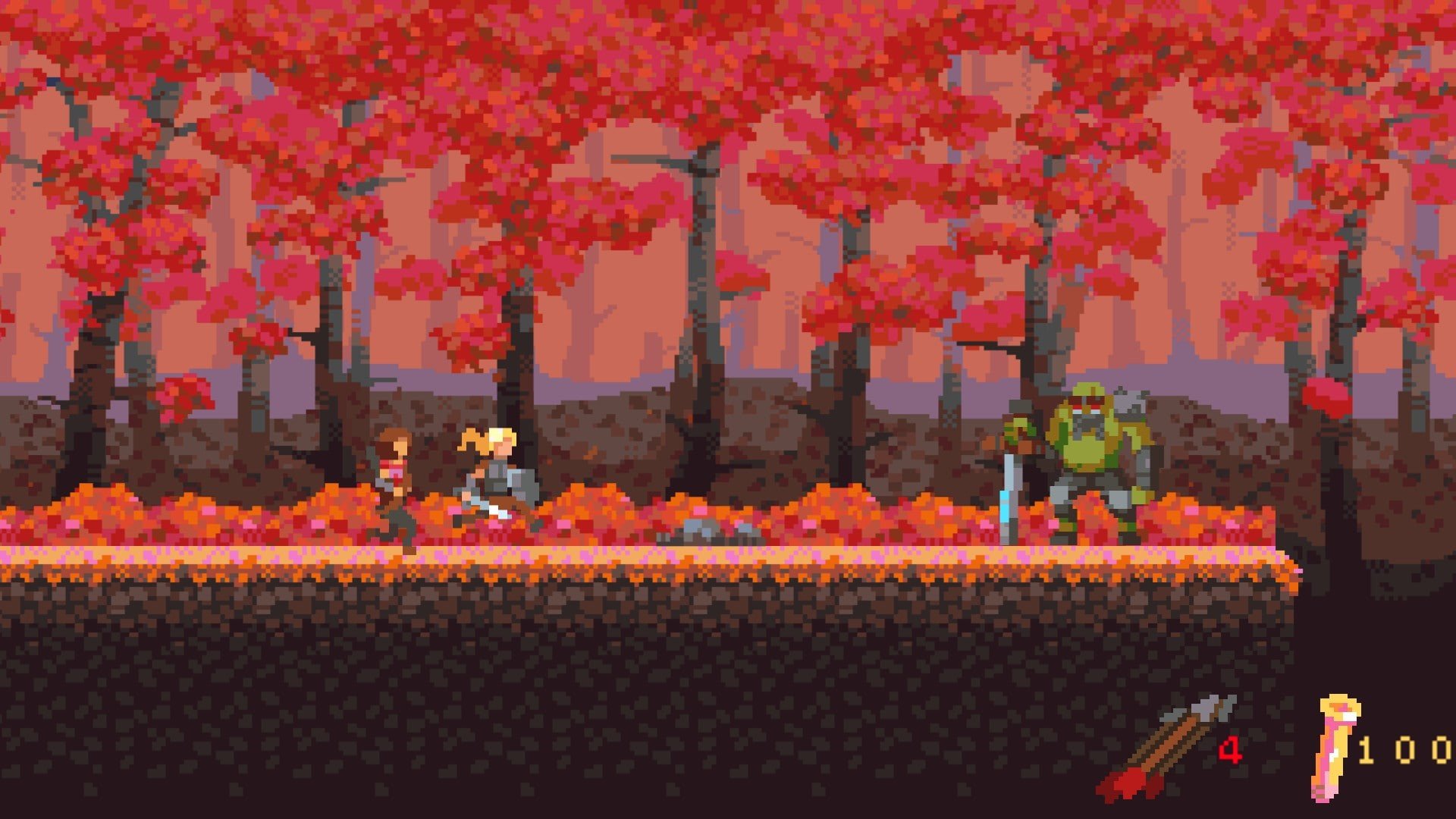
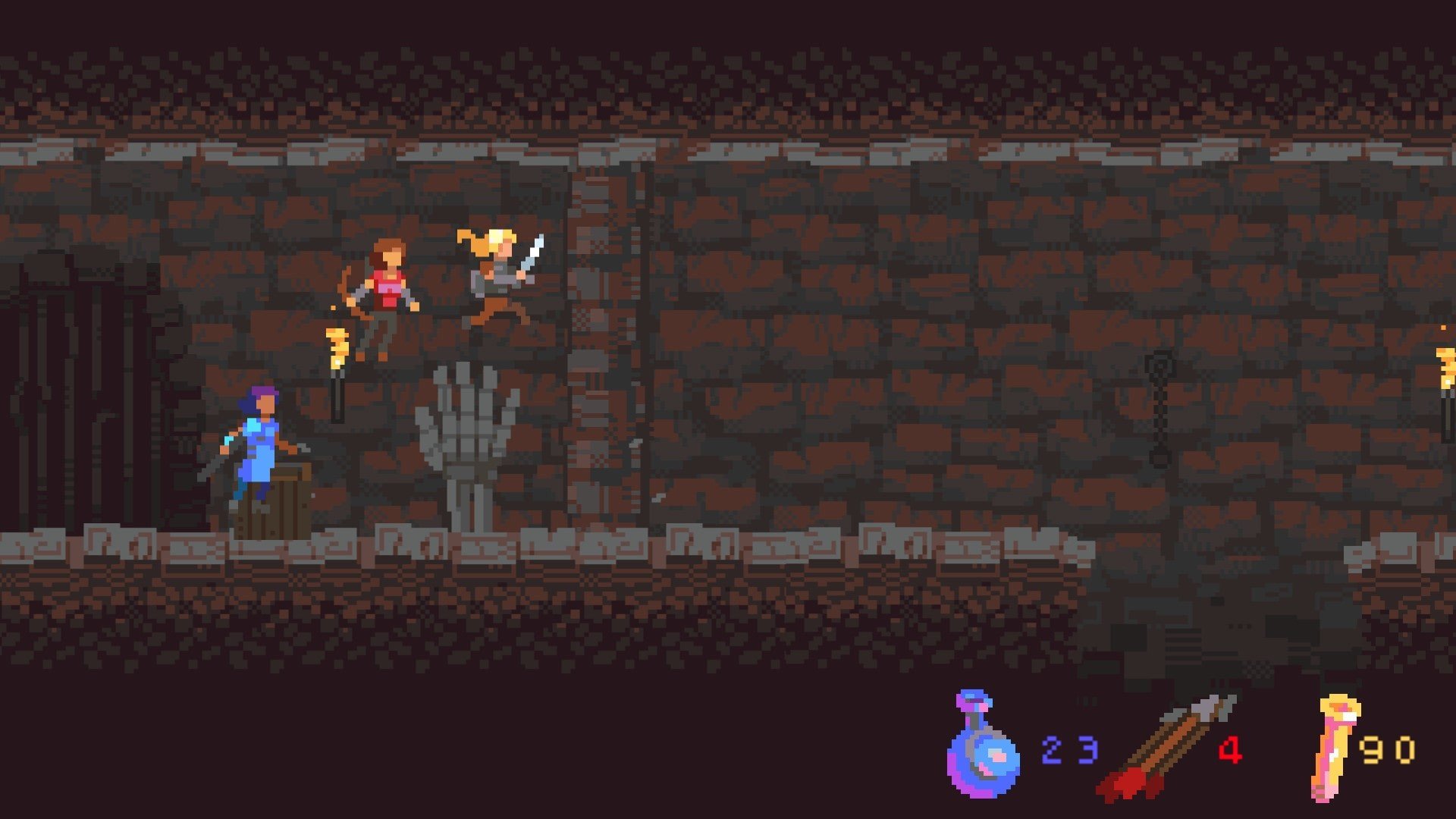
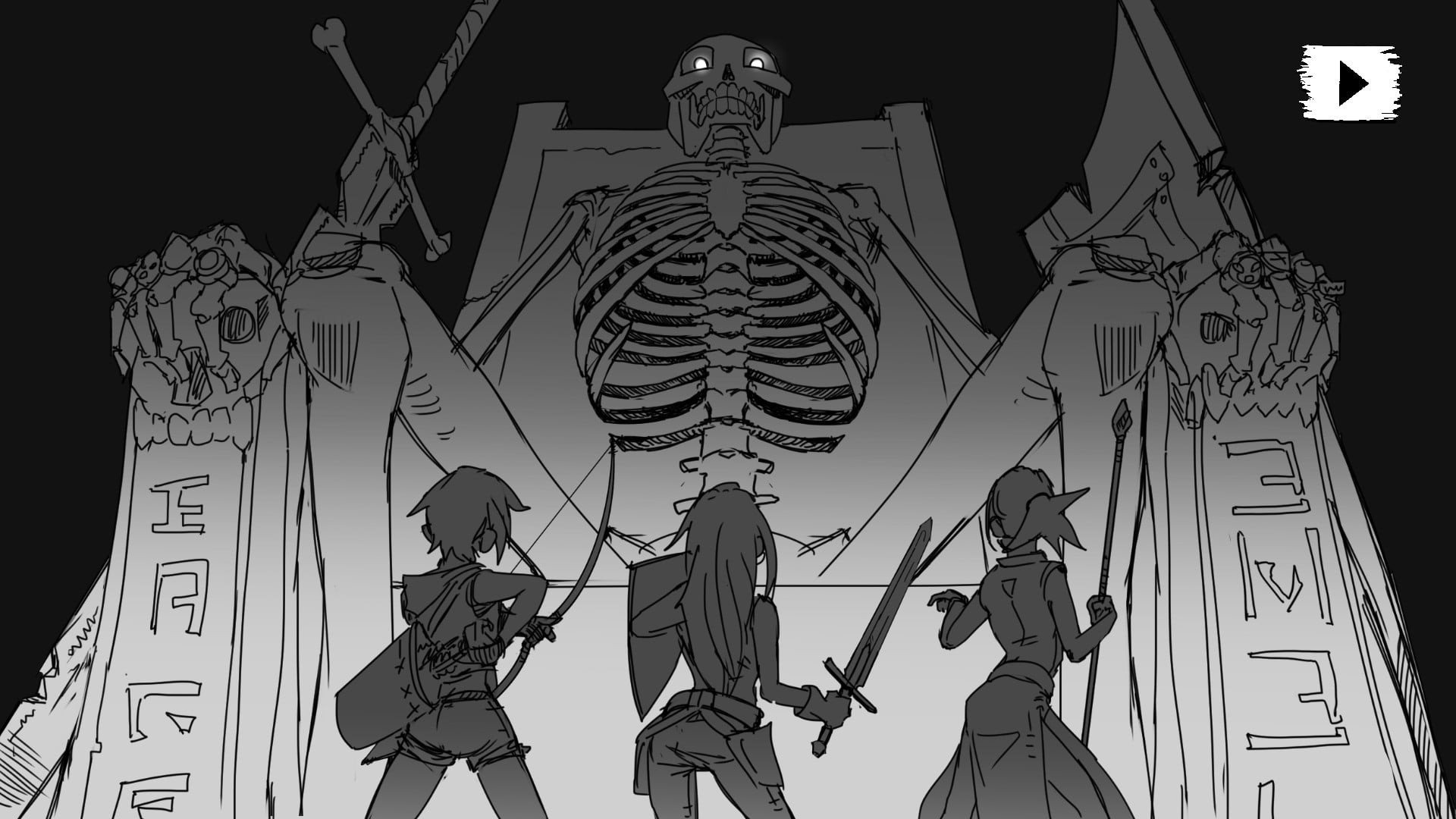
In the ever-evolving world of video games, the concept of strong female protagonists has steadily gained momentum, and Hunter Girls stands as a prime example of this shift. Unlike traditional action games where male characters often dominate, this title places women at the forefront, highlighting their resilience, strategy, and unparalleled skill in survival and combat. The game is not just about slaying monsters or completing quests—it’s about immersing players in a universe where ingenuity and teamwork are paramount.
Gameplay and Mechanics
Hunter Girls introduces players to a diverse roster of characters, each with unique abilities and specializations. From archery and swordsmanship to stealth tactics and alchemy, the game ensures that every playstyle is catered to. The mechanics are designed to challenge both strategic thinking and reflexes, making each encounter meaningful and rewarding. Players must learn to balance offensive strikes with defensive maneuvers, adapt to ever-changing environments, and exploit enemy weaknesses in order to succeed.
The game also emphasizes cooperative gameplay. While solo missions are possible, many challenges are designed for team strategies, encouraging players to communicate, plan, and execute complex attacks together. This dynamic not only makes the game more engaging but also mirrors real-world hunting strategies, where collaboration can often be the difference between triumph and defeat.
Narrative and World-Building
What sets Hunter Girls apart is its compelling narrative. Set in a richly crafted world where humans coexist with mythical creatures, the game delves into themes of survival, trust, and empowerment. Players uncover hidden lore, form alliances, and confront formidable foes as they traverse forests, mountains, and mystical realms. The storylines are character-driven, offering depth and emotional resonance, making players feel invested in their hunter’s journey. Each decision carries weight, affecting relationships, alliances, and the progression of the overarching narrative.
Visuals and Audio Experience
Graphically, Hunter Girls is a feast for the eyes. The environments are meticulously detailed, ranging from dense, shadowy forests to sun-drenched valleys teeming with life. Character designs are equally impressive, blending aesthetic appeal with practicality to reflect each hunter’s personality and abilities. Complementing the visuals is an immersive audio design, featuring dynamic soundtracks that respond to in-game events and realistic sound effects that enhance combat and exploration experiences.
Cultural Impact and Representation
Beyond gameplay, Hunter Girls represents a significant step forward in terms of representation in the gaming industry. By centering women in roles of strength, intelligence, and leadership, the game challenges outdated stereotypes and inspires a broader audience. It encourages players to embrace diversity in gaming and fosters a sense of inclusion, demonstrating that heroism knows no gender.
Conclusion
Hunter Girls is more than just a game; it’s a celebration of courage, strategy, and female empowerment. Its engaging gameplay, rich narrative, and stunning visuals combine to create an experience that is both thrilling and meaningful. For gamers seeking adventure with depth, Hunter Girls delivers a universe where skill, teamwork, and determination define success, proving that the future of gaming is inclusive, exciting, and dynamic.
OS: OSX 10.9.5 - 10.11.6Processor: 2.0 GhzRAM: 2.5 GBVideo card: 128 MBDisk space: 400 MB
Mount the downloaded image and follow the standard installation procedure.
The installation is completed by choosing a location to place the game.
It is recommended to specify the Applications folder.
Frequently Asked Questions
Mount the image and run Open Gatekeeper friendly.
Press Enter to bypass Gatekeeper in the Terminal window.
Drag the application to the Applications folder.
The application is ready for use.
ATTENTION! SIP must be disabled. Learn more >
Restart your Mac and hold down Command + R to enter Recovery Mode.
Open Terminal from the Utilities menu.
Enter the command: csrutil disable
Restart your Mac.
This is a common Gatekeeper issue. Follow these steps:
1. Open Terminal
2. Enter: sudo xattr -rd com.apple.quarantine /Applications/AppName.app
3. Replace "AppName" with the actual application name
4. Press Enter and enter your password
Yes, all our downloads are thoroughly checked for viruses and malware.
We use multiple antivirus engines to scan every file.
Our team tests each application before publishing.
We never bundle adware or unwanted software.
Yes, we regularly update our applications to the latest versions.
You can check our website for updates or subscribe to our newsletter.
We strive to provide the most recent versions within 24-48 hours of release.
If a download link is not working, please:
1. Try a different browser
2. Clear your browser cache and cookies
3. Try the alternative download links provided
4. Contact our support team if the issue persists