


Immortal Love 10: Polar Lights Collector’s Edition
Download Immortal Love 10: Polar Lights Collector’s Edition
Run the downloaded image and drag the application to the Applications folder shortcut.
Once copying is complete, the application can be launched via Launchpad.
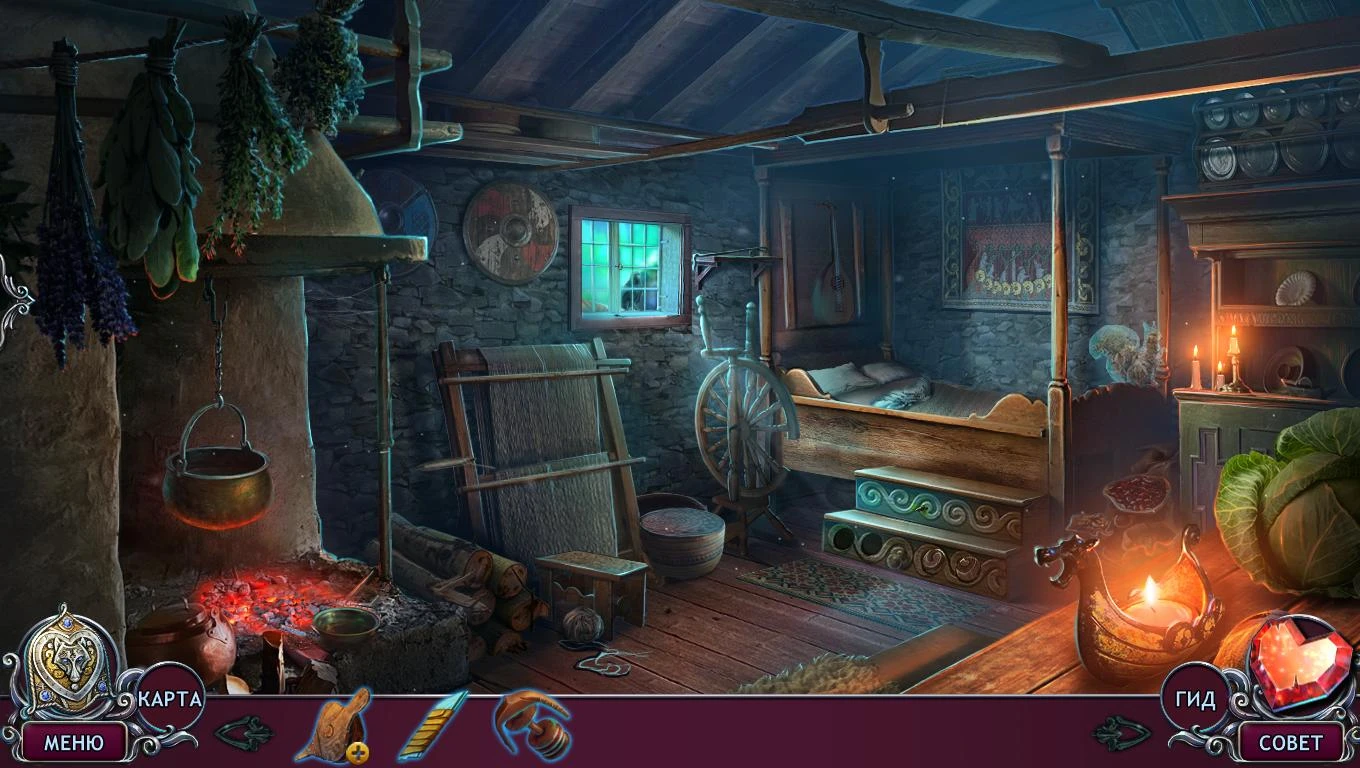
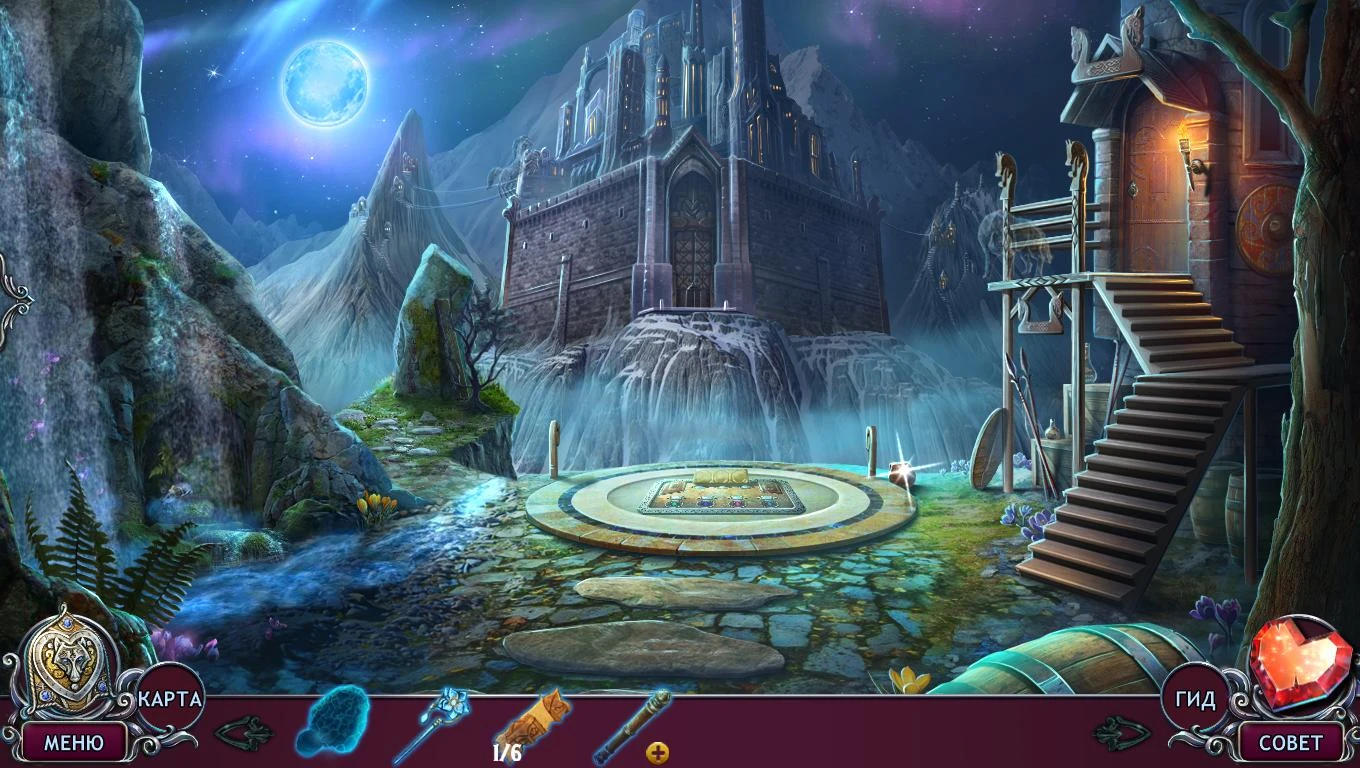
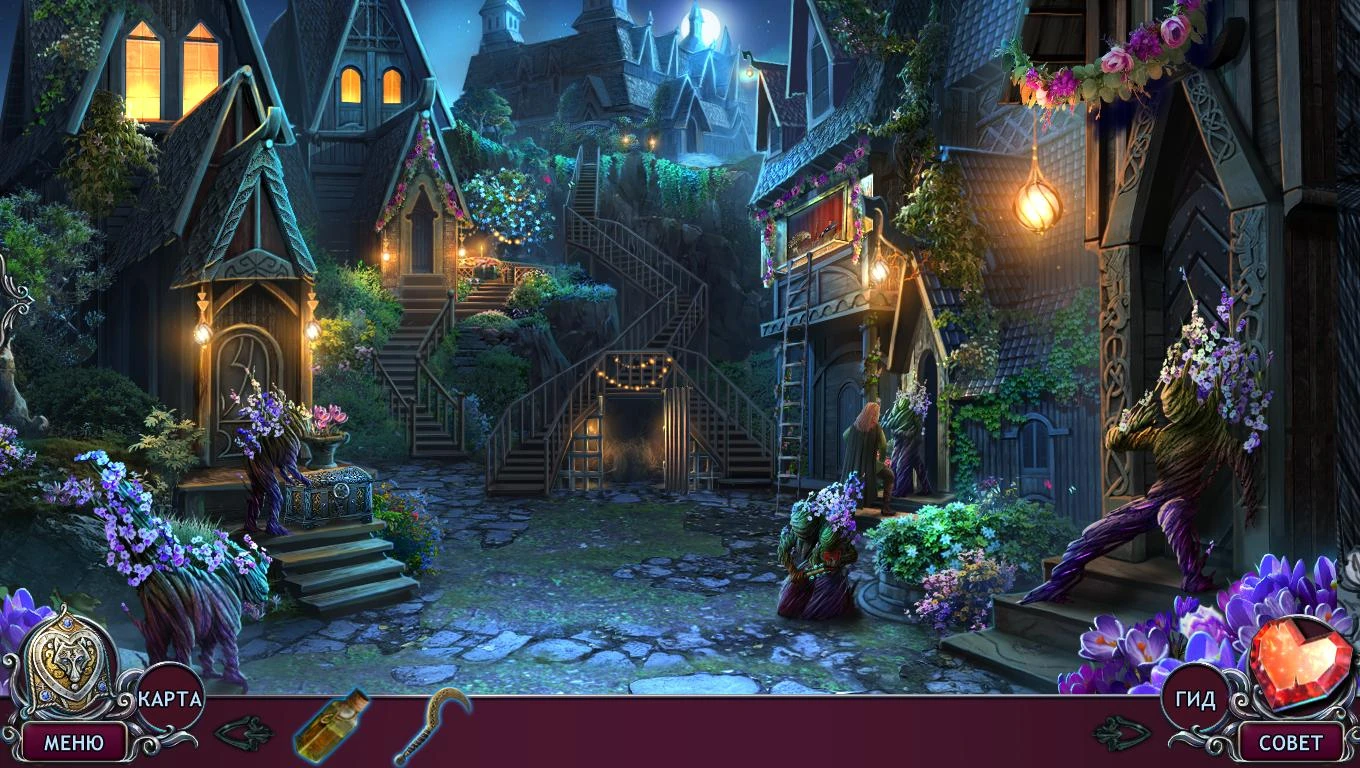
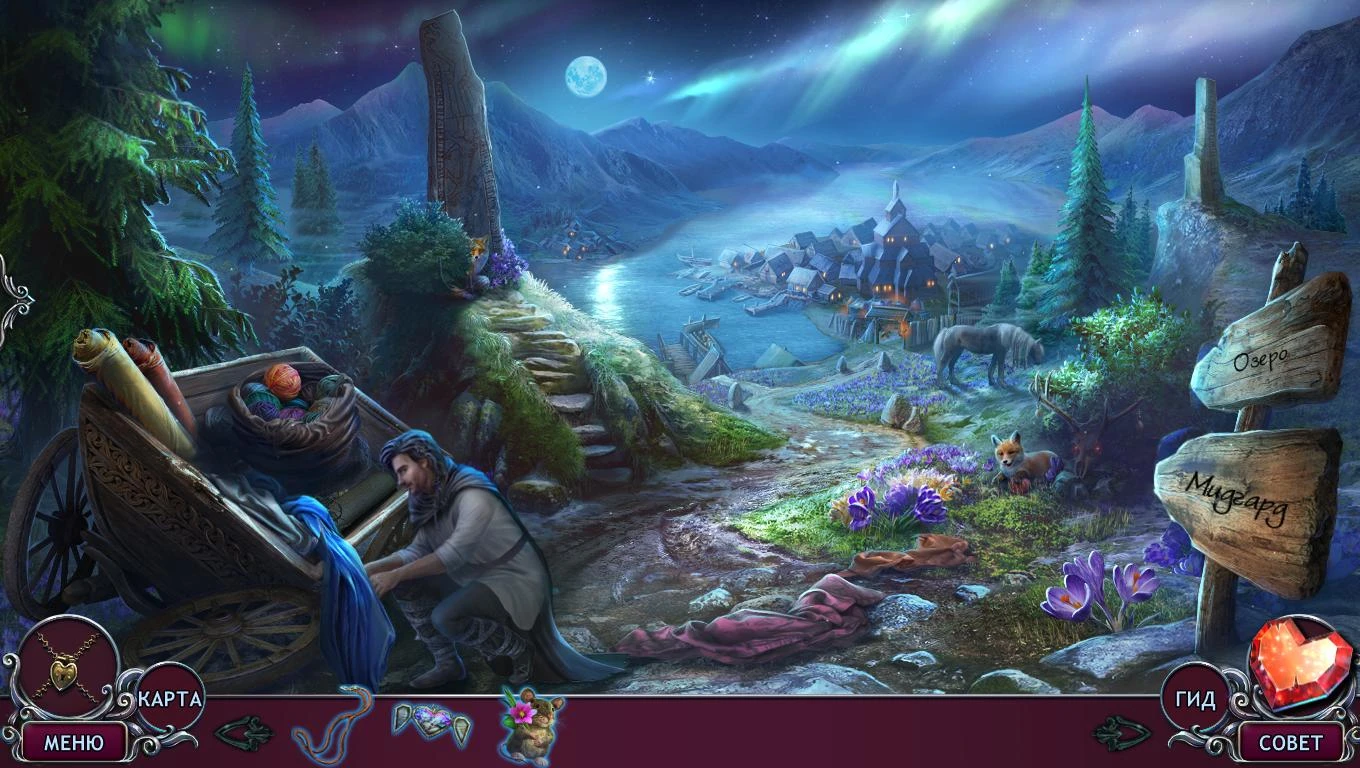
Immortal Love 10: Polar Lights Collector’s Edition is an enchanting hidden-object and adventure game that combines romance, mystery, and breathtaking environments to deliver an immersive gaming experience. As the latest entry in the beloved Immortal Love series, this Collector’s Edition enhances the standard game with bonus chapters, collectible items, and exclusive puzzles, offering players a richer and more engaging journey.
The story unfolds under the mesmerizing glow of the Arctic sky, where the elusive polar lights dance above icy landscapes. Players step into the shoes of a determined protagonist, drawn into a tale of passion, intrigue, and supernatural secrets. A mysterious disappearance sets the stage for an adventure filled with hidden clues, enigmatic characters, and heartwarming moments. The narrative blends romance with suspense, creating a story that captivates both emotionally and intellectually.
Gameplay in Immortal Love 10: Polar Lights is designed to challenge players while keeping them engaged. Hidden-object puzzles require careful observation and attention to detail, encouraging players to explore the visually stunning environments thoroughly. Mini-games and problem-solving challenges are seamlessly integrated into the storyline, adding variety and depth without breaking the immersive experience. The Collector’s Edition further enhances gameplay by introducing bonus puzzles and secret locations, offering additional challenges for those who wish to uncover every secret of the Arctic world.
A standout feature of this edition is its focus on emotional storytelling. Players interact with a cast of well-developed characters, each with unique personalities, motives, and backstories. Dialogue choices and interactions influence relationships, and uncovering hidden truths often depends on careful observation and clever decision-making. The romantic subplot is woven naturally into the main mystery, creating a balance of suspense, emotional depth, and personal connection that draws players further into the narrative.
Visually, the game is stunning. The Arctic landscapes are rendered in rich detail, from icy fjords and snow-covered villages to the vibrant, dancing aurora borealis. Subtle animations, such as shimmering ice and drifting snow, enhance the sense of realism and wonder, immersing players in this magical setting. The Collector’s Edition also includes concept art and behind-the-scenes galleries, allowing fans to appreciate the creative process behind the game’s visually rich environments and character designs.
Audio design in Immortal Love 10 complements the visual experience perfectly. A hauntingly beautiful soundtrack, combined with ambient sounds like wind over icy plains and the distant call of wildlife, creates an atmosphere of both tranquility and suspense. These elements work together to immerse players fully, heightening the emotional and narrative impact of the story.
In conclusion, Immortal Love 10: Polar Lights Collector’s Edition is more than a hidden-object game; it is an unforgettable journey of love, mystery, and discovery. With its intricate puzzles, captivating narrative, and breathtaking Arctic visuals, it offers an experience that appeals to fans of romance, adventure, and mystery alike. The Collector’s Edition adds depth, bonuses, and exclusive content, ensuring that every moment in the magical world of the polar lights is filled with intrigue, emotion, and wonder. For players seeking a heartfelt and immersive adventure, this game delivers a truly memorable experience.
OS: macOS 10.15 and later
Run the downloaded image and drag the application to the Applications folder shortcut.
Once copying is complete, the application can be launched via Launchpad.
Frequently Asked Questions
Mount the image and run Open Gatekeeper friendly.
Press Enter to bypass Gatekeeper in the Terminal window.
Drag the application to the Applications folder.
The application is ready for use.
ATTENTION! SIP must be disabled. Learn more >
Restart your Mac and hold down Command + R to enter Recovery Mode.
Open Terminal from the Utilities menu.
Enter the command: csrutil disable
Restart your Mac.
This is a common Gatekeeper issue. Follow these steps:
1. Open Terminal
2. Enter: sudo xattr -rd com.apple.quarantine /Applications/AppName.app
3. Replace "AppName" with the actual application name
4. Press Enter and enter your password
Yes, all our downloads are thoroughly checked for viruses and malware.
We use multiple antivirus engines to scan every file.
Our team tests each application before publishing.
We never bundle adware or unwanted software.
Yes, we regularly update our applications to the latest versions.
You can check our website for updates or subscribe to our newsletter.
We strive to provide the most recent versions within 24-48 hours of release.
If a download link is not working, please:
1. Try a different browser
2. Clear your browser cache and cookies
3. Try the alternative download links provided
4. Contact our support team if the issue persists