


Regions of Ruin
Download Regions of Ruin
Run the downloaded package and follow the standard installation procedure.
The installation is completed by choosing a location to place the game.
It is recommended to specify the Applications folder.
Previous Versions
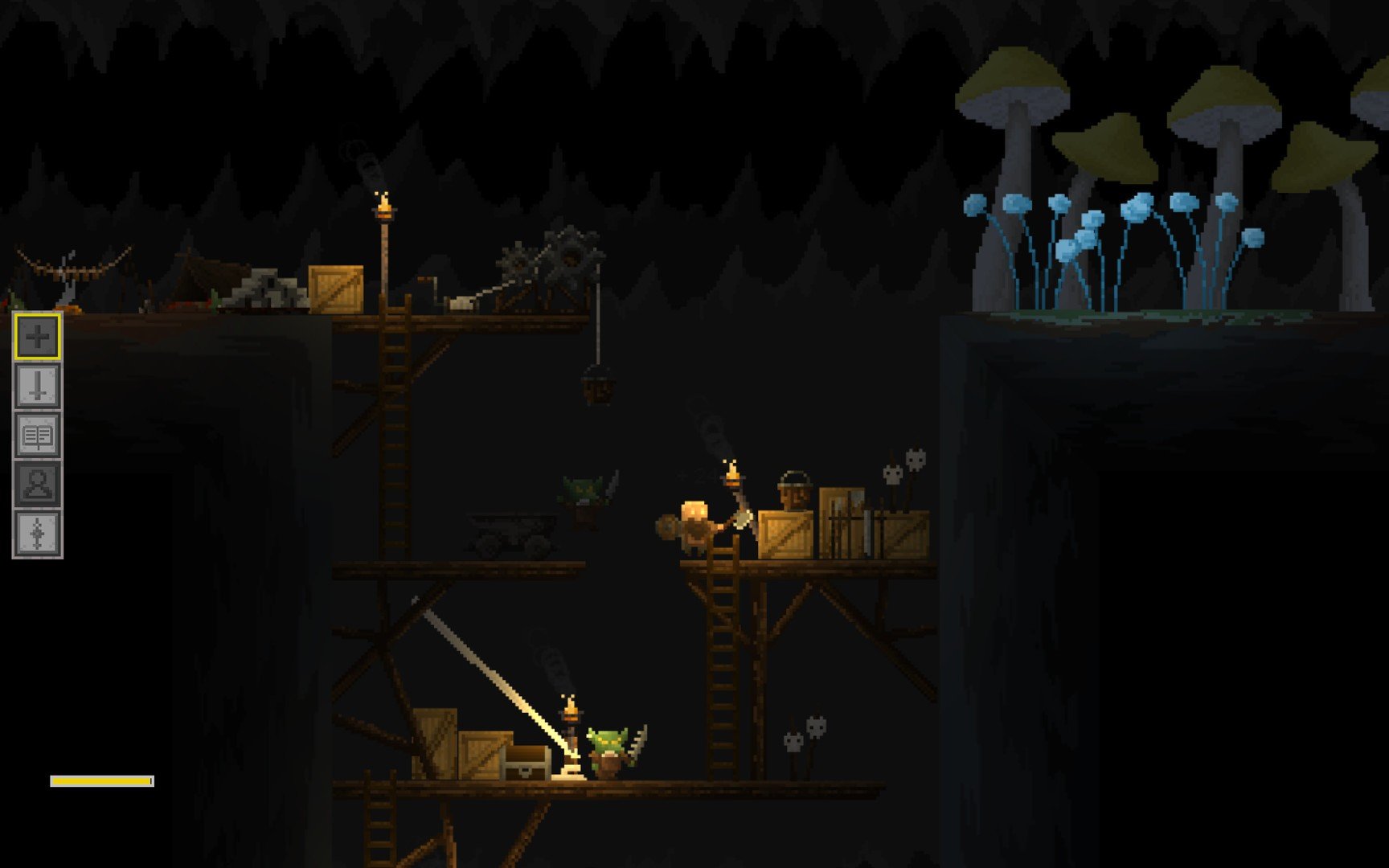
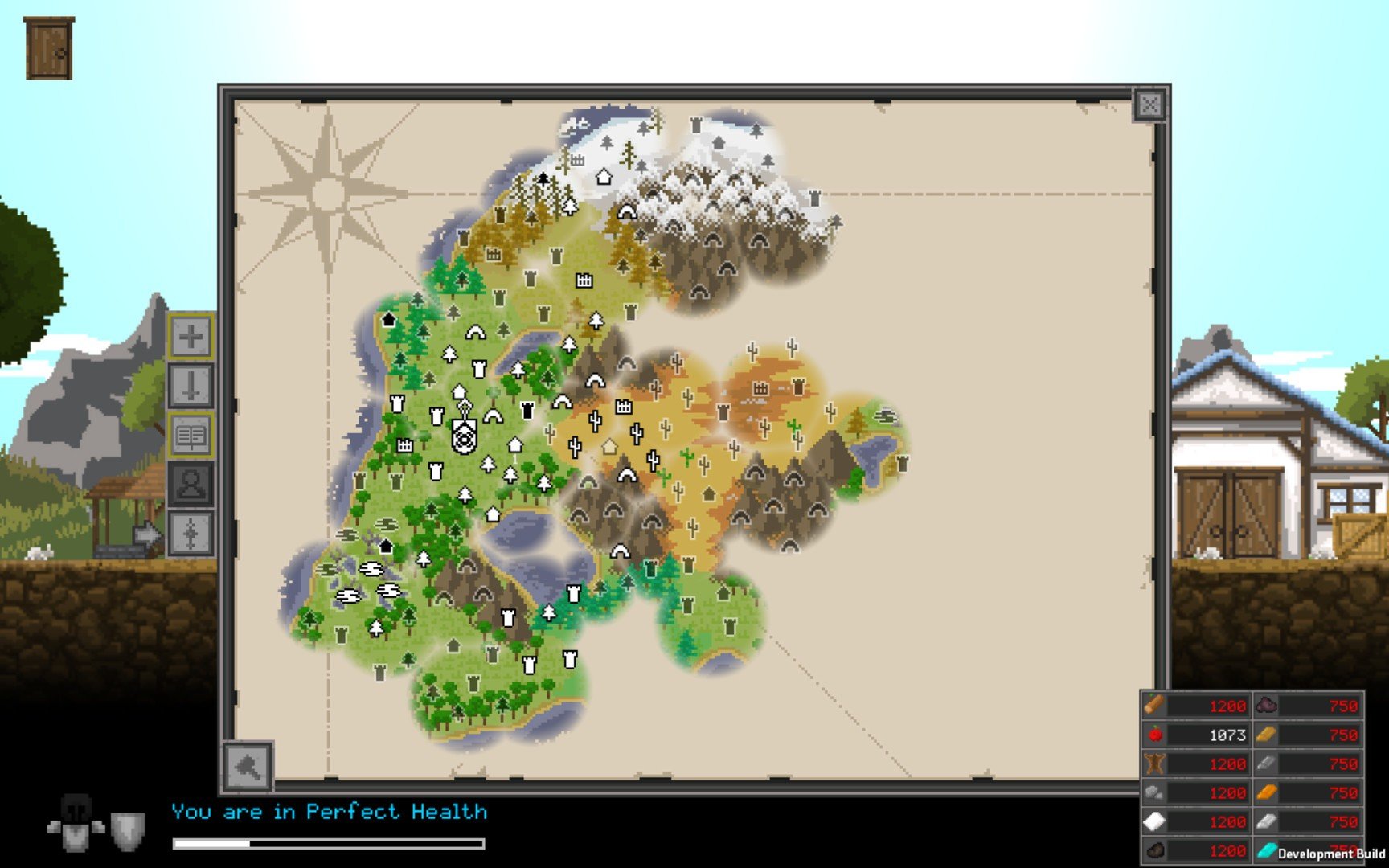
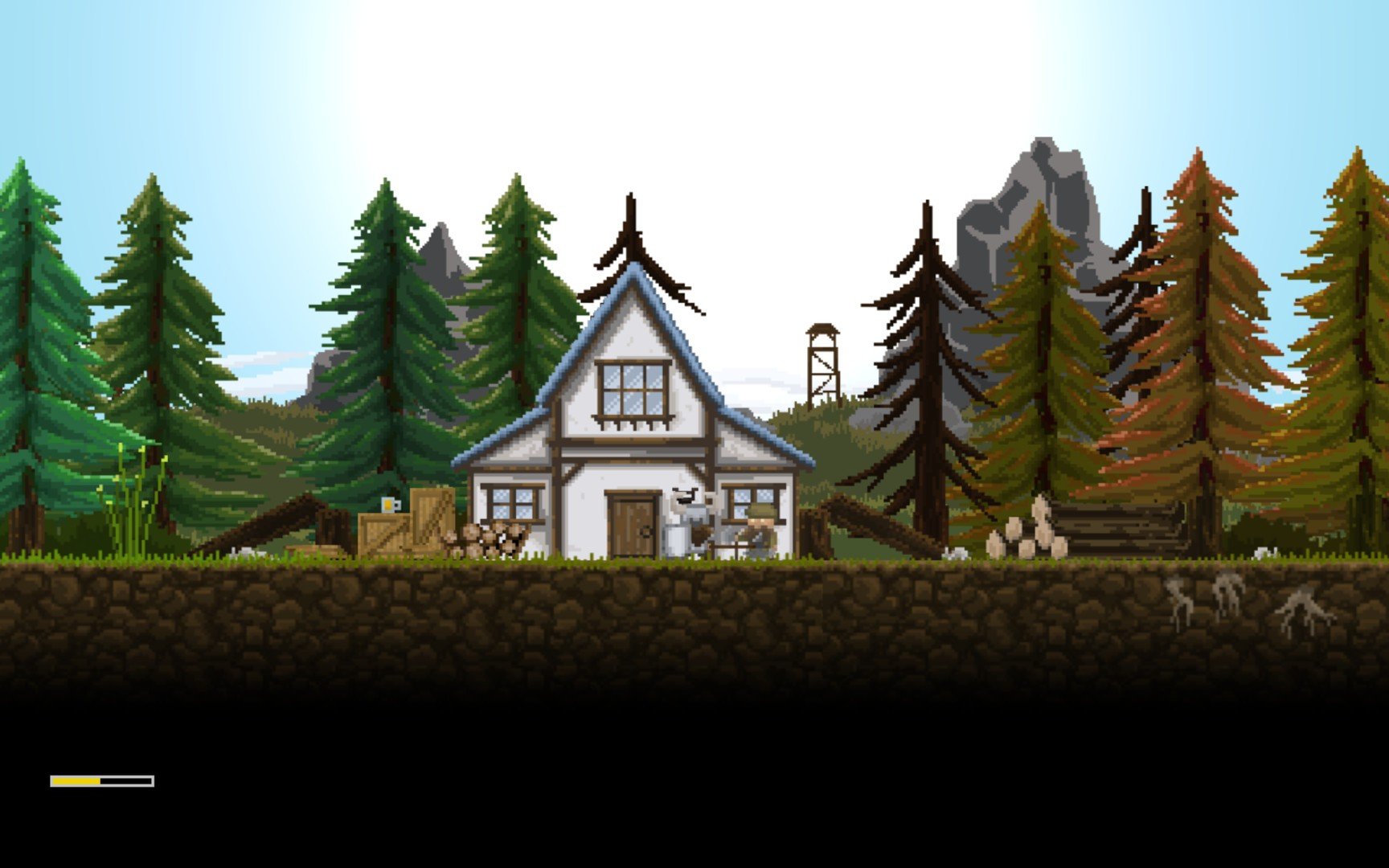
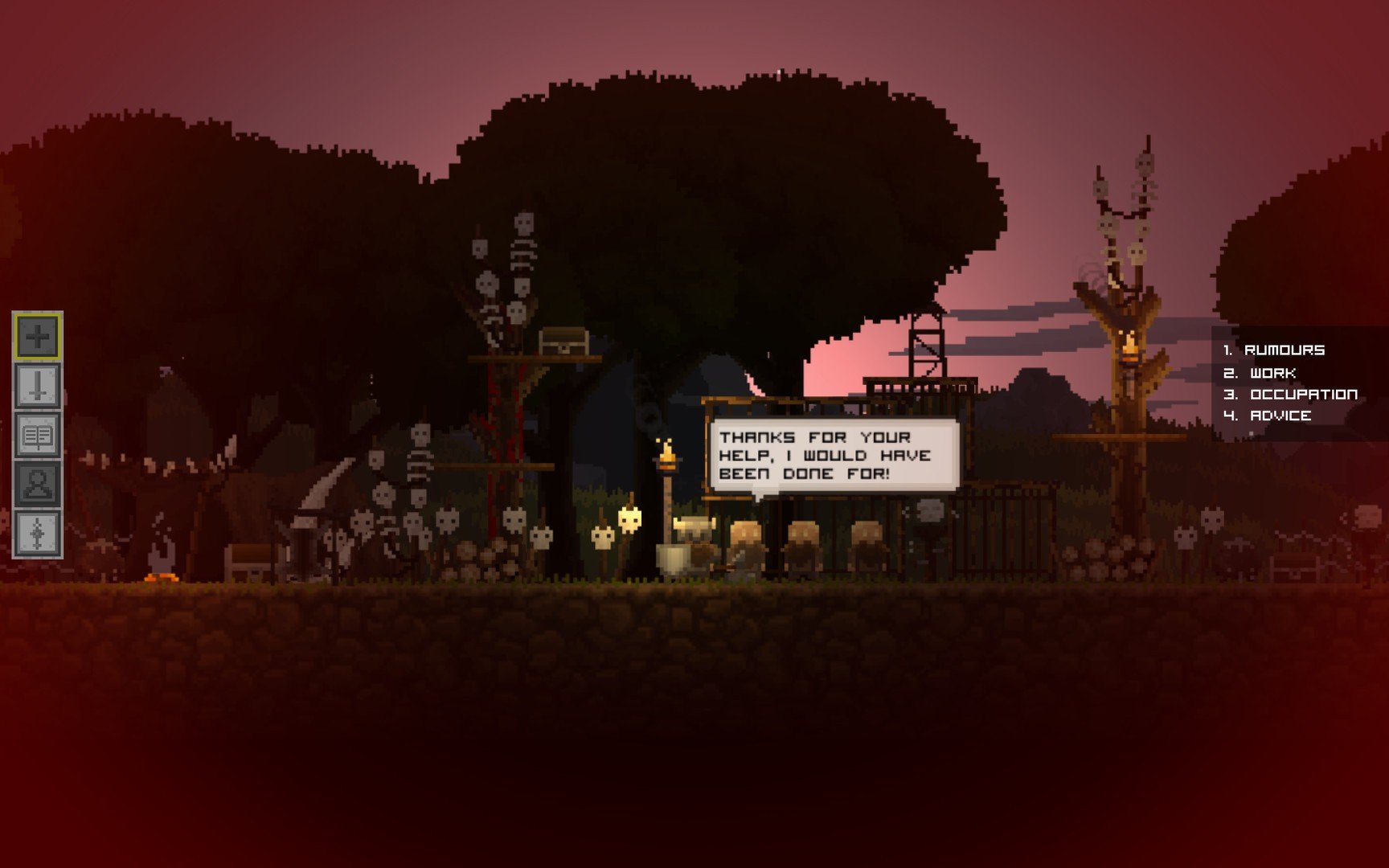
In the landscape of indie role-playing games, Regions of Ruin stands out as a unique blend of exploration, crafting, and tactical combat. Developed by Voracious Games, this title combines the strategic depth of city-building with the thrill of RPG progression, creating a world that feels alive, challenging, and rewarding. Its rich mechanics, engaging gameplay, and charming pixel art make it a standout choice for players seeking an immersive adventure in a post-apocalyptic fantasy world.
At the heart of Regions of Ruin is the story of a kingdom in decline. Players assume the role of a hero tasked with rebuilding towns, reclaiming lands from dangerous creatures, and defending their communities from marauding enemies. Unlike traditional RPGs that focus solely on combat, this game integrates settlement management, crafting, and exploration, giving players a sense of responsibility and investment in the game world. Every decision—from upgrading structures to recruiting villagers—impacts the kingdom’s growth and survival.
One of the most compelling aspects of Regions of Ruin is its combat system. Battles are strategic, requiring careful positioning, weapon selection, and timing. Players can choose from a variety of weapons, armor, and special abilities, tailoring their playstyle to match different challenges. Enemies vary widely, from small aggressive creatures to formidable bosses, ensuring that combat remains dynamic and engaging. The addition of leveling and skill progression provides a satisfying sense of growth and accomplishment, rewarding players who master both strategy and reflexes.
Exploration is another key element of Regions of Ruin. The game world is expansive, featuring diverse regions such as forests, mountains, caves, and ruins, each filled with secrets, resources, and quests. Players are encouraged to venture off the beaten path to discover hidden treasures, craft rare items, and encounter unique challenges. This emphasis on exploration creates a sense of adventure, making every journey through the kingdom feel fresh and exciting.
The game’s crafting and town-building mechanics set it apart from other RPGs. Players gather resources from the environment, craft weapons, armor, and tools, and improve their settlements to provide benefits for the kingdom. This integration of resource management and strategic planning adds depth to the gameplay, as players must balance immediate survival needs with long-term growth. Upgrading towns and infrastructure not only strengthens defenses but also enhances the quality of life for villagers, making the world feel responsive and alive.
Visually, Regions of Ruin employs a charming pixel-art aesthetic. The hand-crafted environments, colorful landscapes, and detailed character animations create a nostalgic yet modern look. Combined with a dynamic soundtrack and ambient sound effects, the game delivers an immersive experience that captures the essence of a living, breathing world.
In conclusion, Regions of Ruin is a rich and rewarding RPG that balances combat, exploration, and settlement management. Its unique blend of strategic planning, tactical battles, and creative crafting provides players with an experience that is both challenging and deeply satisfying. By offering a world that evolves based on player choices, Regions of Ruin stands as a testament to the depth and creativity possible in indie gaming, delivering an adventure that is as memorable as it is engaging.
OS: 10.10Processor: 1 GHz Intel Core I5RAM: 512 MBVideo card: 1 GHZ intel core I5Disk space: 900 MB
Run the downloaded package and follow the standard installation procedure.
The installation is completed by choosing a location to place the game.
It is recommended to specify the Applications folder.
Frequently Asked Questions
Mount the image and run Open Gatekeeper friendly.
Press Enter to bypass Gatekeeper in the Terminal window.
Drag the application to the Applications folder.
The application is ready for use.
ATTENTION! SIP must be disabled. Learn more >
Restart your Mac and hold down Command + R to enter Recovery Mode.
Open Terminal from the Utilities menu.
Enter the command: csrutil disable
Restart your Mac.
This is a common Gatekeeper issue. Follow these steps:
1. Open Terminal
2. Enter: sudo xattr -rd com.apple.quarantine /Applications/AppName.app
3. Replace "AppName" with the actual application name
4. Press Enter and enter your password
Yes, all our downloads are thoroughly checked for viruses and malware.
We use multiple antivirus engines to scan every file.
Our team tests each application before publishing.
We never bundle adware or unwanted software.
Yes, we regularly update our applications to the latest versions.
You can check our website for updates or subscribe to our newsletter.
We strive to provide the most recent versions within 24-48 hours of release.
If a download link is not working, please:
1. Try a different browser
2. Clear your browser cache and cookies
3. Try the alternative download links provided
4. Contact our support team if the issue persists