


inKONBINI: One Store. Many Stories
Download inKONBINI: One Store. Many Stories
Run the downloaded image and drag the application to the Applications folder shortcut.
Once copying is complete, the application can be launched via Launchpad.
Previous Versions
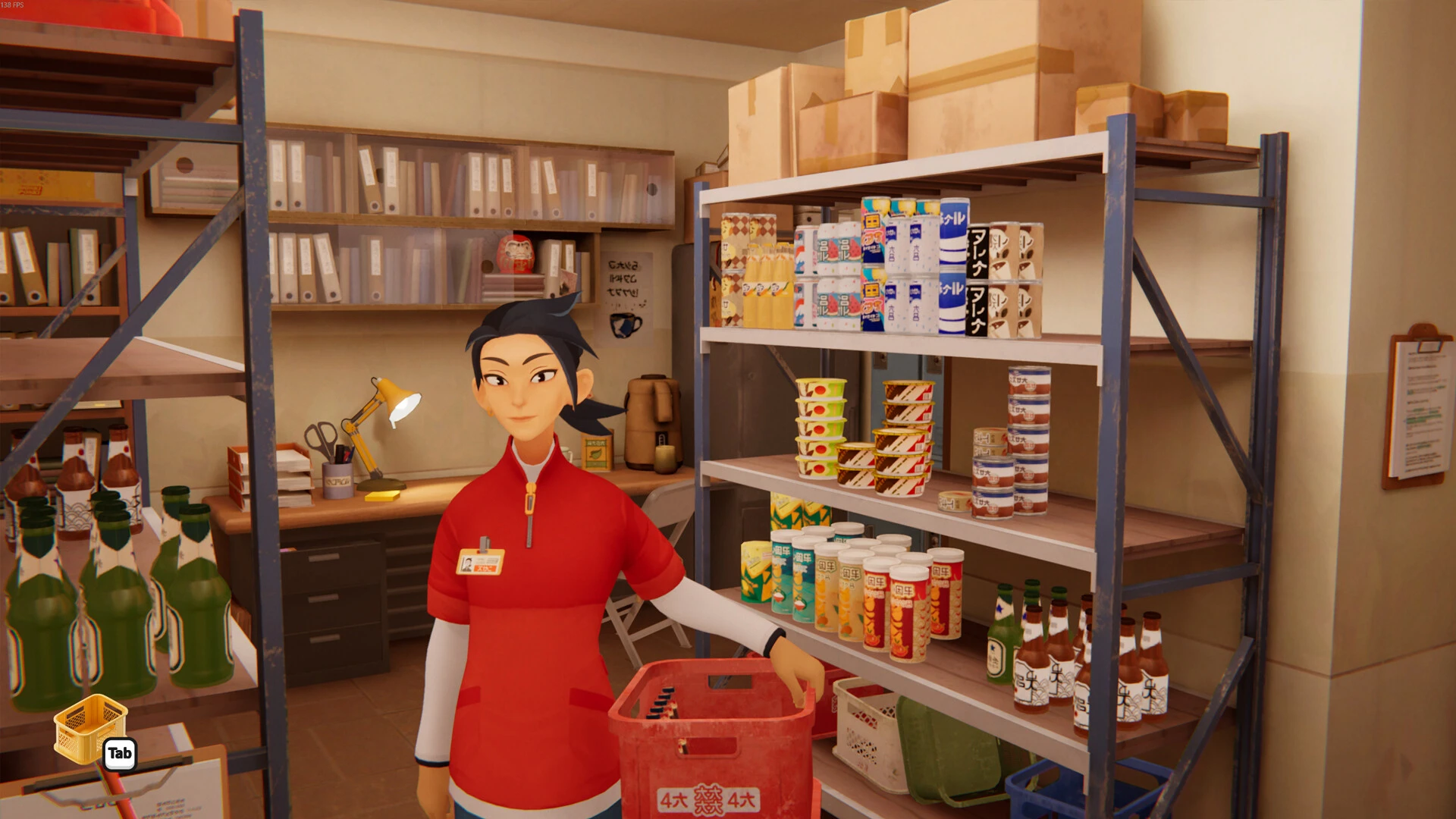
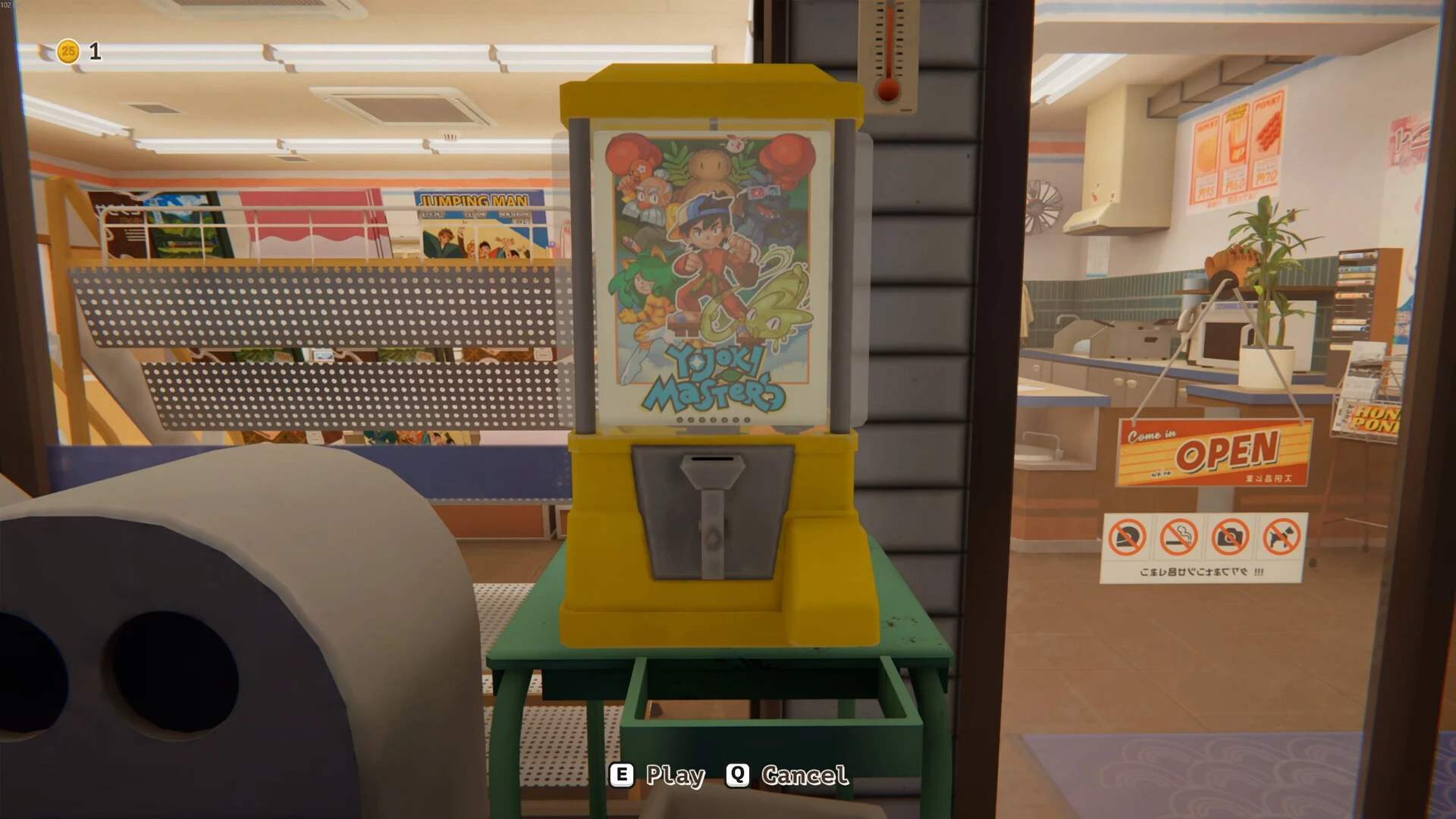
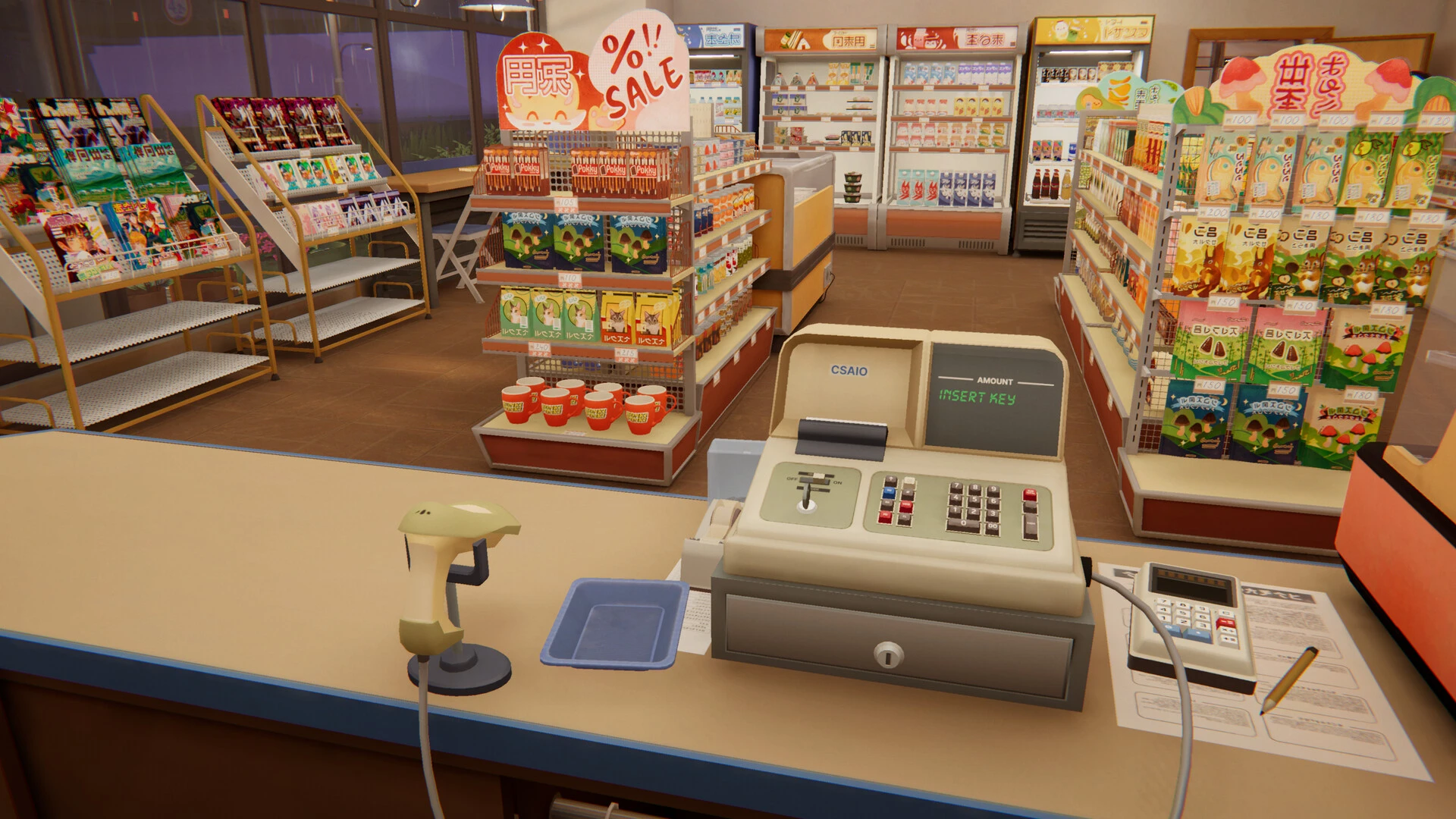
The world of indie games continues to create unique and moving experiences, and inKONBINI: One Shop. Many Stories is one of the most charming examples of modern storytelling in video games. With its warm atmosphere, relatable characters, and slice-of-life story, this narrative adventure offers players something different from action-focused titles. Instead of high-pressure battles and missions, this game invites players into a small convenience store where everyday conversations reveal meaningful human stories.
inKONBINI: One Shop. Many Stories is a narrative adventure that revolves around life inside a neighborhood convenience store, known in Japan as a "konbini." These stores are an integral part of daily life in Japan, serving as places where people not only shop but also connect with their community. The game uses this familiar setting to explore personal stories, memories, relationships, and the small moments that shape people's lives.
A Relaxing and Welcoming Atmosphere
One of the game's strengths is its tranquil environment. The soft background music, detailed interior design, and unhurried pace make for a peaceful and immersive experience. Players can calmly explore the store, observe the customers, and discover hidden details in the surroundings.
This inviting design makes the game perfect for those who enjoy relaxing experiences rather than frantic competition.
Deep Character Development
The heart of inKONBINI: One Store. Many stories lie in its characters. Each customer feels unique, with their own habits, personality, and emotional experiences. As players spend more time in the store, relationships develop naturally.
Some characters may visit the store daily, while others appear unexpectedly, bringing fresh conversations and perspectives. These interactions create an authentic and emotionally rewarding sense of community.
Visual Style and Art Design
The game features a beautiful visual style inspired by Japanese urban life. From shelves overflowing with everyday goods to carefully designed lighting effects, every detail contributes to the atmosphere.
The art direction captures the charm of neighborhood shops, creating a warm, nostalgic, and inviting ambiance.
Why does it excite players?
Games with a strong narrative focus continue to gain popularity as players seek meaningful experiences that transcend traditional gameplay. inKONBINI: One Store. Many Stories offers an emotional narrative, memorable characters, and a familiar yet comforting setting.
For fans of indie games with strong narratives, life simulation experiences, and character-driven adventures, this title offers something special.
Final Thoughts
inKONBINI: One Store. Many Stories demonstrates that even a small convenience store can hold countless meaningful stories. Through an emotional narrative, charming visuals, and relatable characters, the game creates an unforgettable experience that celebrates everyday life in a truly unique way.
Requires an Apple processorOS: macOS 10.13 (High Sierra) or laterProcessor: Apple M1Memory: 8 GBRAM Graphics: M1 or for Intel MacsStorage: 3.2 GB
Run the downloaded image and drag the application to the Applications folder shortcut.
Once copying is complete, the application can be launched via Launchpad.
Frequently Asked Questions
Mount the image and run Open Gatekeeper friendly.
Press Enter to bypass Gatekeeper in the Terminal window.
Drag the application to the Applications folder.
The application is ready for use.
ATTENTION! SIP must be disabled. Learn more >
Restart your Mac and hold down Command + R to enter Recovery Mode.
Open Terminal from the Utilities menu.
Enter the command: csrutil disable
Restart your Mac.
This is a common Gatekeeper issue. Follow these steps:
1. Open Terminal
2. Enter: sudo xattr -rd com.apple.quarantine /Applications/AppName.app
3. Replace "AppName" with the actual application name
4. Press Enter and enter your password
Yes, all our downloads are thoroughly checked for viruses and malware.
We use multiple antivirus engines to scan every file.
Our team tests each application before publishing.
We never bundle adware or unwanted software.
Yes, we regularly update our applications to the latest versions.
You can check our website for updates or subscribe to our newsletter.
We strive to provide the most recent versions within 24-48 hours of release.
If a download link is not working, please:
1. Try a different browser
2. Clear your browser cache and cookies
3. Try the alternative download links provided
4. Contact our support team if the issue persists