


Inscryption
Download Inscryption
Mount the downloaded image and drag the game to the Applications folder.
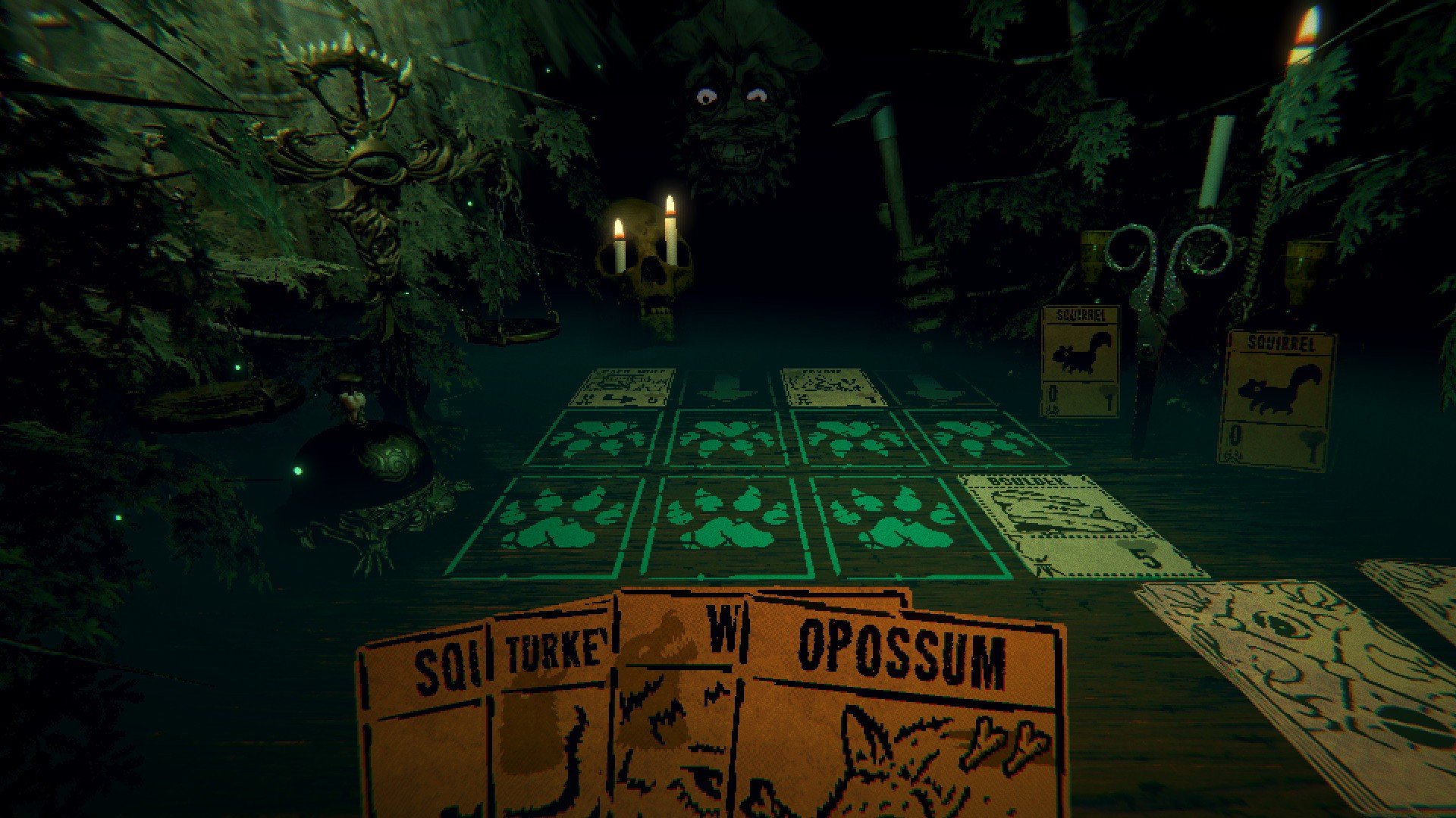
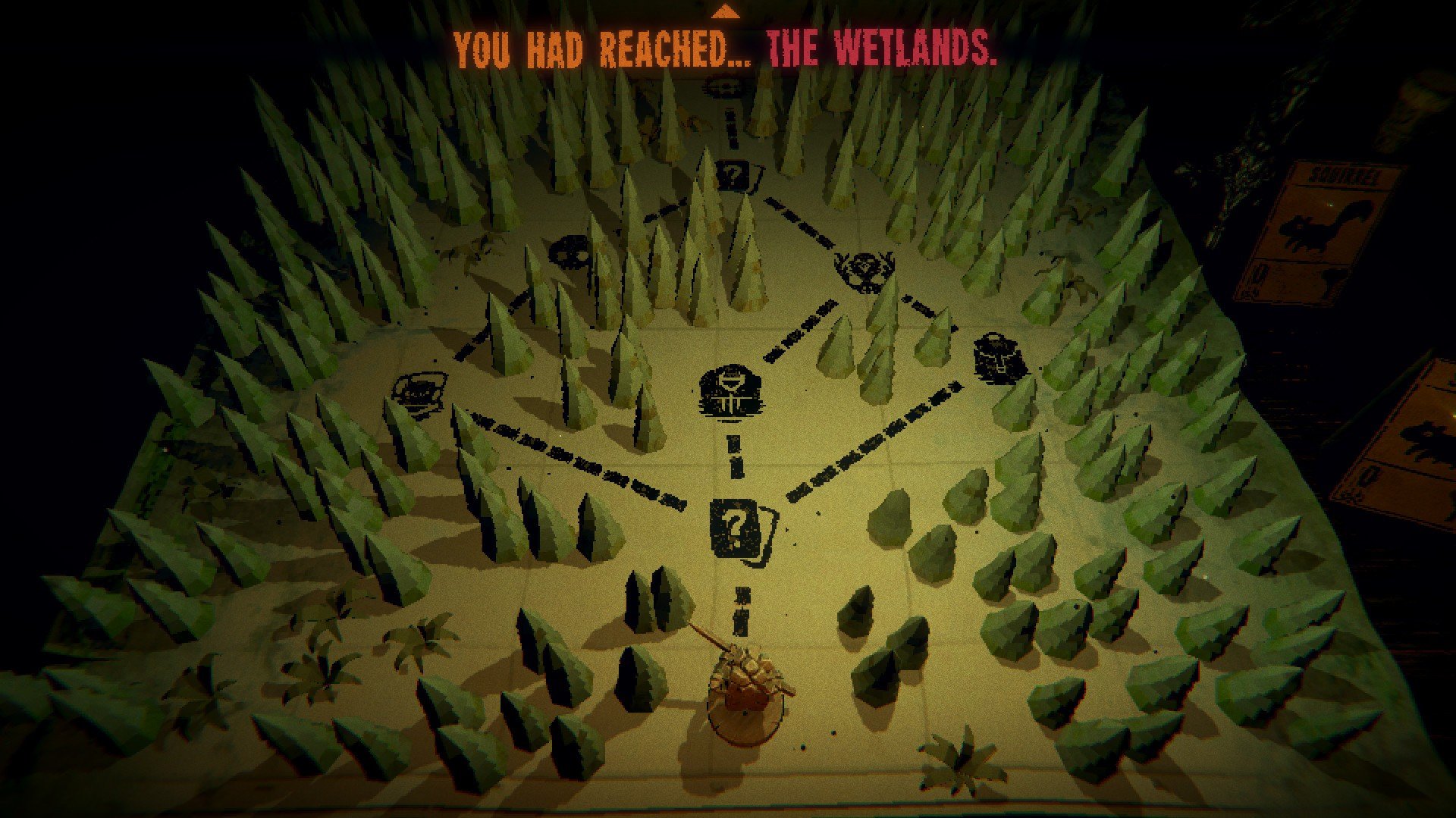

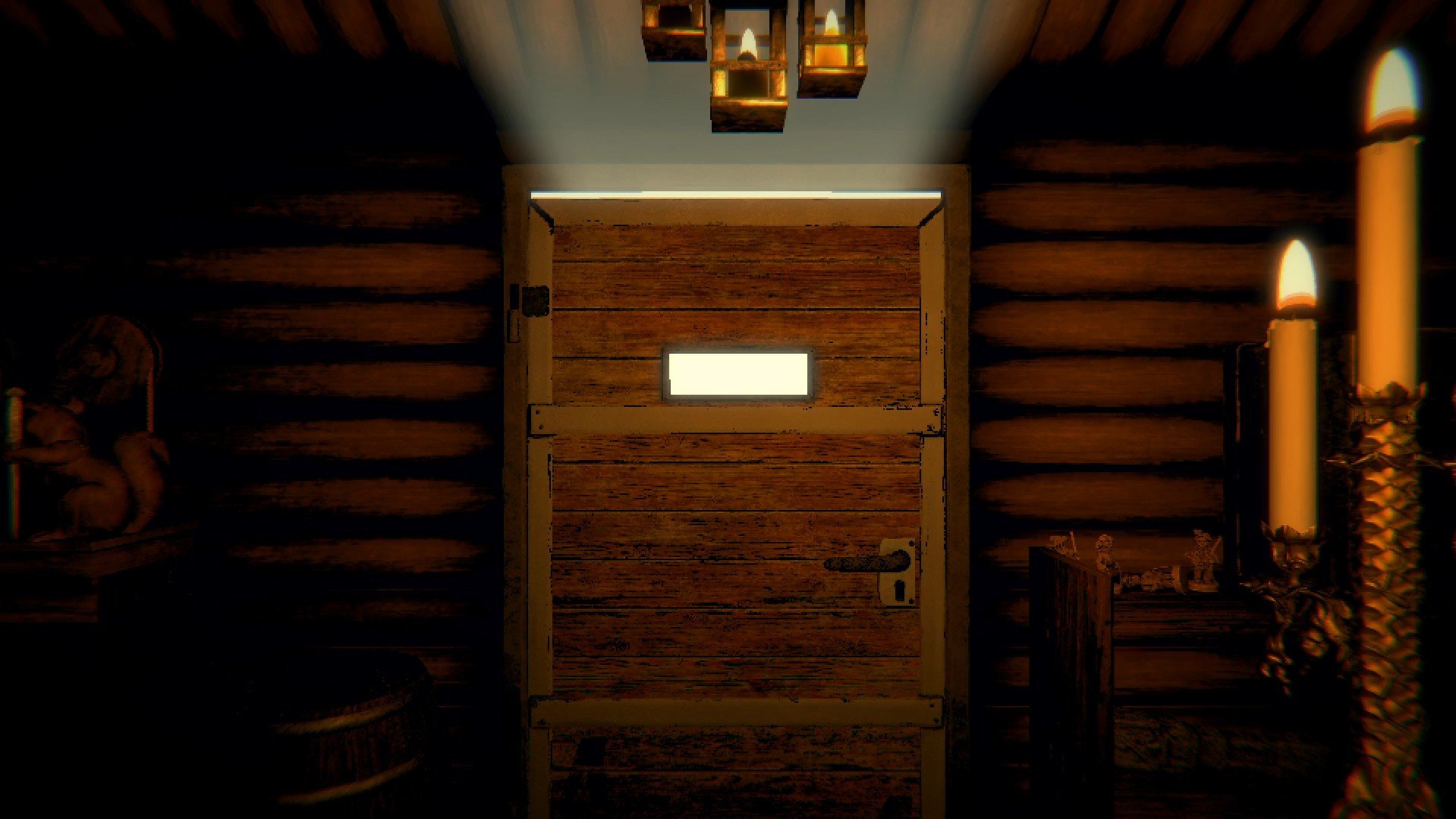
In the ever-expanding world of indie games, few titles manage to blend strategy, mystery, and psychological horror as effectively as Inscryption. Developed by Daniel Mullins Games, Inscryption is more than just a card game; it is a narrative-driven experience that constantly subverts player expectations, combining deck-building mechanics with a chilling story that unfolds in layers. The result is a game that is equal parts strategy, puzzle, and psychological thriller.
At first glance, Inscryption appears to be a simple card-battling game. Players face off against a mysterious figure in a dark cabin, using cards to summon creatures, attack, and defend. However, beneath this seemingly straightforward exterior lies a complex system of rules, hidden mechanics, and unpredictable events. Each card carries meaning, and every choice can have far-reaching consequences, encouraging players to think carefully about every move. The tension is heightened by the eerie atmosphere, which transforms each turn into a nerve-wracking decision-making process.
One of Inscryption’s most innovative features is its meta-narrative design. The game constantly breaks the fourth wall, incorporating elements of digital manipulation, hidden codes, and secret paths that reward curiosity. Players who explore the edges of the game—examining files, unlocking puzzles, or experimenting with unusual strategies—discover layers of storytelling that deepen the overall experience. This blending of in-game strategy and meta-puzzles makes Inscryption feel alive, as if the game itself is aware of the player’s presence and adapting accordingly.
The horror element of Inscryption is subtle yet highly effective. Rather than relying on jump scares, the game creates unease through atmosphere, sound design, and narrative tension. The dark, claustrophobic cabin setting, combined with unsettling creature designs and cryptic messages, keeps players constantly on edge. Even in moments of strategic gameplay, the sense of dread lingers, reminding players that every decision carries weight and that the consequences may be more sinister than they first appear.
Another standout aspect of Inscryption is its evolving gameplay. The game transitions through multiple phases, each introducing new mechanics and challenges. From the initial cabin-based card battles to later exploration and deck-building twists, Inscryption keeps players engaged by constantly shifting the rules. This unpredictability ensures that no two sessions feel the same, reinforcing the game’s themes of discovery and uncertainty.
The combination of strategic depth, narrative complexity, and psychological horror makes Inscryption a unique experience in the gaming landscape. It challenges players to think critically, pay attention to subtle cues, and embrace experimentation, all while immersing them in a dark, compelling story. The sense of achievement comes not only from winning battles but from uncovering hidden truths and piecing together the mysteries of the game world.
In conclusion, Inscryption is a remarkable blend of card strategy and immersive storytelling. Its clever design, unsettling atmosphere, and innovative use of meta-narrative mechanics make it a game that sticks with players long after the screen goes dark. For anyone seeking a game that challenges both the mind and the nerves, Inscryption is an unforgettable journey into the unknown.
OS: Mac OS X 10.13 or laterProcessor: Intel Core i5-5350U (2 * 1800) or equivalent; Intel Core i5-2400S (4 * 2500) or equivalentRAM: 8 GBVideo card: Intel HD Graphics 6000 or equivalent; Radeon HD 6750M (512 VRAM) or equivalentDisk space: 3 GB
Mount the downloaded image and drag the game to the Applications folder.
Frequently Asked Questions
Mount the image and run Open Gatekeeper friendly.
Press Enter to bypass Gatekeeper in the Terminal window.
Drag the application to the Applications folder.
The application is ready for use.
ATTENTION! SIP must be disabled. Learn more >
Restart your Mac and hold down Command + R to enter Recovery Mode.
Open Terminal from the Utilities menu.
Enter the command: csrutil disable
Restart your Mac.
This is a common Gatekeeper issue. Follow these steps:
1. Open Terminal
2. Enter: sudo xattr -rd com.apple.quarantine /Applications/AppName.app
3. Replace "AppName" with the actual application name
4. Press Enter and enter your password
Yes, all our downloads are thoroughly checked for viruses and malware.
We use multiple antivirus engines to scan every file.
Our team tests each application before publishing.
We never bundle adware or unwanted software.
Yes, we regularly update our applications to the latest versions.
You can check our website for updates or subscribe to our newsletter.
We strive to provide the most recent versions within 24-48 hours of release.
If a download link is not working, please:
1. Try a different browser
2. Clear your browser cache and cookies
3. Try the alternative download links provided
4. Contact our support team if the issue persists