


Into Evil
Download Into Evil
Run the downloaded image and drag the application to the Applications folder shortcut.
Once copying is complete, the application can be launched via Launchpad.
Previous Versions
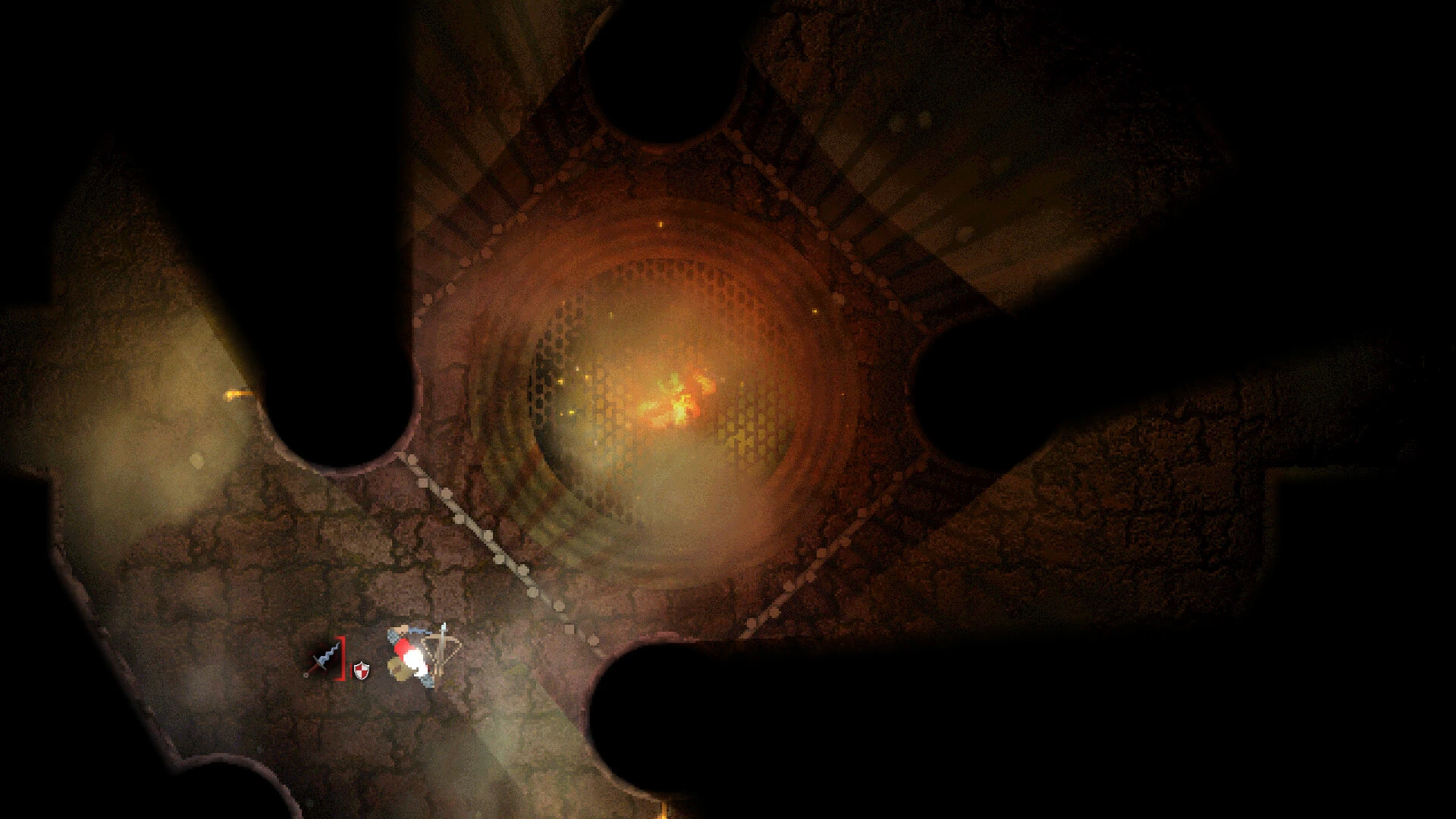
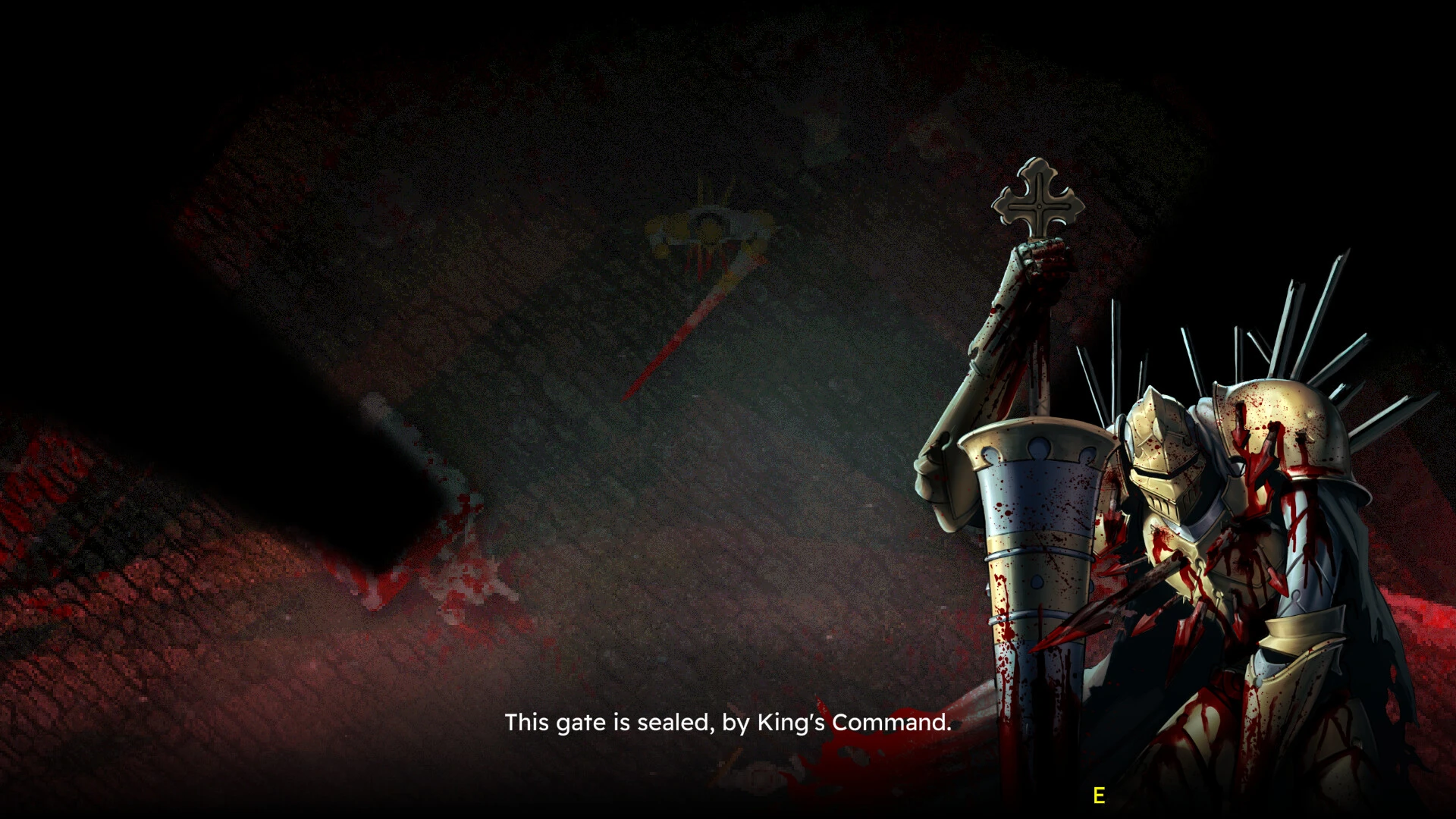
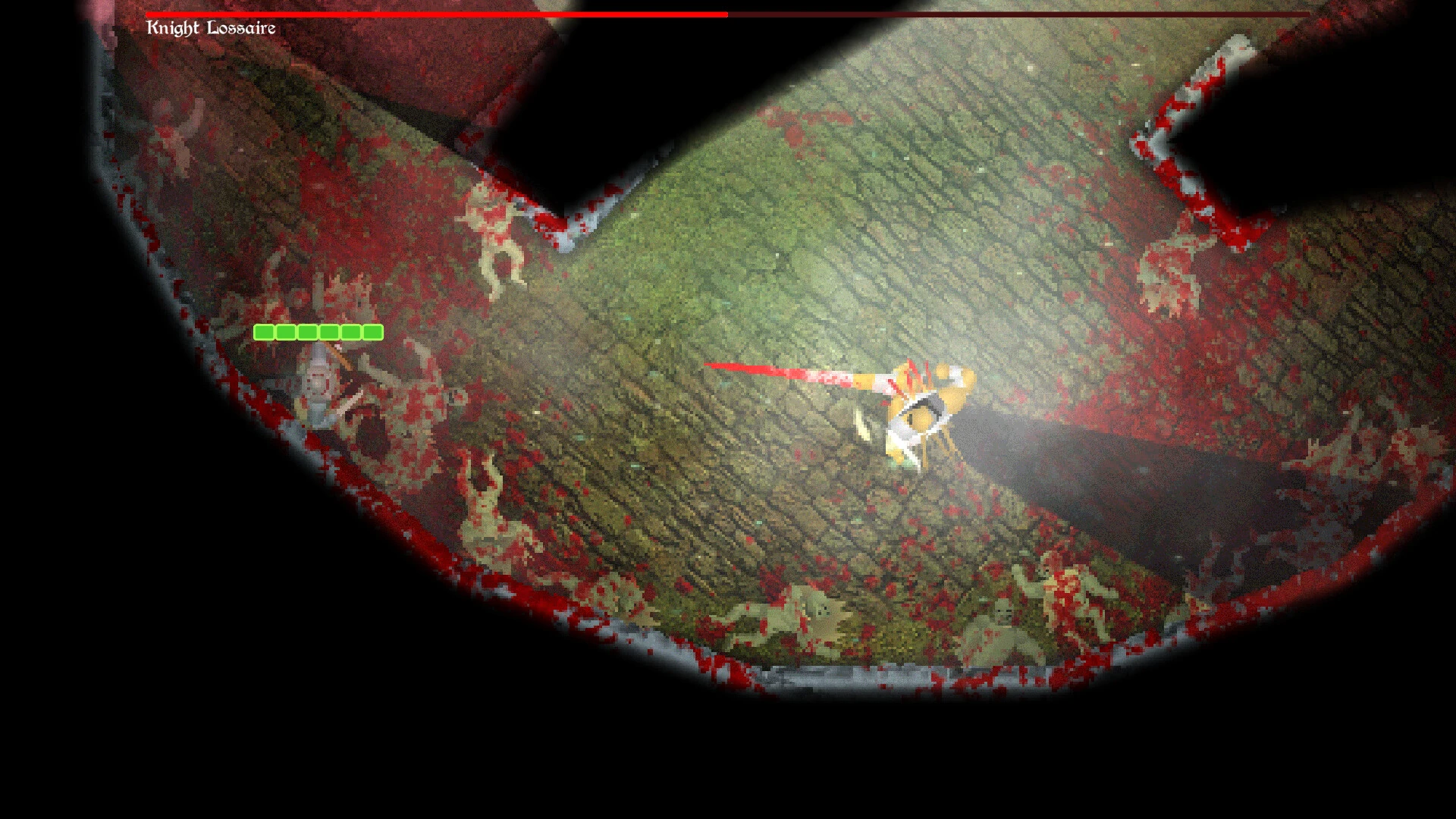
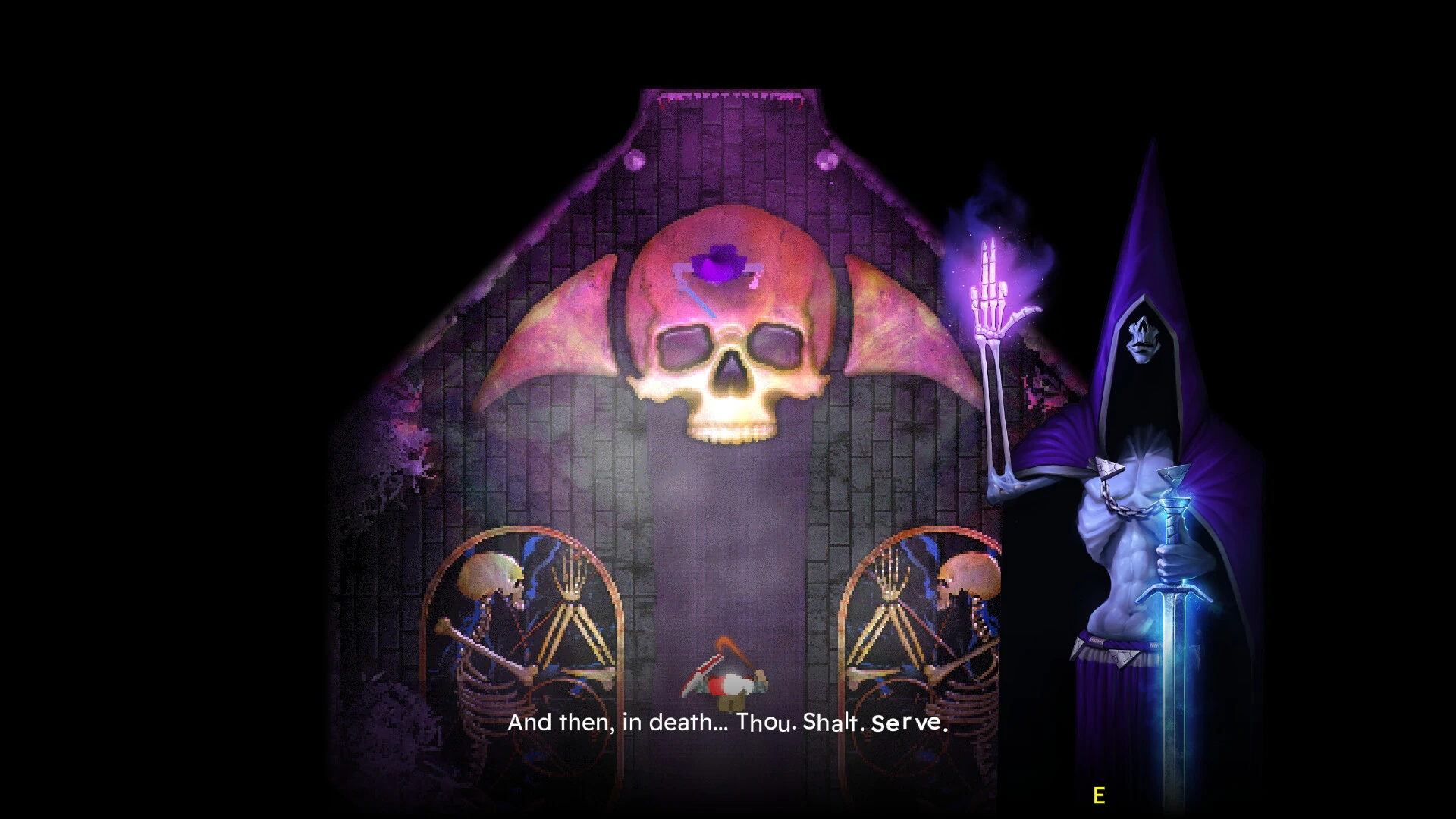
Into Evil is a dark and unforgiving action-horror experience that throws players into a world shaped by decay, danger, and relentless tension. Rather than offering comfort or guidance, the game challenges players to face the unknown with limited resources and constant threats. Every step forward feels earned, making survival not just a goal, but a test of patience and skill.
The game is set in a grim fantasy environment where ancient ruins, corrupted creatures, and cursed lands dominate the landscape. The world feels hostile from the moment players enter it, with narrow corridors, shadow-filled chambers, and unpredictable enemies creating a sense of constant unease. There is no sense of safety, only brief moments of calm before the next encounter pulls players deeper into the darkness.
What truly defines Into Evil is its deliberate pacing. Combat is intense and punishing, demanding precision rather than reckless aggression. Enemies hit hard, and mistakes are costly. Players must carefully time attacks, manage stamina, and choose when to engage or retreat. This creates a rewarding combat loop where success comes from learning enemy behavior and mastering movement, not from overpowering opponents.
Exploration plays a crucial role in the experience. The world is filled with hidden paths, secret chambers, and forgotten relics that reward curiosity. However, exploration is never risk-free. Venturing off the main path may lead to valuable upgrades or rare weapons, but it can also place players in deadly situations with little chance of escape. This balance between reward and danger keeps tension high and encourages thoughtful decision-making.
The visual design of Into Evil reinforces its bleak tone. Environments are detailed yet oppressive, filled with crumbling stone, eerie lighting, and unsettling imagery. The lack of bright colors and comforting spaces enhances the feeling of isolation, making the world feel abandoned and cursed. Sound design further amplifies this atmosphere, using distant echoes, subtle environmental noises, and sudden audio cues to keep players on edge.
Storytelling in Into Evil is subtle and fragmented. Instead of direct exposition, the narrative unfolds through environmental details, item descriptions, and visual clues. Players piece together the history of the world and its downfall by paying attention to their surroundings. This approach invites interpretation and encourages players to engage with the lore at their own pace, making discoveries feel personal and rewarding.
Progression in the game is meaningful but restrained. Weapons and abilities improve gradually, ensuring that players never feel overpowered. Each upgrade feels significant, offering new strategies without removing the sense of vulnerability that defines the experience. This careful balance keeps the game challenging from start to finish.
In conclusion, Into Evil is a raw and immersive descent into survival horror. Its demanding combat, haunting atmosphere, and thoughtful design create an experience that respects the player’s intelligence and perseverance. For those who enjoy challenging games that reward patience, awareness, and resilience, Into Evil delivers a journey that is as brutal as it is unforgettable.
RAM: 2 GB RAMVideo Card: Like pretty much anything
Run the downloaded image and drag the application to the Applications folder shortcut.
Once copying is complete, the application can be launched via Launchpad.
Frequently Asked Questions
Mount the image and run Open Gatekeeper friendly.
Press Enter to bypass Gatekeeper in the Terminal window.
Drag the application to the Applications folder.
The application is ready for use.
ATTENTION! SIP must be disabled. Learn more >
Restart your Mac and hold down Command + R to enter Recovery Mode.
Open Terminal from the Utilities menu.
Enter the command: csrutil disable
Restart your Mac.
This is a common Gatekeeper issue. Follow these steps:
1. Open Terminal
2. Enter: sudo xattr -rd com.apple.quarantine /Applications/AppName.app
3. Replace "AppName" with the actual application name
4. Press Enter and enter your password
Yes, all our downloads are thoroughly checked for viruses and malware.
We use multiple antivirus engines to scan every file.
Our team tests each application before publishing.
We never bundle adware or unwanted software.
Yes, we regularly update our applications to the latest versions.
You can check our website for updates or subscribe to our newsletter.
We strive to provide the most recent versions within 24-48 hours of release.
If a download link is not working, please:
1. Try a different browser
2. Clear your browser cache and cookies
3. Try the alternative download links provided
4. Contact our support team if the issue persists