


Is this Game Trying to Kill Me?
Download Is this Game Trying to Kill Me?
Run the downloaded image and drag the application to the Applications folder shortcut.
Once copying is complete, the application can be launched via Launchpad.
Previous Versions

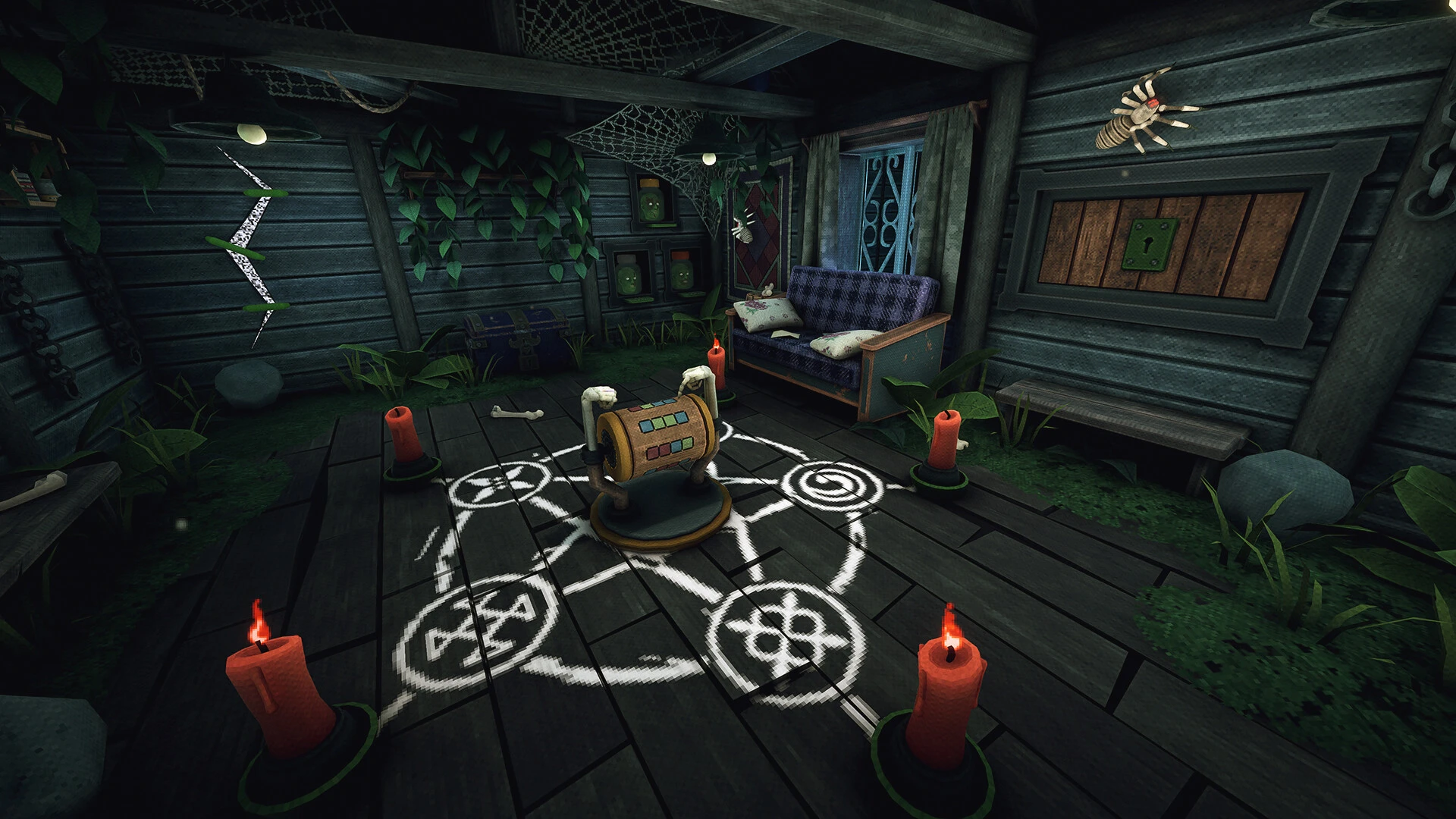

At first glance, Is This Game Trying to Kill Me? sounds like a joke—an exaggerated complaint every gamer has muttered after a cheap hit or unexpected death. But once you step into its world, the title feels less like humor and more like a warning. This game is unapologetically hostile, deliberately confusing, and intensely memorable, designed to test not only your reflexes but also your patience, awareness, and instincts.
What sets this game apart is its philosophy. It does not want to teach you gently. There are no glowing arrows, no extended tutorials holding your hand, and no forgiving checkpoints waiting after every mistake. Instead, the game thrives on uncertainty. Enemies appear when you least expect them, environments behave unpredictably, and the rules you think you understand are often broken moments later. Every step forward feels earned, and every failure feels personal.
The core gameplay revolves around survival under pressure. Whether you are navigating deadly traps, solving cryptic challenges, or avoiding sudden threats, the game constantly forces you to stay alert. It rewards observation rather than speed and curiosity rather than blind aggression. Players who rush ahead are often punished, while those who take time to study patterns and experiment carefully tend to last longer. In this way, the game quietly teaches discipline through repeated failure.
Atmosphere plays a major role in the experience. The sound design is minimal but effective, using silence as a weapon. Footsteps echo too loudly, distant noises trigger paranoia, and sudden audio cues can jolt even experienced players. Visually, the game leans into unease rather than spectacle. Dark corners, distorted environments, and subtle visual tricks make it difficult to trust what you see. You are never fully comfortable, and that discomfort is exactly the point.
What truly makes Is This Game Trying to Kill Me? stand out is how it treats death. Dying is not just a setback; it is part of the learning process. Each failure reveals something new—a hidden mechanic, a dangerous habit, or a wrong assumption you made earlier. The game expects you to adapt, not complain. Over time, players begin to recognize that the game is not unfair; it is brutally honest. It punishes carelessness and rewards respect for its systems.
Despite its cruelty, the game never feels meaningless. There is a strange satisfaction in overcoming a challenge that once felt impossible. The moment you survive a sequence that killed you repeatedly is genuinely rewarding. It creates a powerful sense of growth, proving that persistence and attention matter more than raw skill.
In the end, Is This Game Trying to Kill Me? is not just about survival in a virtual world—it is about mindset. It challenges players to stay calm under pressure, learn from mistakes, and accept failure as part of progress. The game may feel like it wants you gone, but if you stick with it, you realize something surprising: it is not trying to kill you—it is trying to make you better.
▎Apple Silicon (ARM)- macOS Tahoe 26.1-26.2 and later. - Apple Silicon (M1-M5, M Pro/Max/Ultra).- ±8 GB of shared memory.- ±4 GB free space.▎Dualshock/Dualsense gamepad support available
Run the downloaded image and drag the application to the Applications folder shortcut.
Once copying is complete, the application can be launched via Launchpad.
Frequently Asked Questions
Mount the image and run Open Gatekeeper friendly.
Press Enter to bypass Gatekeeper in the Terminal window.
Drag the application to the Applications folder.
The application is ready for use.
ATTENTION! SIP must be disabled. Learn more >
Restart your Mac and hold down Command + R to enter Recovery Mode.
Open Terminal from the Utilities menu.
Enter the command: csrutil disable
Restart your Mac.
This is a common Gatekeeper issue. Follow these steps:
1. Open Terminal
2. Enter: sudo xattr -rd com.apple.quarantine /Applications/AppName.app
3. Replace "AppName" with the actual application name
4. Press Enter and enter your password
Yes, all our downloads are thoroughly checked for viruses and malware.
We use multiple antivirus engines to scan every file.
Our team tests each application before publishing.
We never bundle adware or unwanted software.
Yes, we regularly update our applications to the latest versions.
You can check our website for updates or subscribe to our newsletter.
We strive to provide the most recent versions within 24-48 hours of release.
If a download link is not working, please:
1. Try a different browser
2. Clear your browser cache and cookies
3. Try the alternative download links provided
4. Contact our support team if the issue persists