


Lynn The Girl Drawn On Puzzles
Download Lynn The Girl Drawn On Puzzles
Unzip the archive and follow the standard installation procedure.
Installation concludes with selecting a location for the game.
It is recommended to select the Applications folder.
Previous Versions
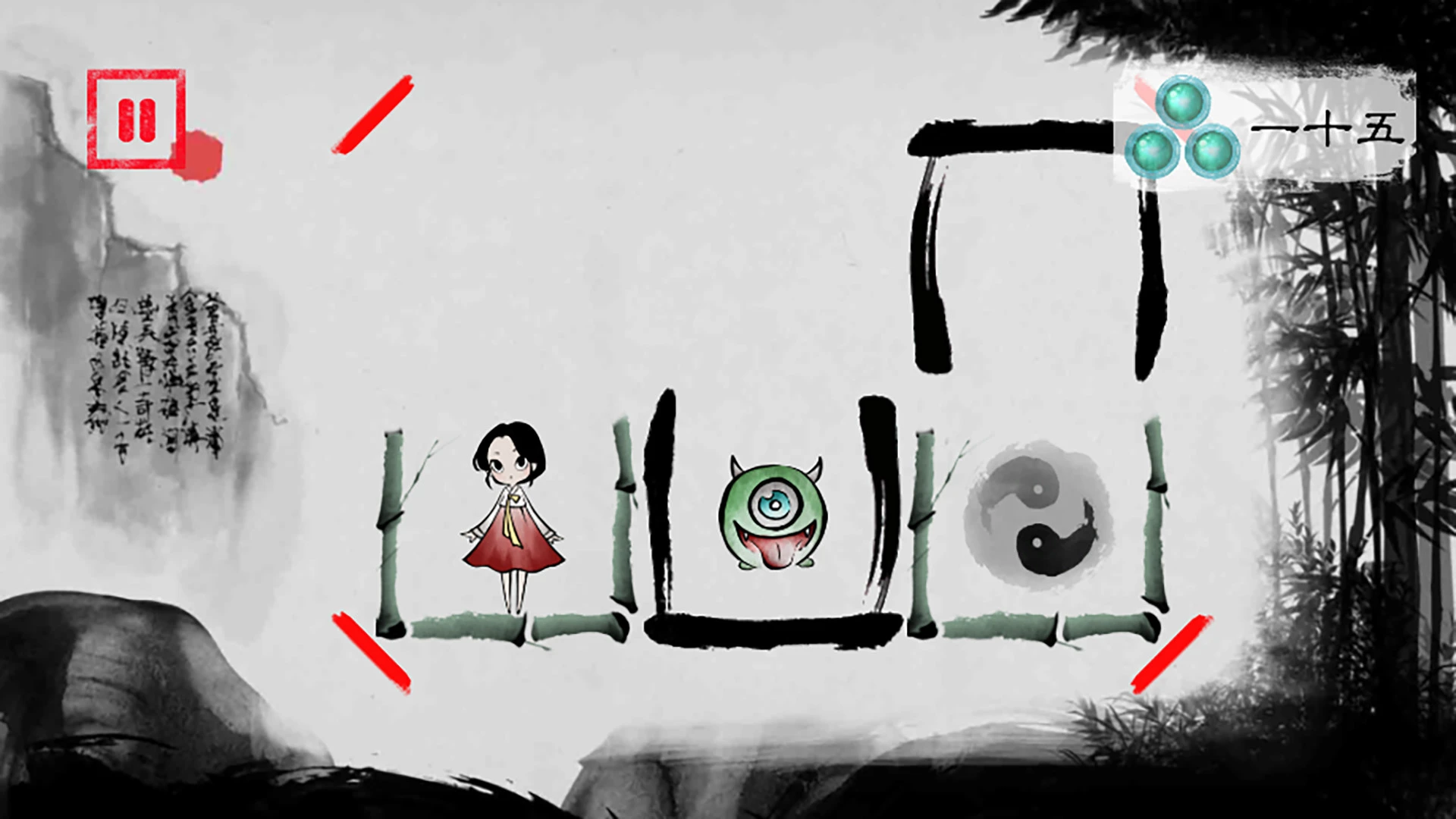
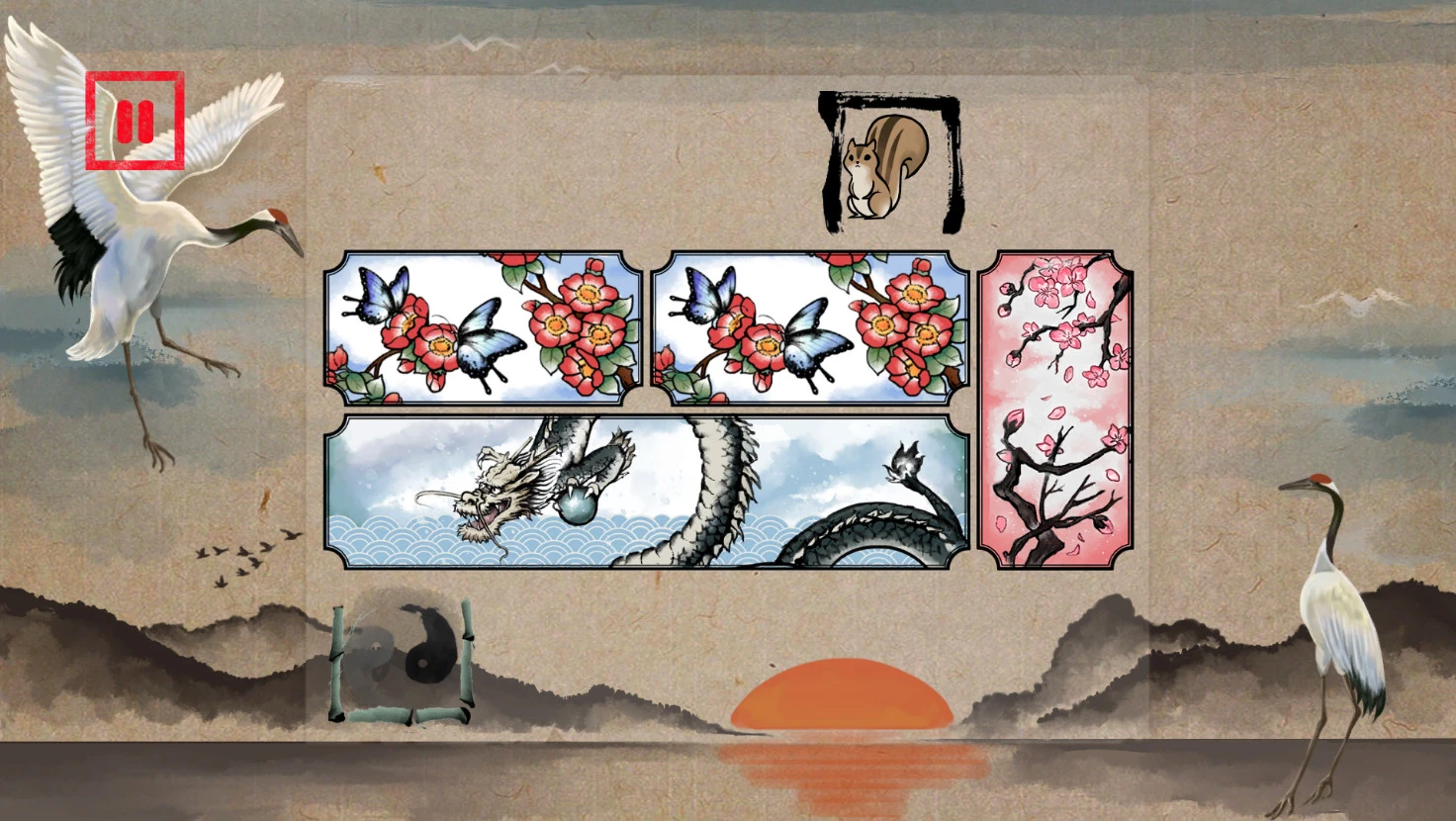
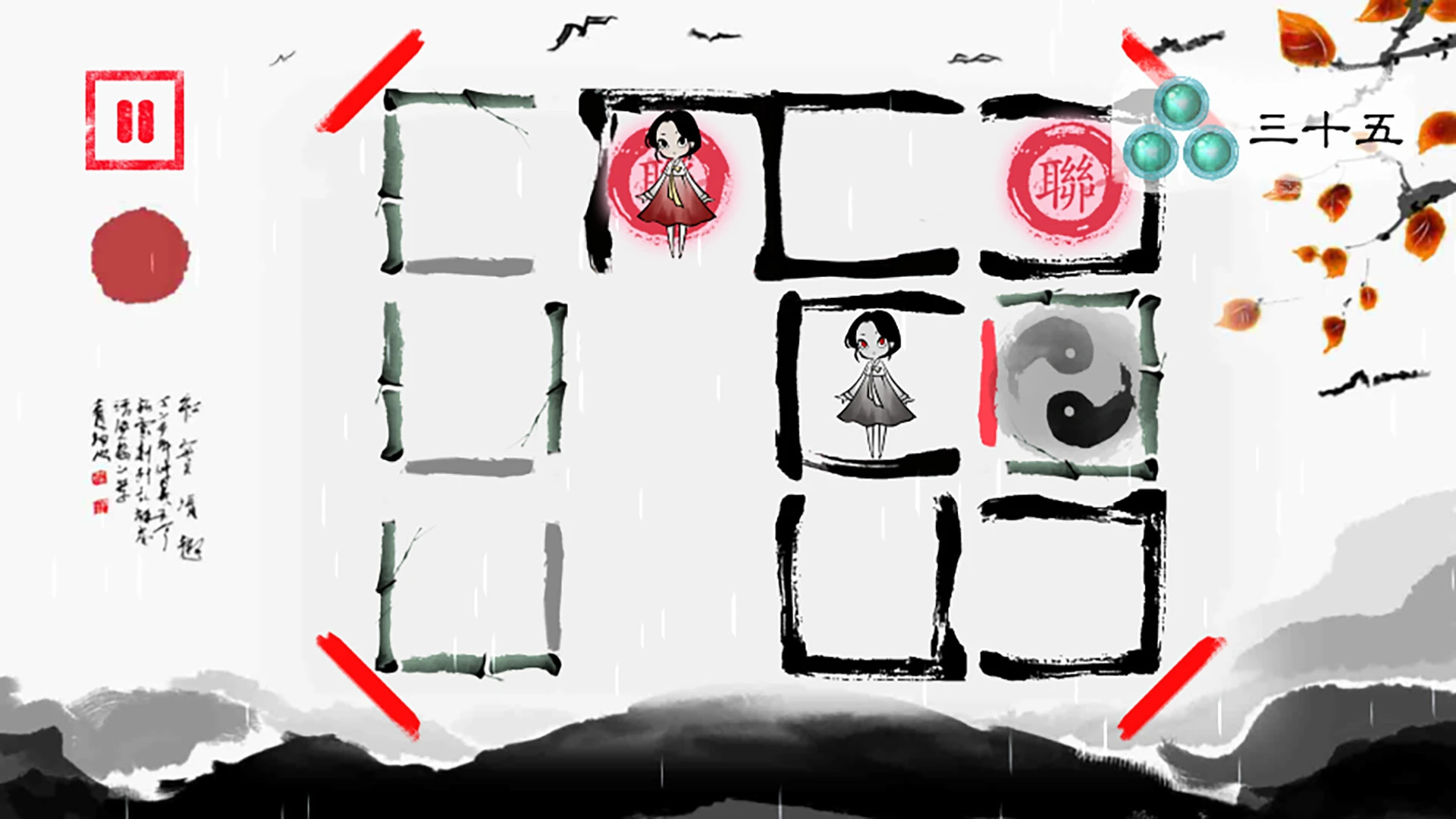
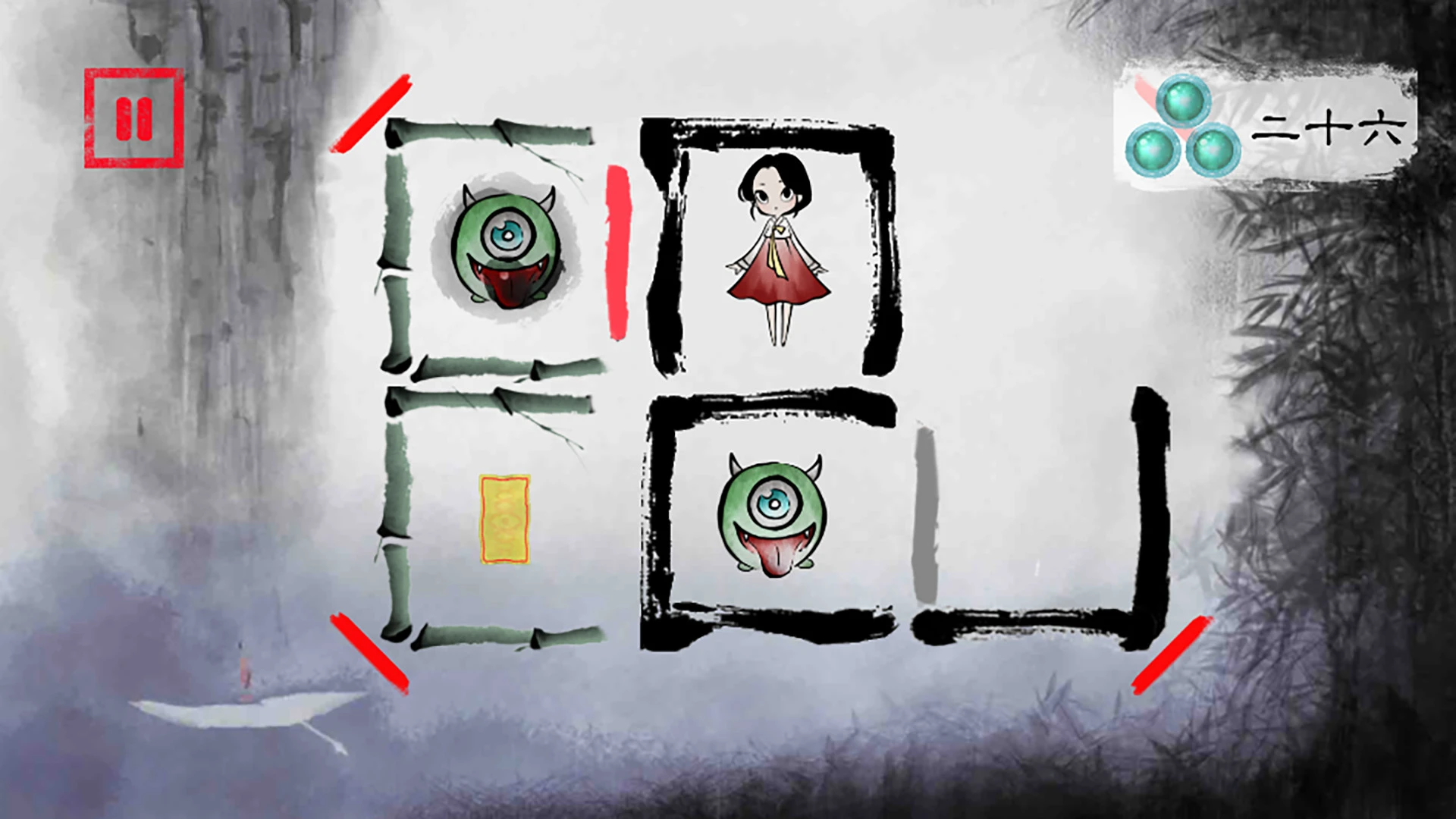
Lynn: The Girl Drawn On Puzzles is a charming and innovative puzzle-adventure game that seamlessly blends storytelling, visual artistry, and brain-teasing challenges. Developed with a focus on creativity and emotional engagement, the game transports players into a world where art and puzzles are intertwined, offering a one-of-a-kind gaming experience that appeals to both casual players and puzzle enthusiasts alike.
At the heart of the game is Lynn, a young girl who exists within a vibrant, hand-drawn world. The narrative unfolds as players guide her through intricate puzzles and obstacles, uncovering secrets and unraveling the story behind her mysterious existence. The game’s plot is simple yet emotionally engaging, exploring themes of creativity, self-discovery, and the power of imagination. Each puzzle serves not only as a gameplay challenge but also as a narrative device, gradually revealing Lynn’s world and the challenges she faces.
The gameplay in Lynn: The Girl Drawn On Puzzles is its most distinctive feature. Players interact with a variety of puzzle types, each cleverly integrated into the environment. From sliding tiles and connecting pathways to manipulating objects and decoding patterns, the game encourages logical thinking and experimentation. Unlike traditional puzzle games, Lynn treats puzzles as living elements of the world; solving them often leads to visual and narrative rewards, enhancing both immersion and satisfaction.
One of the game’s standout aspects is its artistic presentation. The entire world is rendered in a hand-drawn style reminiscent of a sketchbook come to life. Every environment, character, and puzzle piece is carefully crafted, creating a cohesive aesthetic that is both visually striking and emotionally resonant. The visual design is complemented by subtle animations that bring the world to life, from swaying trees and flowing water to dynamic puzzle interactions that make the gameplay feel tactile and interactive.
Sound design in Lynn further enhances the experience. The game features a soft, melodic soundtrack that matches its whimsical, artistic tone. Ambient sounds, such as footsteps, rustling leaves, and puzzle feedback, provide subtle cues and reinforce the sense of immersion. This careful attention to audio detail ensures that players are fully absorbed in the world, where every action feels meaningful and every solved puzzle is a reward in itself.
Exploration is another key element of Lynn: The Girl Drawn On Puzzles. Players are encouraged to examine every corner of the environment, discover hidden pathways, and uncover secrets that add depth to the narrative. This focus on discovery makes the game feel expansive despite its puzzle-centered gameplay, giving players a sense of agency and accomplishment as they progress.
In conclusion, Lynn: The Girl Drawn On Puzzles is a masterful fusion of art, storytelling, and inventive puzzle design. Its hand-drawn aesthetic, emotionally engaging narrative, and thoughtfully designed challenges make it a standout title in the puzzle-adventure genre. For players who appreciate creativity, intricate puzzles, and immersive worlds, Lynn offers a truly unique experience that celebrates both imagination and intellect.
64-bit processor and operating system. OS: OS X version Leopard 10.5.8, Snow Leopard 10.6.3, or later.Processor: Intel Mac 2.5 GHz.Memory: 500 MB RAM.
Unzip the archive and follow the standard installation procedure.
Installation concludes with selecting a location for the game.
It is recommended to select the Applications folder.
Frequently Asked Questions
Mount the image and run Open Gatekeeper friendly.
Press Enter to bypass Gatekeeper in the Terminal window.
Drag the application to the Applications folder.
The application is ready for use.
ATTENTION! SIP must be disabled. Learn more >
Restart your Mac and hold down Command + R to enter Recovery Mode.
Open Terminal from the Utilities menu.
Enter the command: csrutil disable
Restart your Mac.
This is a common Gatekeeper issue. Follow these steps:
1. Open Terminal
2. Enter: sudo xattr -rd com.apple.quarantine /Applications/AppName.app
3. Replace "AppName" with the actual application name
4. Press Enter and enter your password
Yes, all our downloads are thoroughly checked for viruses and malware.
We use multiple antivirus engines to scan every file.
Our team tests each application before publishing.
We never bundle adware or unwanted software.
Yes, we regularly update our applications to the latest versions.
You can check our website for updates or subscribe to our newsletter.
We strive to provide the most recent versions within 24-48 hours of release.
If a download link is not working, please:
1. Try a different browser
2. Clear your browser cache and cookies
3. Try the alternative download links provided
4. Contact our support team if the issue persists