


Mars Horizon
Download Mars Horizon
Run the downloaded image and drag the application to the Applications folder shortcut.
Once the copy is complete, you can launch the application from Launchpad.
Previous Versions
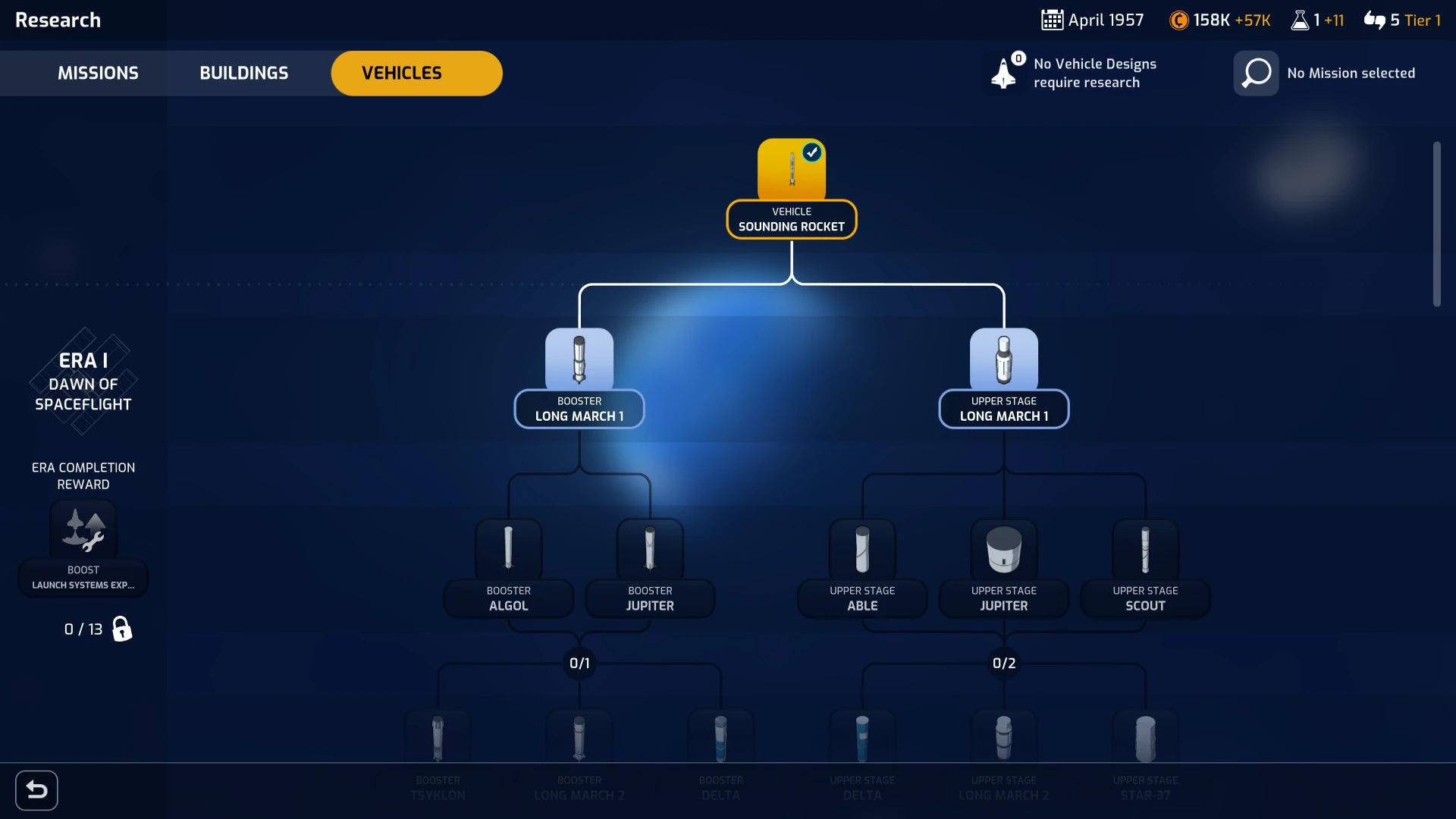
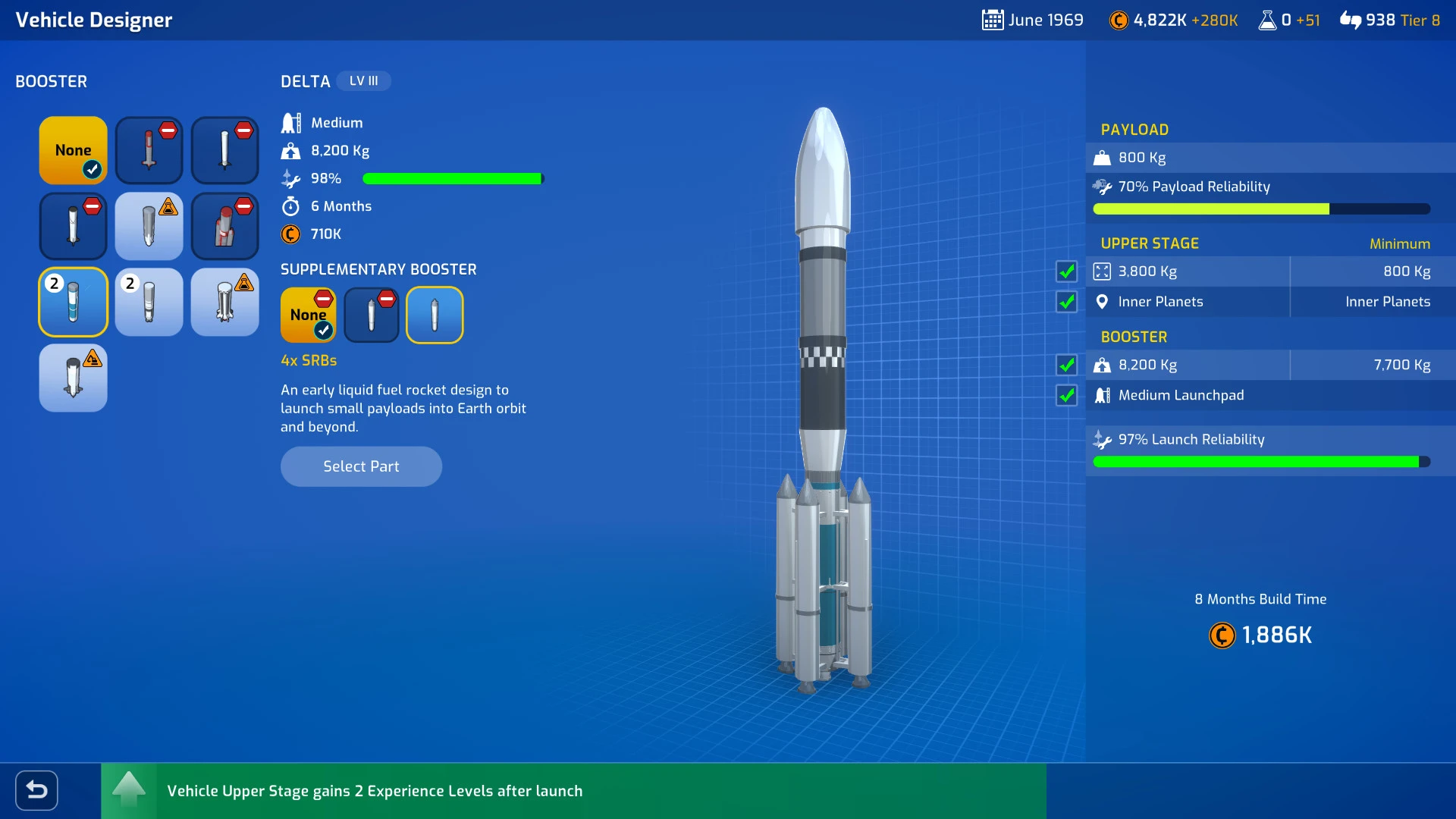
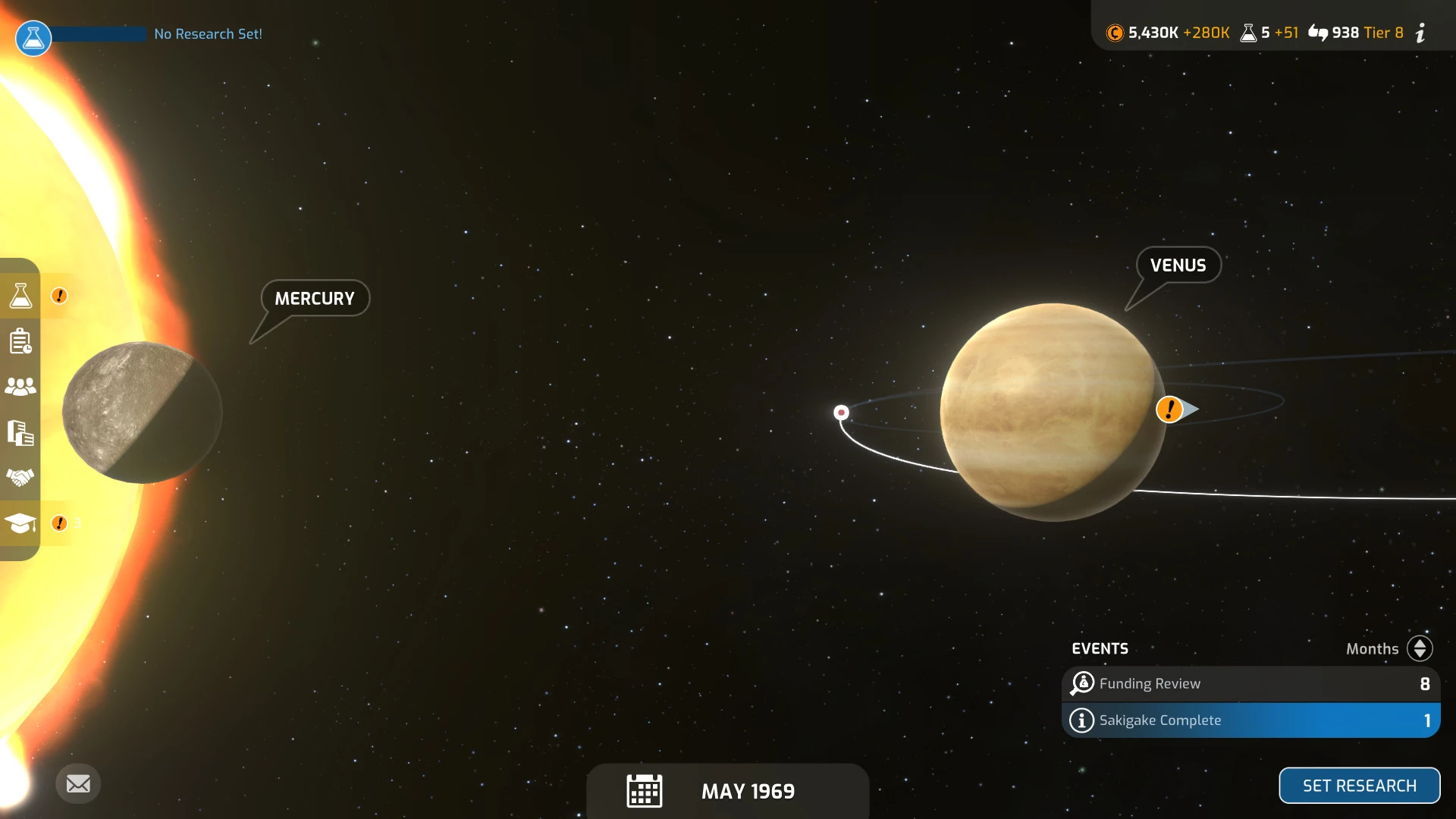
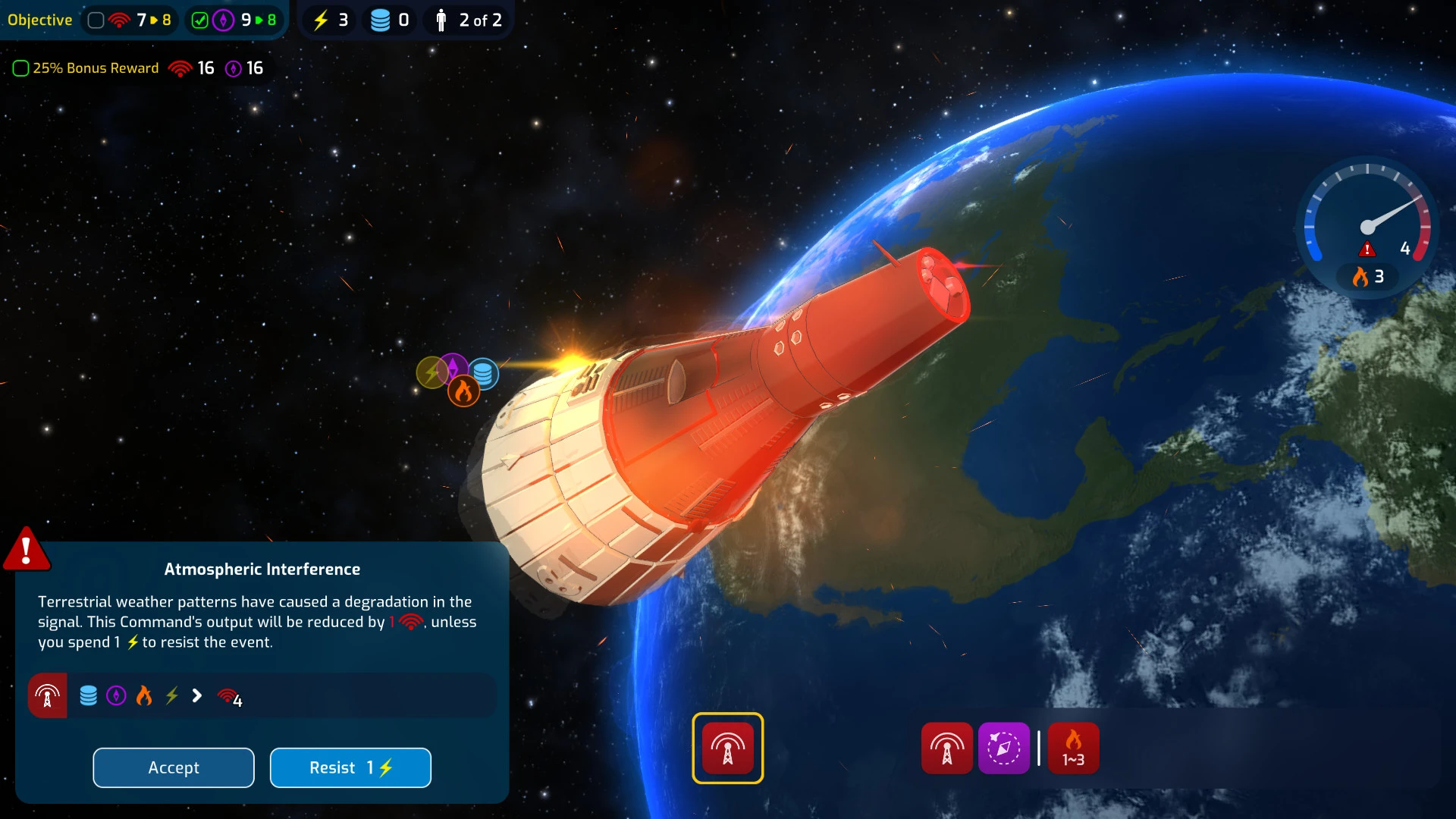
Mars Horizon is a strategy simulation that places players at the heart of humanity’s greatest ambition: exploring the final frontier. Instead of focusing on action or combat, the game invites players to step into the role of a space agency director, making thoughtful decisions that shape the future of space travel. From the earliest rocket launches to ambitious missions toward Mars, every choice carries weight and consequence.
The experience begins during the early days of space exploration, when technology is unreliable and failure is part of progress. Players must design rockets, plan missions, and manage limited resources while balancing public support and scientific advancement. Success is never guaranteed, which makes every launch feel tense and meaningful. A single miscalculation can result in a failed mission, reinforcing the realism that defines Mars Horizon’s core gameplay.
One of the game’s strongest elements is its research and development system. As players progress, they unlock new technologies that allow for more complex missions and improved spacecraft. Each advancement opens fresh opportunities while also introducing new challenges. Choosing which projects to prioritize becomes a strategic puzzle, encouraging long-term planning rather than quick victories.
Mars Horizon also excels in portraying the human side of space exploration. Scientists, engineers, and astronauts are not just statistics on a screen; they are individuals whose skills and morale influence mission outcomes. Managing these teams effectively adds emotional depth, as players grow attached to their crews and feel genuine tension when a mission is at risk. The sense of responsibility creates a powerful connection between the player and the unfolding story.
Visually, the game adopts a clean and approachable art style that complements its thoughtful gameplay. Detailed spacecraft designs, launch sequences, and planetary surfaces capture the wonder of space without overwhelming the player. The interface is intuitive, allowing newcomers to understand complex systems while still offering depth for experienced strategy fans.
Sound design further enhances the atmosphere. Subtle music and ambient effects create a feeling of anticipation and discovery, especially during critical moments like launches and landings. Silence is used effectively, reminding players of the vastness and uncertainty of space. These audio elements work together to make each mission feel significant.
What sets Mars Horizon apart is its balance between realism and accessibility. While inspired by real historical events and scientific principles, the game remains approachable and enjoyable. It teaches players about the challenges of space exploration without feeling like a lesson, blending education and entertainment seamlessly.
In conclusion, Mars Horizon is a thoughtful and engaging simulation that captures the excitement, risk, and wonder of reaching beyond Earth. Through strategic decision-making, emotional investment, and immersive presentation, it delivers an experience that feels both inspiring and grounded. For anyone curious about the journey from the launchpad to the red planet, Mars Horizon offers a compelling and unforgettable adventure.
OS: 10.15 (macOS Catalina)Processor: 3.2 GHz Intel Core i7RAM: 16 GB RAMVideo card: Intel UHD Graphics 630Disk space: 4 GB
Run the downloaded image and drag the application to the Applications folder shortcut.
Once the copy is complete, you can launch the application from Launchpad.
Frequently Asked Questions
Mount the image and run Open Gatekeeper friendly.
Press Enter to bypass Gatekeeper in the Terminal window.
Drag the application to the Applications folder.
The application is ready for use.
ATTENTION! SIP must be disabled. Learn more >
Restart your Mac and hold down Command + R to enter Recovery Mode.
Open Terminal from the Utilities menu.
Enter the command: csrutil disable
Restart your Mac.
This is a common Gatekeeper issue. Follow these steps:
1. Open Terminal
2. Enter: sudo xattr -rd com.apple.quarantine /Applications/AppName.app
3. Replace "AppName" with the actual application name
4. Press Enter and enter your password
Yes, all our downloads are thoroughly checked for viruses and malware.
We use multiple antivirus engines to scan every file.
Our team tests each application before publishing.
We never bundle adware or unwanted software.
Yes, we regularly update our applications to the latest versions.
You can check our website for updates or subscribe to our newsletter.
We strive to provide the most recent versions within 24-48 hours of release.
If a download link is not working, please:
1. Try a different browser
2. Clear your browser cache and cookies
3. Try the alternative download links provided
4. Contact our support team if the issue persists