


Survivors of the Dawn
Download Survivors of the Dawn
Run the downloaded image and drag the application to the Applications folder shortcut.
Once the copy is complete, you can launch the application from Launchpad.
Previous Versions
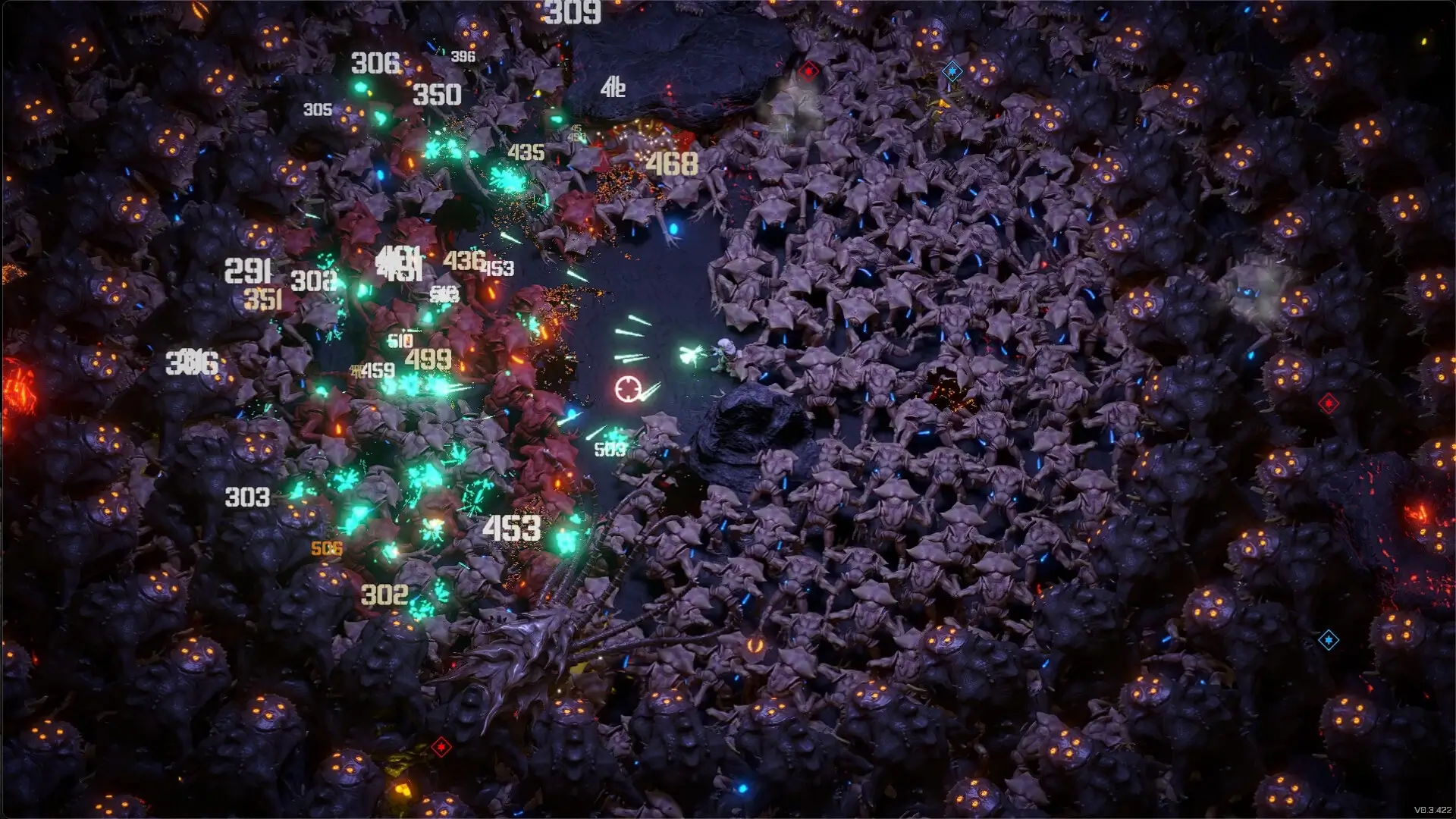
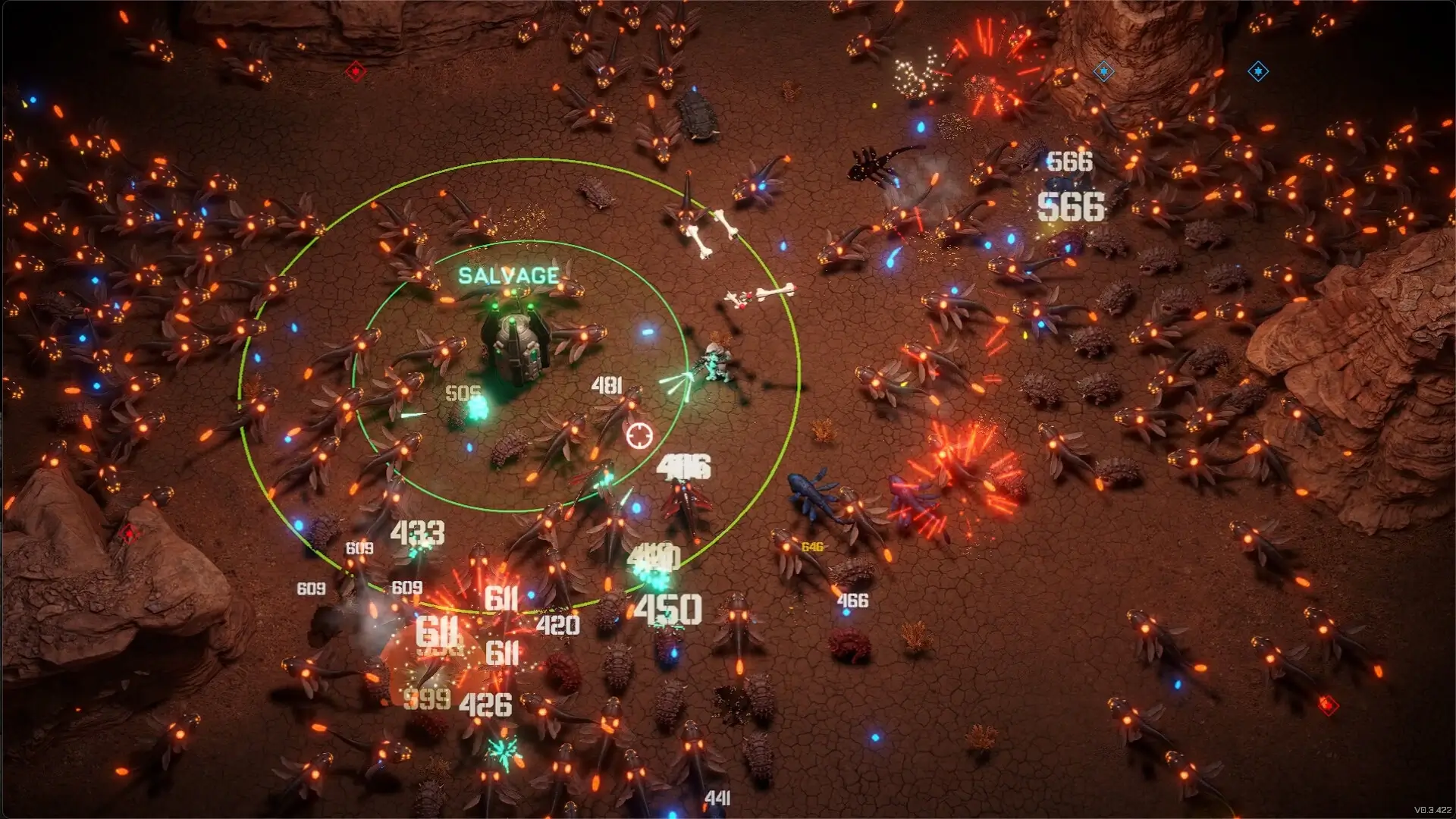

In the growing genre of survival games, Survivors of the Dawn has emerged as a standout experience, combining strategy, exploration, and immersive storytelling. Unlike many survival titles that focus purely on combat or scavenging, Survivors of the Dawn challenges players to make critical decisions that impact the lives of their characters and the world around them. Its blend of tactical management, environmental hazards, and narrative depth makes it a thrilling and emotionally engaging adventure for players seeking more than just action.
At its core, Survivors of the Dawn is about enduring a post-apocalyptic world where resources are scarce, dangers are everywhere, and every choice carries consequences. Players take command of a group of survivors navigating through a devastated landscape, scavenging for food, water, and shelter while avoiding hostile factions and environmental threats. The game places a strong emphasis on planning and decision-making, as each resource and action can directly influence the group’s chances of survival.
Gameplay in Survivors of the Dawn is a delicate balance of exploration, resource management, and tactical combat. Players must decide when to risk venturing into dangerous territories for valuable supplies, when to fortify their safe zones, and how to allocate scarce resources among survivors. Each character possesses unique skills and traits, affecting their efficiency in tasks such as scavenging, crafting, or defending the group. This dynamic ensures that players must consider the strengths and weaknesses of their team when strategizing, making every choice meaningful.
One of the most compelling aspects of the game is its focus on moral and strategic dilemmas. Players often face difficult decisions, such as choosing who receives critical medical attention or whether to confront hostile survivors or avoid conflict. These choices are not only tactical but also emotional, as the relationships and morale of the group evolve based on player decisions. This adds depth to the gameplay and creates a more immersive, human-centered experience.
The game also shines in its environmental storytelling and world-building. From ruined cities and desolate forests to abandoned industrial zones, each location is rich with detail and atmosphere. Hazards like radiation, extreme weather, and wandering predators keep players on edge, creating a sense of tension and urgency. At the same time, hidden secrets and collectibles encourage exploration, rewarding players who take the time to investigate their surroundings.
Survivors of the Dawn also features a progression system that reinforces engagement. As players complete objectives and survive encounters, they unlock new equipment, upgrade abilities, and improve the efficiency of their team. These upgrades allow for more complex strategies and better survival odds, providing a sense of growth and accomplishment throughout the game.
Ultimately, Survivors of the Dawn is more than a survival game—it is a strategic, emotionally charged experience that tests players’ ability to plan, adapt, and make difficult decisions in a harsh world. By blending resource management, tactical gameplay, and immersive storytelling, it offers a unique and challenging adventure for anyone interested in survival, strategy, and post-apocalyptic exploration. For those seeking a game that combines thoughtful decision-making with thrilling exploration, Survivors of the Dawn delivers an unforgettable journey into a world on the brink of collapse.
Requires Apple Processor: M1Memory: 8 GBRAM Storage: 3 GB
Run the downloaded image and drag the application to the Applications folder shortcut.
Once the copy is complete, you can launch the application from Launchpad.
Frequently Asked Questions
Mount the image and run Open Gatekeeper friendly.
Press Enter to bypass Gatekeeper in the Terminal window.
Drag the application to the Applications folder.
The application is ready for use.
ATTENTION! SIP must be disabled. Learn more >
Restart your Mac and hold down Command + R to enter Recovery Mode.
Open Terminal from the Utilities menu.
Enter the command: csrutil disable
Restart your Mac.
This is a common Gatekeeper issue. Follow these steps:
1. Open Terminal
2. Enter: sudo xattr -rd com.apple.quarantine /Applications/AppName.app
3. Replace "AppName" with the actual application name
4. Press Enter and enter your password
Yes, all our downloads are thoroughly checked for viruses and malware.
We use multiple antivirus engines to scan every file.
Our team tests each application before publishing.
We never bundle adware or unwanted software.
Yes, we regularly update our applications to the latest versions.
You can check our website for updates or subscribe to our newsletter.
We strive to provide the most recent versions within 24-48 hours of release.
If a download link is not working, please:
1. Try a different browser
2. Clear your browser cache and cookies
3. Try the alternative download links provided
4. Contact our support team if the issue persists