


Momodora: Reverie Under The Moonlight
Download Momodora: Reverie Under The Moonlight
Run the downloaded package and follow the standard installation procedure.
The installation is completed by choosing a location to place the game.
It is recommended to specify the Applications folder.
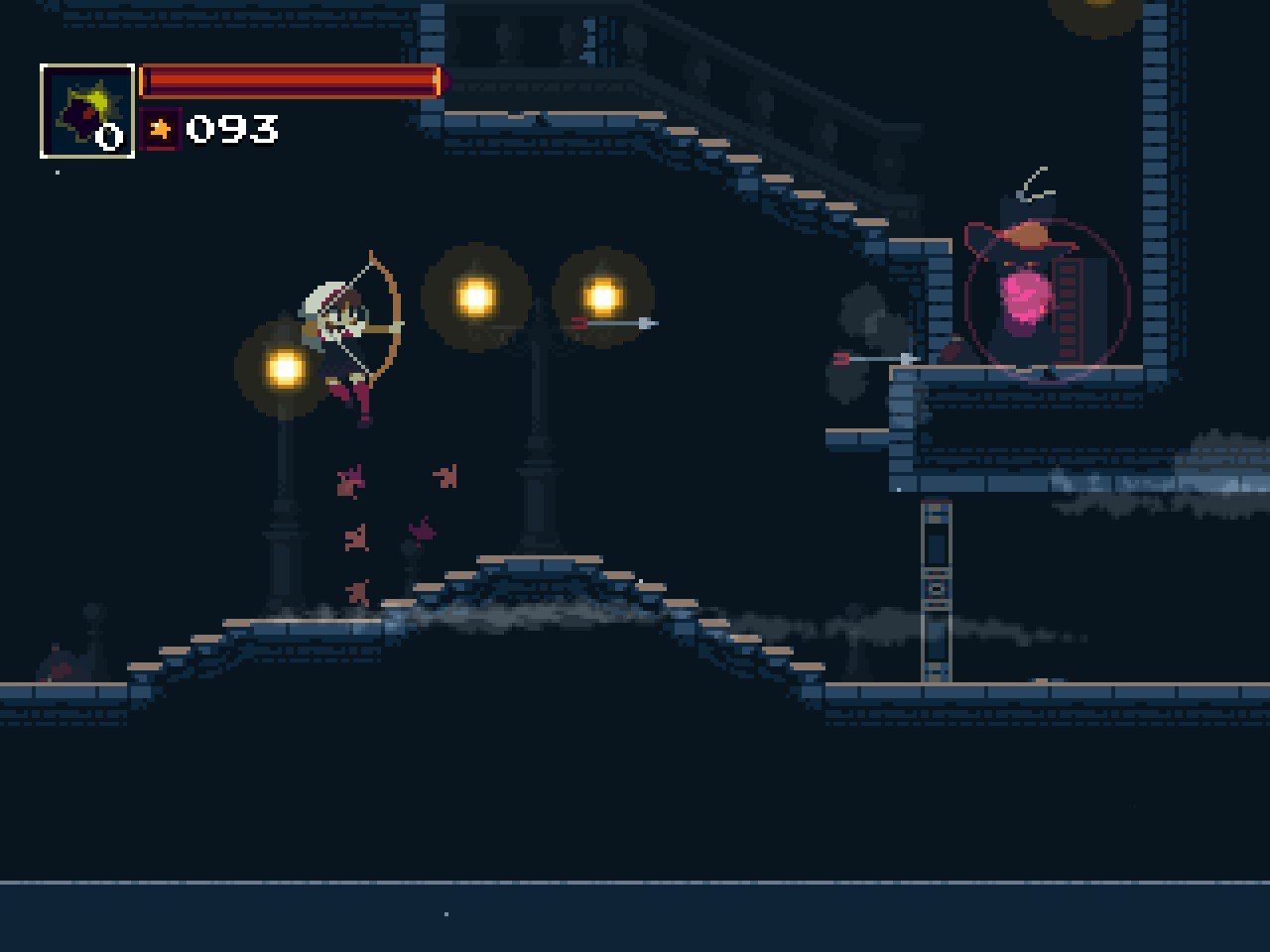

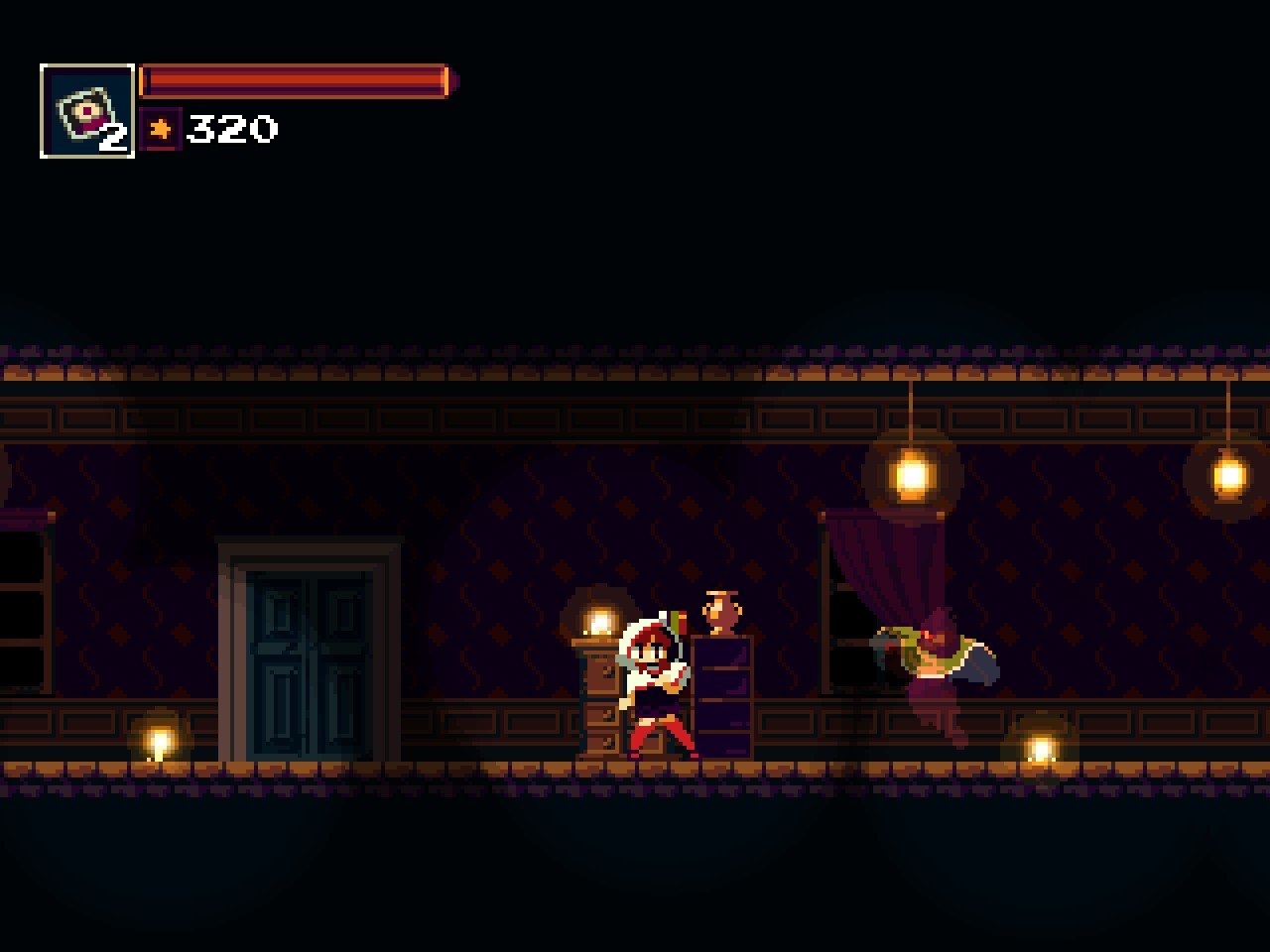
Momodora: Reverie Under The Moonlight, developed by Bombservice, is a captivating 2D action-platformer that combines precise combat, atmospheric storytelling, and Metroidvania-inspired exploration. As the fourth installment in the Momodora series, this game refines the franchise’s signature gameplay mechanics while delivering a hauntingly beautiful world that draws players into its tragic and mysterious narrative.
Players take on the role of Kaho, a priestess sent to the cursed kingdom of Karst to investigate a spreading corruption known as the “Mourning.” From the very first moments, the game establishes an eerie yet captivating atmosphere. Every area, from shadowy forests to desolate cathedrals, is meticulously designed to evoke both beauty and unease. Unlike modern 3D titles, the pixel-art graphics convey emotion and detail in a minimalist but highly expressive style, allowing players’ imaginations to fill in the haunting gaps.
The gameplay of Momodora: Reverie Under The Moonlight emphasizes precision, timing, and strategic combat. Kaho wields a sacred leaf as her primary weapon, complemented by magical abilities and items that provide versatility in battles. Players face a variety of enemies and formidable bosses, each with unique attack patterns that demand careful observation and skillful responses. The combat system is simple in concept but deep in execution, rewarding patience, reflexes, and adaptability. Every encounter feels deliberate and meaningful, keeping tension high throughout the journey.
Exploration is a core pillar of the experience. The interconnected world of Karst is filled with hidden passages, secret items, and lore-rich environments. Players must backtrack with newly acquired abilities to access previously unreachable areas, a hallmark of Metroidvania design. This encourages curiosity and rewards careful observation, making exploration feel both challenging and satisfying. Environmental storytelling also plays a significant role, as the world itself hints at the tragedies and histories of the kingdom without relying on lengthy exposition.
The game’s music and sound design further enhance its immersive quality. Each track is carefully composed to reflect the mood of its corresponding area, from somber, melancholic melodies to tense, action-driven themes. Sound cues during combat and exploration heighten both the challenge and the sense of immersion, making players feel fully connected to the world around them.
Beyond gameplay, Momodora: Reverie Under The Moonlight offers a narrative that is subtle yet emotionally resonant. Themes of sacrifice, decay, and perseverance are explored through environmental storytelling, NPC interactions, and item descriptions. The story never overwhelms gameplay, allowing players to engage with it at their own pace, deepening the sense of discovery and personal investment.
Ultimately, Momodora: Reverie Under The Moonlight is a masterclass in blending precise gameplay, atmospheric world-building, and emotional storytelling. Its challenging combat, intricate exploration, and hauntingly beautiful presentation make it a must-play for fans of action-platformers and Metroidvania titles alike. For those seeking a game that combines elegance, difficulty, and narrative depth, Momodora: Reverie Under The Moonlight delivers an unforgettable journey under the pale light of a cursed kingdom.
OS: OSX 10.6Processor: 1.2 Ghz or superiorRAM: 2 GBVideo card: 256 MBDisk space: 200 MB
Run the downloaded package and follow the standard installation procedure.
The installation is completed by choosing a location to place the game.
It is recommended to specify the Applications folder.
Frequently Asked Questions
Mount the image and run Open Gatekeeper friendly.
Press Enter to bypass Gatekeeper in the Terminal window.
Drag the application to the Applications folder.
The application is ready for use.
ATTENTION! SIP must be disabled. Learn more >
Restart your Mac and hold down Command + R to enter Recovery Mode.
Open Terminal from the Utilities menu.
Enter the command: csrutil disable
Restart your Mac.
This is a common Gatekeeper issue. Follow these steps:
1. Open Terminal
2. Enter: sudo xattr -rd com.apple.quarantine /Applications/AppName.app
3. Replace "AppName" with the actual application name
4. Press Enter and enter your password
Yes, all our downloads are thoroughly checked for viruses and malware.
We use multiple antivirus engines to scan every file.
Our team tests each application before publishing.
We never bundle adware or unwanted software.
Yes, we regularly update our applications to the latest versions.
You can check our website for updates or subscribe to our newsletter.
We strive to provide the most recent versions within 24-48 hours of release.
If a download link is not working, please:
1. Try a different browser
2. Clear your browser cache and cookies
3. Try the alternative download links provided
4. Contact our support team if the issue persists