


My Winter Car
Download My Winter Car
Run the downloaded image and drag the application to the Applications folder shortcut.
Once copying is complete, the application can be launched via Launchpad.
Previous Versions
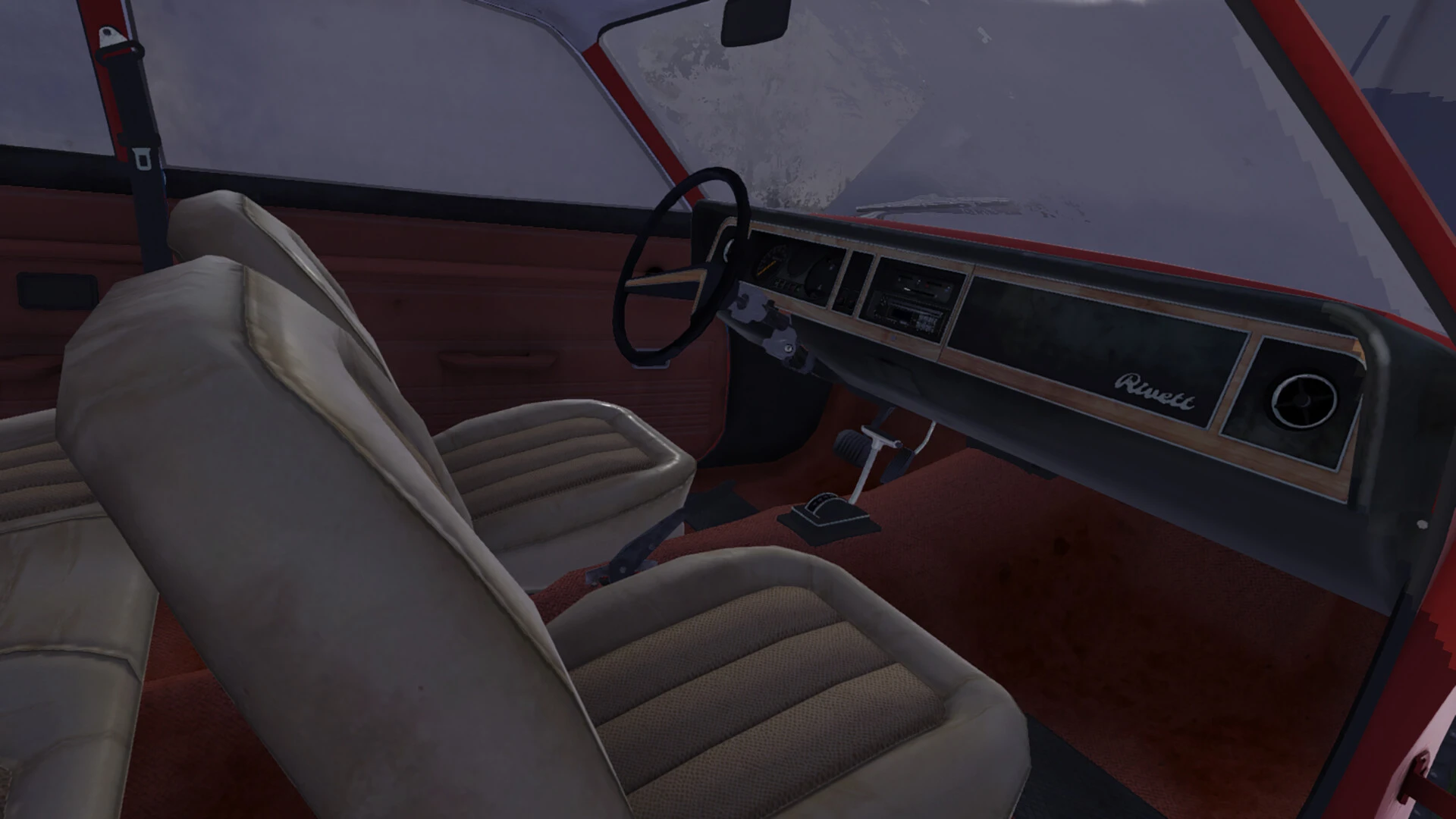
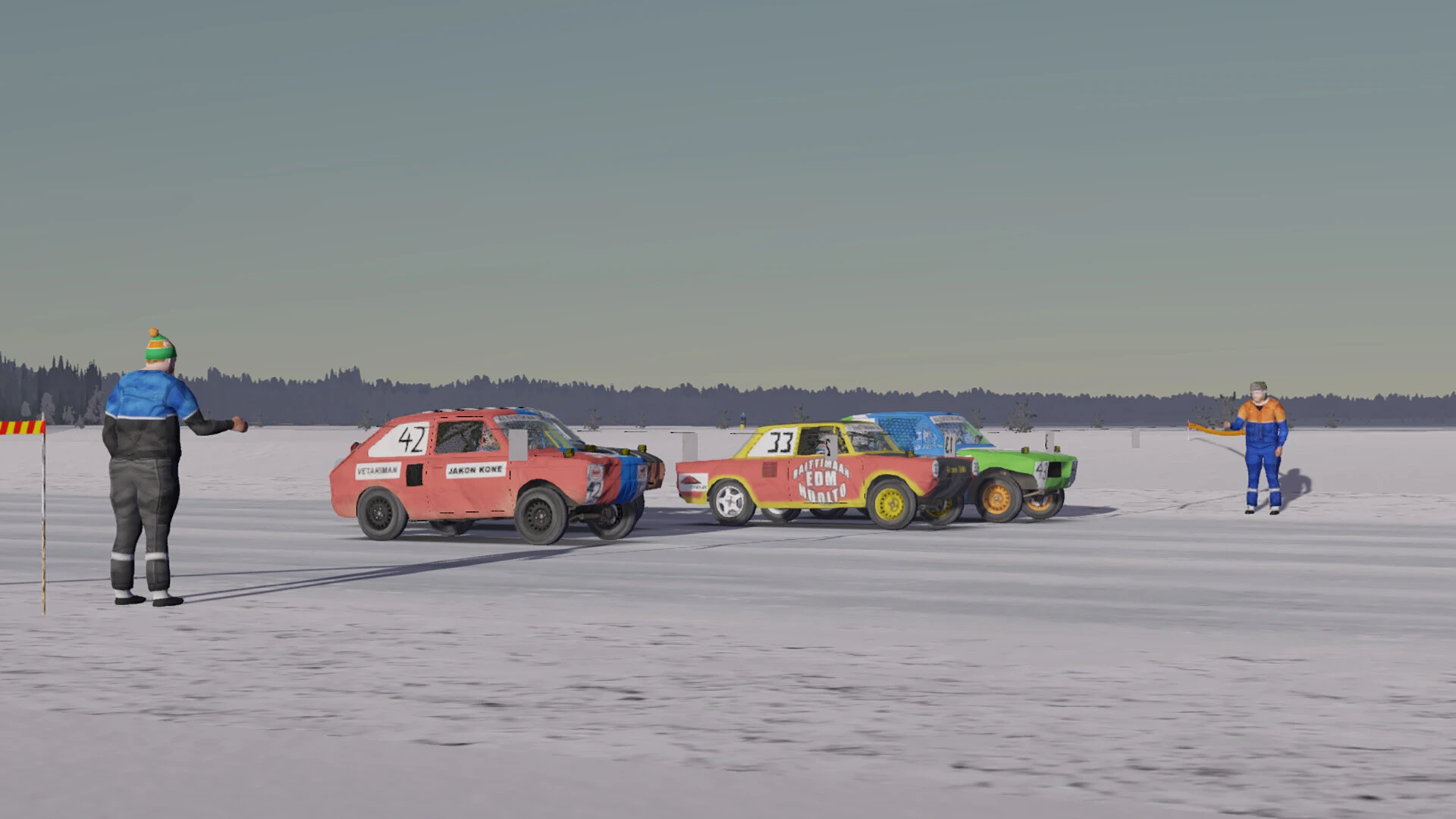
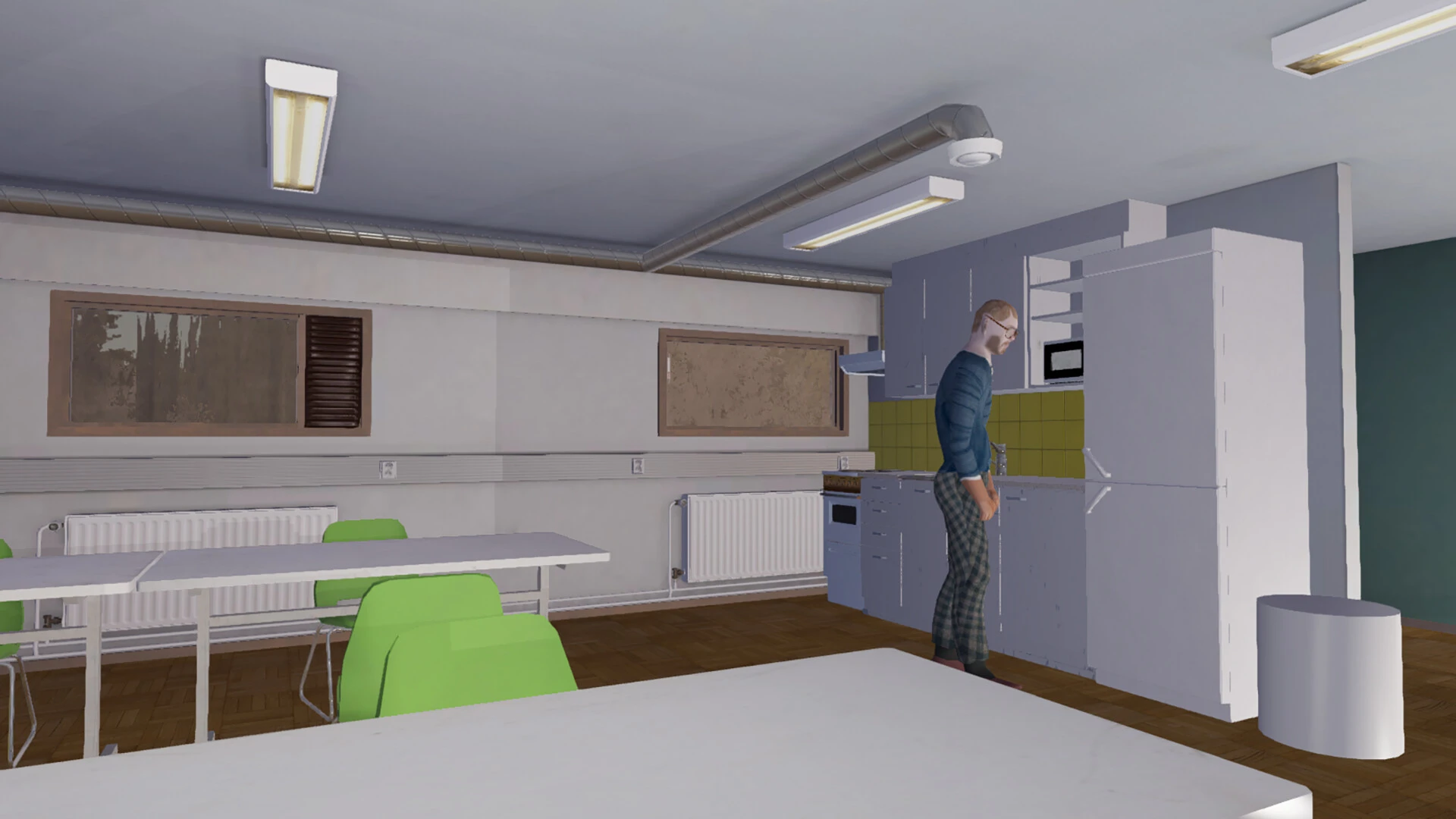

My Winter Car is not a typical driving game. It is a slow, demanding experience that blends survival, simulation, and mechanical realism into a world that feels harsh, quiet, and deeply personal. Set in rural Finland during the 1990s, the game challenges players to build, maintain, and survive with a single unreliable vehicle at the center of daily life. Rather than focusing on speed or competition, My Winter Car is about endurance, learning, and persistence.
The heart of the game is the car itself. Players begin with a disassembled vehicle and must piece it together part by part. Every component matters, from the engine block to the smallest bolt. If something is installed incorrectly, the consequences are immediate and unforgiving. Engines can fail, parts can break, and mistakes often lead to long walks home through freezing roads. This level of detail turns mechanical work into a thoughtful process rather than a simple task.
Survival plays an equally important role. Hunger, thirst, fatigue, and stress must all be managed carefully. Everyday activities such as chopping wood, shopping for food, or relaxing with a sauna become essential routines. The environment feels alive in its own quiet way, with long nights, changing weather, and empty roads that amplify the feeling of isolation. These elements work together to create a strong sense of place and realism.
Driving in My Winter Car is intentionally challenging. Roads are narrow, icy, and unforgiving, especially during winter. The car reacts realistically to speed, weight, and road conditions, forcing players to drive cautiously. Accidents are common, and reckless behavior often results in serious damage or worse. This makes each successful trip feel meaningful, especially when supplies are limited and help is far away.
The game’s open-ended structure allows players to create their own stories. There is no strict path or constant guidance. Some players focus on perfecting the car’s performance, while others simply try to survive day by day. Small victories, such as completing a repair or making a long drive without breakdowns, feel genuinely rewarding. Failure, though frequent, becomes part of the learning process rather than a reason to quit.
What truly sets My Winter Car apart is its atmosphere. The silence of the countryside, the hum of the engine, and the simple routines of rural life combine to create an experience that feels strangely immersive. The game does not rush the player or offer easy shortcuts. Instead, it demands patience and respect for its systems.
In conclusion, My Winter Car is a unique simulation that rewards dedication and resilience. It is not designed to entertain in short bursts, but to draw players into a demanding and authentic world. For those willing to embrace its challenges, the game offers a deeply satisfying experience built on realism, survival, and the simple struggle of keeping a car—and a life—running through winter.
▎Apple Silicon (ARM)- macOS Tahoe 26.1-26.2 and later. - Apple Silicon processors (M1-M5, M Pro/Max/Ultra).- ±8 GB of shared memory.- ±3 GB of free disk space.▎No gamepad support
Run the downloaded image and drag the application to the Applications folder shortcut.
Once copying is complete, the application can be launched via Launchpad.
Frequently Asked Questions
Mount the image and run Open Gatekeeper friendly.
Press Enter to bypass Gatekeeper in the Terminal window.
Drag the application to the Applications folder.
The application is ready for use.
ATTENTION! SIP must be disabled. Learn more >
Restart your Mac and hold down Command + R to enter Recovery Mode.
Open Terminal from the Utilities menu.
Enter the command: csrutil disable
Restart your Mac.
This is a common Gatekeeper issue. Follow these steps:
1. Open Terminal
2. Enter: sudo xattr -rd com.apple.quarantine /Applications/AppName.app
3. Replace "AppName" with the actual application name
4. Press Enter and enter your password
Yes, all our downloads are thoroughly checked for viruses and malware.
We use multiple antivirus engines to scan every file.
Our team tests each application before publishing.
We never bundle adware or unwanted software.
Yes, we regularly update our applications to the latest versions.
You can check our website for updates or subscribe to our newsletter.
We strive to provide the most recent versions within 24-48 hours of release.
If a download link is not working, please:
1. Try a different browser
2. Clear your browser cache and cookies
3. Try the alternative download links provided
4. Contact our support team if the issue persists