


Myth or Reality: Mystery of the Lake Collector’s Edition
Download Myth or Reality: Mystery of the Lake Collector’s Edition
Run the downloaded image and drag the application to the Applications folder shortcut.
Once the copy is complete, you can launch the application from Launchpad.
Previous Versions
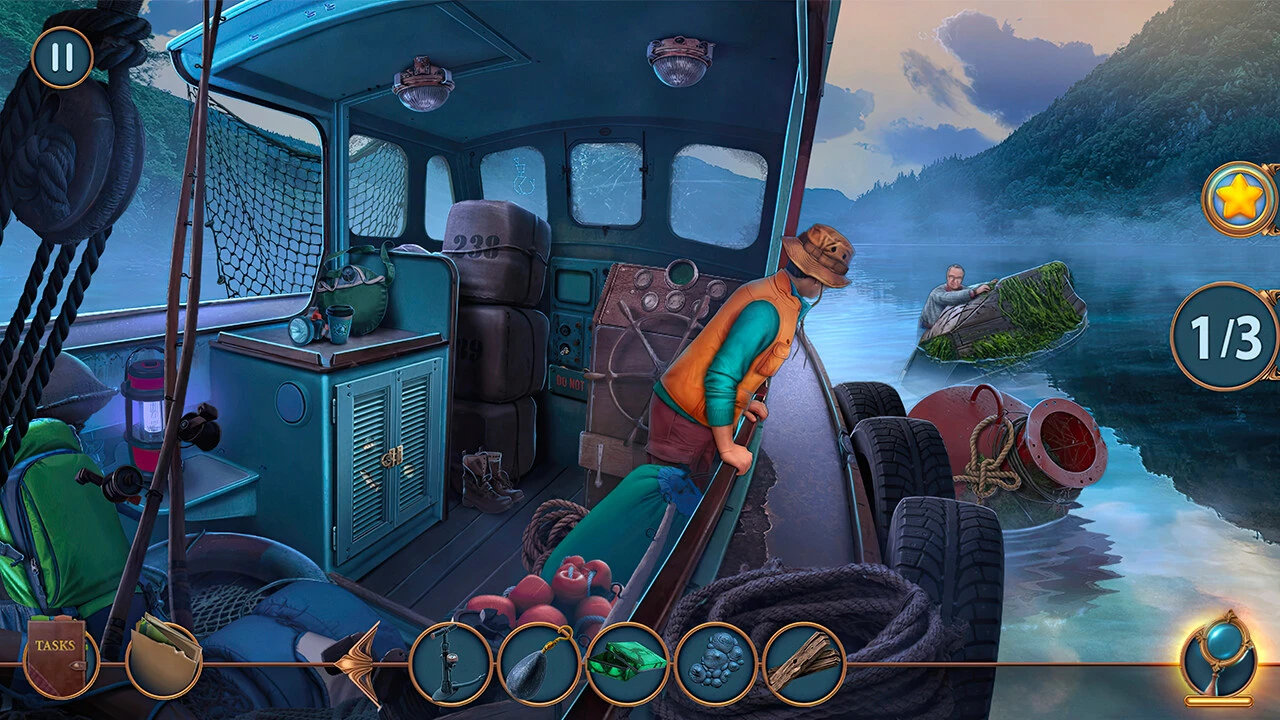
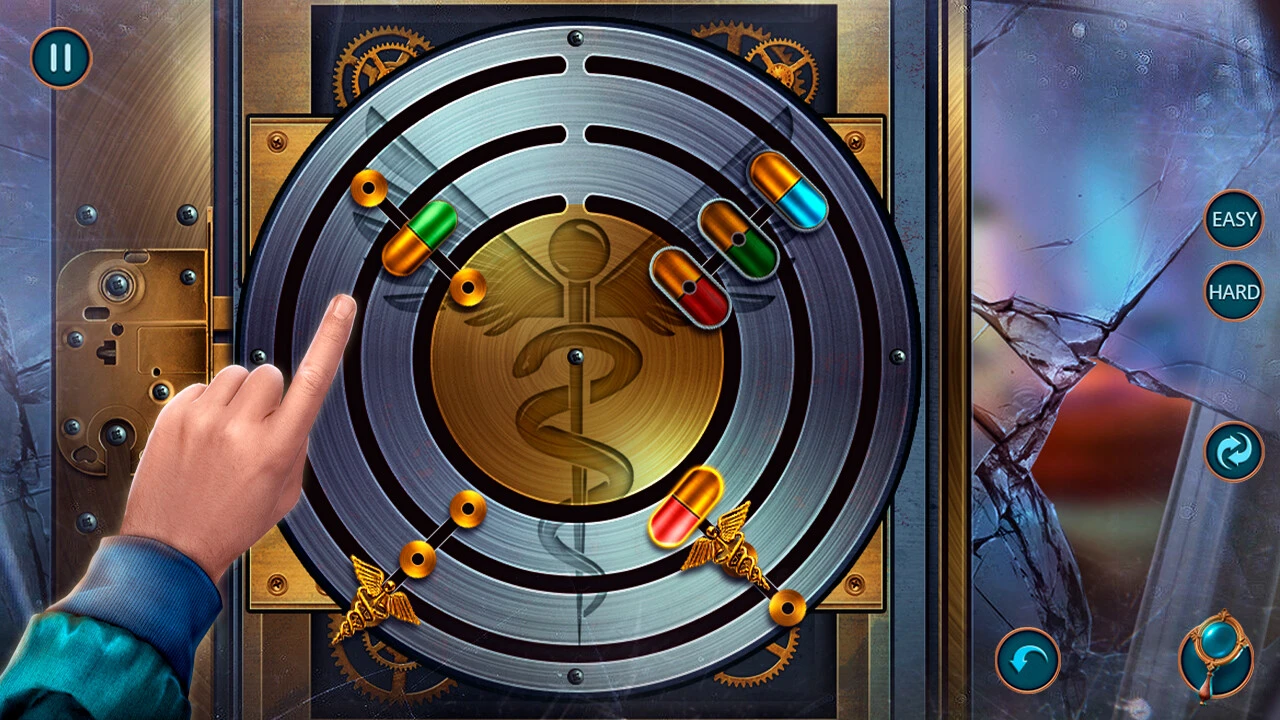
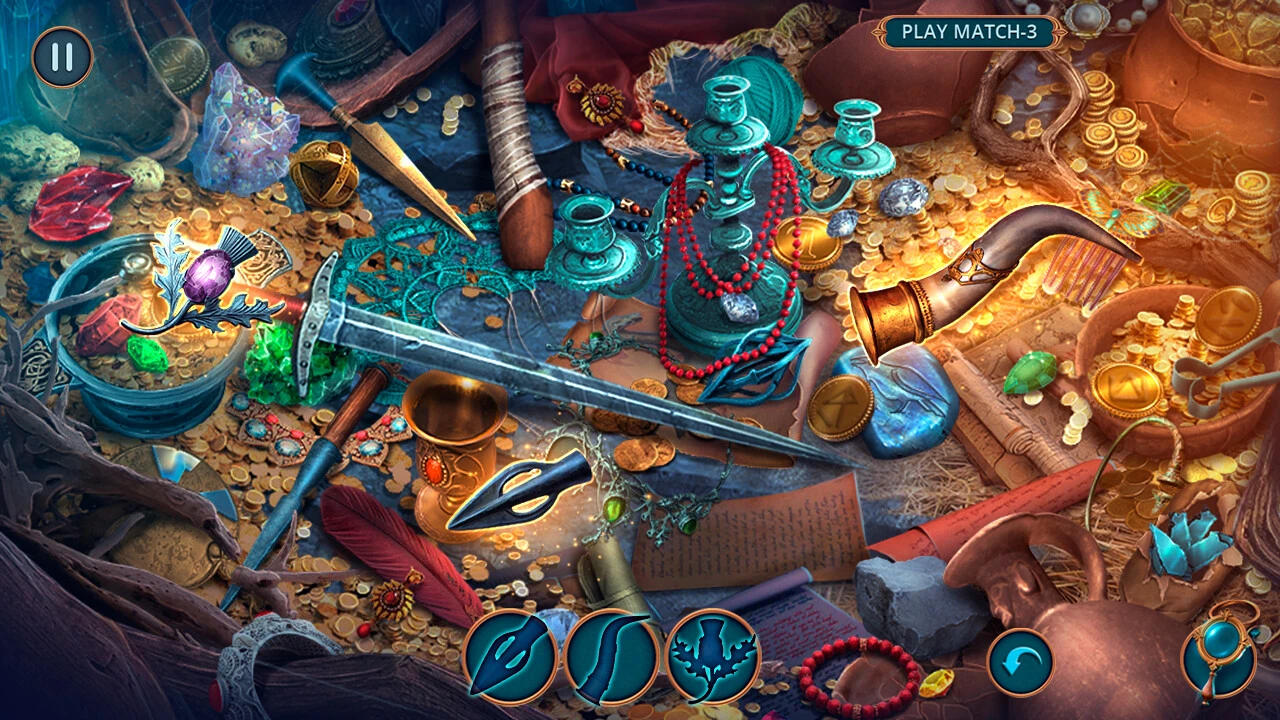
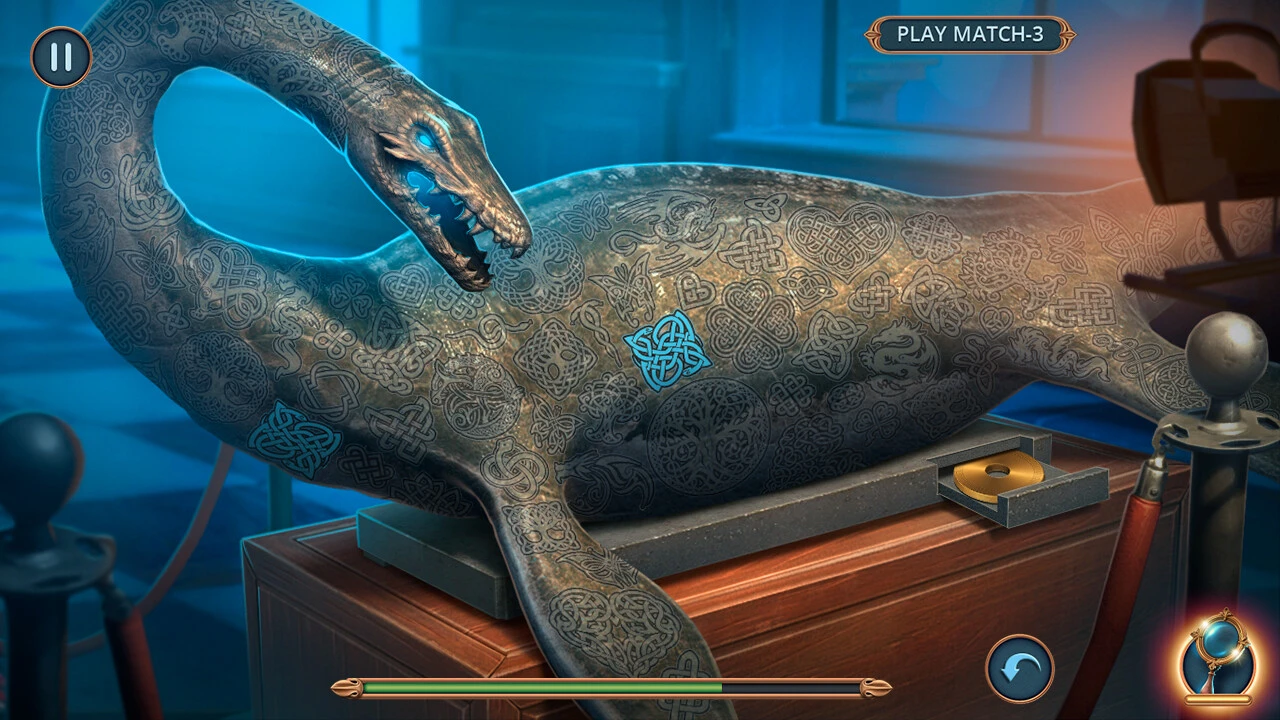
Myth or Reality: Mystery of the Lake Collector's Edition is a hidden-object puzzle adventure game that captivates players with its intriguing storyline, immersive gameplay, and meticulously crafted environments. Developed for enthusiasts of mystery and suspense, this edition elevates the original experience by offering additional content, bonus puzzles, and rich collectible items, making it a must-play for fans of the genre.
The game opens with a gripping premise: a tranquil lakeside town becomes shrouded in secrets when mysterious events start occurring. Players step into the role of a determined investigator tasked with uncovering the truth behind these anomalies. The narrative seamlessly blends elements of folklore, local legend, and modern investigation, keeping players engaged as they navigate through a series of unexpected twists. The storyline’s strength lies in its balance between suspense and discovery, ensuring that curiosity is rewarded at every turn.
One of the standout features of the Collector’s Edition is its expanded gameplay content. Beyond the standard hidden-object scenes, players gain access to exclusive puzzles, mini-games, and secret areas that deepen the overall experience. These additions are thoughtfully designed to complement the main story, rather than simply extending playtime, which ensures a cohesive and satisfying progression. Every hidden clue and puzzle solution brings players closer to unraveling the town’s dark secrets, making each accomplishment feel meaningful.
The game’s visual presentation plays a critical role in creating an atmospheric experience. Hand-painted scenes of the lake and surrounding town showcase intricate details, from the gentle ripples of water to the eerie fog that often blankets the landscape. Characters are rendered with expressive animations, allowing players to connect with them on an emotional level. The Collector’s Edition further enhances visuals by including collectible concept art and behind-the-scenes galleries, giving players insight into the artistic process and enriching the overall experience.
Sound design in Myth or Reality: Mystery of the Lake is equally impressive. The ambient soundtrack, combined with carefully crafted sound effects, heightens tension and reinforces the mood of each scene. The subtle creaking of old buildings, the distant call of wildlife, and the soft lapping of lake water immerse players in the game world, making exploration both engaging and atmospheric.
Beyond gameplay and aesthetics, the Collector’s Edition offers a layer of replayability. Hidden objects, secret achievements, and bonus challenges encourage players to revisit scenes, ensuring that each playthrough uncovers new details. This not only increases the game’s longevity but also adds depth to the central mystery, rewarding those who approach the game with patience and curiosity.
In conclusion, Myth or Reality: Mystery of the Lake Collector's Edition delivers a rich, immersive experience that blends mystery, adventure, and intellectual challenge. Its compelling story, intricate puzzles, stunning visuals, and atmospheric sound design combine to create a memorable journey that appeals to fans of hidden-object games and adventure narratives alike. This Collector’s Edition stands as a testament to how thoughtful design and engaging storytelling can transform a game into an unforgettable experience, leaving players eager to uncover every secret hidden along the shores of the enigmatic lake.
OS: macOS 10.15 and later
Run the downloaded image and drag the application to the Applications folder shortcut.
Once the copy is complete, you can launch the application from Launchpad.
Frequently Asked Questions
Mount the image and run Open Gatekeeper friendly.
Press Enter to bypass Gatekeeper in the Terminal window.
Drag the application to the Applications folder.
The application is ready for use.
ATTENTION! SIP must be disabled. Learn more >
Restart your Mac and hold down Command + R to enter Recovery Mode.
Open Terminal from the Utilities menu.
Enter the command: csrutil disable
Restart your Mac.
This is a common Gatekeeper issue. Follow these steps:
1. Open Terminal
2. Enter: sudo xattr -rd com.apple.quarantine /Applications/AppName.app
3. Replace "AppName" with the actual application name
4. Press Enter and enter your password
Yes, all our downloads are thoroughly checked for viruses and malware.
We use multiple antivirus engines to scan every file.
Our team tests each application before publishing.
We never bundle adware or unwanted software.
Yes, we regularly update our applications to the latest versions.
You can check our website for updates or subscribe to our newsletter.
We strive to provide the most recent versions within 24-48 hours of release.
If a download link is not working, please:
1. Try a different browser
2. Clear your browser cache and cookies
3. Try the alternative download links provided
4. Contact our support team if the issue persists