


NecroLand: Undead Corps
Download NecroLand: Undead Corps
Run the downloaded package and follow the standard installation procedure.
The installation is completed by choosing a location to place the game.
It is recommended to specify the Applications folder.
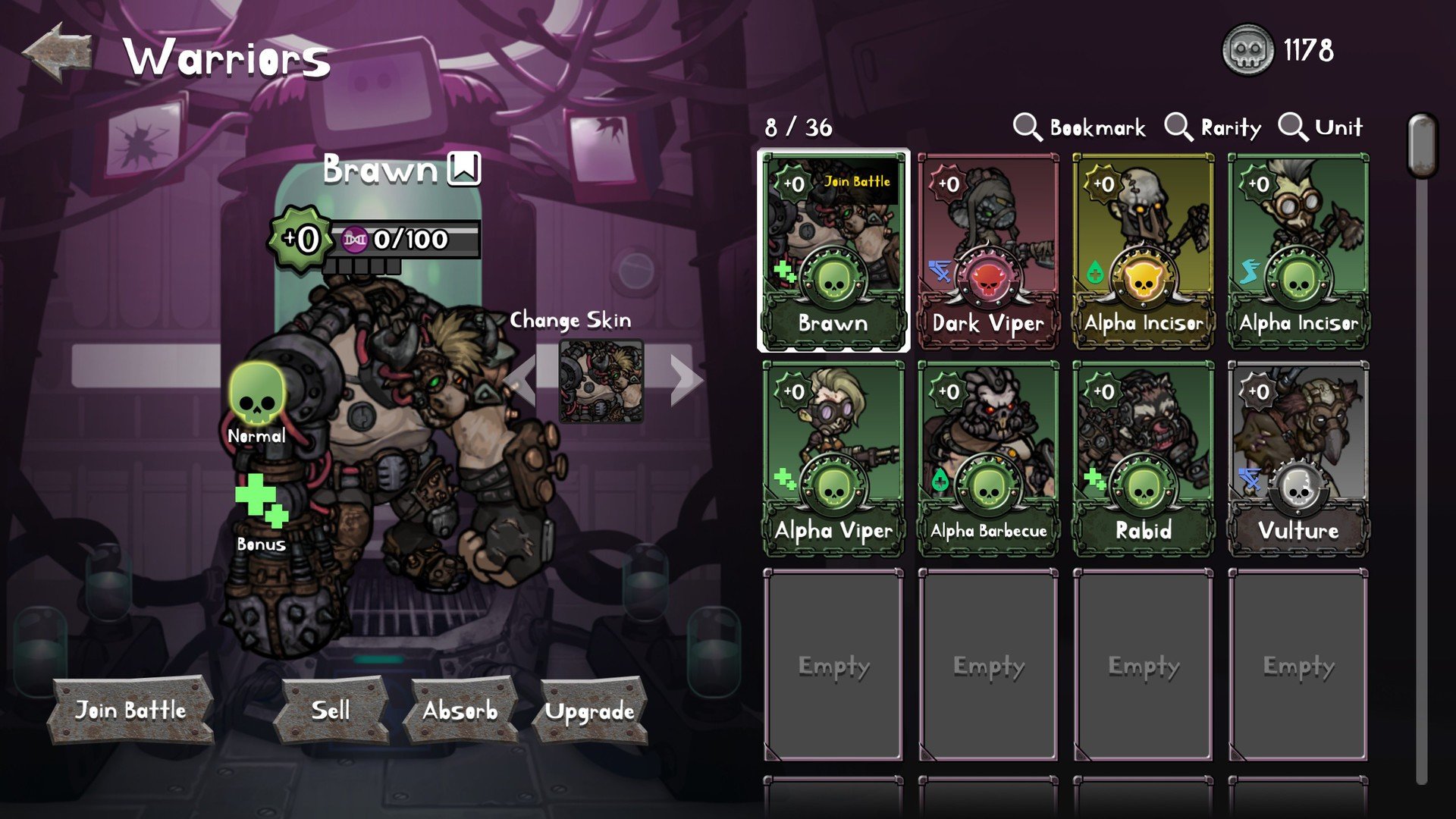
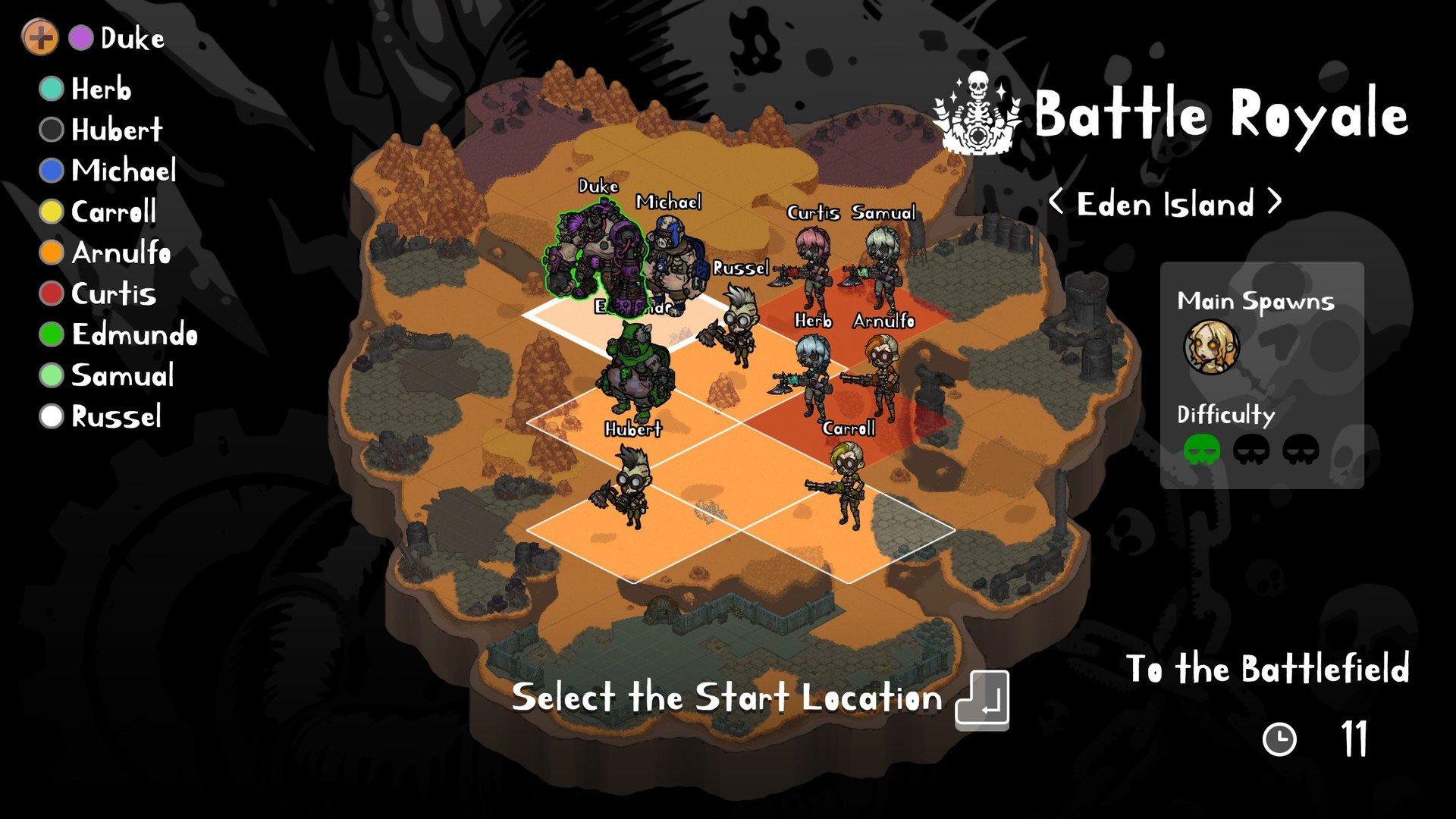
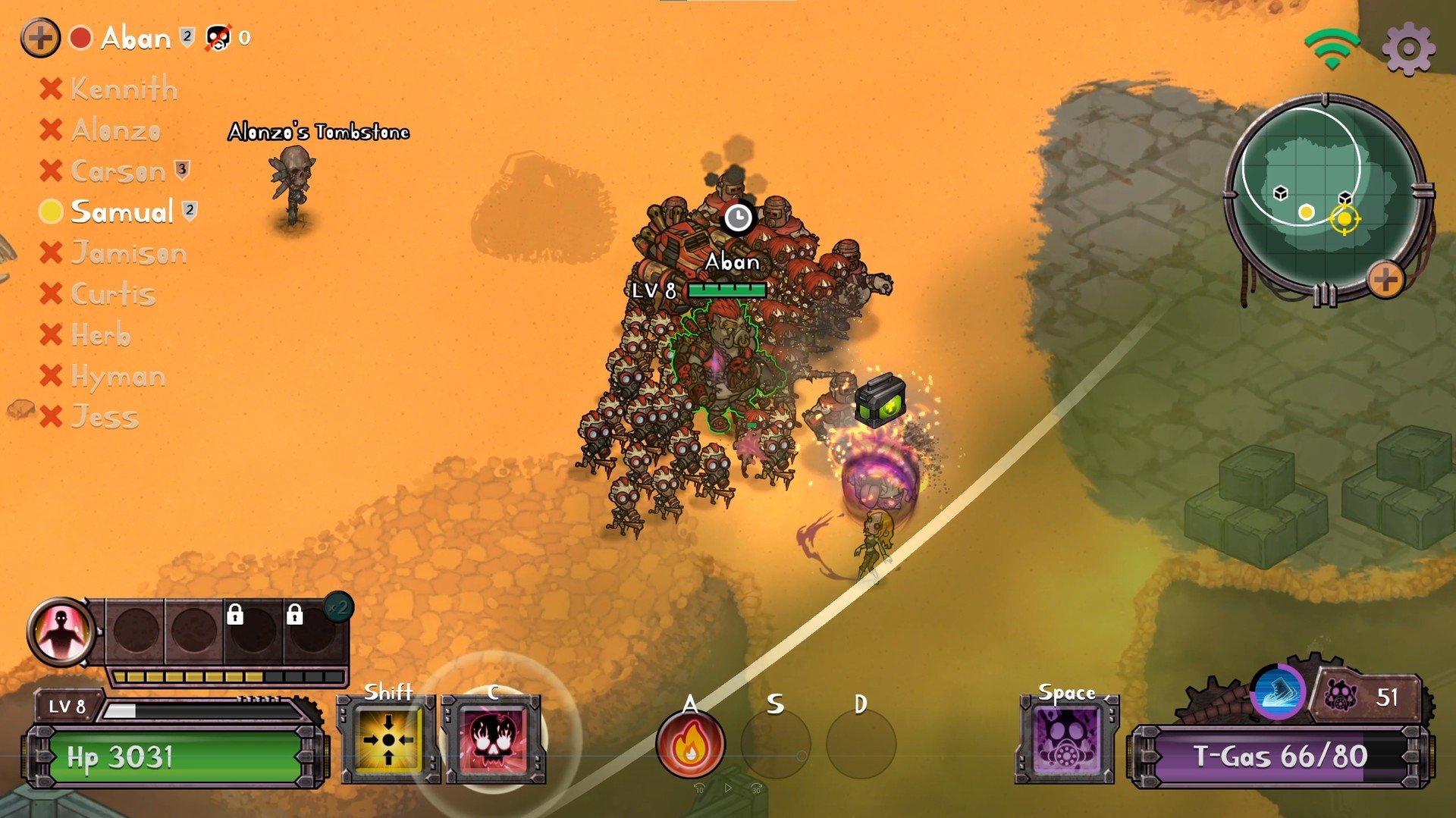
In the increasingly crowded world of tactical and horror-themed games, NecroLand: Undead Corps carves out a distinct identity with its clever mix of strategy, exploration, and dark fantasy storytelling. Set in a post-apocalyptic world overrun by the undead, the game invites players to step into the role of a commander tasked with rebuilding society and confronting the relentless threats of the undead. The atmosphere, gameplay mechanics, and narrative cohesion combine to create an experience that is both haunting and deeply engaging.
The premise of NecroLand: Undead Corps is deceptively simple: humanity is on the brink of extinction, and the player must navigate a world filled with roaming undead armies, hazardous environments, and scarce resources. Unlike standard zombie-themed games, which often focus solely on combat, this title emphasizes strategy and tactical decision-making. Each move counts, and reckless actions can lead to disastrous consequences, forcing players to carefully consider the composition of their forces, the positioning of units, and the allocation of limited resources.
At the heart of the game is its combat system, which seamlessly blends turn-based strategy with real-time decision elements. Players control a variety of units, each with distinct abilities and strengths, ranging from frontline soldiers to magical specialists capable of turning the tide of battle. The undead enemies are equally diverse, with different types of zombies, ghouls, and monstrous bosses that challenge players to adapt and evolve their tactics. This constant need for strategic adjustment keeps gameplay fresh and rewarding throughout the campaign.
One of the most compelling aspects of NecroLand: Undead Corps is its world-building. The game presents a richly detailed necropolis, where decaying cities, ruined fortresses, and shadow-filled forests evoke a sense of both wonder and dread. Environmental storytelling is employed effectively, with every location revealing hints of humanity’s downfall and the creeping influence of the undead. These elements create a haunting backdrop that enhances the tension and stakes of the player’s mission.
The game also introduces a progression system that rewards careful planning and creative thinking. Units gain experience and evolve, while new technologies and magical abilities unlock as the player advances, offering a satisfying sense of growth and customization. Choices in diplomacy, resource management, and combat strategy can significantly impact the unfolding story, giving players a sense of agency and immersion rarely seen in similar titles.
Visually, NecroLand: Undead Corps excels with a gothic, eerie aesthetic that captures the oppressive tone of a world overrun by the dead. Coupled with a brooding soundtrack and well-designed sound effects—ranging from distant wails to the clash of swords—players are fully immersed in a universe that feels alive, menacing, and captivating.
In conclusion, NecroLand: Undead Corps is more than a typical undead-themed game; it is a strategic, narrative-rich journey into darkness. Its combination of tactical depth, immersive world-building, and intense combat makes it a must-play for fans of strategy and horror alike. Each decision, from the battlefield to the city gates, matters, creating a gaming experience that lingers long after the screen goes dark.
OS: Mac OS X 10.11+Processor: Intel Core i3RAM: 2 GBVideo card: 256MB Video MemoryDisk space: 500 MBAdditionally: You can multiplay with other players when you connect to the Internet
Run the downloaded package and follow the standard installation procedure.
The installation is completed by choosing a location to place the game.
It is recommended to specify the Applications folder.
Frequently Asked Questions
Mount the image and run Open Gatekeeper friendly.
Press Enter to bypass Gatekeeper in the Terminal window.
Drag the application to the Applications folder.
The application is ready for use.
ATTENTION! SIP must be disabled. Learn more >
Restart your Mac and hold down Command + R to enter Recovery Mode.
Open Terminal from the Utilities menu.
Enter the command: csrutil disable
Restart your Mac.
This is a common Gatekeeper issue. Follow these steps:
1. Open Terminal
2. Enter: sudo xattr -rd com.apple.quarantine /Applications/AppName.app
3. Replace "AppName" with the actual application name
4. Press Enter and enter your password
Yes, all our downloads are thoroughly checked for viruses and malware.
We use multiple antivirus engines to scan every file.
Our team tests each application before publishing.
We never bundle adware or unwanted software.
Yes, we regularly update our applications to the latest versions.
You can check our website for updates or subscribe to our newsletter.
We strive to provide the most recent versions within 24-48 hours of release.
If a download link is not working, please:
1. Try a different browser
2. Clear your browser cache and cookies
3. Try the alternative download links provided
4. Contact our support team if the issue persists