


Nelly Cootalot: Spoonbeaks Ahoy! HD
Download Nelly Cootalot: Spoonbeaks Ahoy! HD
Run the downloaded image and drag the application to the Applications folder shortcut.
Once copying is complete, the application can be launched via Launchpad.

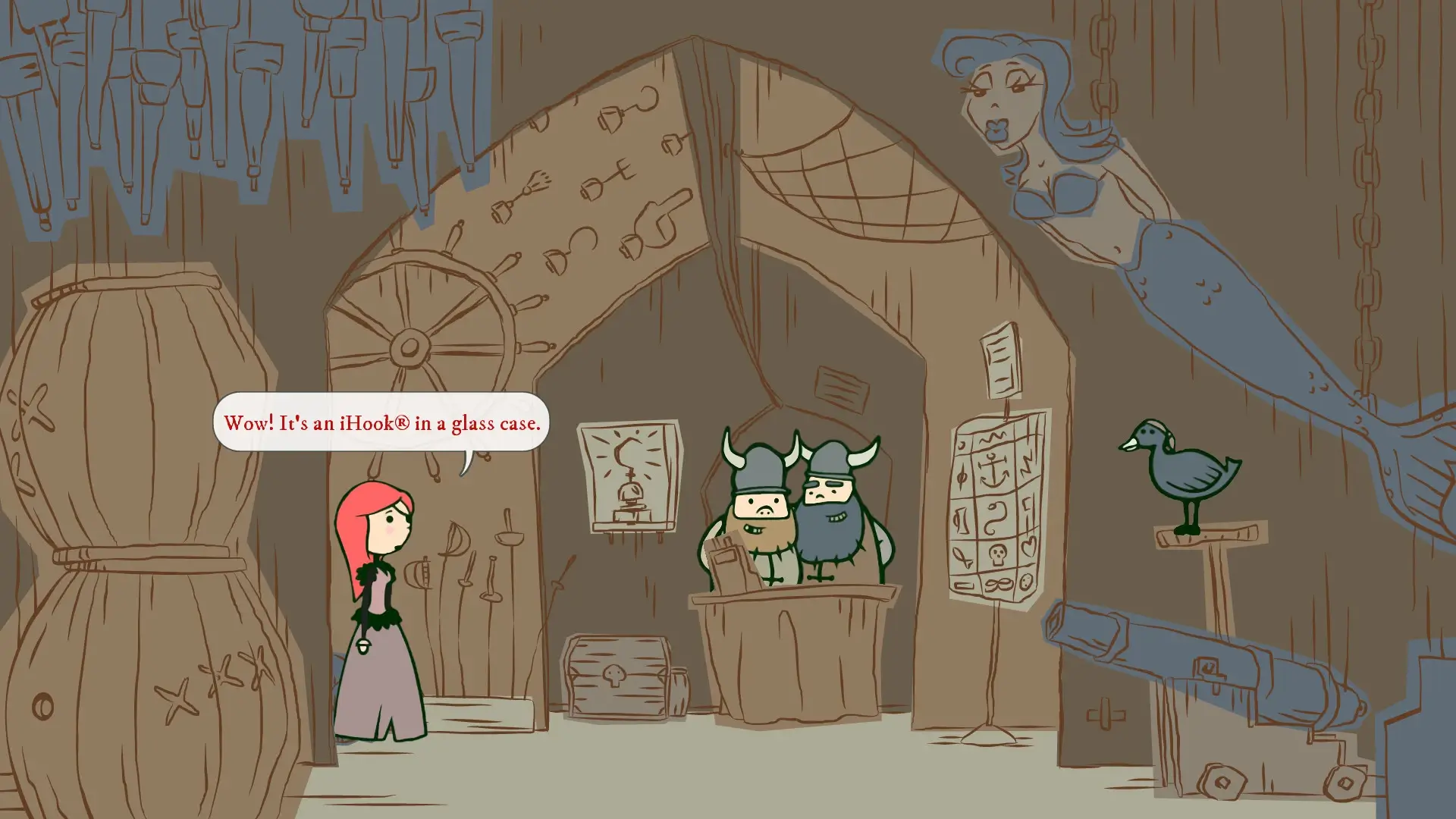


Nelly Cootalot: Spoonbeaks Ahoy! HD is a delightful point-and-click adventure that proves humor, heart, and creativity can shine brighter than flashy visuals or massive budgets. Originally developed by Alasdair Beckett-King, this high-definition edition refreshes a beloved indie classic while preserving the quirky spirit that made it special. The result is a warm, witty adventure that feels both nostalgic and refreshingly sincere.
The story follows Nelly Cootalot, a fearless pirate with a surprisingly gentle mission: saving endangered spoonbeak birds from extinction. Instead of treasure hunting or naval warfare, Nelly travels across strange islands and odd settlements, unraveling mysteries and helping eccentric characters. This unusual premise immediately sets the game apart, replacing traditional pirate clichés with clever environmental storytelling and understated comedy.
Gameplay stays true to classic point-and-click traditions. Players explore hand-crafted locations, collect items, and solve puzzles that rely more on logic and observation than trial-and-error frustration. The puzzles are thoughtfully designed, encouraging players to pay attention to small details in dialogue and scenery. Solutions often feel satisfying rather than forced, which keeps the experience relaxing and rewarding instead of stressful.
The HD remaster elevates the visual presentation significantly. Hand-drawn backgrounds are sharper and more colorful, bringing each location to life with added clarity. From seaside villages to mysterious forests, the environments are packed with personality. Characters are animated with expressive gestures that convey emotion even without excessive movement, giving the world a storybook quality that fits the game’s tone perfectly.
One of the strongest aspects of Spoonbeaks Ahoy! HD is its writing. The dialogue is filled with dry humor, clever wordplay, and charming absurdity. Jokes feel natural rather than forced, often sneaking up on the player unexpectedly. This style of humor gives the game a distinct identity, especially for players who appreciate subtle comedy over loud punchlines.
Voice acting further enhances the experience. Nelly’s personality shines through confident, playful delivery, making her instantly likable. Supporting characters, while strange and sometimes ridiculous, feel grounded thanks to thoughtful performances. The narration adds a storybook feel, gently guiding players while reinforcing the game’s whimsical atmosphere.
Sound design and music complement the visuals beautifully. The soundtrack is light and melodic, perfectly suited to exploration and puzzle-solving. Ambient sounds help bring locations to life without overpowering the experience. Together, the audio and visuals create a cozy, inviting world that encourages slow exploration and curiosity.
What truly makes Nelly Cootalot: Spoonbeaks Ahoy! HD memorable is its sincerity. Beneath the humor and adventure lies a gentle message about kindness, responsibility, and protecting what cannot protect itself. The game never becomes preachy, instead allowing its themes to emerge naturally through story and interaction.
OS: macOS X 10.8+Processor: 700 MHzRAM: 64 MBDisk space: 1500 MB
Run the downloaded image and drag the application to the Applications folder shortcut.
Once copying is complete, the application can be launched via Launchpad.
Frequently Asked Questions
Mount the image and run Open Gatekeeper friendly.
Press Enter to bypass Gatekeeper in the Terminal window.
Drag the application to the Applications folder.
The application is ready for use.
ATTENTION! SIP must be disabled. Learn more >
Restart your Mac and hold down Command + R to enter Recovery Mode.
Open Terminal from the Utilities menu.
Enter the command: csrutil disable
Restart your Mac.
This is a common Gatekeeper issue. Follow these steps:
1. Open Terminal
2. Enter: sudo xattr -rd com.apple.quarantine /Applications/AppName.app
3. Replace "AppName" with the actual application name
4. Press Enter and enter your password
Yes, all our downloads are thoroughly checked for viruses and malware.
We use multiple antivirus engines to scan every file.
Our team tests each application before publishing.
We never bundle adware or unwanted software.
Yes, we regularly update our applications to the latest versions.
You can check our website for updates or subscribe to our newsletter.
We strive to provide the most recent versions within 24-48 hours of release.
If a download link is not working, please:
1. Try a different browser
2. Clear your browser cache and cookies
3. Try the alternative download links provided
4. Contact our support team if the issue persists