


Ultimate ADOM – Caverns of Chaos
Download Ultimate ADOM – Caverns of Chaos
Run the downloaded package and follow the standard installation procedure.
The installation is completed by choosing a location to place the game.
It is recommended to specify the Applications folder.
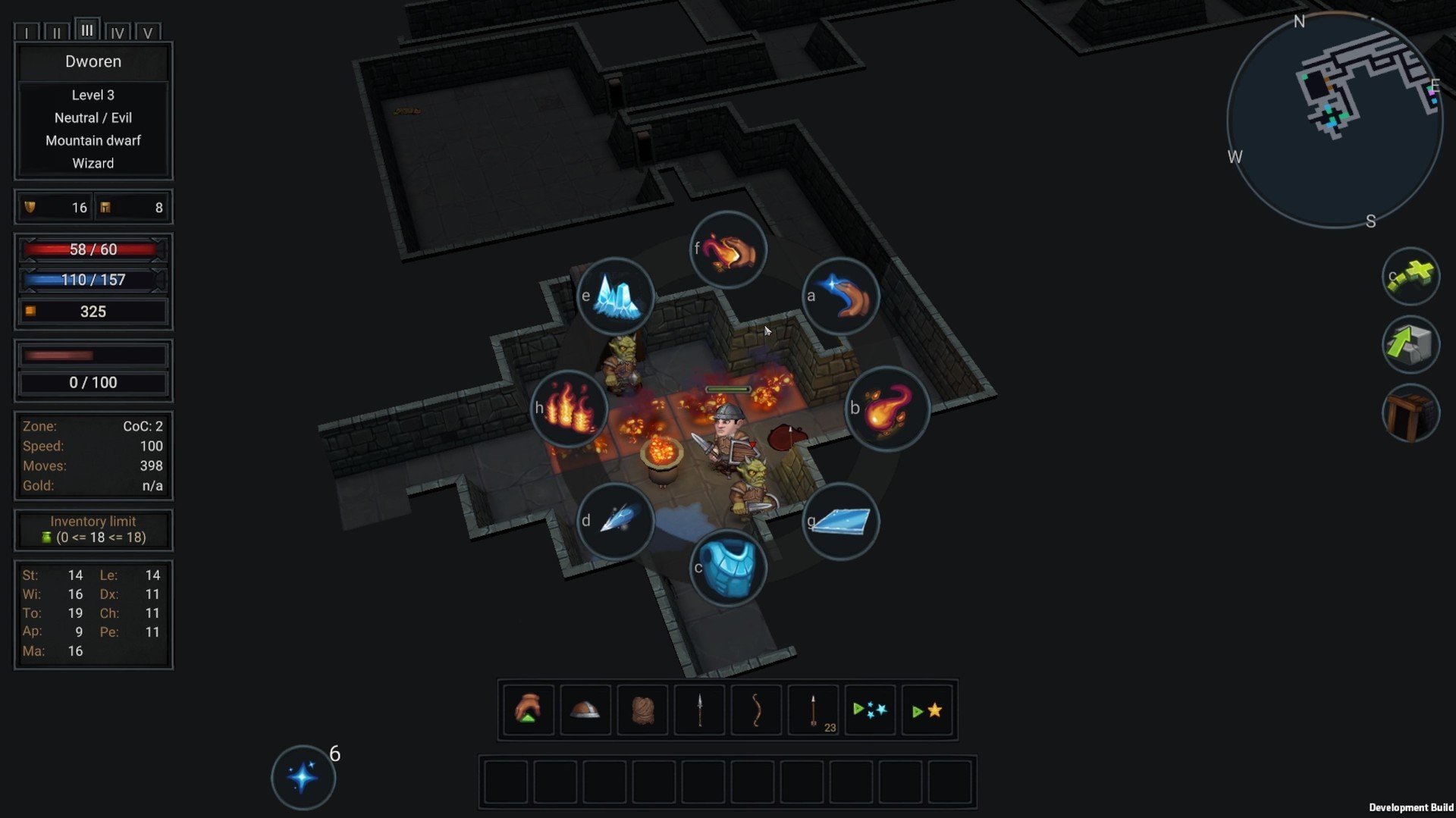
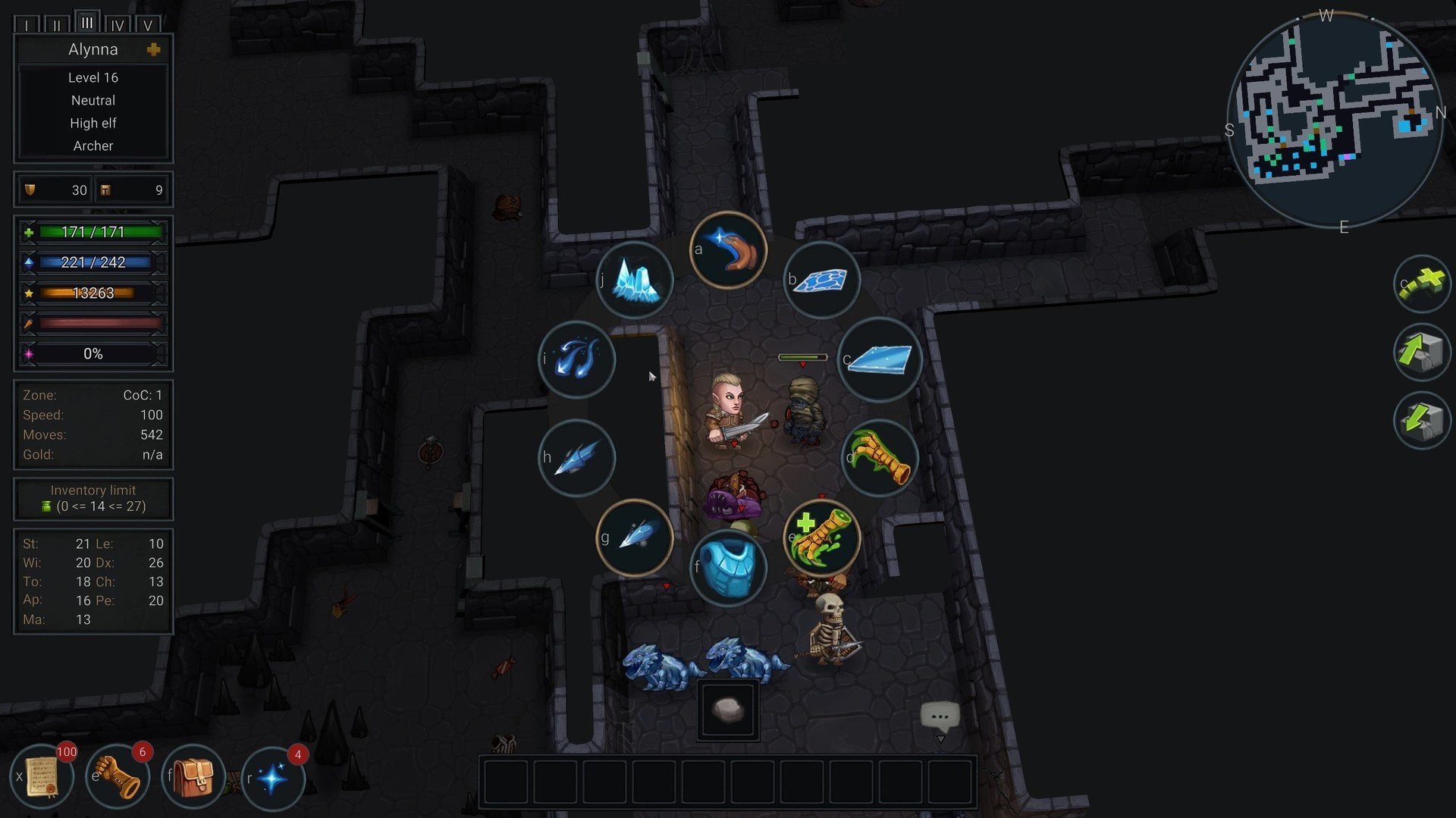
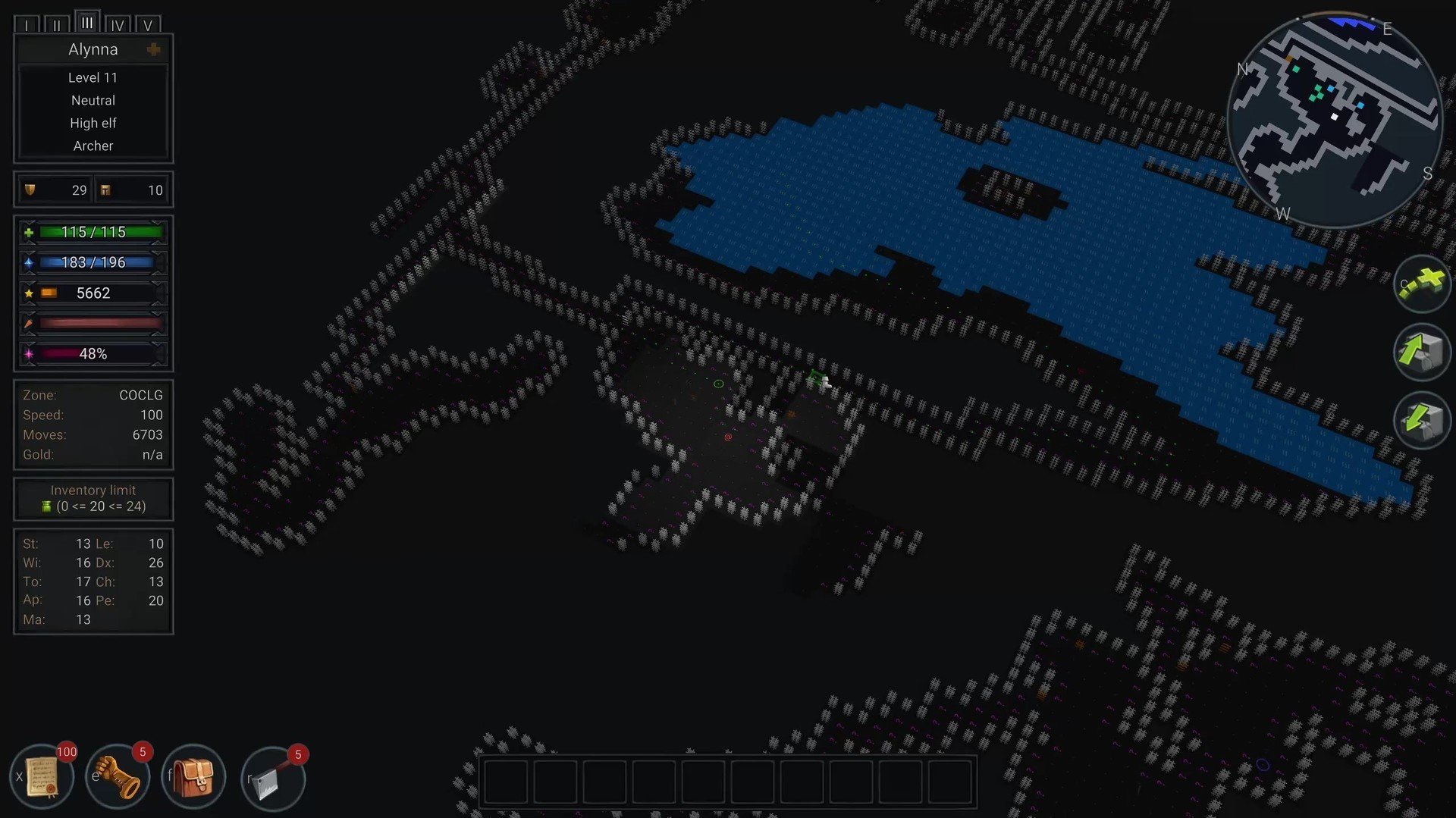
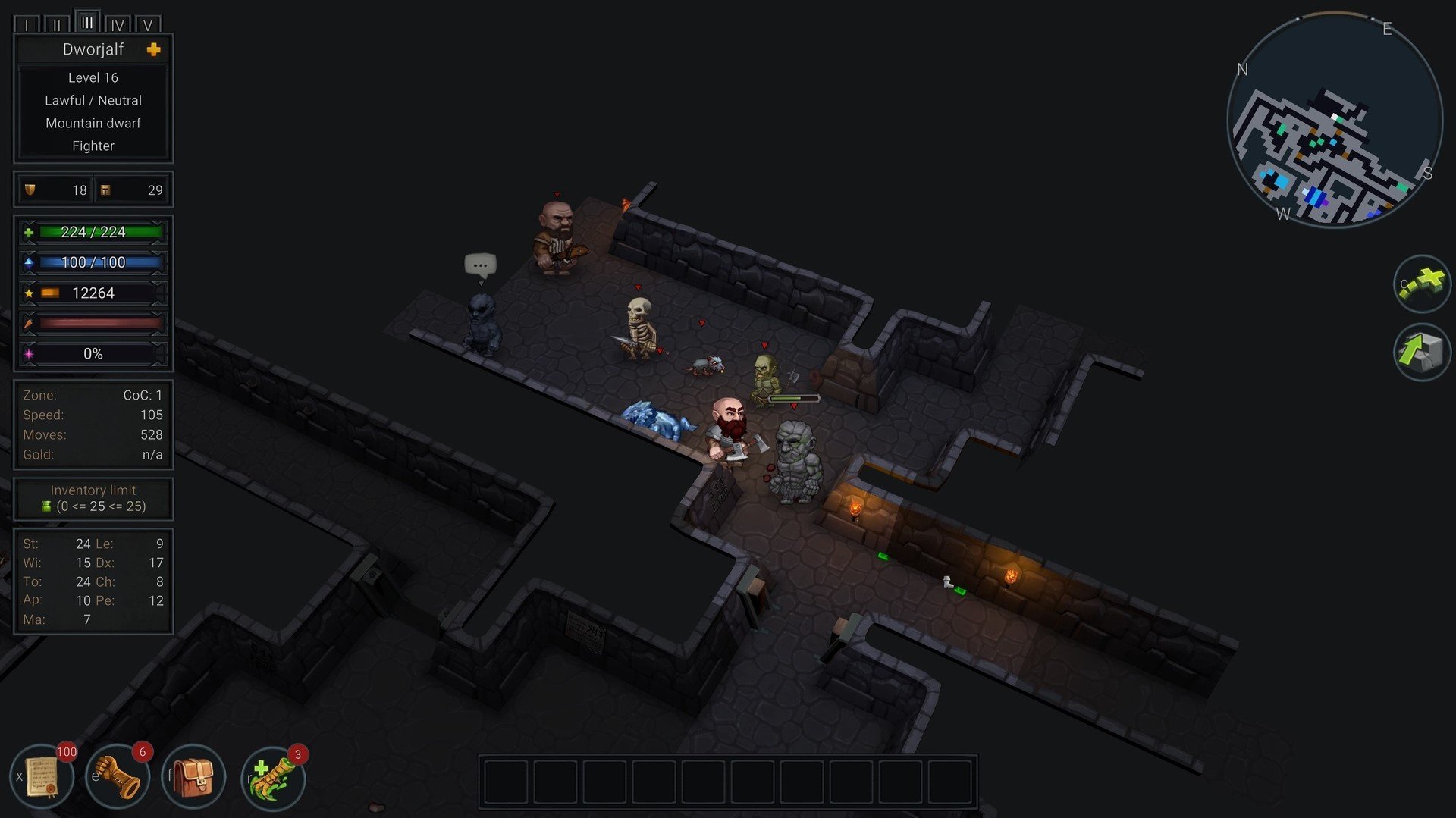
Ultimate ADOM – Caverns of Chaos is a modern revival of the classic roguelike genre, blending intricate gameplay mechanics with endless replayability. Developed as an expansion to the original Ancient Domains of Mystery (ADOM) universe, this game invites players into a world filled with perilous dungeons, mysterious creatures, and high-stakes decision-making. Unlike conventional RPGs that rely on straightforward narratives or repetitive combat, Caverns of Chaos emphasizes strategic thinking, adaptability, and long-term planning.
At its core, the game is a roguelike, meaning each adventure is procedurally generated and unpredictable. Players begin by creating a character from a variety of races and classes, each offering unique abilities, strengths, and weaknesses. Choices made at the start can dramatically shape the journey ahead, influencing how combat encounters are approached, which allies may be trusted, and what challenges are survivable. This level of customization encourages experimentation and careful consideration, rewarding thoughtful play over brute force.
The Caverns themselves are a testament to the game’s depth. As players explore, they encounter complex dungeon layouts, environmental hazards, and hidden secrets. Every decision carries weight: should you risk exploring a dangerous corridor for potential treasure, or retreat to preserve resources? The procedural generation ensures that no two journeys are alike, keeping players on edge and fostering a sense of discovery with every step. The game’s difficulty is intentionally high, reflecting the roguelike tradition of challenge and consequence, where mistakes can be punishing but learning is deeply satisfying.
Combat in Ultimate ADOM – Caverns of Chaos is both tactical and engaging. Turn-based mechanics allow players to plan each move carefully, considering terrain, enemy behavior, and character abilities. Magic, traps, and item usage all play pivotal roles, giving players a rich toolkit to approach battles creatively. The game does not hold hands; instead, it demands strategic thinking, patience, and adaptation. Each victory feels earned, and every setback serves as a learning experience.
Beyond combat, the game also emphasizes resource management and exploration. Food, equipment, and magical artifacts must be carefully conserved, while knowledge of the dungeon’s structure and enemy behavior becomes a critical survival tool. The game rewards curiosity and cautious risk-taking, making exploration feel meaningful rather than arbitrary. Interactions with NPCs and factions add another layer of complexity, as alliances and rivalries can alter the path through the Caverns.
Visually, Caverns of Chaos maintains a retro aesthetic reminiscent of classic roguelikes, but with modern polish. Its pixel-art style is functional yet charming, providing clear visual cues without overwhelming the player. Combined with atmospheric music and sound effects, the environment feels alive, heightening tension and immersion.
Ultimately, Ultimate ADOM – Caverns of Chaos is a celebration of the roguelike genre. It challenges players to think critically, adapt constantly, and embrace both triumphs and failures. For fans of strategy-heavy RPGs and classic dungeon crawlers, this game offers a rich, demanding, and endlessly replayable adventure that will test skill, patience, and ingenuity at every turn.
OS: macOS Sierra 10.12+Processor: x64 architecture with SSE2RAM: 1 GB RAMVideo card: Metal capable Intel and AMD GPUsDisk space: 1500 MB
Run the downloaded package and follow the standard installation procedure.
The installation is completed by choosing a location to place the game.
It is recommended to specify the Applications folder.
Frequently Asked Questions
Mount the image and run Open Gatekeeper friendly.
Press Enter to bypass Gatekeeper in the Terminal window.
Drag the application to the Applications folder.
The application is ready for use.
ATTENTION! SIP must be disabled. Learn more >
Restart your Mac and hold down Command + R to enter Recovery Mode.
Open Terminal from the Utilities menu.
Enter the command: csrutil disable
Restart your Mac.
This is a common Gatekeeper issue. Follow these steps:
1. Open Terminal
2. Enter: sudo xattr -rd com.apple.quarantine /Applications/AppName.app
3. Replace "AppName" with the actual application name
4. Press Enter and enter your password
Yes, all our downloads are thoroughly checked for viruses and malware.
We use multiple antivirus engines to scan every file.
Our team tests each application before publishing.
We never bundle adware or unwanted software.
Yes, we regularly update our applications to the latest versions.
You can check our website for updates or subscribe to our newsletter.
We strive to provide the most recent versions within 24-48 hours of release.
If a download link is not working, please:
1. Try a different browser
2. Clear your browser cache and cookies
3. Try the alternative download links provided
4. Contact our support team if the issue persists