


Organized Inside
Download Organized Inside
Run the downloaded image and drag the application to the Applications folder shortcut.
Once copying is complete, the application can be launched via Launchpad.
Previous Versions
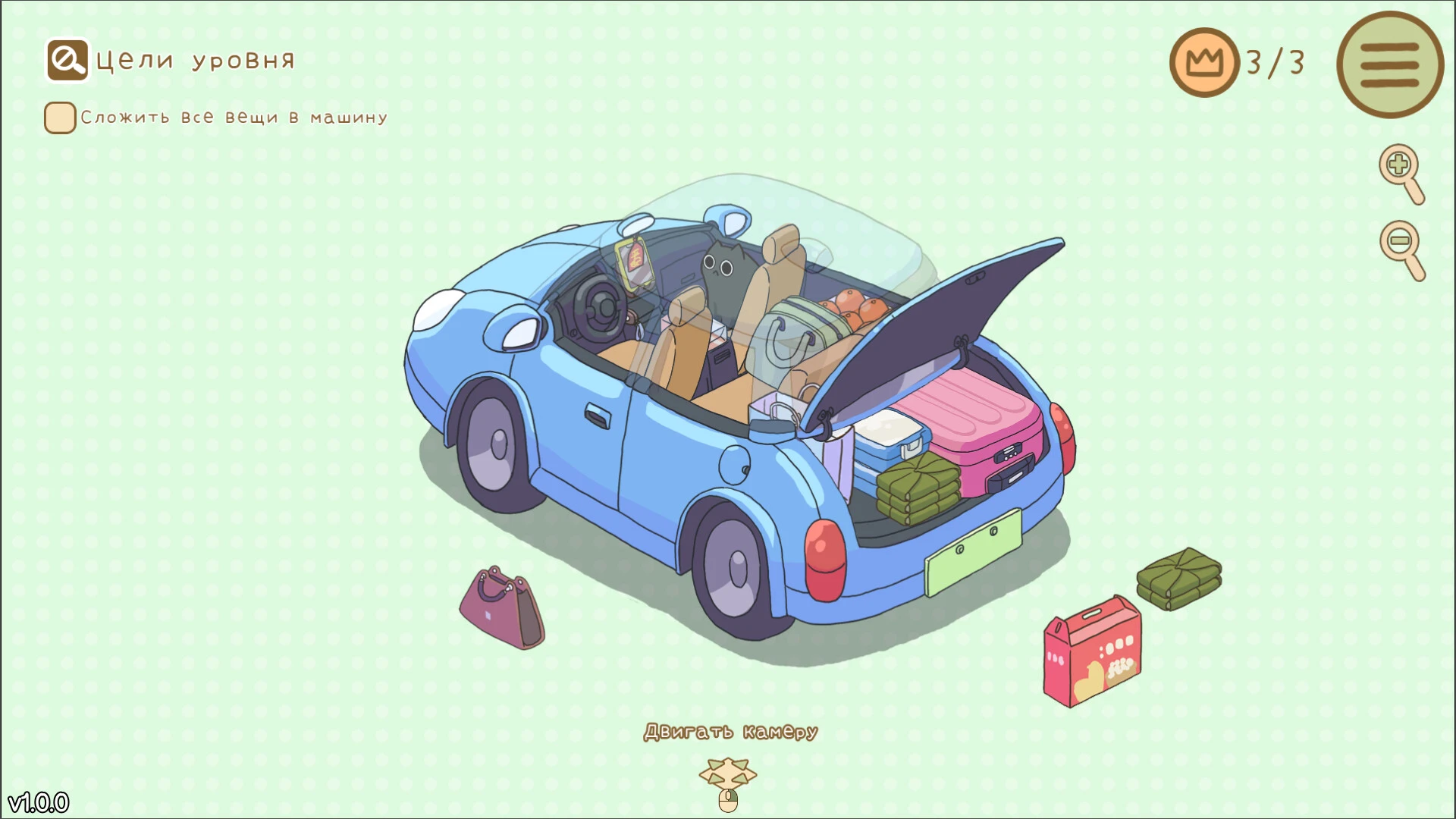
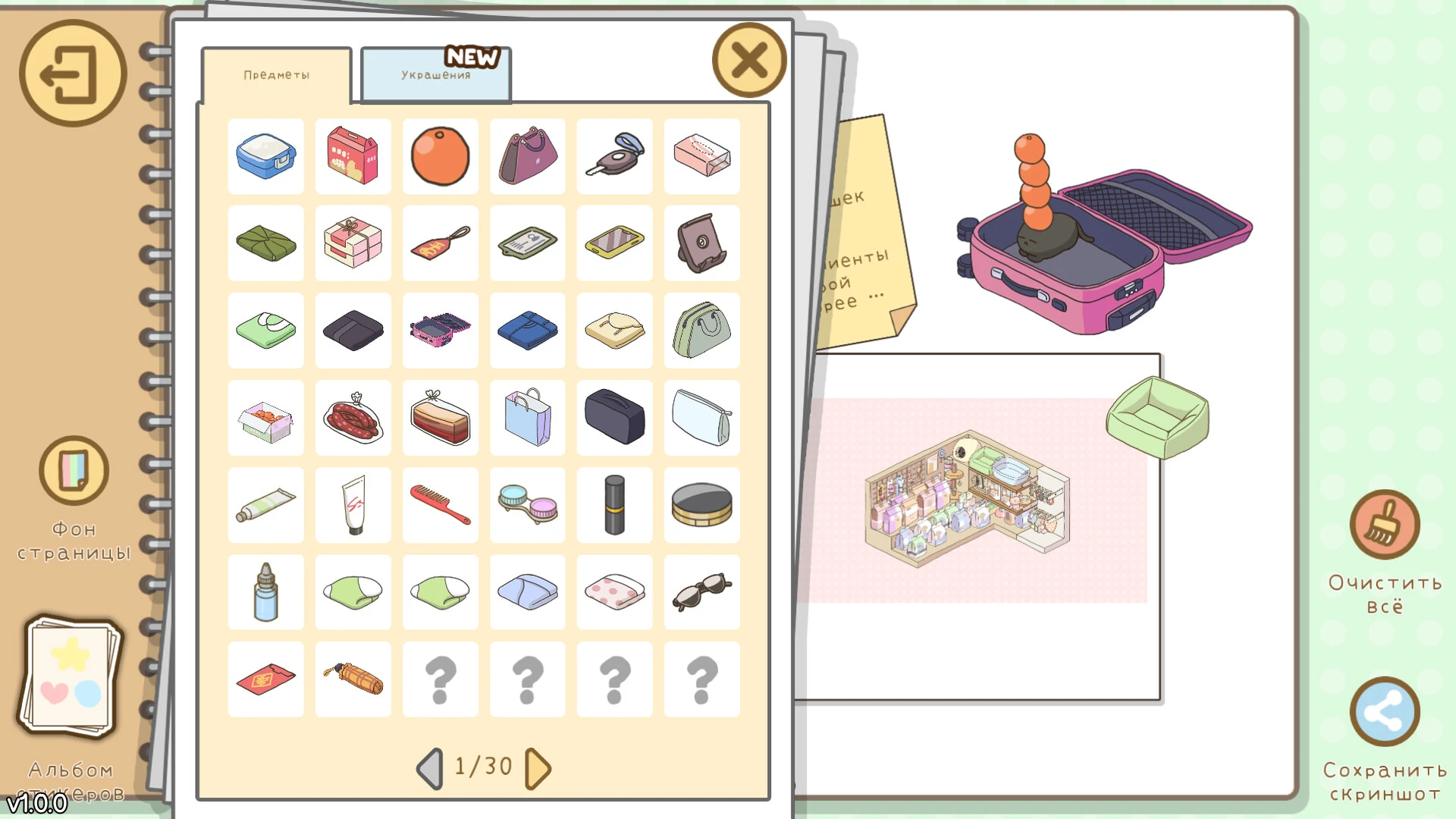
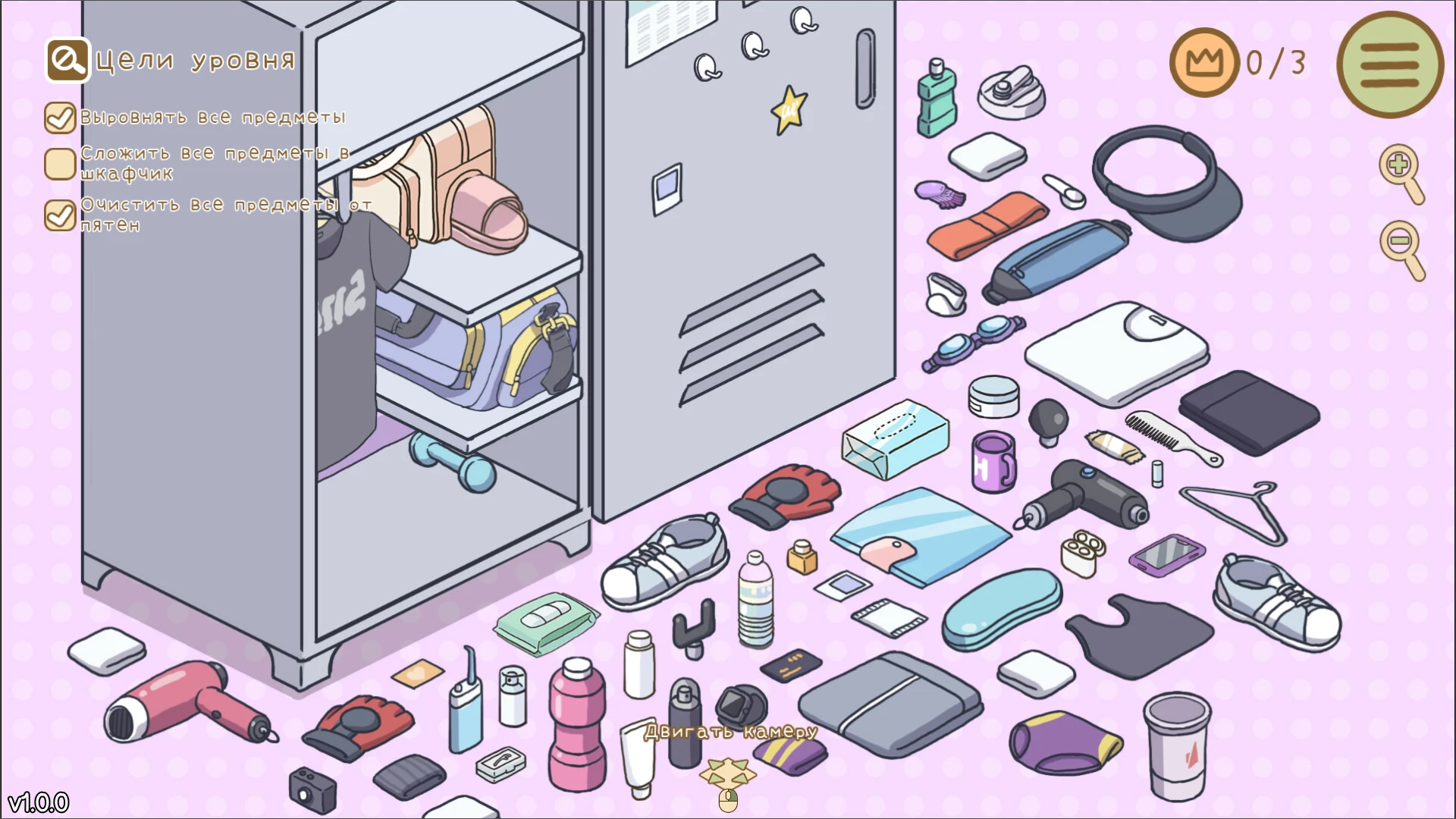
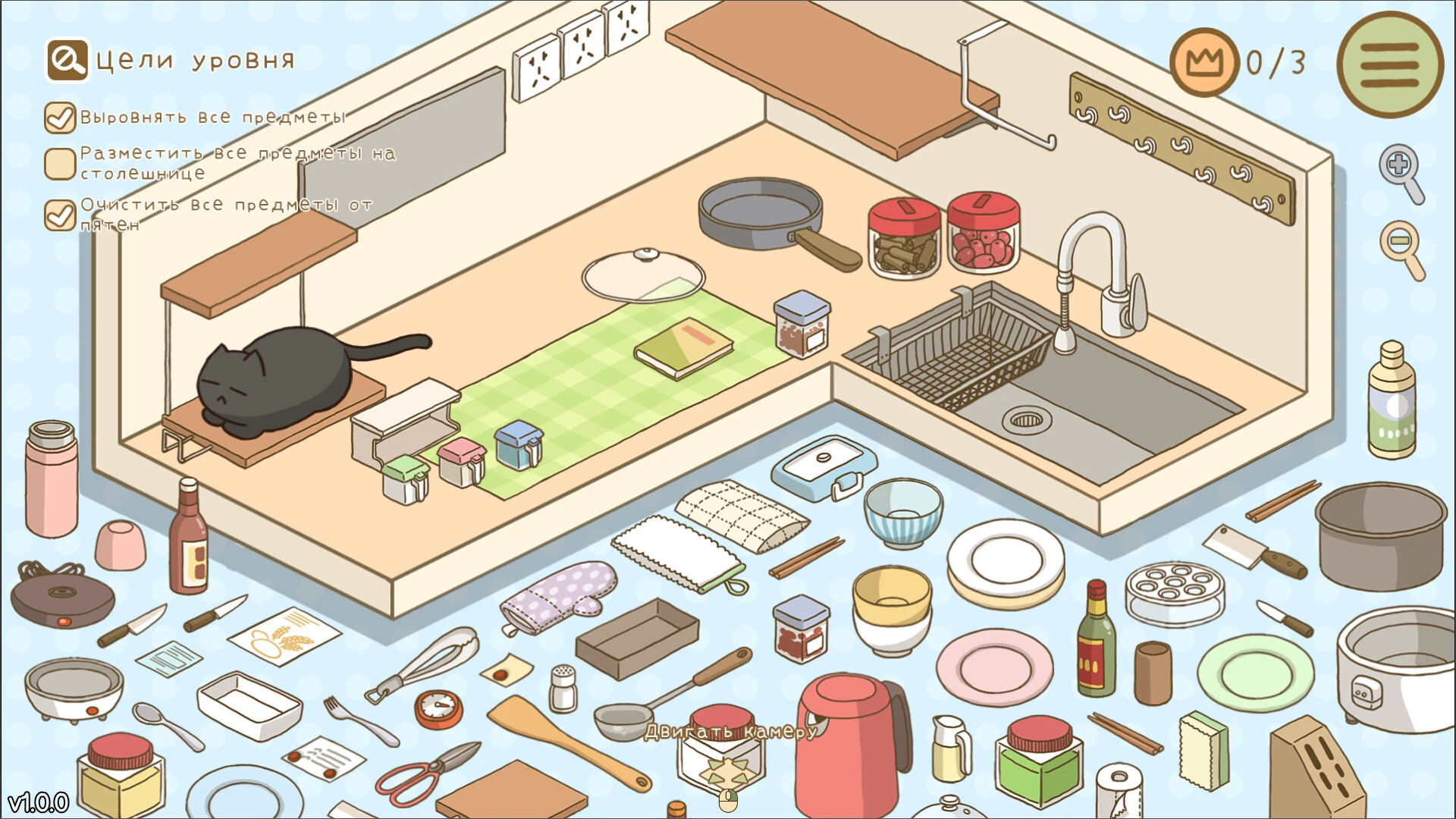
Puzzle and simulation games continue to gain popularity, especially those that focus on relaxation, creativity, and satisfying gameplay. A standout concept in this genre is Organized Inside, a relaxing experience designed to sort, organize, and transform cluttered spaces into perfectly organized environments.
Unlike action games focused on combat or competition, Organized Inside offers a calm and rewarding experience that fosters creativity and problem-solving. The game appeals to players who enjoy organizational challenges, interior design elements, and stress-free gameplay that promotes focus and satisfaction.
With its cozy atmosphere and visually appealing mechanics, Organized Inside has become increasingly popular among fans of relaxing indie games.
An Organization-Based Gaming Experience
At its core, Organized Inside is about bringing order to chaos. Players enter different rooms, houses, or storage units filled with scattered objects and must carefully arrange everything in its place.
Each level features unique designs, object types, and creative challenges. Some spaces require efficient storage solutions, while others focus on aesthetic design and visual balance.
Key game mechanics include:
Sorting and categorizing objects
Decorating and organizing interiors
Solving organizational puzzles
Unlocking new furniture and tools
Completing timed or free-play challenges
The game may seem simple at first, but the satisfaction of transforming cluttered spaces into perfectly organized environments is highly addictive.
Relaxing and stress-free gameplay
One of Organized Inside's greatest strengths is its tranquil atmosphere. The game avoids intense pressure, quick reactions, and complex combat systems. Instead, it focuses entirely on creating a peaceful and rewarding experience.
Players can take their time organizing rooms, experimenting with different layouts, and finding creative solutions for cluttered environments.
This leisurely pace makes the game ideal for those looking to unwind after stressful workdays or competitive gaming sessions.
The pleasant feeling of having perfectly organized shelves, neatly folded clothes, and clean spaces generates a sense of accomplishment that many players find emotionally rewarding.
Appealing Visual Design
Organized Inside uses a soft, colorful visual style that perfectly complements its relaxing gameplay. Each room feels welcoming and detailed, filled with thoughtfully designed objects and decorative elements.
The game's lighting, textures, and animations create a warm atmosphere that encourages exploration and creativity. Watching a cluttered room slowly transform into a clean and organized space is one of the most enjoyable moments of the experience.
The minimalist user interface design also helps players focus on the relaxing gameplay rather than unnecessary distractions.
Relaxing Sound Design
Audio plays an important role in Organized Inside. Soft background music, delicate ambient sounds, and satisfying object placement effects help create a tranquil atmosphere.
Simple actions like placing books on shelves, organizing kitchen utensils, or arranging decorations become surprisingly relaxing thanks to the game's thoughtful sound design.
This combination of visuals and sound creates an immersive and welcoming experience that many players describe as therapeutic.
Why does Organized Inside stand out?
Many modern games focus on action and competition, but Organized Inside succeeds thanks to its simplicity and relaxing feel. It transforms everyday tasks into engaging gameplay mechanics, rewarding creativity and attention to detail.
The game also appeals to fans of relaxing simulation games and organizational puzzles because of its satisfying progression and stress-free design philosophy.
Conclusion
Organized Inside offers a refreshing gaming experience based on creativity, relaxation, and satisfying organizational mechanics. Its tranquil atmosphere, beautiful visual style, and rewarding gameplay cycle make it the perfect choice for players seeking peaceful and enjoyable entertainment.
OS: macOS 10.15+Processor: Intel x64 or Apple Silicon
Run the downloaded image and drag the application to the Applications folder shortcut.
Once copying is complete, the application can be launched via Launchpad.
Frequently Asked Questions
Mount the image and run Open Gatekeeper friendly.
Press Enter to bypass Gatekeeper in the Terminal window.
Drag the application to the Applications folder.
The application is ready for use.
ATTENTION! SIP must be disabled. Learn more >
Restart your Mac and hold down Command + R to enter Recovery Mode.
Open Terminal from the Utilities menu.
Enter the command: csrutil disable
Restart your Mac.
This is a common Gatekeeper issue. Follow these steps:
1. Open Terminal
2. Enter: sudo xattr -rd com.apple.quarantine /Applications/AppName.app
3. Replace "AppName" with the actual application name
4. Press Enter and enter your password
Yes, all our downloads are thoroughly checked for viruses and malware.
We use multiple antivirus engines to scan every file.
Our team tests each application before publishing.
We never bundle adware or unwanted software.
Yes, we regularly update our applications to the latest versions.
You can check our website for updates or subscribe to our newsletter.
We strive to provide the most recent versions within 24-48 hours of release.
If a download link is not working, please:
1. Try a different browser
2. Clear your browser cache and cookies
3. Try the alternative download links provided
4. Contact our support team if the issue persists