


Planetbase
Download Planetbase
Mount the downloaded image and follow the standard installation procedure.
The installation is completed by choosing a location to place the game.
It is recommended to specify the Applications folder.
Previous Versions
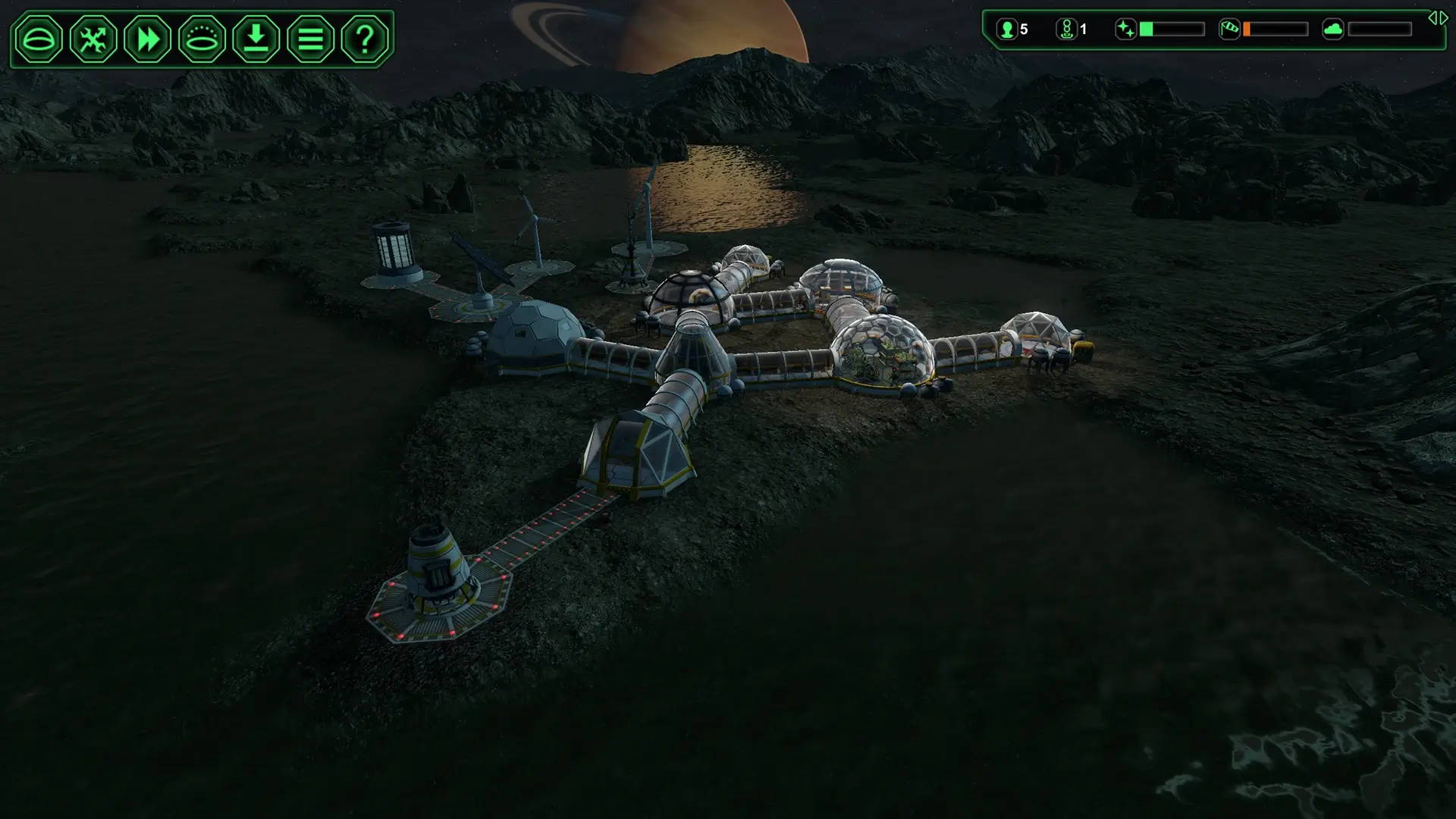
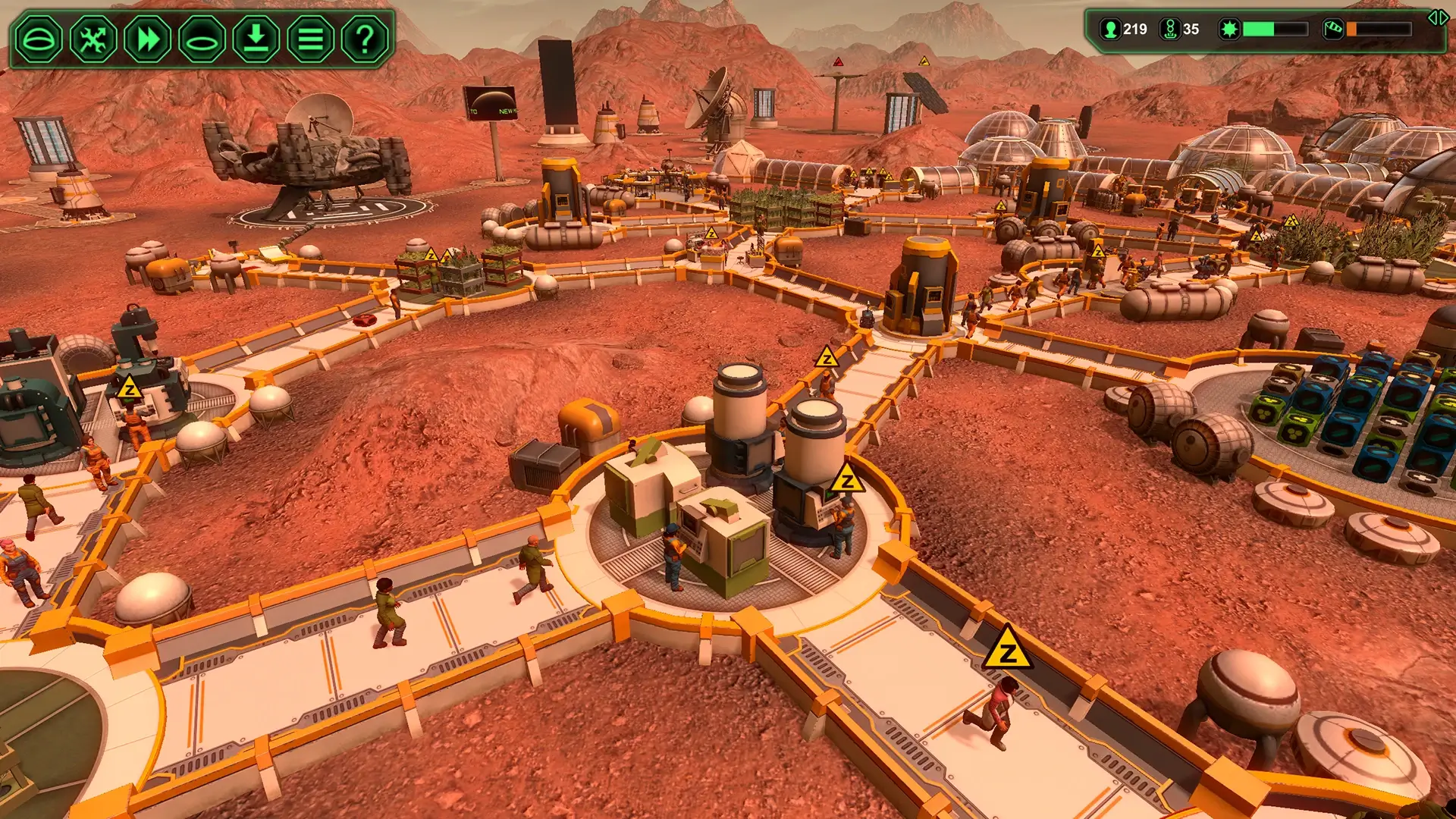
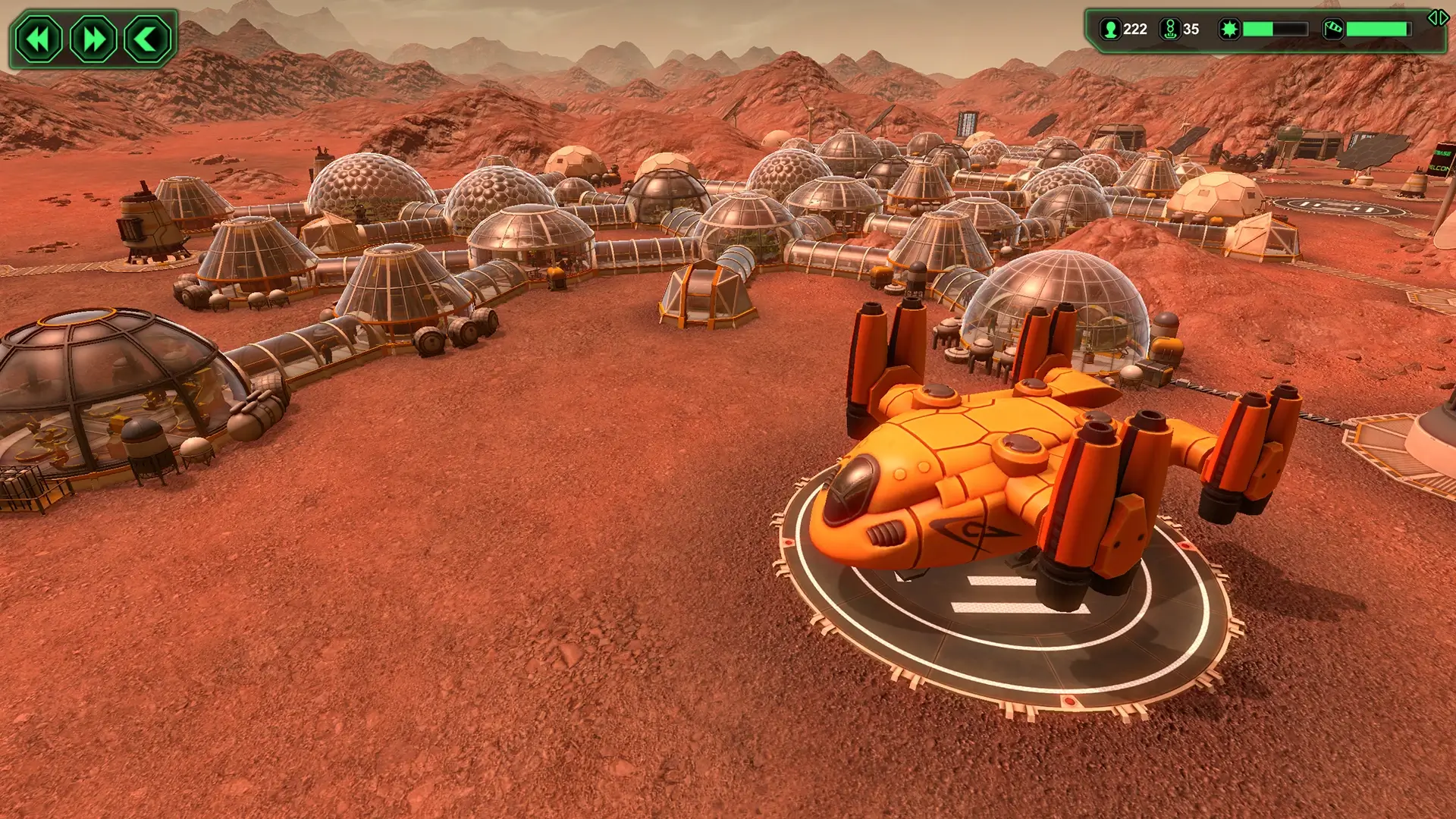
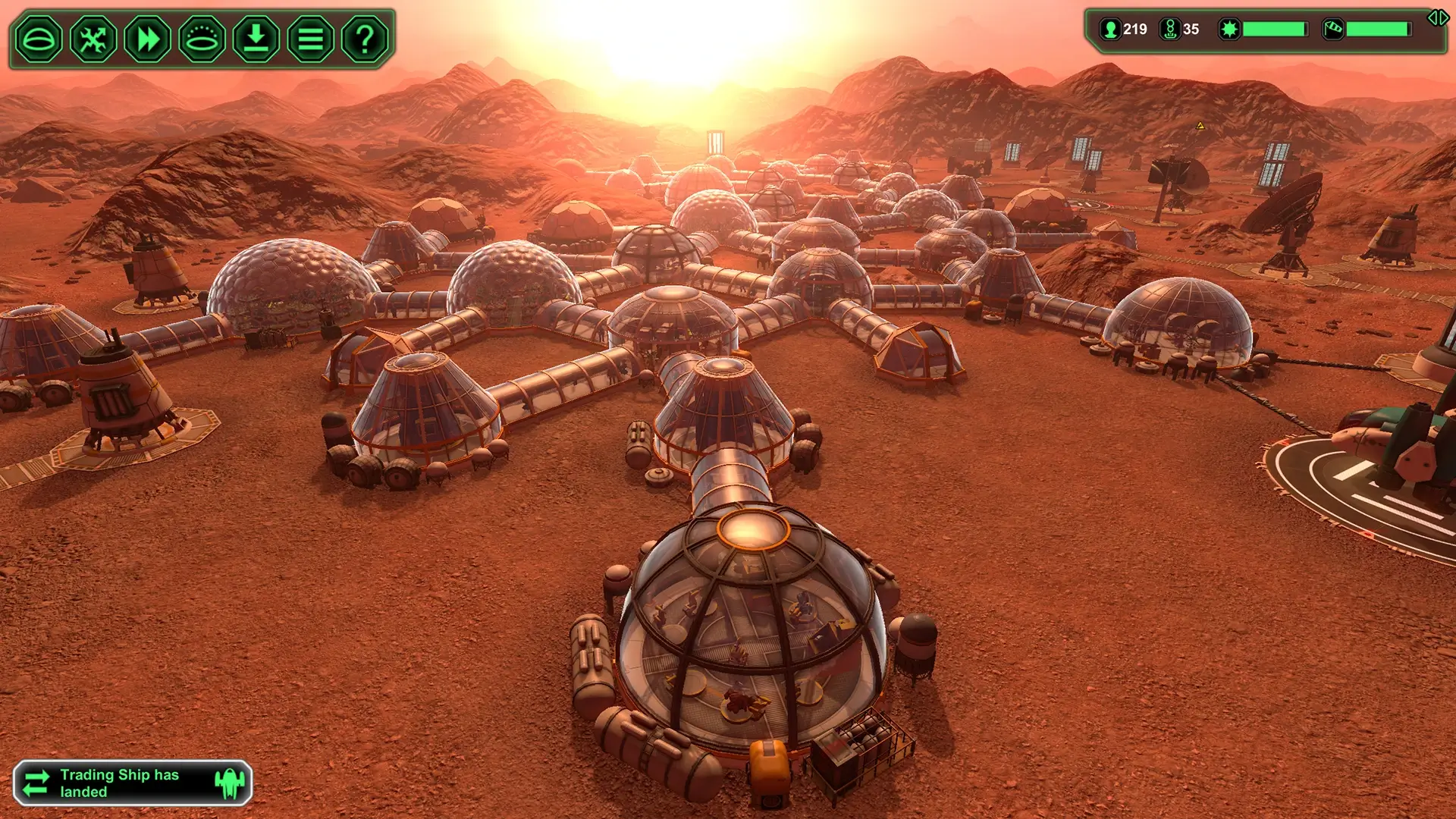
Planetbase is a captivating simulation game that challenges players to establish and manage a colony on distant, hostile planets. Developed by Madruga Works, the game combines resource management, strategic planning, and survival mechanics, offering a unique twist on the space colonization genre. Unlike many sci-fi titles that focus on exploration or combat, Planetbase centers on the careful balance between human needs, environmental hazards, and long-term sustainability.
At its core, the game tasks players with guiding a group of settlers as they build a functional colony from scratch. Players must construct habitats, power plants, water purification systems, and other essential structures to ensure the survival of their colonists. Each decision carries weight: placing a solar panel in a shaded area or neglecting oxygen production can quickly lead to disaster. This attention to detail creates a sense of tension and accomplishment, making every successful day in the colony feel hard-earned.
One of the game’s most impressive aspects is its emphasis on realistic survival challenges. Colonists have individual needs, such as food, oxygen, and rest, and they can become stressed or injured if these requirements are neglected. Additionally, the planets themselves are unpredictable and dangerous. Sandstorms, meteors, and other environmental hazards demand careful planning and foresight, forcing players to think ahead and adapt their strategies. This combination of internal and external pressures makes Planetbase more than just a construction game—it’s a test of resourcefulness and decision-making under pressure.
Another key feature is the game’s depth in resource management. Materials such as metal, bioplastic, and concrete must be mined and allocated efficiently. Poor planning can lead to bottlenecks, halting construction or putting the colony at risk. At the same time, players must balance immediate survival needs with long-term growth, deciding whether to expand their colony, invest in research, or prioritize safety. This strategic layer keeps gameplay engaging and ensures that no two colonies play out in exactly the same way.
Visually, Planetbase strikes a balance between simplicity and clarity. The isometric perspective allows players to see their entire colony at a glance while highlighting critical details like resource flow and colonist activity. The minimalist art style ensures that players focus on strategy and problem-solving rather than flashy graphics, which perfectly complements the game’s thoughtful design.
In conclusion, Planetbase offers a rich and rewarding experience for fans of strategy, simulation, and survival games. Its combination of realistic colonist needs, environmental hazards, and deep resource management creates a game that is both challenging and satisfying. Players must think like engineers, planners, and leaders to build thriving colonies in the harshest of extraterrestrial environments. For anyone interested in space, survival, or strategic planning, Planetbase provides a truly engaging test of ingenuity and patience, proving that building a civilization among the stars is far from easy—but incredibly rewarding.
OS: Mac OS X 10.8Processor: 2 GHz Dual CoreMemory: 2 GB RAMVideo Card: 512 MB VRAMDisk Space: 650 MB
Mount the downloaded image and follow the standard installation procedure.
The installation is completed by choosing a location to place the game.
It is recommended to specify the Applications folder.
Frequently Asked Questions
Mount the image and run Open Gatekeeper friendly.
Press Enter to bypass Gatekeeper in the Terminal window.
Drag the application to the Applications folder.
The application is ready for use.
ATTENTION! SIP must be disabled. Learn more >
Restart your Mac and hold down Command + R to enter Recovery Mode.
Open Terminal from the Utilities menu.
Enter the command: csrutil disable
Restart your Mac.
This is a common Gatekeeper issue. Follow these steps:
1. Open Terminal
2. Enter: sudo xattr -rd com.apple.quarantine /Applications/AppName.app
3. Replace "AppName" with the actual application name
4. Press Enter and enter your password
Yes, all our downloads are thoroughly checked for viruses and malware.
We use multiple antivirus engines to scan every file.
Our team tests each application before publishing.
We never bundle adware or unwanted software.
Yes, we regularly update our applications to the latest versions.
You can check our website for updates or subscribe to our newsletter.
We strive to provide the most recent versions within 24-48 hours of release.
If a download link is not working, please:
1. Try a different browser
2. Clear your browser cache and cookies
3. Try the alternative download links provided
4. Contact our support team if the issue persists