


Poppy Playtime – Chapter 3
Download Poppy Playtime – Chapter 3
Run the downloaded image and drag the application to the Applications folder shortcut.
Once copying is complete, the application can be launched via Launchpad.
Previous Versions


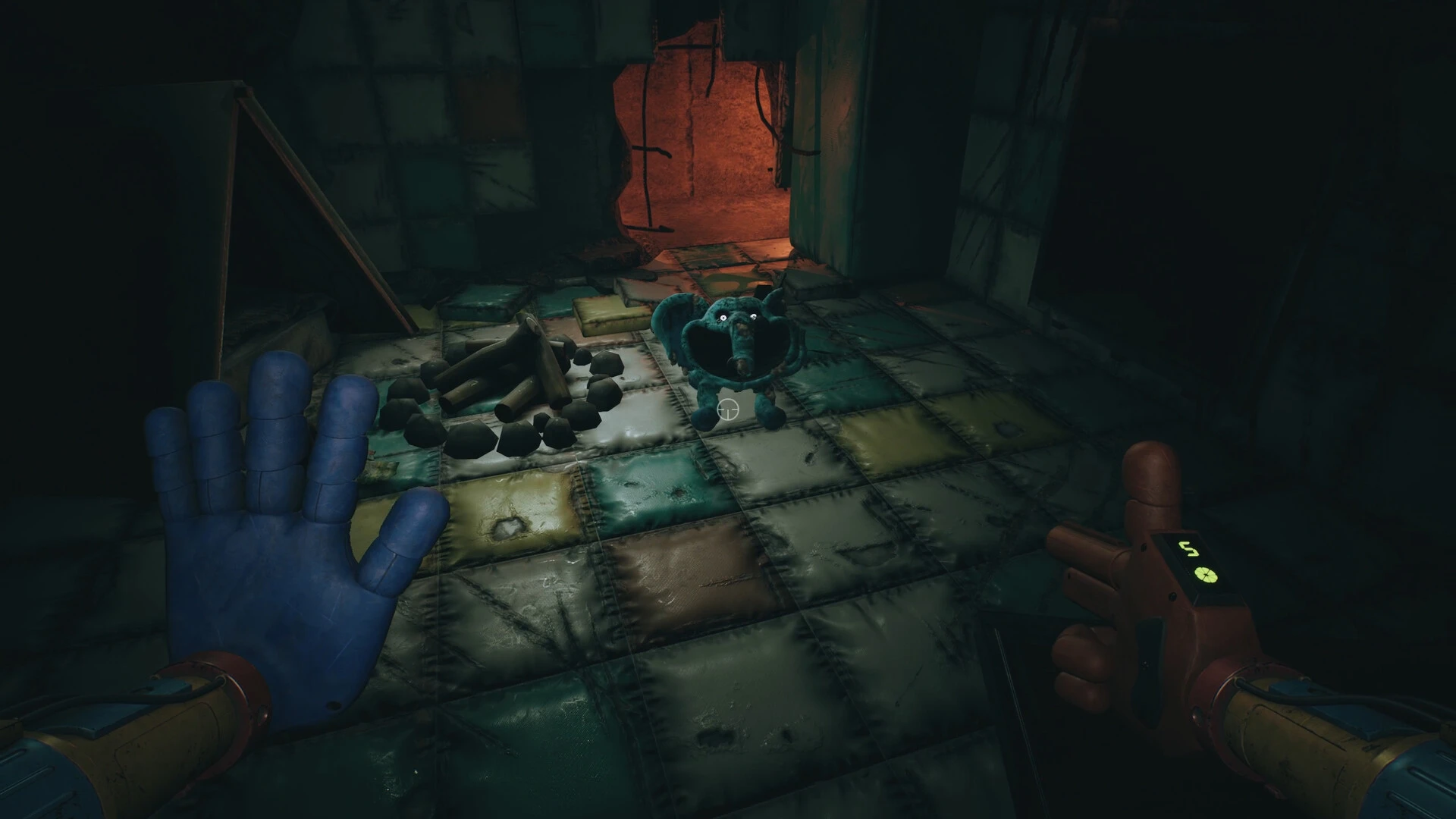

Poppy Playtime – Chapter 3 continues the chilling saga of the abandoned Playtime Co. factory, building on the suspense and horror that made the series a standout in the survival horror genre. This chapter expands both the story and gameplay mechanics, delivering new challenges, terrifying encounters, and a deeper dive into the factory’s dark secrets. For returning players, Chapter 3 feels like a logical yet more intense continuation of the eerie narrative.
From the very beginning, Chapter 3 establishes a sense of foreboding. Players are thrust into areas that are darker, more labyrinthine, and more unpredictable than in previous chapters. Hallways twist unexpectedly, machinery groans in unsettling patterns, and shadows seem to move when no one is looking. Every step forward feels fraught with tension, creating a continuous undercurrent of dread that defines the chapter’s atmosphere.
Puzzle design in Chapter 3 evolves significantly. Unlike the earlier chapters, which primarily relied on basic environmental interactions, the puzzles here are more intricate and multi-layered. Players must combine observation, logic, and timing to progress. Some puzzles require manipulating machinery, while others involve decoding subtle visual cues scattered throughout the factory. These challenges are seamlessly integrated into the world, ensuring that problem-solving feels immersive rather than forced.
One of the most exciting aspects of Chapter 3 is the introduction of new antagonists. The factory’s toys, previously unsettling but manageable, now display intelligence and unpredictability. Enemies actively track the player, adapt to movement patterns, and force strategic thinking to survive. The increased threat level creates a tense balance between exploration and caution, ensuring that no corner of the factory feels truly safe.
The horror experience is heightened through careful environmental storytelling. Notes, recordings, and visual elements hint at Playtime Co.’s twisted experiments and sinister motives. Chapter 3 expands on the lore without overwhelming the player with exposition, encouraging discovery and interpretation. This approach adds depth and weight to the game’s narrative, making each encounter with a toy or puzzle more meaningful.
Graphically, Chapter 3 enhances the series’ signature style with richer textures, improved lighting, and more dynamic environments. Shadows and light play a critical role in building suspense, while sound design—footsteps echoing through empty halls, distant metallic clanging, and sudden audio cues—keeps players constantly alert. These elements work together to create an immersive horror experience that keeps players on edge.
In addition to horror and puzzles, Chapter 3 encourages exploration. Hidden rooms, secret pathways, and collectibles reward careful observation and curiosity. Players who take the time to investigate the environment gain both narrative insight and gameplay advantages, reinforcing a sense of agency and discovery.
In conclusion, Poppy Playtime – Chapter 3 successfully raises the stakes for the series. With smarter puzzles, more intelligent enemies, richer lore, and a darker, more immersive environment, it delivers a tense and engaging survival horror experience. The chapter challenges players to think, explore, and survive while expanding the haunting story of Playtime Co. For fans of the series, Chapter 3 proves that the horror is far from over—and that the factory’s darkest secrets are still waiting to be uncovered.
▎Apple Silicon (ARM)- macOS Tahoe 26.1-26.2 and later. - Apple Silicon (M1-M5, M Pro/Max/Ultra).- ±16 GB of shared memory.- ±41 GB free space.▎Dualshock/Dualsense gamepad support available
Run the downloaded image and drag the application to the Applications folder shortcut.
Once copying is complete, the application can be launched via Launchpad.
Frequently Asked Questions
Mount the image and run Open Gatekeeper friendly.
Press Enter to bypass Gatekeeper in the Terminal window.
Drag the application to the Applications folder.
The application is ready for use.
ATTENTION! SIP must be disabled. Learn more >
Restart your Mac and hold down Command + R to enter Recovery Mode.
Open Terminal from the Utilities menu.
Enter the command: csrutil disable
Restart your Mac.
This is a common Gatekeeper issue. Follow these steps:
1. Open Terminal
2. Enter: sudo xattr -rd com.apple.quarantine /Applications/AppName.app
3. Replace "AppName" with the actual application name
4. Press Enter and enter your password
Yes, all our downloads are thoroughly checked for viruses and malware.
We use multiple antivirus engines to scan every file.
Our team tests each application before publishing.
We never bundle adware or unwanted software.
Yes, we regularly update our applications to the latest versions.
You can check our website for updates or subscribe to our newsletter.
We strive to provide the most recent versions within 24-48 hours of release.
If a download link is not working, please:
1. Try a different browser
2. Clear your browser cache and cookies
3. Try the alternative download links provided
4. Contact our support team if the issue persists