


Potion Craft: Alchemist Simulator
Download Potion Craft: Alchemist Simulator
Run the downloaded image and drag the application to the Applications folder shortcut.
Once copying is complete, the application can be launched via Launchpad.
Previous Versions
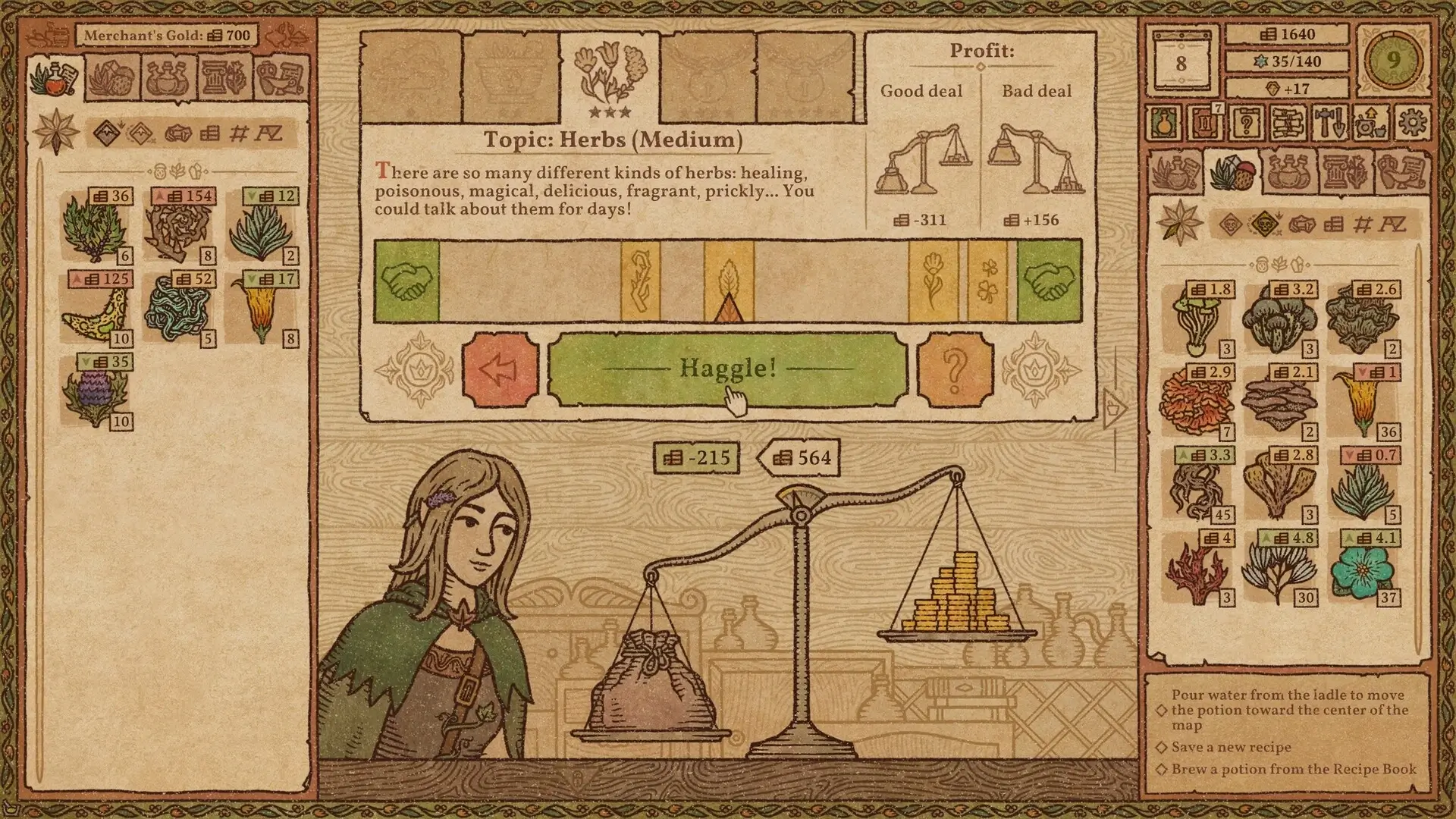

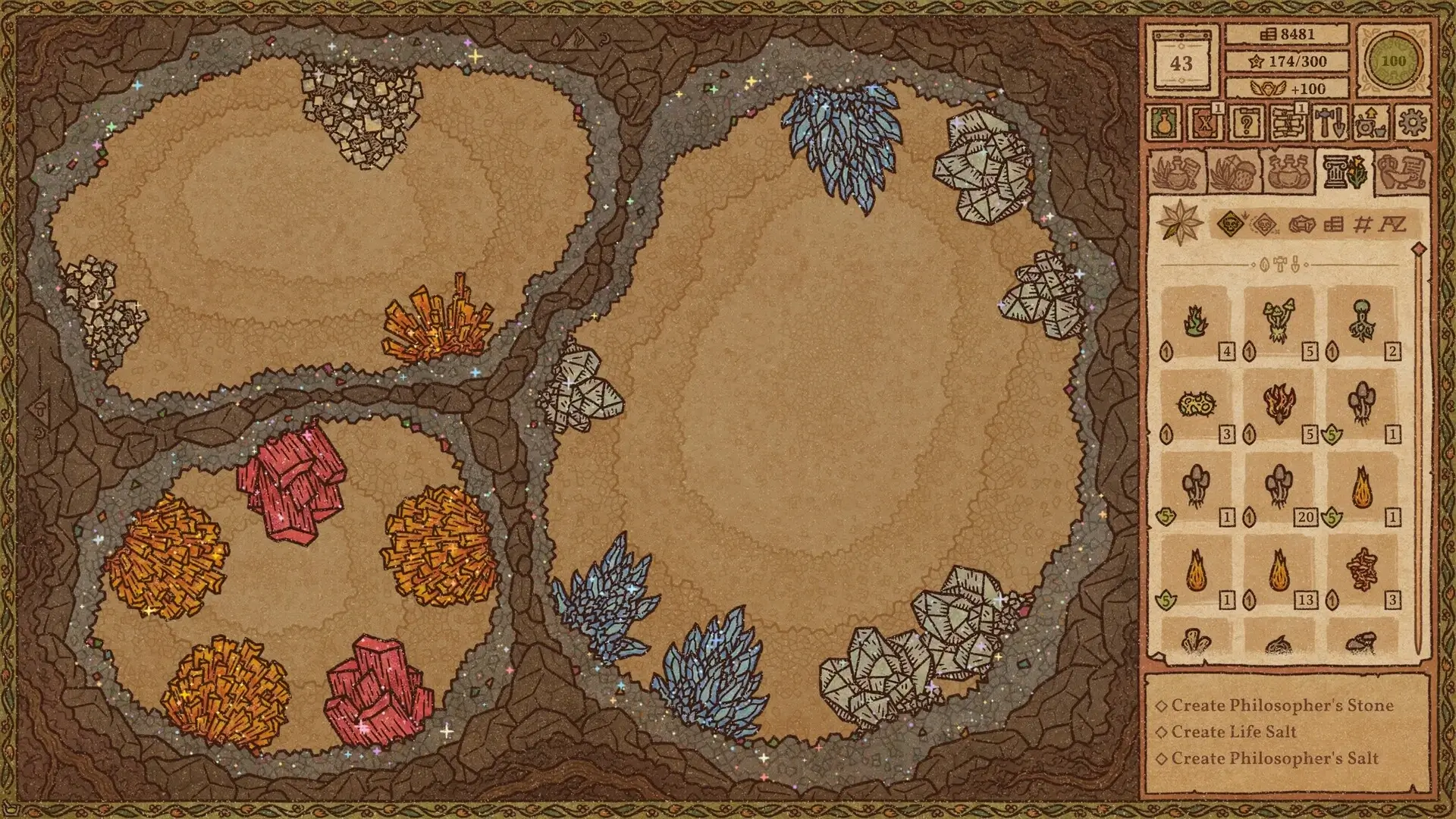
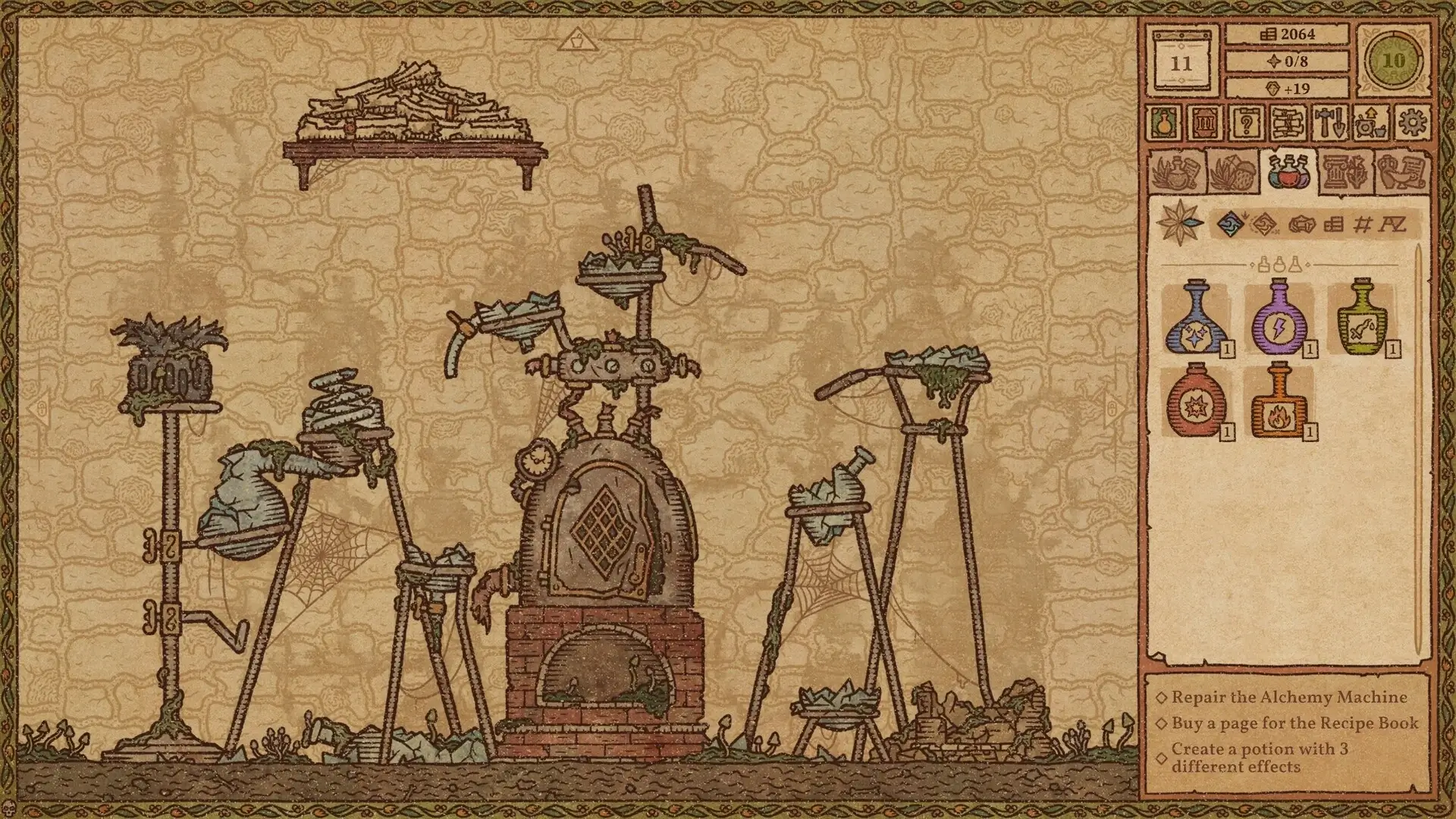
Potion Craft: Alchemist Simulator stands out in the gaming world by transforming a slow, thoughtful process into an engaging experience. Rather than relying on action or fast-paced challenges, the game invites players into the quiet life of an alchemist, where patience, curiosity, and experimentation are the keys to success. Its charm lies in how simple mechanics evolve into deep, satisfying gameplay.
At its core, Potion Craft places the player in charge of a small alchemy shop. Customers arrive with problems ranging from minor inconveniences to serious needs, and it is the player’s responsibility to create potions that offer solutions. There are no clear instructions at the beginning, which encourages discovery. Each ingredient behaves differently, and learning how they interact becomes an enjoyable puzzle rather than a chore.
One of the game’s most distinctive features is its map-based potion system. Instead of following traditional recipes, players navigate a symbolic map while brewing. Each ingredient moves the potion along the map in a unique direction, and reaching certain locations unlocks specific effects. This approach makes potion-making feel like exploration, blending creativity with strategy. Mistakes are part of the process, reinforcing the idea that learning comes from trial and error.
The visual style of Potion Craft adds significantly to its atmosphere. Inspired by medieval manuscripts and old alchemy books, the hand-drawn art gives the game a timeless quality. Subtle animations, ink-like textures, and parchment backgrounds create a world that feels both cozy and mysterious. The interface is intentionally minimal, keeping the focus on the act of creation rather than overwhelming the player with numbers or complex menus.
Sound design also plays an important role. Gentle background music and soft grinding noises create a calming environment. These details make the game feel meditative, encouraging players to slow down and enjoy the process. Potion Craft is not about rushing toward an end goal but about finding satisfaction in each small success.
Beyond mechanics and aesthetics, the game subtly encourages ethical thinking. Players must decide whether to help customers honestly, manipulate outcomes for profit, or refuse service altogether. These choices affect reputation and progression, adding depth without forcing moral judgments. The freedom to shape one’s role as an alchemist makes each playthrough feel personal.
Potion Craft: Alchemist Simulator succeeds because it respects the player’s intelligence and imagination. It does not rely on spectacle or constant rewards. Instead, it builds engagement through curiosity and creativity. By turning potion-making into a thoughtful art rather than a repetitive task, the game proves that quiet experiences can be just as memorable as loud ones.
In a gaming landscape often defined by speed and competition, Potion Craft offers something rare: a peaceful space to think, experiment, and create. That gentle approach is what makes it truly magical.
▎Apple Silicon (ARM)- macOS Tahoe 26.1 and later. - Apple Silicon (M1-M5, M Pro/Max/Ultra).- ±8 GB of shared memory.- ±4 GB free space.
Run the downloaded image and drag the application to the Applications folder shortcut.
Once copying is complete, the application can be launched via Launchpad.
Frequently Asked Questions
Mount the image and run Open Gatekeeper friendly.
Press Enter to bypass Gatekeeper in the Terminal window.
Drag the application to the Applications folder.
The application is ready for use.
ATTENTION! SIP must be disabled. Learn more >
Restart your Mac and hold down Command + R to enter Recovery Mode.
Open Terminal from the Utilities menu.
Enter the command: csrutil disable
Restart your Mac.
This is a common Gatekeeper issue. Follow these steps:
1. Open Terminal
2. Enter: sudo xattr -rd com.apple.quarantine /Applications/AppName.app
3. Replace "AppName" with the actual application name
4. Press Enter and enter your password
Yes, all our downloads are thoroughly checked for viruses and malware.
We use multiple antivirus engines to scan every file.
Our team tests each application before publishing.
We never bundle adware or unwanted software.
Yes, we regularly update our applications to the latest versions.
You can check our website for updates or subscribe to our newsletter.
We strive to provide the most recent versions within 24-48 hours of release.
If a download link is not working, please:
1. Try a different browser
2. Clear your browser cache and cookies
3. Try the alternative download links provided
4. Contact our support team if the issue persists