


Potion Explosion
Download Potion Explosion
Mount the downloaded image and drag the game to the Applications folder.
Previous Versions

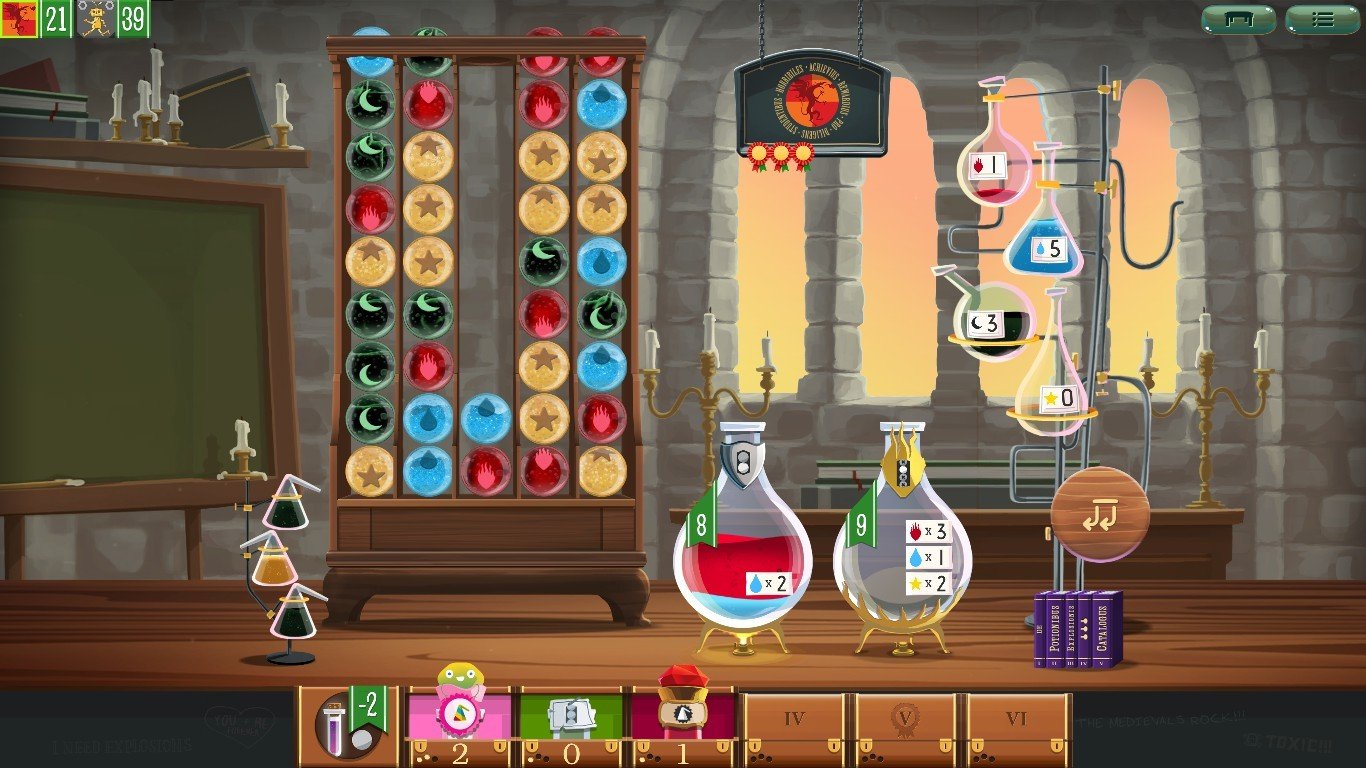

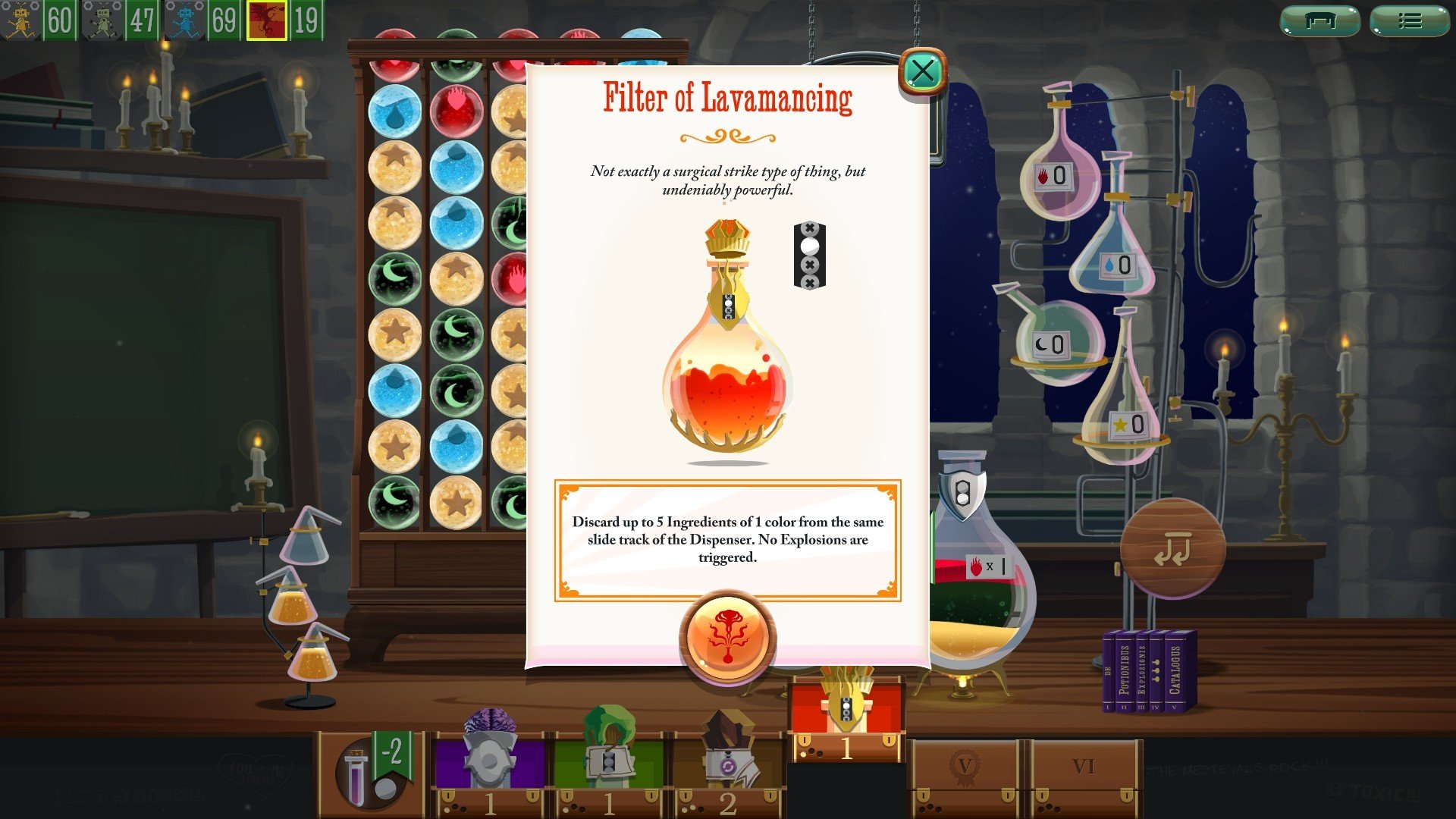
Potion Explosion is a board game that turns the art of potion-making into an exciting and tactile experience, combining strategy, timing, and a touch of chaos. At first glance, it may seem like a simple game of collecting colored marbles, but beneath the surface lies a world of clever decisions, chain reactions, and competitive fun that keeps players engaged from start to finish.
The premise of Potion Explosion is delightfully simple: players take on the role of apprentice alchemists in a magical academy, tasked with brewing potions by collecting ingredients represented by colorful marbles. Each turn involves drawing marbles from a dispenser, creating “explosions” when matching colors line up, and using these chain reactions to complete potion recipes. The explosion mechanic is where the game truly shines, as one choice can trigger a cascade of reactions, rewarding careful planning and foresight.
What makes Potion Explosion so captivating is its balance between luck and strategy. While the marbles drawn are random, players must decide which potions to pursue, when to trigger explosions, and how to maximize the number of ingredients collected in a single turn. This requires a mix of patience, observation, and creative thinking, as a single marble can change the course of a player’s strategy entirely. The game encourages players to anticipate potential chain reactions, making each turn feel dynamic and engaging.
Beyond mechanics, Potion Explosion excels in its thematic design. The vibrant marbles, illustrated potion cards, and interactive marble dispenser create a sense of immersion. Players feel as though they are truly in an alchemist’s lab, carefully mixing ingredients to achieve magical results. The physicality of sliding and dropping marbles adds a satisfying tactile element that draws players deeper into the experience, making each action both meaningful and enjoyable.
Another strength of the game is its accessibility. It is easy for newcomers to pick up quickly, with clear rules and intuitive gameplay. Yet, despite its simplicity, it offers enough depth to keep seasoned players challenged. The combination of strategic planning, chain reactions, and competitive scoring ensures that no two games feel the same. Every session is filled with surprises, both delightful and frustrating, as one player’s explosion can alter the board in unexpected ways.
Potion Explosion also fosters interaction between players. Watching opponents set up potential explosions, block strategies, or unexpectedly complete a coveted potion adds a layer of excitement and tension. It is not just a game of individual strategy, but one of observation, timing, and careful calculation, where anticipating others’ moves can be as important as planning your own.
Ultimately, Potion Explosion succeeds because it combines simplicity, creativity, and strategy in a playful, magical setting. It is a game that rewards both careful thought and a willingness to embrace chaos, making it equally enjoyable for families, friends, and competitive board gamers. By turning the simple act of collecting ingredients into a captivating chain reaction of decisions and excitement, Potion Explosion proves that a clever mechanic and immersive theme can transform a tabletop experience into something truly magical.
OS: Mac OS X 10.9+Processor: Intel 1.6 GHz single coreRAM: 2 GBVideo card: 1024x768 minimum resolutionDisk space: 365 MBSound card: IntegratedAdditional: Network connection needed to play online multiplayer
Mount the downloaded image and drag the game to the Applications folder.
Frequently Asked Questions
Mount the image and run Open Gatekeeper friendly.
Press Enter to bypass Gatekeeper in the Terminal window.
Drag the application to the Applications folder.
The application is ready for use.
ATTENTION! SIP must be disabled. Learn more >
Restart your Mac and hold down Command + R to enter Recovery Mode.
Open Terminal from the Utilities menu.
Enter the command: csrutil disable
Restart your Mac.
This is a common Gatekeeper issue. Follow these steps:
1. Open Terminal
2. Enter: sudo xattr -rd com.apple.quarantine /Applications/AppName.app
3. Replace "AppName" with the actual application name
4. Press Enter and enter your password
Yes, all our downloads are thoroughly checked for viruses and malware.
We use multiple antivirus engines to scan every file.
Our team tests each application before publishing.
We never bundle adware or unwanted software.
Yes, we regularly update our applications to the latest versions.
You can check our website for updates or subscribe to our newsletter.
We strive to provide the most recent versions within 24-48 hours of release.
If a download link is not working, please:
1. Try a different browser
2. Clear your browser cache and cookies
3. Try the alternative download links provided
4. Contact our support team if the issue persists