


Quake II
Download Quake II
Run the downloaded image and drag the application to the Applications folder shortcut.
Once copying is complete, the application can be launched via Launchpad.
Previous Versions
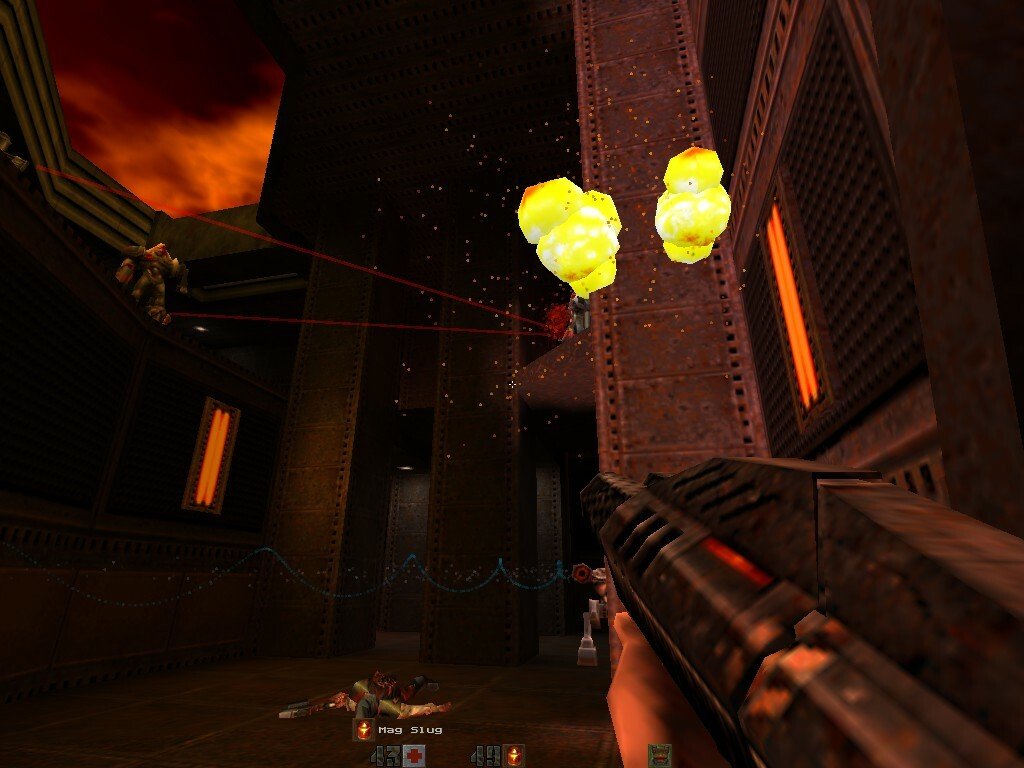
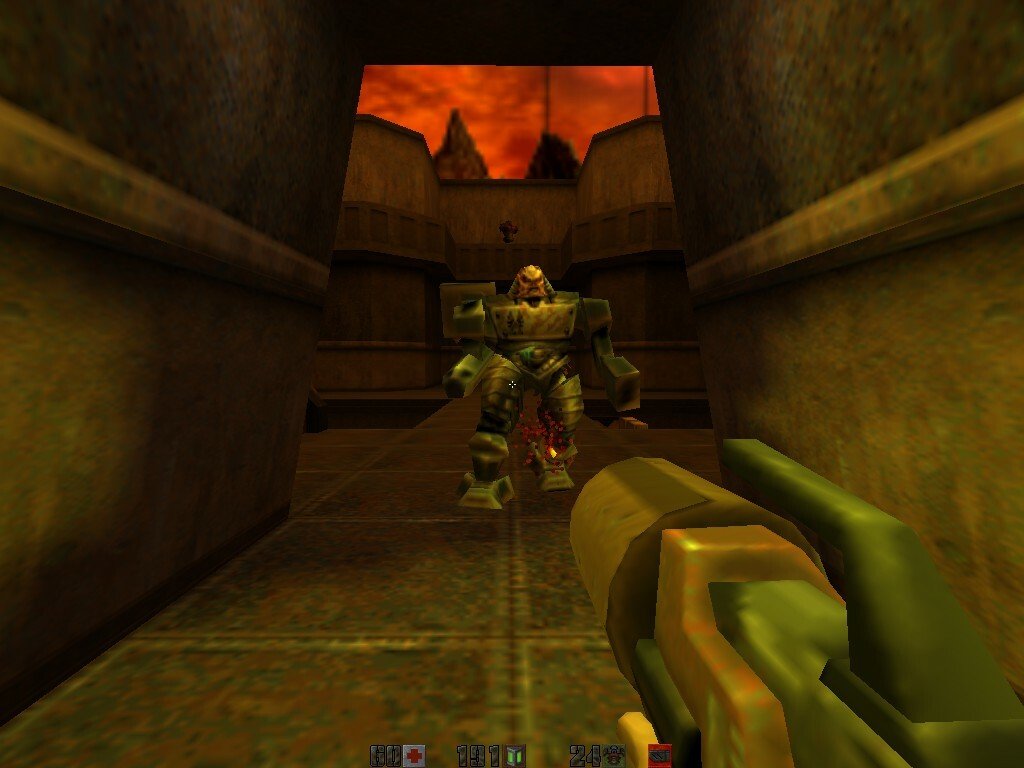
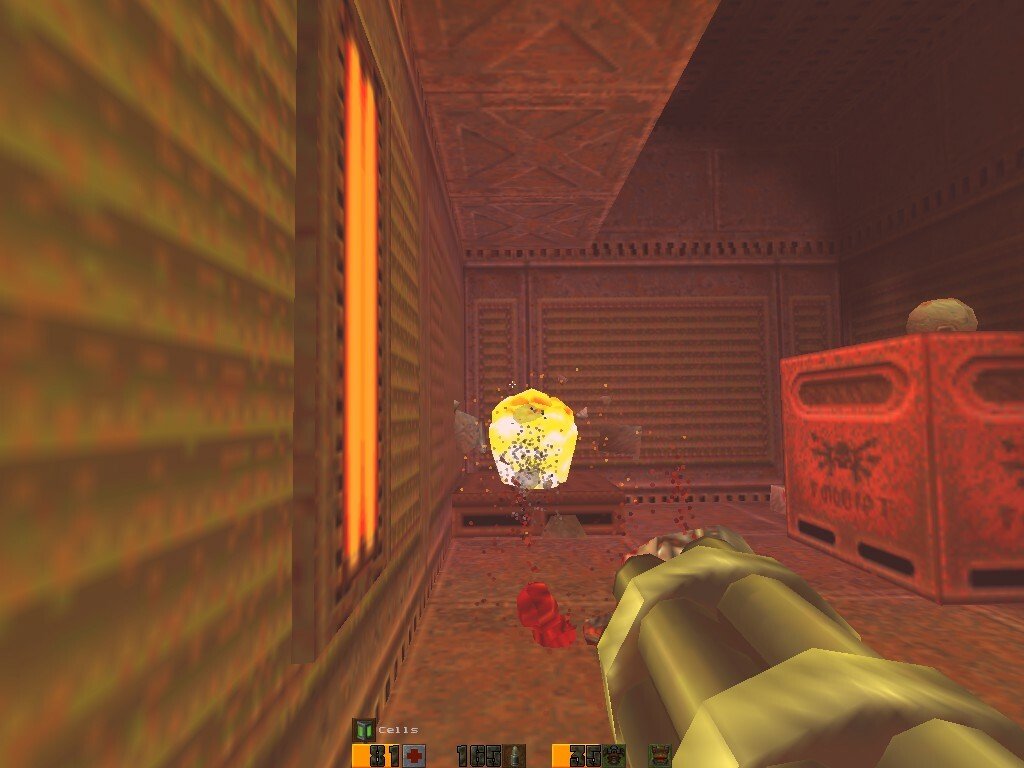
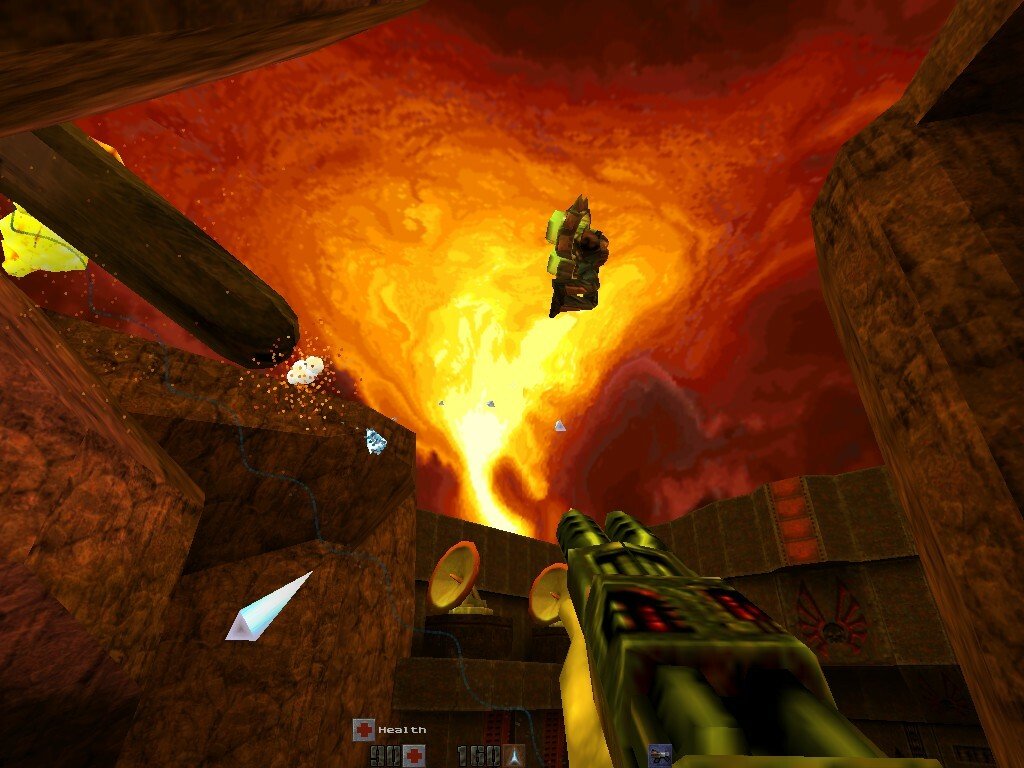
When it comes to first-person shooters, few games have left as lasting a legacy as Quake II. Developed by id Software and released in 1997, this title not only advanced the technical capabilities of its time but also redefined the pace, intensity, and design philosophy of the FPS genre. While it may be decades old, Quake II remains an important milestone in gaming history, celebrated for its fast-paced action, immersive world-building, and innovative multiplayer experiences.
At its core, Quake II casts players as a space marine sent to the alien world of Stroggos, where a ruthless race known as the Strogg has enslaved humans and threatens the galaxy. Unlike its predecessor, which focused on a more abstract horror-based narrative, Quake II provides a defined storyline and clear objectives. Players must navigate industrial complexes, alien fortresses, and outdoor arenas while combating waves of Strogg soldiers and cybernetic creatures. This shift toward a mission-driven approach helped create a sense of purpose and urgency, making every level feel consequential.
Gameplay in Quake II is intense, fast-paced, and highly skill-based. The game features a variety of weapons, ranging from conventional firearms like rifles and shotguns to futuristic energy-based arms. Each weapon has unique mechanics, encouraging players to experiment and adapt their strategies depending on the enemy and environment. Combat requires precision, quick reflexes, and situational awareness, and levels are designed to reward exploration with hidden ammo caches, power-ups, and secret paths. This combination of challenge and discovery keeps players engaged throughout the campaign.
Visually, Quake II was a technical marvel for its time. The game utilized a modified version of the original Quake engine, incorporating colored lighting, detailed textures, and complex 3D models. Levels are richly designed with industrial and military aesthetics, reflecting a dark, dystopian vision of an alien world under siege. While modern gamers may find the graphics dated, the level design, atmosphere, and attention to environmental storytelling remain impressive, illustrating the developers’ ability to create immersive worlds with the technology available at the time.
Sound design also plays a critical role in Quake II. The game’s soundtrack combines heavy, adrenaline-pumping tracks with ambient effects that heighten tension. Explosions, weapon fire, and alien growls are carefully crafted to enhance immersion and provide audio cues essential for gameplay. The combination of music and sound effects ensures that every encounter feels dynamic and impactful.
Multiplayer was another arena where Quake II excelled, solidifying its place in competitive gaming history. The game’s networked matches offered fast-paced deathmatches, team-based objectives, and customizable maps. Its fluid movement mechanics, weapon balance, and map design made Quake II a favorite among competitive players and helped inspire countless future FPS titles.
In conclusion, Quake II is more than just a first-person shooter—it is a landmark achievement in gaming history. Its fast-paced combat, mission-driven narrative, technical innovations, and multiplayer depth combined to create a game that remains influential decades later. For enthusiasts of the FPS genre and those interested in the evolution of gaming, Quake II offers a thrilling and historically significant experience that continues to captivate players around the world.
Mac OS X 10.1 or later
Run the downloaded image and drag the application to the Applications folder shortcut.
Once copying is complete, the application can be launched via Launchpad.
Frequently Asked Questions
Mount the image and run Open Gatekeeper friendly.
Press Enter to bypass Gatekeeper in the Terminal window.
Drag the application to the Applications folder.
The application is ready for use.
ATTENTION! SIP must be disabled. Learn more >
Restart your Mac and hold down Command + R to enter Recovery Mode.
Open Terminal from the Utilities menu.
Enter the command: csrutil disable
Restart your Mac.
This is a common Gatekeeper issue. Follow these steps:
1. Open Terminal
2. Enter: sudo xattr -rd com.apple.quarantine /Applications/AppName.app
3. Replace "AppName" with the actual application name
4. Press Enter and enter your password
Yes, all our downloads are thoroughly checked for viruses and malware.
We use multiple antivirus engines to scan every file.
Our team tests each application before publishing.
We never bundle adware or unwanted software.
Yes, we regularly update our applications to the latest versions.
You can check our website for updates or subscribe to our newsletter.
We strive to provide the most recent versions within 24-48 hours of release.
If a download link is not working, please:
1. Try a different browser
2. Clear your browser cache and cookies
3. Try the alternative download links provided
4. Contact our support team if the issue persists