


Ratropolis
Download Ratropolis
Mount the downloaded image and follow the standard installation procedure.
The installation is completed by choosing a location to place the game.
It is recommended to specify the Applications folder.
Previous Versions
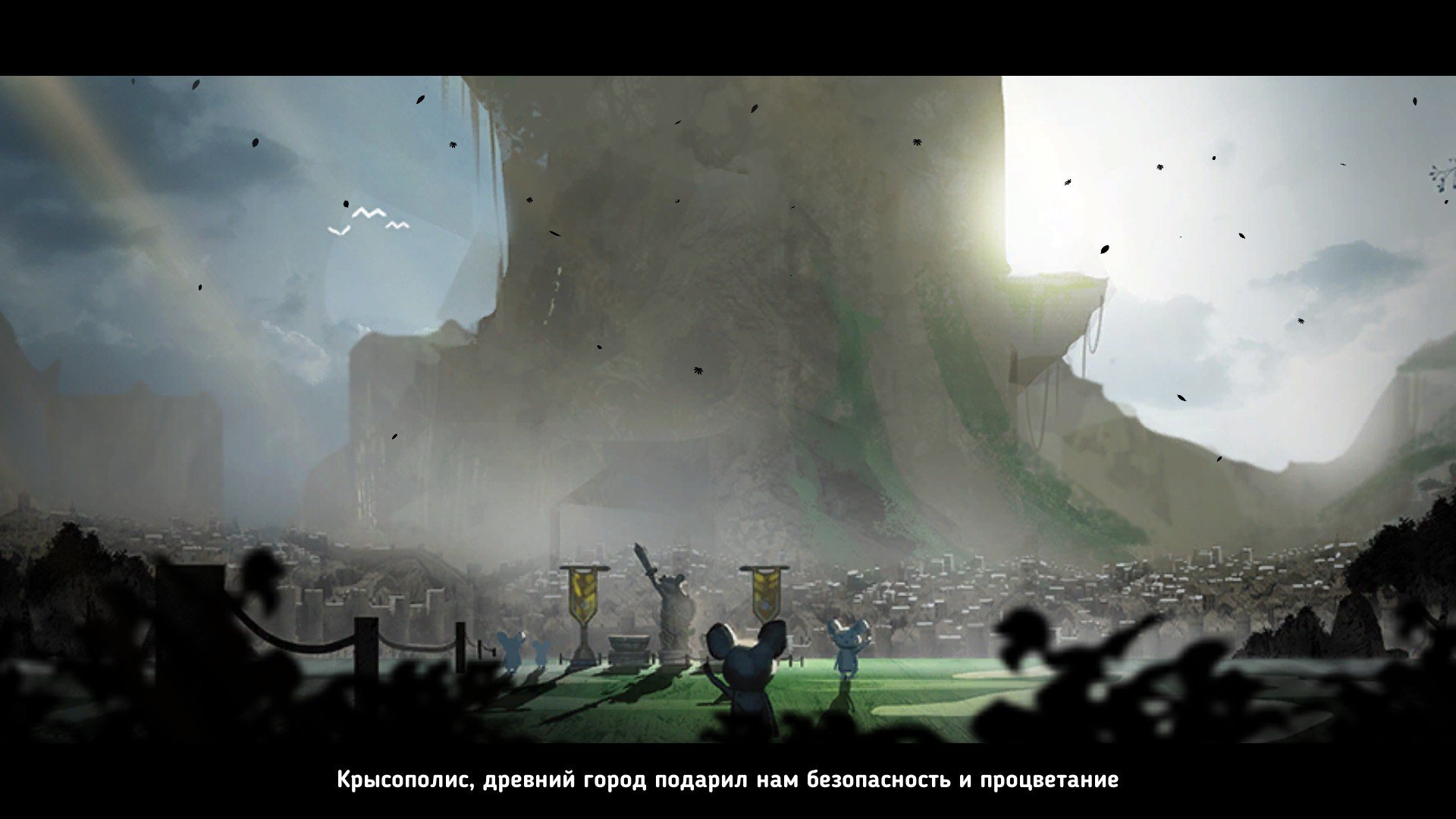
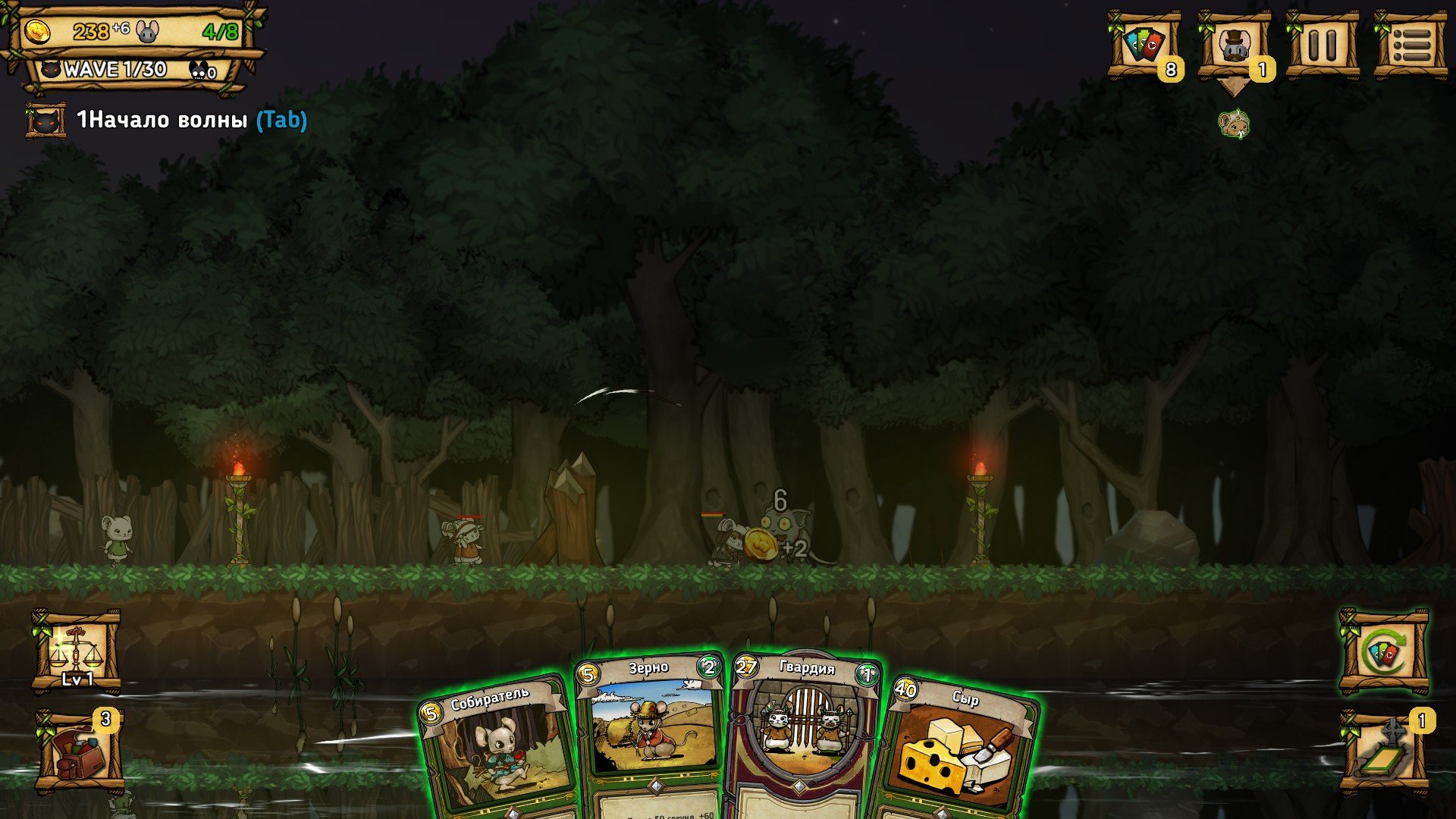
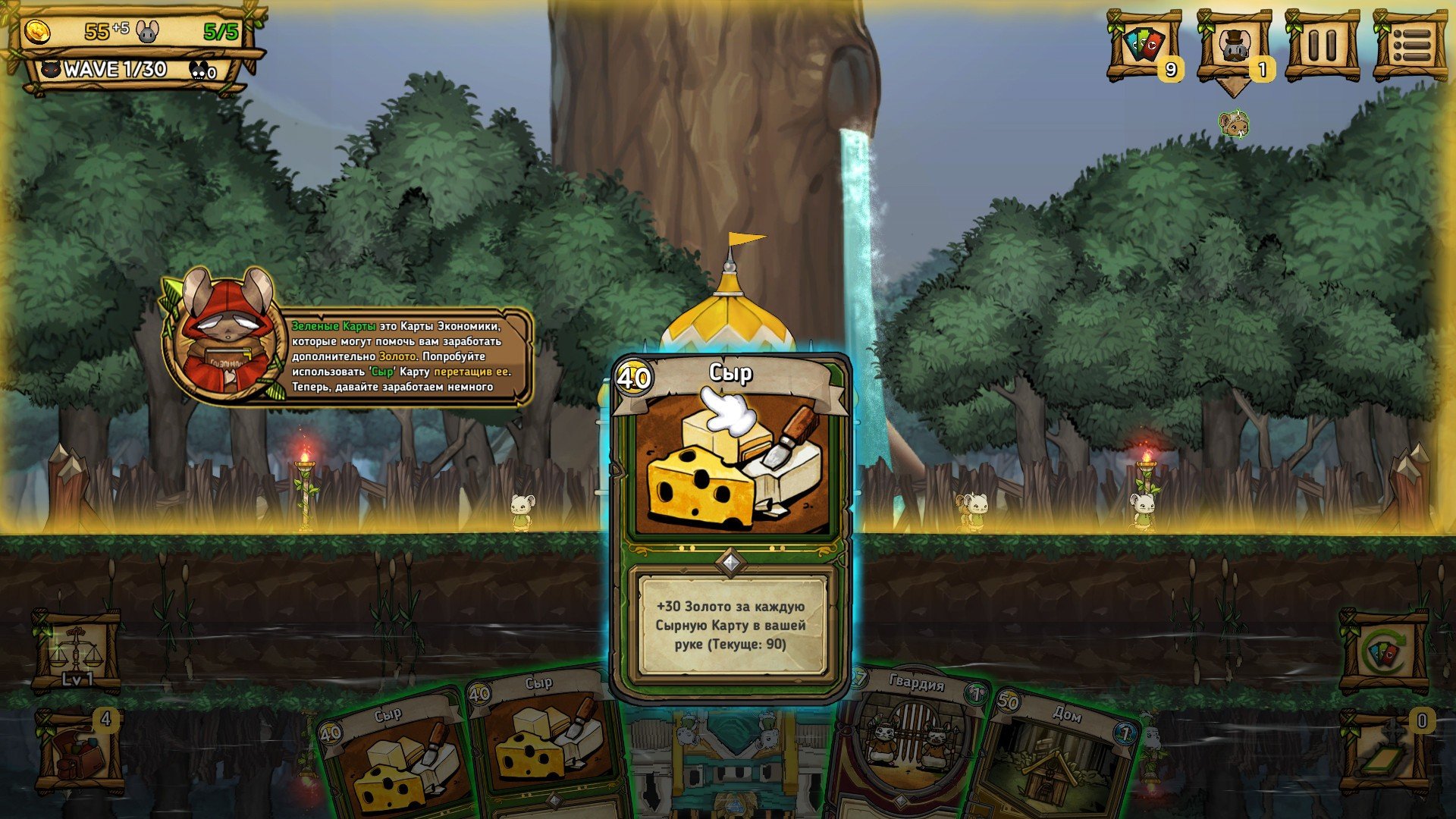
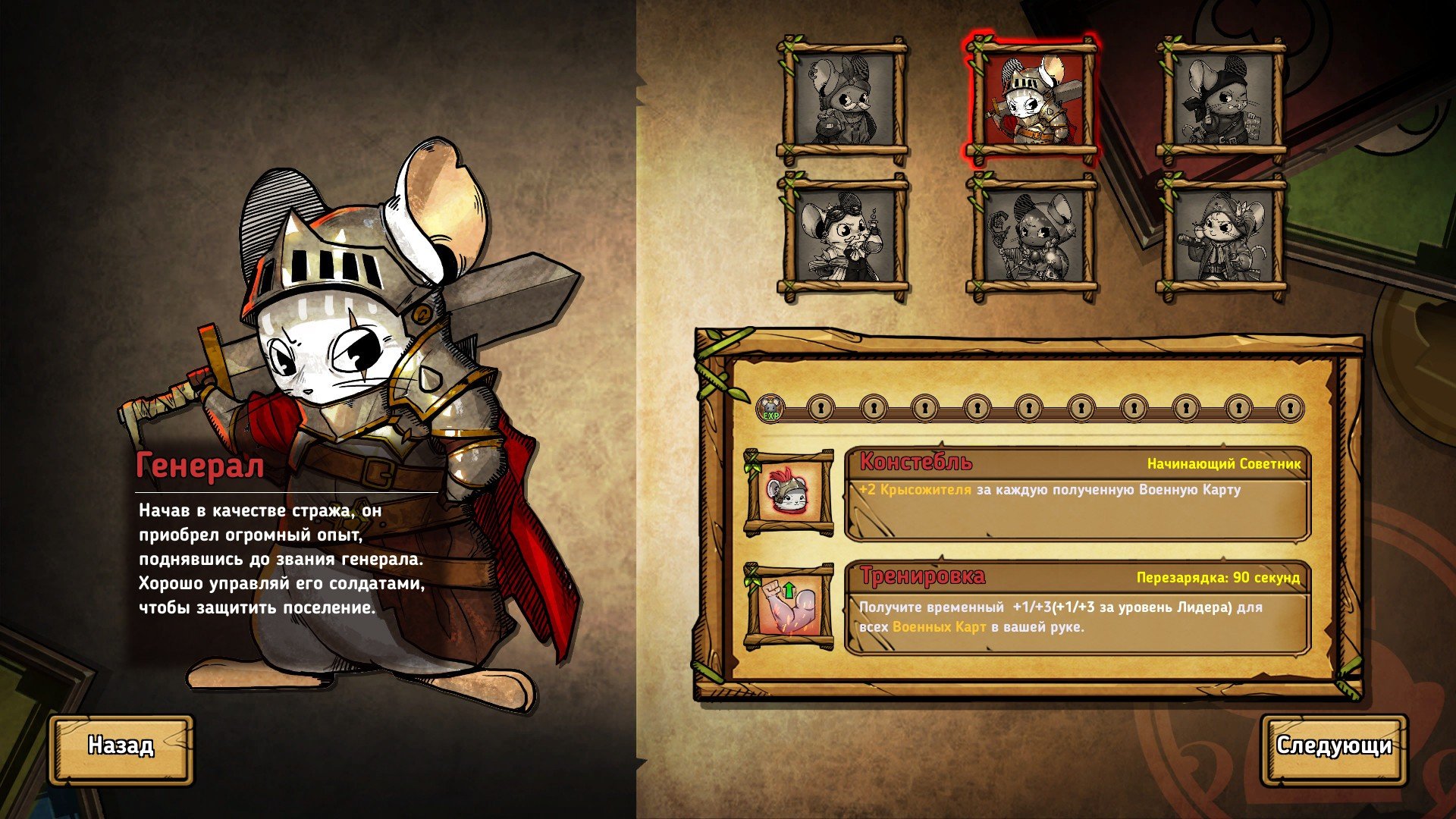
Ratropolis is a clever fusion of city-building, real-time strategy, and card-based mechanics that offers a fresh and engaging gameplay experience. Developed by Cassel Games, this indie title places players in charge of a growing rat civilization struggling to survive in a dangerous world. With its fast-paced decision-making and strategic depth, Ratropolis stands out as a game that rewards quick thinking, adaptability, and careful planning.
The core concept of Ratropolis revolves around managing a city while responding to constant threats. Players act as the leader of a rat society, responsible for expanding infrastructure, managing resources, and defending against waves of enemies. What makes the game unique is its use of cards to represent buildings, units, and actions. Each card played has an immediate impact, whether it’s constructing a new farm, deploying soldiers, or activating special abilities. This system keeps gameplay dynamic, as every choice can shift the balance between growth and survival.
Unlike traditional turn-based card games, Ratropolis operates in real time. This adds an element of urgency, forcing players to think on their feet. Enemies attack regularly, resources fluctuate, and opportunities appear and disappear quickly. Pausing to plan is limited, meaning success often depends on reading the situation accurately and acting decisively. This real-time pressure creates a tense and exciting atmosphere, especially during later stages when enemy assaults become more aggressive and complex.
Strategic depth is one of Ratropolis’s greatest strengths. Players must balance economic development with military readiness, as neglecting either can lead to swift defeat. Investing too heavily in expansion may leave the city vulnerable, while focusing only on defense can stall progress. The card deck itself becomes a strategic tool; players can customize and refine it over time, choosing cards that complement their preferred playstyle. This deck-building element adds replay value, encouraging experimentation with different strategies and combinations.
Visually, Ratropolis adopts a charming pixel art style that contrasts nicely with its intense gameplay. The city gradually transforms as new structures are built, giving players a clear sense of progression. Enemy designs are varied and expressive, making it easy to identify threats at a glance. The interface is clean and functional, ensuring that information such as resources, health, and upcoming attacks is easy to track during fast-paced moments.
The game also features roguelike elements that enhance its replayability. Each run presents new challenges, random events, and card options, ensuring that no two playthroughs feel the same. Failure is not the end but a learning opportunity, allowing players to refine strategies and approach the next attempt with greater insight. This structure encourages persistence and experimentation, key qualities for mastering the game’s systems.
In conclusion, Ratropolis is a smart and engaging strategy game that successfully blends city-building, card mechanics, and real-time action. Its fast-paced gameplay, meaningful choices, and strategic variety make it both challenging and rewarding. For players who enjoy managing resources under pressure and crafting strategies on the fly, Ratropolis offers a distinctive and memorable experience where every card played can determine the fate of an entire city.
OS: 10.11 El CapitanProcessor: 2.4 GhzRAM: 4 GBVideo card: 512MB Video Ram.Disk space: 1 GBAdditional: Minimum resolution: 1280x720, recommended FULL HD 1920x1080.
Mount the downloaded image and follow the standard installation procedure.
The installation is completed by choosing a location to place the game.
It is recommended to specify the Applications folder.
Frequently Asked Questions
Mount the image and run Open Gatekeeper friendly.
Press Enter to bypass Gatekeeper in the Terminal window.
Drag the application to the Applications folder.
The application is ready for use.
ATTENTION! SIP must be disabled. Learn more >
Restart your Mac and hold down Command + R to enter Recovery Mode.
Open Terminal from the Utilities menu.
Enter the command: csrutil disable
Restart your Mac.
This is a common Gatekeeper issue. Follow these steps:
1. Open Terminal
2. Enter: sudo xattr -rd com.apple.quarantine /Applications/AppName.app
3. Replace "AppName" with the actual application name
4. Press Enter and enter your password
Yes, all our downloads are thoroughly checked for viruses and malware.
We use multiple antivirus engines to scan every file.
Our team tests each application before publishing.
We never bundle adware or unwanted software.
Yes, we regularly update our applications to the latest versions.
You can check our website for updates or subscribe to our newsletter.
We strive to provide the most recent versions within 24-48 hours of release.
If a download link is not working, please:
1. Try a different browser
2. Clear your browser cache and cookies
3. Try the alternative download links provided
4. Contact our support team if the issue persists