


Return to Castle Wolfenstein
Download Return to Castle Wolfenstein
Run the downloaded image and the folder in the Applications folder shortcut.
Launch is carried out through the Applications folder.
Previous Versions
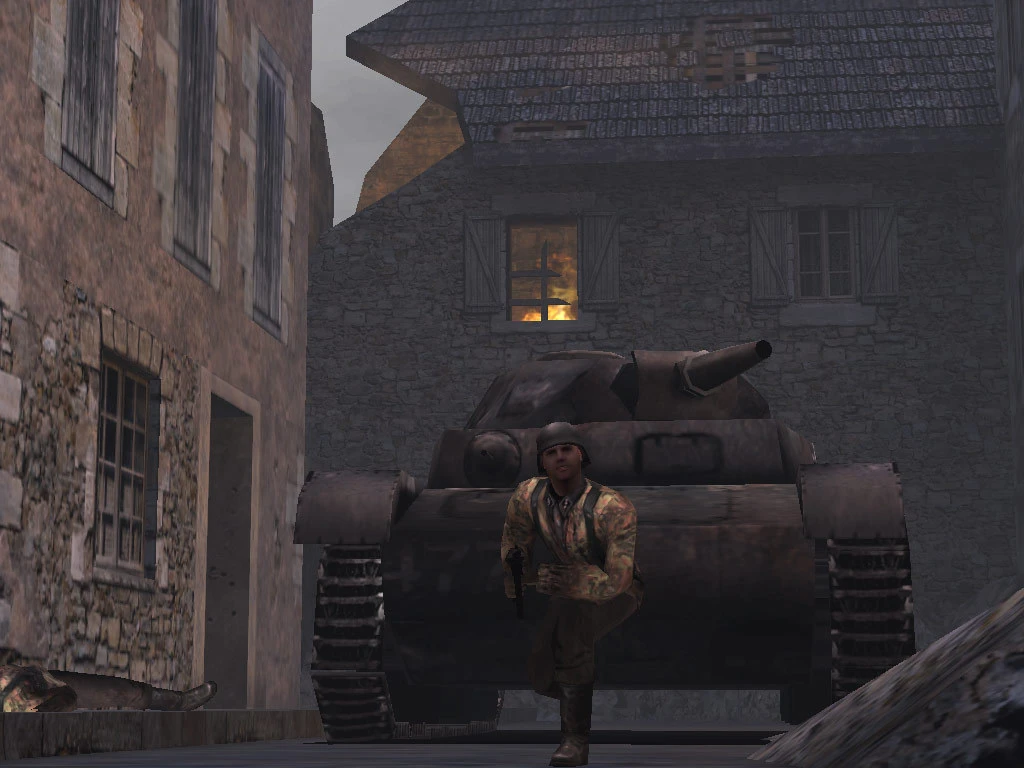
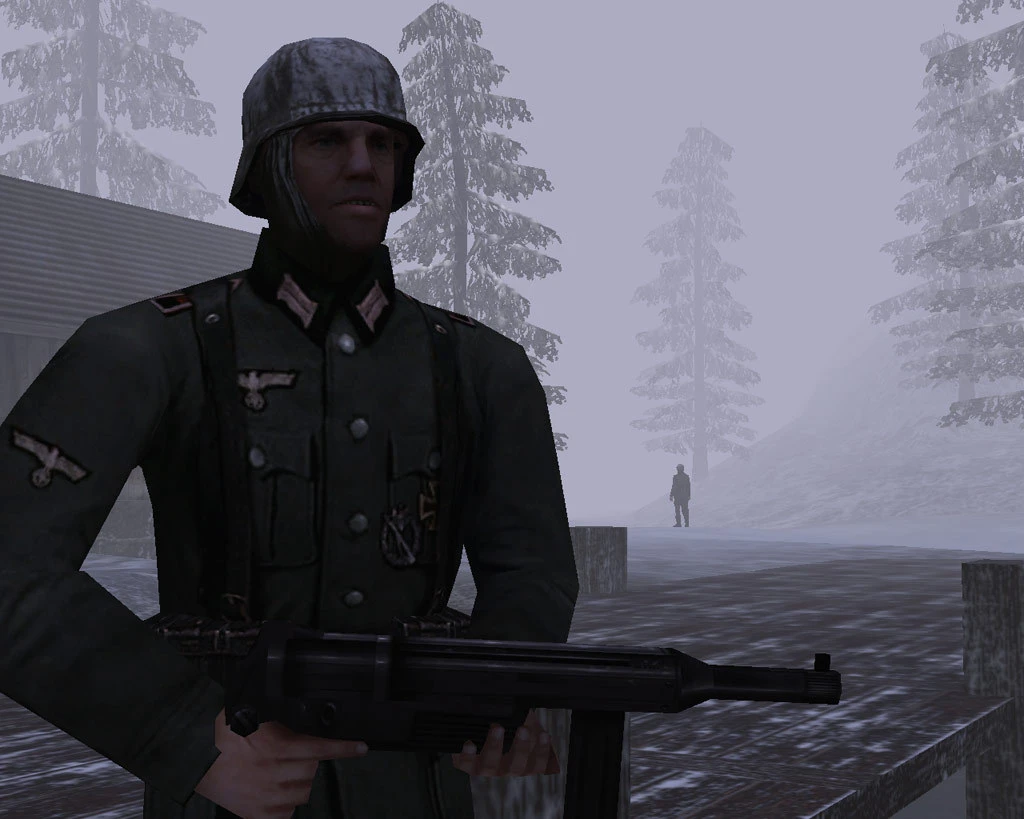
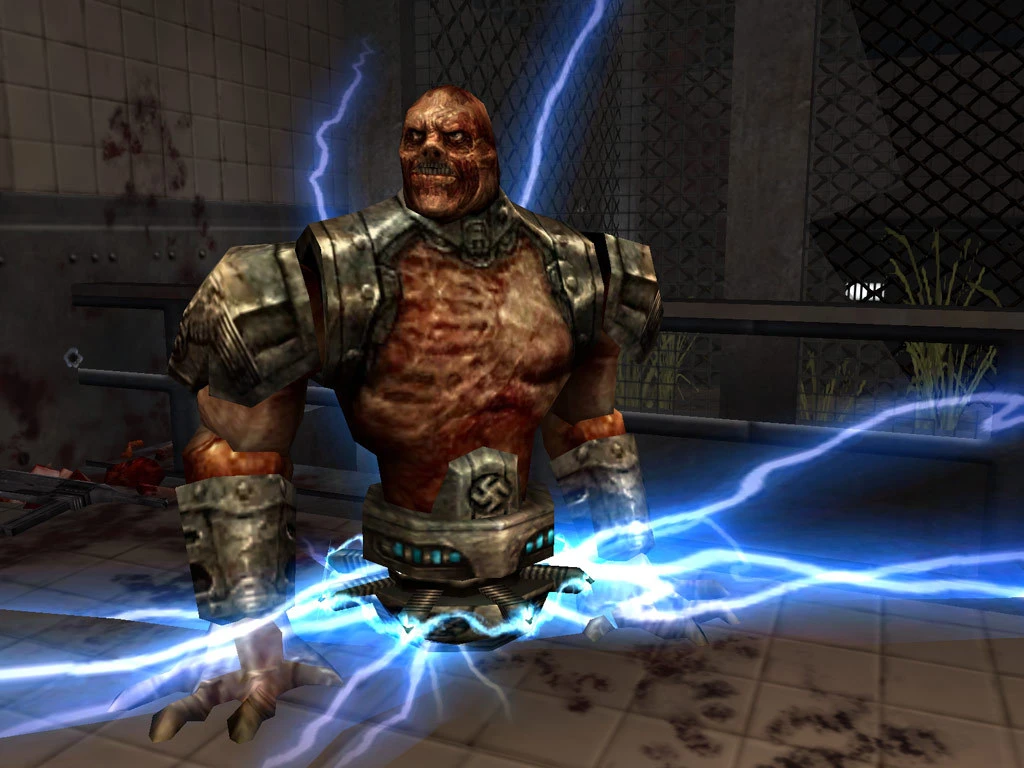

Return to Castle Wolfenstein is a game that has cemented its place in the history of first-person shooters, blending fast-paced action, dark storytelling, and atmospheric tension into an unforgettable experience. Released in 2001 by id Software and Gray Matter Interactive, the game marked a significant revival of the Wolfenstein franchise, taking players back to the World War II era with a compelling mix of historical and supernatural elements.
Set in the height of the war, players step into the shoes of B.J. Blazkowicz, a skilled Allied operative sent on covert missions behind enemy lines. Unlike previous entries in the series, Return to Castle Wolfenstein pushes the narrative forward, adding depth to characters and situations while maintaining the adrenaline-pumping combat fans had come to expect. The game’s story centers around stopping the Nazi regime from harnessing occult powers, an angle that adds a thrilling layer of supernatural mystery to the traditional war storyline.
One of the game’s most remarkable aspects is its level design. From eerie castles shrouded in fog to secret laboratories filled with menacing experiments, every location is meticulously crafted to evoke suspense. The environments are not only visually striking but also strategically designed, encouraging players to think tactically while navigating through corridors filled with enemy patrols and hidden traps. This combination of exploration, strategy, and action creates a gameplay rhythm that remains engaging from start to finish.
Combat in Return to Castle Wolfenstein is both satisfying and challenging. Players have access to an array of historically inspired weapons, including pistols, shotguns, and the iconic Sturmgewehr, as well as experimental devices that reflect the game’s occult themes. The AI is notably intelligent, with enemies using cover, flanking maneuvers, and squad tactics, making each encounter tense and unpredictable. This careful balance of weaponry, enemy behavior, and level design ensures that no two firefights feel the same.
Beyond its single-player campaign, the game also shines in multiplayer mode. Offering both cooperative and competitive gameplay, it allows players to engage in intense online battles across diverse maps. This longevity helped the title maintain a dedicated community long after its initial release. Its mod-friendly engine also encouraged creativity, resulting in a variety of fan-made content that expanded the game’s universe and gameplay possibilities.
Visually and audibly, the game was a standout for its time. The detailed textures, dynamic lighting, and atmospheric sound design work together to immerse players in a dark, foreboding world. The chilling soundtrack and well-placed sound effects enhance the tension, ensuring that even the quietest moments carry a sense of impending danger.
In retrospect, Return to Castle Wolfenstein represents more than just a first-person shooter; it is a benchmark in gaming history that successfully blends narrative, action, and atmosphere. Its influence can still be felt in modern shooters, with many contemporary games borrowing elements of its immersive storytelling and tactical combat. For both longtime fans and newcomers, revisiting this classic title is a reminder of how compelling storytelling and meticulous design can turn a simple shooter into an enduring gaming masterpiece.
Mac OS X 10.5 or later
Run the downloaded image and the folder in the Applications folder shortcut.
Launch is carried out through the Applications folder.
Frequently Asked Questions
Mount the image and run Open Gatekeeper friendly.
Press Enter to bypass Gatekeeper in the Terminal window.
Drag the application to the Applications folder.
The application is ready for use.
ATTENTION! SIP must be disabled. Learn more >
Restart your Mac and hold down Command + R to enter Recovery Mode.
Open Terminal from the Utilities menu.
Enter the command: csrutil disable
Restart your Mac.
This is a common Gatekeeper issue. Follow these steps:
1. Open Terminal
2. Enter: sudo xattr -rd com.apple.quarantine /Applications/AppName.app
3. Replace "AppName" with the actual application name
4. Press Enter and enter your password
Yes, all our downloads are thoroughly checked for viruses and malware.
We use multiple antivirus engines to scan every file.
Our team tests each application before publishing.
We never bundle adware or unwanted software.
Yes, we regularly update our applications to the latest versions.
You can check our website for updates or subscribe to our newsletter.
We strive to provide the most recent versions within 24-48 hours of release.
If a download link is not working, please:
1. Try a different browser
2. Clear your browser cache and cookies
3. Try the alternative download links provided
4. Contact our support team if the issue persists