


Riddlewood Manor
Download Riddlewood Manor
Run the downloaded image and drag the application to the Applications folder shortcut.
Once copying is complete, the application can be launched via Launchpad.
Previous Versions

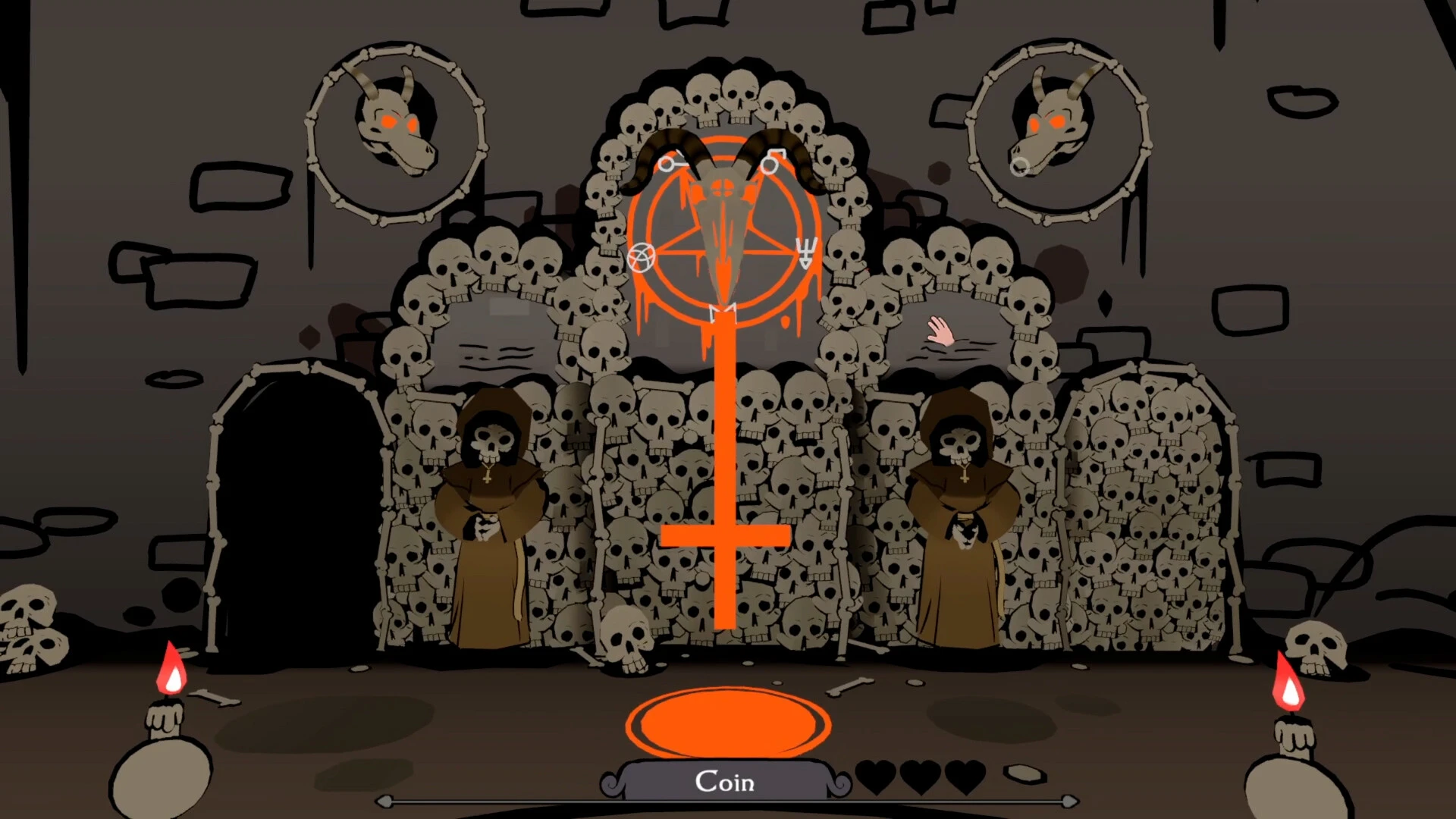


Riddlewood Manor is an immersive game that blends exploration, strategy, and suspense, offering players a thrilling experience unlike any typical adventure title. Set in a sprawling, enigmatic estate, the game challenges players to uncover hidden secrets, solve intricate puzzles, and confront the supernatural forces that lurk within the manor’s shadowed halls. With a focus on storytelling, atmosphere, and critical thinking, Riddlewood Manor delivers a compelling mix of mystery and challenge.
At the heart of the game is Riddlewood Manor itself—a vast, haunting estate filled with hidden rooms, secret passageways, and cryptic messages. Every corner of the manor is meticulously designed to engage players’ curiosity and problem-solving skills. Clues are often subtle, requiring careful observation and logical deduction. This emphasis on strategy ensures that players are actively involved in the story, rather than passively following a linear path, creating a sense of discovery and satisfaction with each solved puzzle.
The narrative of Riddlewood Manor is a central element that sets it apart. Players uncover the history of the manor, learning about the previous inhabitants, the tragedies that befell them, and the mysterious forces that now inhabit the estate. Each discovery deepens the intrigue, encouraging exploration and experimentation. Unlike games that rely solely on jump scares or combat, Riddlewood Manor immerses players in a story-driven environment where understanding the plot is just as important as overcoming challenges.
Gameplay combines exploration, puzzle-solving, and strategic thinking. Players must navigate dark corridors, decipher cryptic codes, and manipulate objects to progress. Many puzzles are interconnected, meaning that solving one challenge often provides information or tools for another. This interconnected design rewards careful attention and patience, creating a sense of progression that feels earned rather than handed to the player.
Another defining feature of Riddlewood Manor is its atmospheric presentation. Dark, gothic visuals and dynamic lighting evoke a sense of suspense, while subtle sound effects—creaking floors, distant whispers, and shifting shadows—intensify tension. The environment is designed to feel alive, with hidden details that encourage players to investigate every nook and cranny. This combination of visual and auditory elements contributes to the immersive, mysterious experience that fans of suspenseful games crave.
The game also emphasizes player choice and consequence. Actions taken during exploration can influence outcomes, shape the story, and determine which secrets are revealed. This branching element adds replayability, allowing players to approach the manor differently in subsequent playthroughs. The result is a game that feels personal, rewarding thoughtful decision-making and strategic exploration.
Ultimately, Riddlewood Manor is more than a simple adventure game—it is an intricate blend of storytelling, mystery, and strategy. Its engaging puzzles, rich narrative, and haunting atmosphere make it ideal for players who enjoy intellectual challenges and immersive exploration. By encouraging observation, deduction, and thoughtful decision-making, Riddlewood Manor offers an unforgettable experience, proving that a game can be both thrilling and mentally stimulating.
OS: MacOS Mojave (10.14)Processor: Apple M1 or Intel Core MRAM: 8 GB RAMVideo Card: Apple M1Disk Space: 5 GB
Run the downloaded image and drag the application to the Applications folder shortcut.
Once copying is complete, the application can be launched via Launchpad.
Frequently Asked Questions
Mount the image and run Open Gatekeeper friendly.
Press Enter to bypass Gatekeeper in the Terminal window.
Drag the application to the Applications folder.
The application is ready for use.
ATTENTION! SIP must be disabled. Learn more >
Restart your Mac and hold down Command + R to enter Recovery Mode.
Open Terminal from the Utilities menu.
Enter the command: csrutil disable
Restart your Mac.
This is a common Gatekeeper issue. Follow these steps:
1. Open Terminal
2. Enter: sudo xattr -rd com.apple.quarantine /Applications/AppName.app
3. Replace "AppName" with the actual application name
4. Press Enter and enter your password
Yes, all our downloads are thoroughly checked for viruses and malware.
We use multiple antivirus engines to scan every file.
Our team tests each application before publishing.
We never bundle adware or unwanted software.
Yes, we regularly update our applications to the latest versions.
You can check our website for updates or subscribe to our newsletter.
We strive to provide the most recent versions within 24-48 hours of release.
If a download link is not working, please:
1. Try a different browser
2. Clear your browser cache and cookies
3. Try the alternative download links provided
4. Contact our support team if the issue persists