


Routine
Download Routine
Run the downloaded image and drag the application to the Applications folder shortcut.
Once copying is complete, the application can be launched via Launchpad.
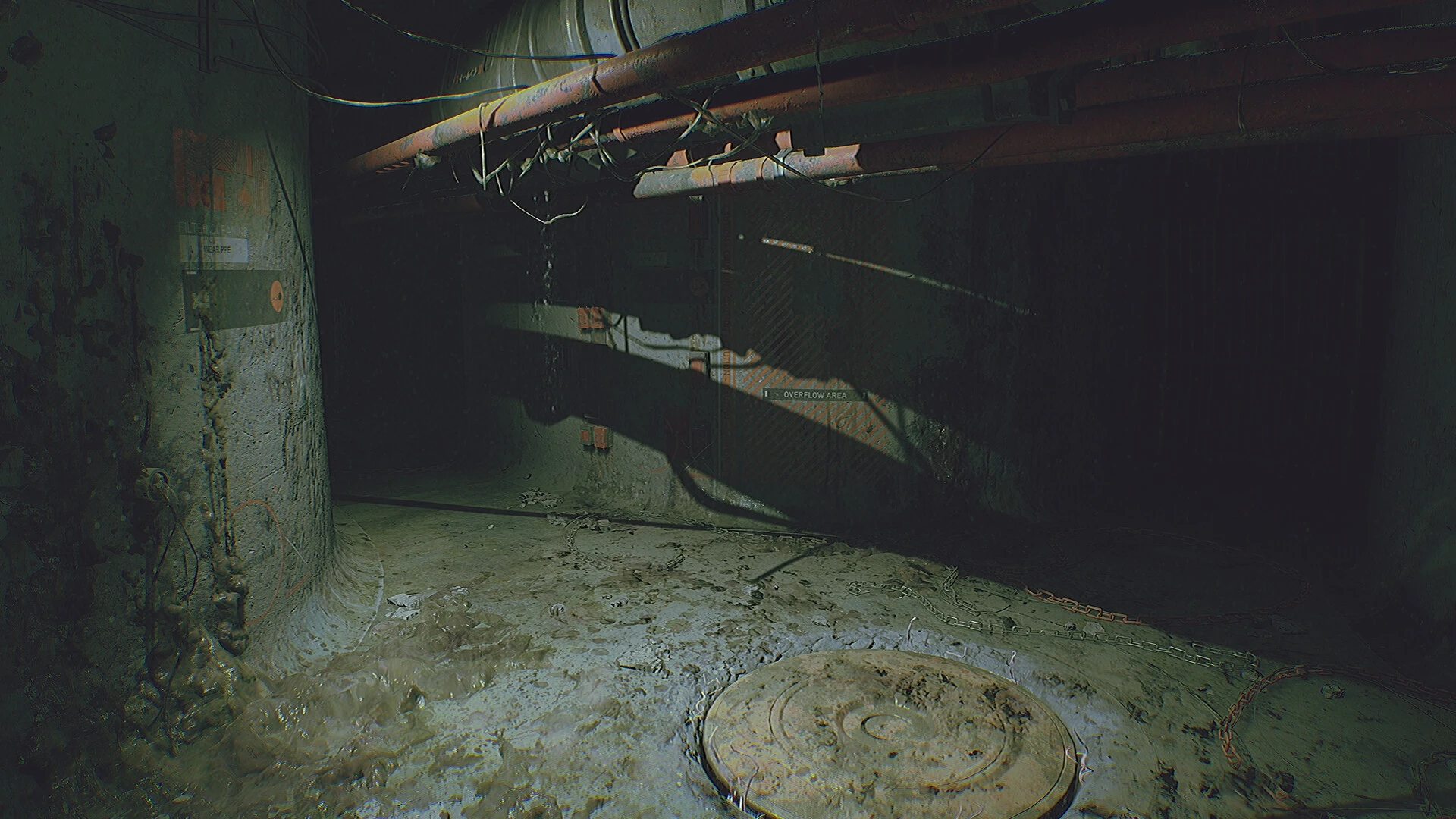
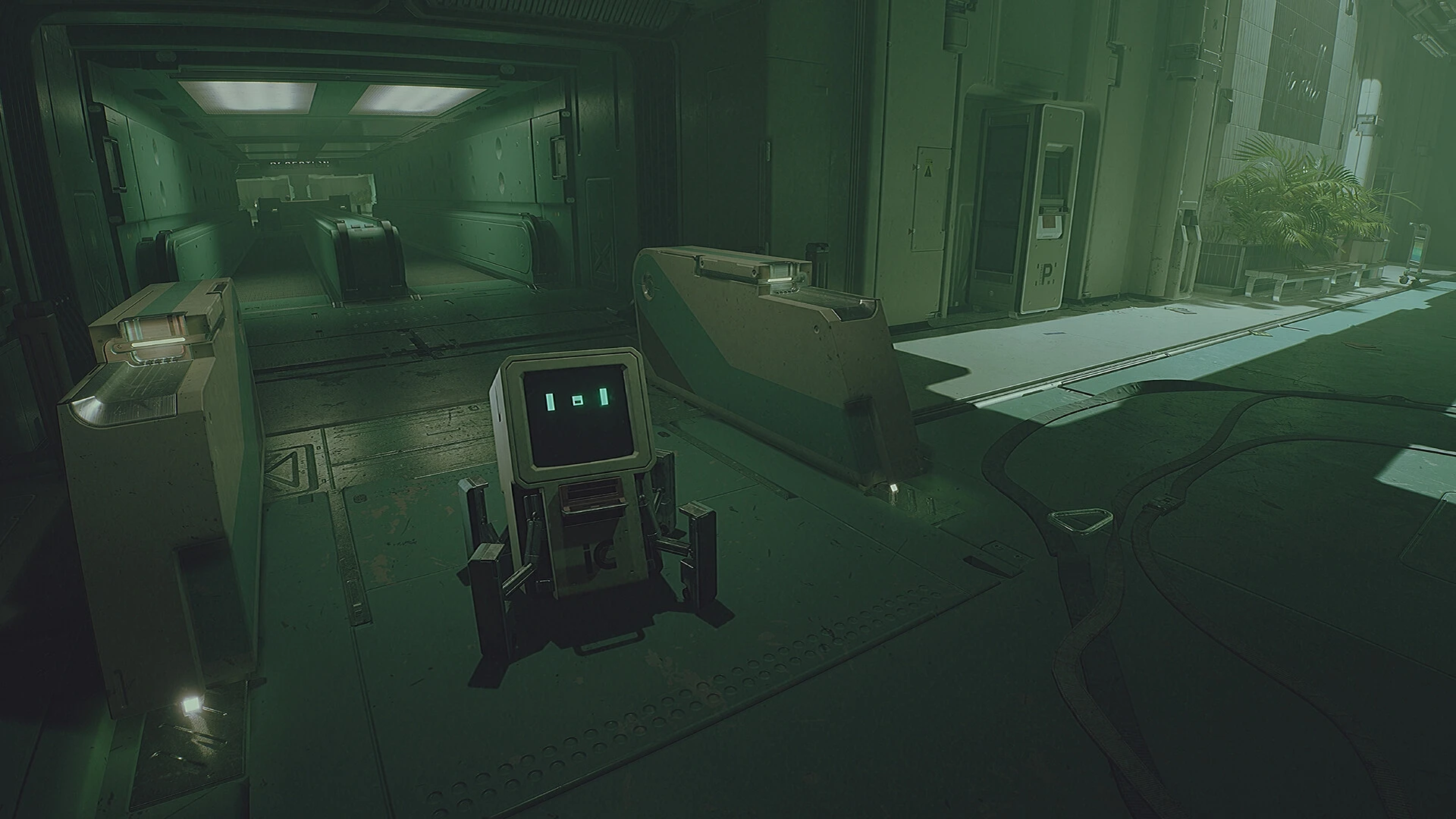
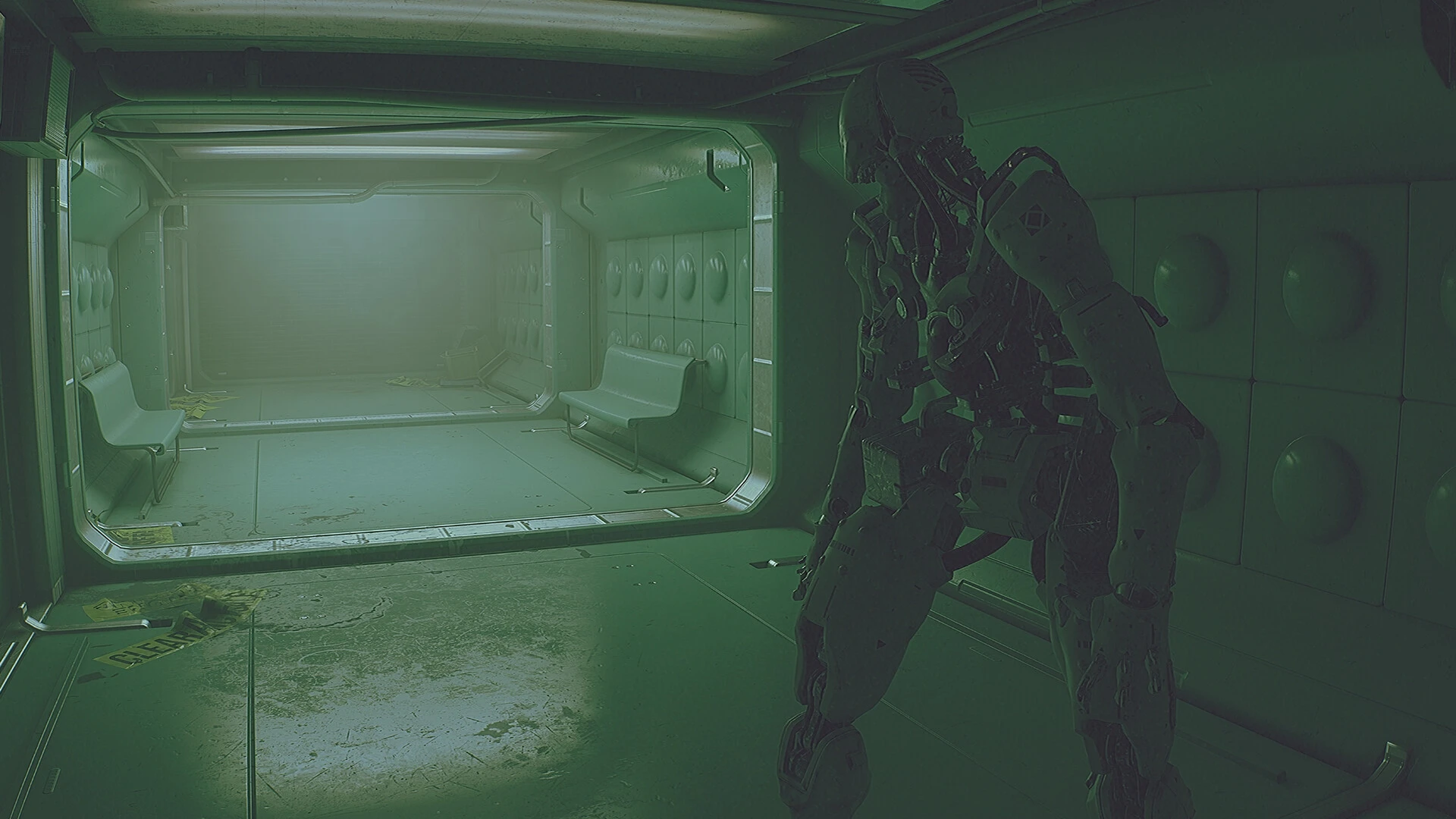
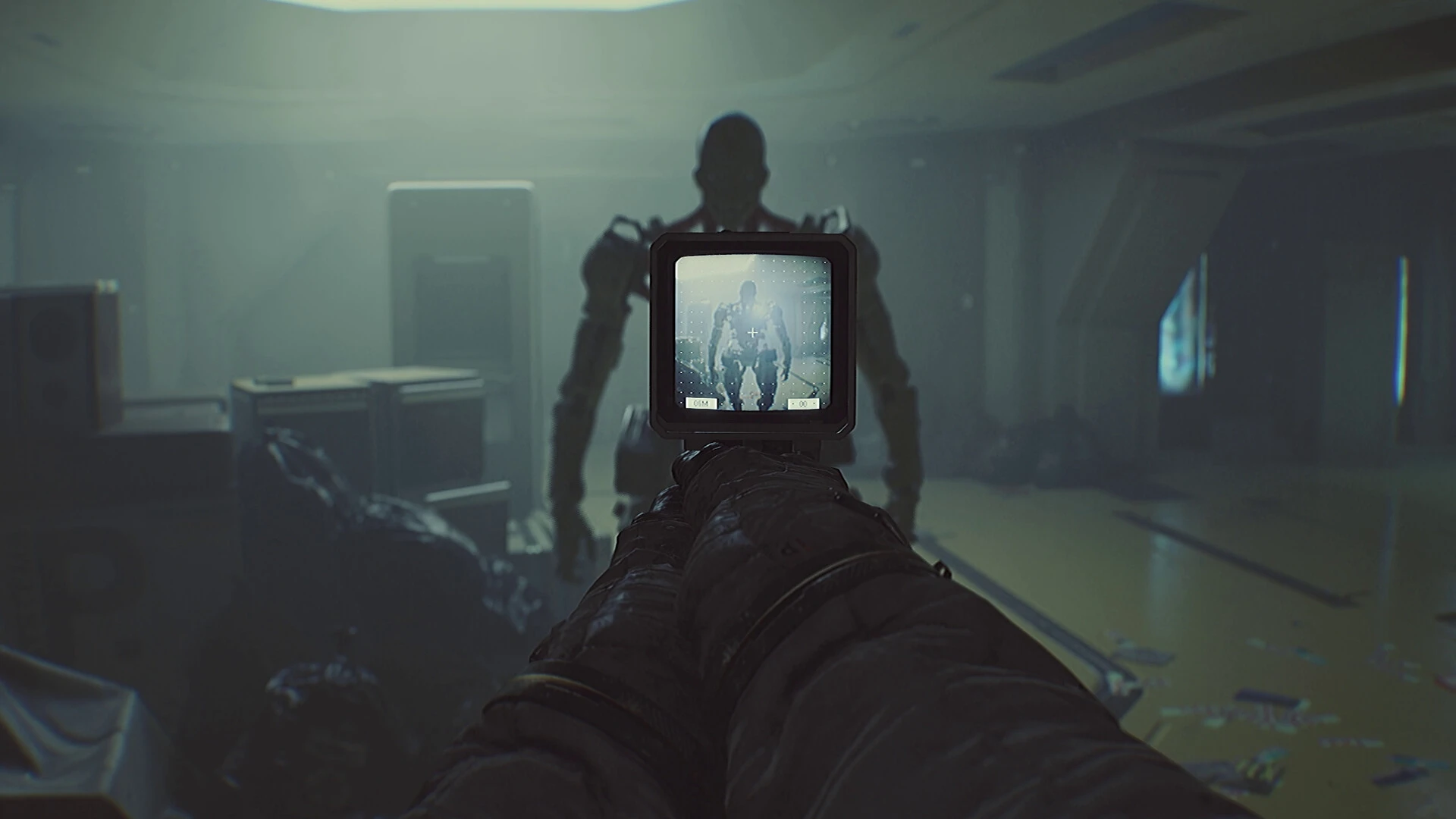
Routine is a science-fiction horror experience that thrives on silence, tension, and uncertainty rather than constant action. Instead of overwhelming players with nonstop combat or scripted scares, the game builds fear slowly, using atmosphere and isolation as its most powerful tools. Set in a desolate lunar facility, Routine transforms emptiness into something deeply unsettling, proving that fear often comes from what is unseen.
The game takes place in an abandoned moon base inspired by retro-futuristic visions of space exploration. Flickering lights, malfunctioning terminals, and long, empty corridors create an environment that feels frozen in time. There is no comforting soundtrack to guide the player, only distant mechanical sounds and the hum of failing systems. This minimalistic approach makes every step feel risky, as silence itself becomes a warning that something may be lurking nearby.
Unlike traditional horror games, Routine avoids holding the player’s hand. There are no clear instructions, maps filled with icons, or constant reminders of objectives. Instead, players must rely on observation and instinct to navigate the environment. This design choice enhances immersion, making the experience feel personal and unpredictable. Exploration becomes a careful balance between curiosity and self-preservation, as every door opened could lead to discovery—or danger.
One of the most striking elements of Routine is its approach to threat. Enemies are not frequent, but when they appear, they are terrifying. Encounters feel sudden and unforgiving, forcing players to react quickly and think strategically. Combat is not emphasized; survival depends on awareness, timing, and knowing when to flee. This reinforces the game’s core message that vulnerability is central to the experience.
Storytelling in Routine is subtle and environmental. The narrative is revealed through scattered clues, broken equipment, and abandoned living spaces. Players piece together what happened by paying attention to small details rather than relying on direct exposition. This method allows the story to feel mysterious and open to interpretation, encouraging players to form their own understanding of the events that led to the station’s downfall.
Visually, Routine embraces a grounded aesthetic that avoids flashy effects. The art direction focuses on realism and restraint, making the world feel believable and lived-in. This realism amplifies the horror, as the setting feels plausible rather than fantastical. The moon base becomes more than a location—it feels like a forgotten monument to human ambition and failure.
At its core, Routine is about isolation. The absence of allies, guidance, and certainty creates a powerful emotional experience. Players are left alone with their thoughts, forced to confront fear without reassurance. This quiet intensity sets the game apart from louder, more action-driven horror titles.
In conclusion, Routine is a masterclass in atmospheric horror. By stripping away excess mechanics and focusing on tension, exploration, and environmental storytelling, it delivers an experience that lingers long after the game ends. For players who appreciate slow-burning fear and immersive design, Routine offers a haunting journey into the unknown where every moment feels fragile and earned.
▎Apple Silicon (ARM)- macOS Tahoe 26.1-26.2 and later. - Apple Silicon (M1 Pro and higher).- ±16 GB of shared memory.- ±13 GB free space.▎Dualshock/Dualsense gamepad support available
Run the downloaded image and drag the application to the Applications folder shortcut.
Once copying is complete, the application can be launched via Launchpad.
Frequently Asked Questions
Mount the image and run Open Gatekeeper friendly.
Press Enter to bypass Gatekeeper in the Terminal window.
Drag the application to the Applications folder.
The application is ready for use.
ATTENTION! SIP must be disabled. Learn more >
Restart your Mac and hold down Command + R to enter Recovery Mode.
Open Terminal from the Utilities menu.
Enter the command: csrutil disable
Restart your Mac.
This is a common Gatekeeper issue. Follow these steps:
1. Open Terminal
2. Enter: sudo xattr -rd com.apple.quarantine /Applications/AppName.app
3. Replace "AppName" with the actual application name
4. Press Enter and enter your password
Yes, all our downloads are thoroughly checked for viruses and malware.
We use multiple antivirus engines to scan every file.
Our team tests each application before publishing.
We never bundle adware or unwanted software.
Yes, we regularly update our applications to the latest versions.
You can check our website for updates or subscribe to our newsletter.
We strive to provide the most recent versions within 24-48 hours of release.
If a download link is not working, please:
1. Try a different browser
2. Clear your browser cache and cookies
3. Try the alternative download links provided
4. Contact our support team if the issue persists