


SiNiSistar 2
Download SiNiSistar 2
Run the downloaded image and drag the application to the Applications folder shortcut.
Once copying is complete, the application can be launched via Launchpad.
Previous Versions
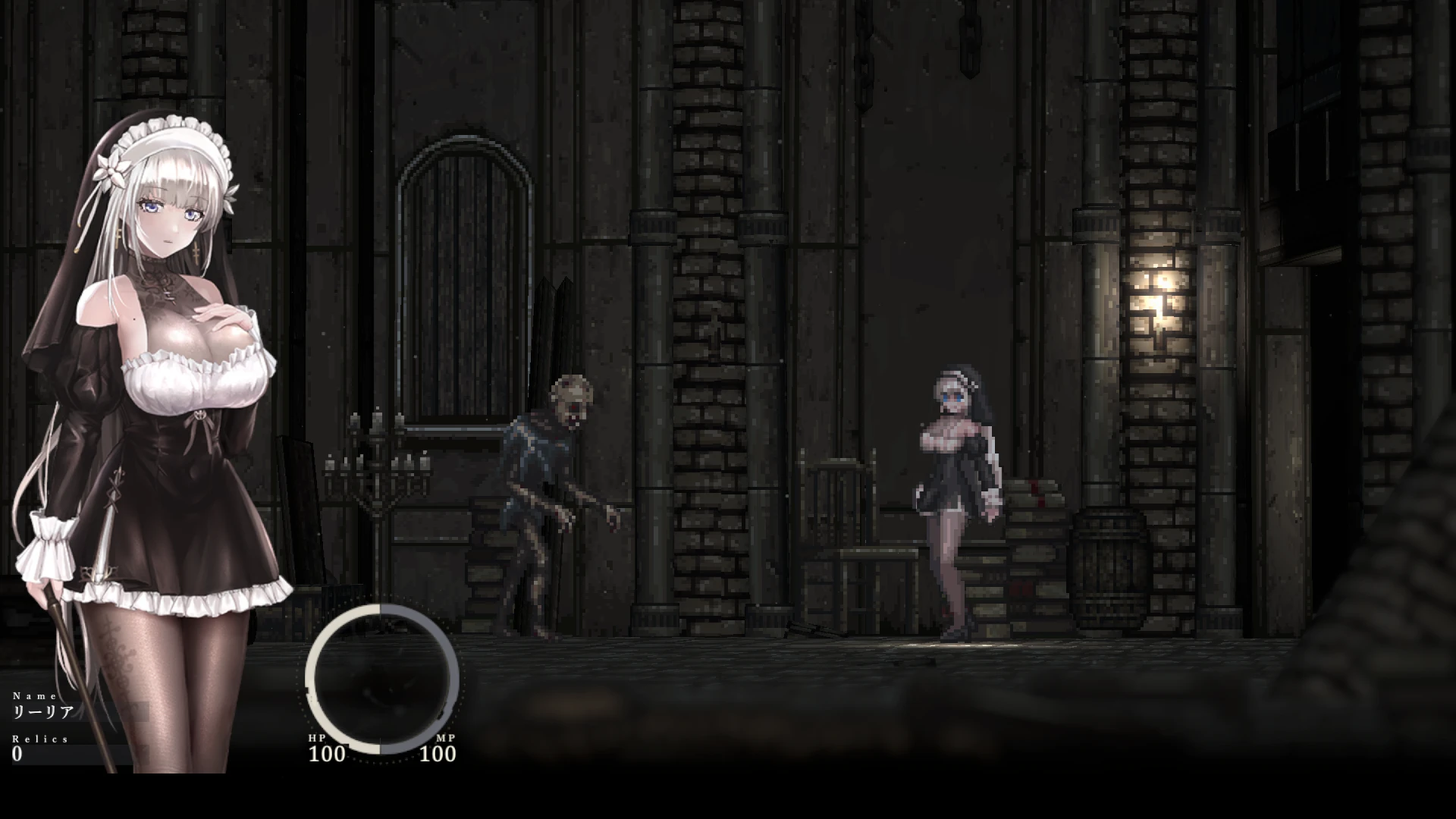
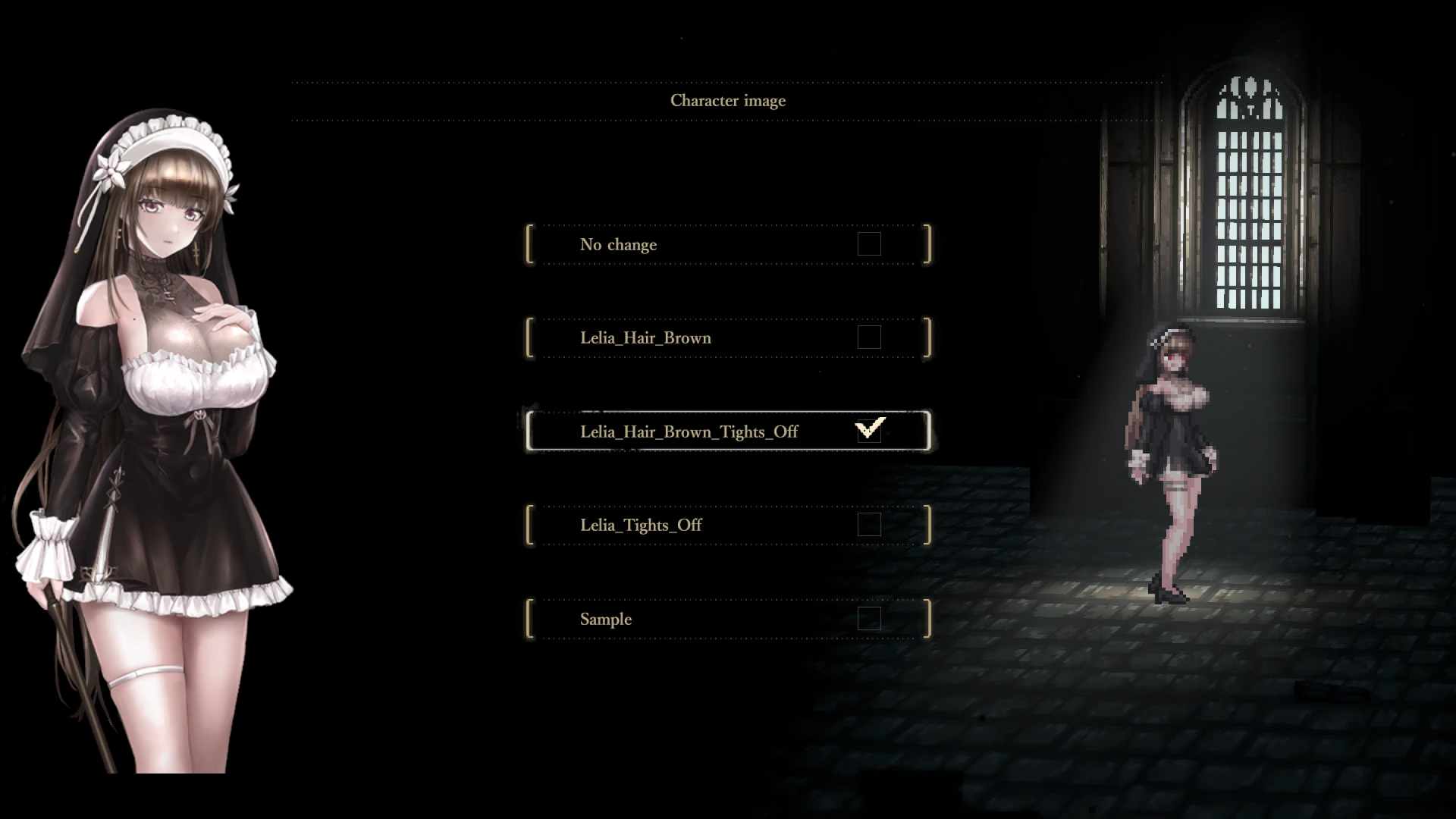
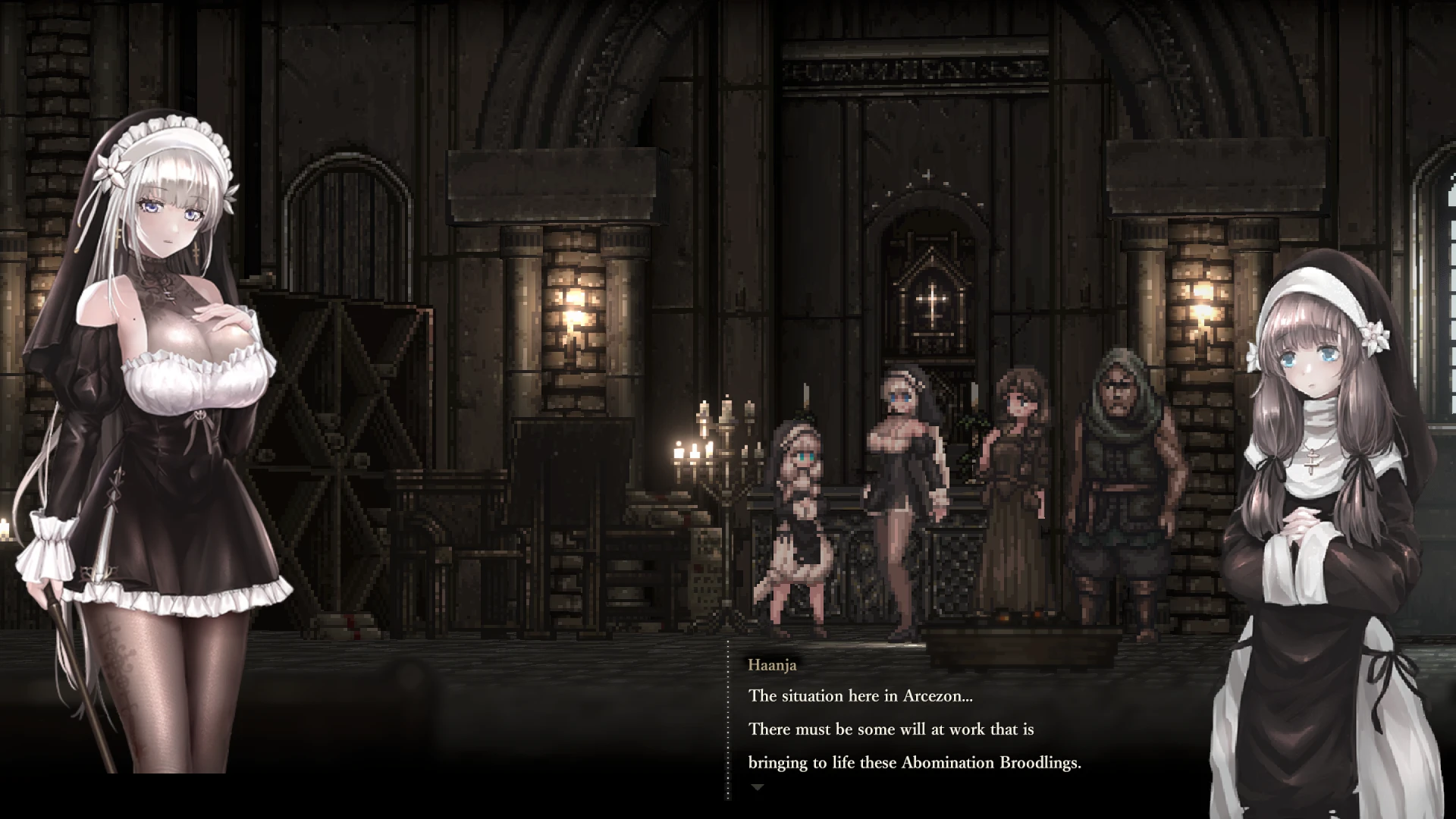
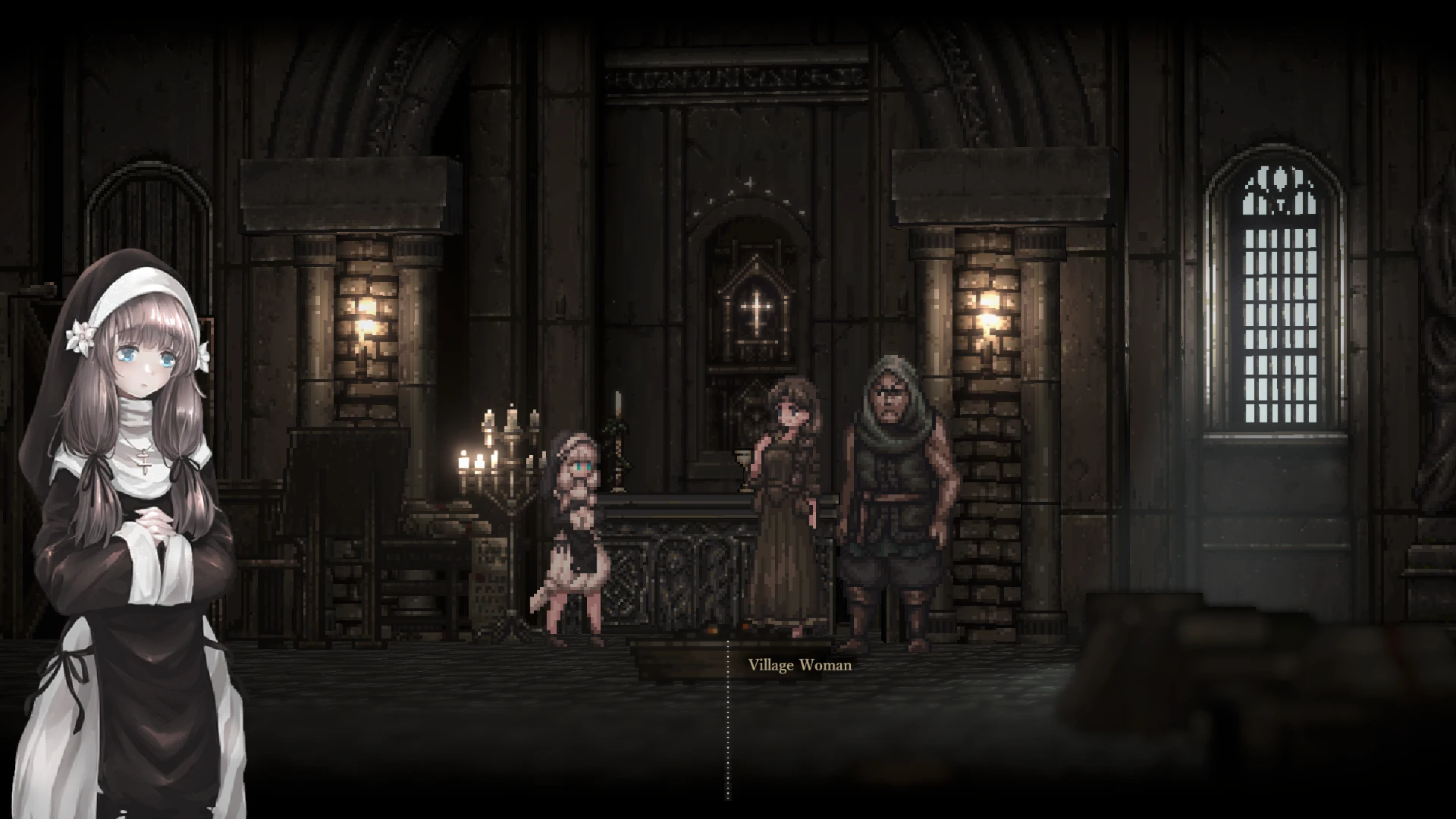
SiNiSistar 2 is a dark fantasy action game that builds upon the foundation of its predecessor while expanding its world, mechanics, and emotional intensity. Rather than relying only on combat, the game emphasizes atmosphere, tension, and survival. It presents a hostile environment where danger is constant, and progress requires patience, observation, and strategic thinking.
The game is set in a cursed world filled with ruined villages, corrupted creatures, and forgotten places. From the beginning, players are placed in an unsettling environment that feels oppressive and unpredictable. Lighting, sound design, and environmental details work together to create a sense of unease. This atmosphere is one of the game’s strongest features, as it keeps players alert and emotionally engaged throughout their journey.
Gameplay in SiNiSistar 2 focuses on exploration and careful combat rather than fast-paced action. Enemies are threatening, and reckless behavior is often punished. Players must learn enemy patterns, manage limited resources, and decide when to fight or retreat. This design encourages thoughtful decision-making and rewards experience over aggression. Each encounter feels meaningful because mistakes carry consequences.
Another notable aspect of the game is its progression system. As players advance, they gain new abilities and tools that allow them to access previously unreachable areas. This creates a strong sense of growth while also encouraging backtracking and deeper exploration. The world feels interconnected, and returning to earlier locations with new skills adds depth to the overall experience.
The narrative of SiNiSistar 2 is subtle and environmental rather than direct. Instead of long explanations, the story is revealed through surroundings, enemy designs, and small details scattered throughout the world. This approach allows players to interpret events on their own, making the experience more personal. Themes of corruption, resilience, and loss are present, reinforcing the game’s dark tone without relying on heavy dialogue.
Visual design also plays an important role. Character sprites, backgrounds, and animations are crafted to match the grim setting. The art style supports the story by emphasizing decay and danger while still maintaining clarity during gameplay. This balance helps players stay immersed without becoming overwhelmed or confused.
What sets SiNiSistar 2 apart is its commitment to tension. The game does not aim to comfort the player. Instead, it creates a constant feeling of vulnerability. Success feels earned, and survival feels meaningful. This design choice appeals to players who enjoy challenging experiences that test both skill and patience.
In conclusion, SiNiSistar 2 is a dark fantasy game that prioritizes atmosphere, strategy, and immersion. Through careful world-building, challenging gameplay, and subtle storytelling, it offers an experience that is intense and memorable. Rather than focusing on spectacle, the game succeeds by making every moment feel uncertain, reinforcing the idea that survival in a corrupted world is never guaranteed.
▎Apple Silicon (ARM)- macOS Tahoe 26.1 and later. - Apple Silicon (M1-M5, M Pro/Max/Ultra).- ±8 GB of shared memory.- ±4 GB free space.
Run the downloaded image and drag the application to the Applications folder shortcut.
Once copying is complete, the application can be launched via Launchpad.
Frequently Asked Questions
Mount the image and run Open Gatekeeper friendly.
Press Enter to bypass Gatekeeper in the Terminal window.
Drag the application to the Applications folder.
The application is ready for use.
ATTENTION! SIP must be disabled. Learn more >
Restart your Mac and hold down Command + R to enter Recovery Mode.
Open Terminal from the Utilities menu.
Enter the command: csrutil disable
Restart your Mac.
This is a common Gatekeeper issue. Follow these steps:
1. Open Terminal
2. Enter: sudo xattr -rd com.apple.quarantine /Applications/AppName.app
3. Replace "AppName" with the actual application name
4. Press Enter and enter your password
Yes, all our downloads are thoroughly checked for viruses and malware.
We use multiple antivirus engines to scan every file.
Our team tests each application before publishing.
We never bundle adware or unwanted software.
Yes, we regularly update our applications to the latest versions.
You can check our website for updates or subscribe to our newsletter.
We strive to provide the most recent versions within 24-48 hours of release.
If a download link is not working, please:
1. Try a different browser
2. Clear your browser cache and cookies
3. Try the alternative download links provided
4. Contact our support team if the issue persists