


Secret Oops!
Download Secret Oops!
Run the downloaded image and drag the game to the Applications folder shortcut.
Once the copying is complete, the game can be launched via Launchpad.
Previous Versions
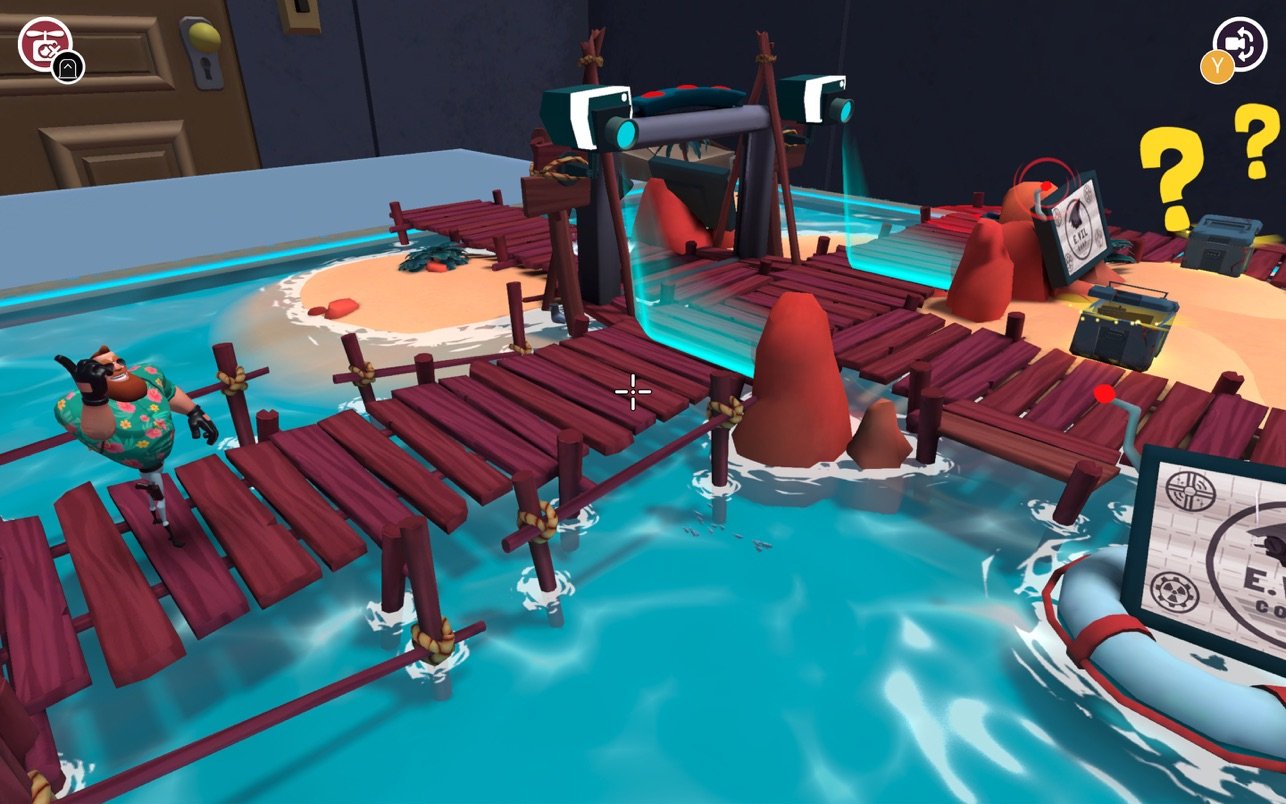
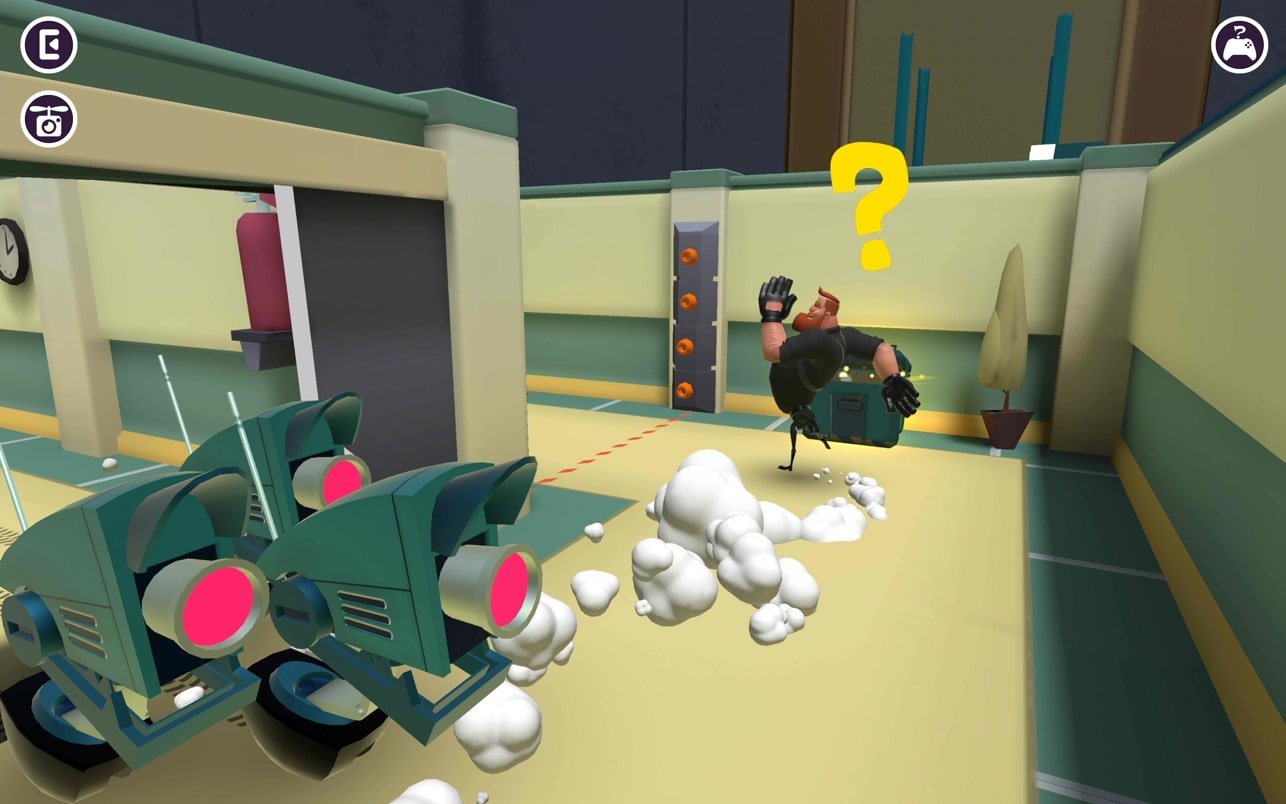
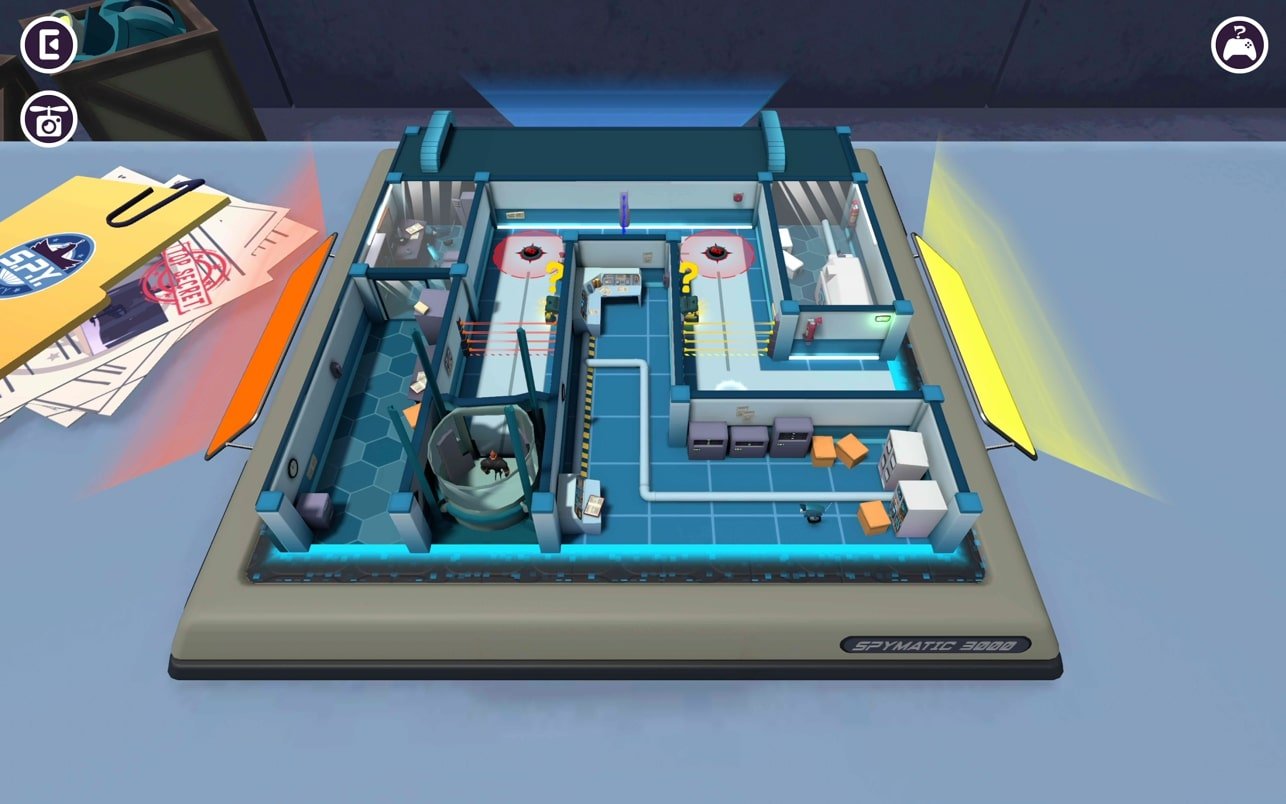
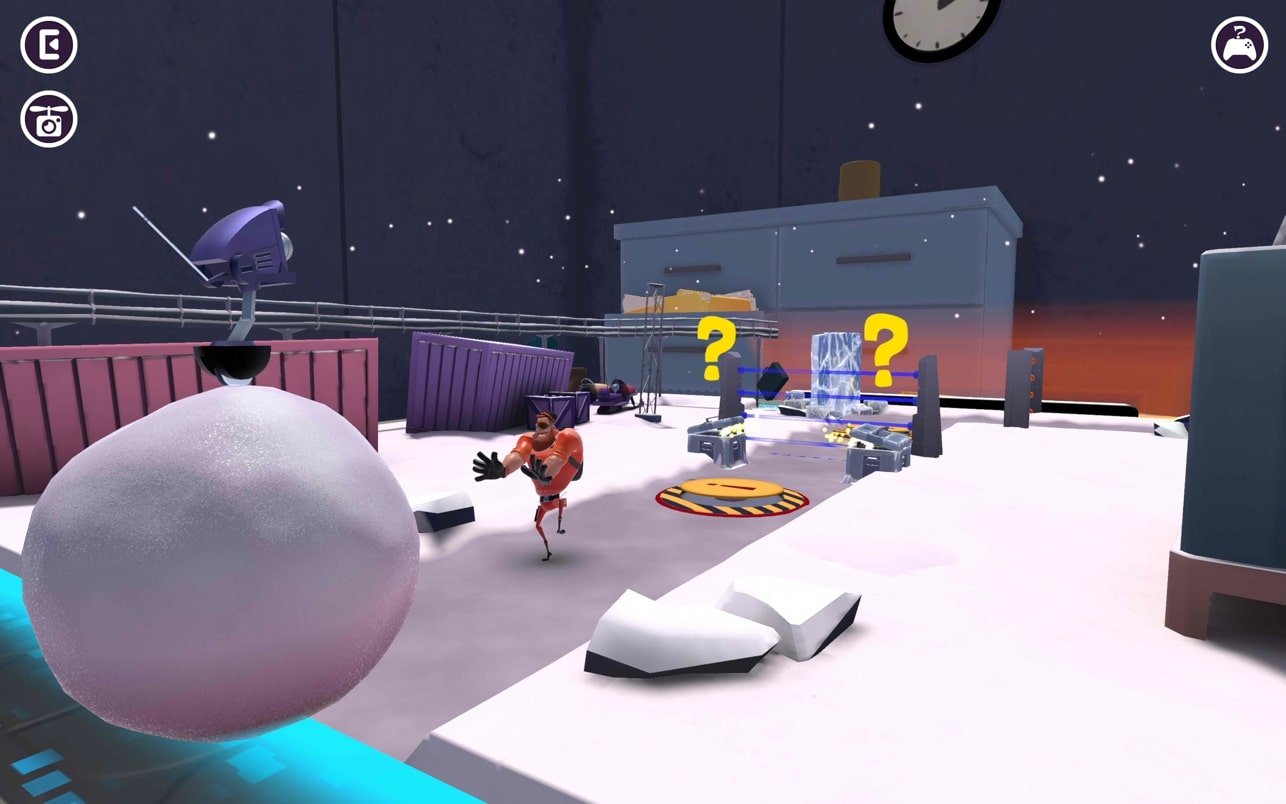
Secret Oops! is a playful and imaginative puzzle-adventure game that thrives on curiosity, humor, and creative thinking. Rather than relying on intense action or complex mechanics, the game focuses on exploration and observation, inviting players to uncover hidden interactions within colorful, hand-crafted environments. Its simple premise hides a surprisingly engaging experience that rewards patience, attention to detail, and a sense of curiosity.
The core idea behind Secret Oops! revolves around discovering the unexpected. Each level presents a lively scene filled with objects, characters, and subtle clues. At first glance, everything appears ordinary, but the magic lies in experimenting. Clicking, dragging, or interacting with elements in unconventional ways often reveals amusing surprises or triggers clever chain reactions. The game encourages players to think outside the box, making even small discoveries feel satisfying.
Unlike traditional puzzle games that rely on strict rules or explicit objectives, Secret Oops! takes a more relaxed approach. There is no pressure to solve puzzles quickly or perfectly. Instead, players are free to explore at their own pace, experimenting until something delightful happens. This design choice makes the game accessible to players of all ages and skill levels, allowing creativity to take center stage rather than competition or difficulty.
Visually, the game is bursting with personality. Its art style is bright, expressive, and full of playful details. Characters are animated with exaggerated reactions, and environments are packed with tiny visual jokes waiting to be discovered. Every scene feels alive, inviting players to linger and observe rather than rush forward. This attention to visual storytelling helps create a sense of warmth and charm that defines the overall experience.
Sound design plays an important supporting role. Subtle background music sets a relaxed tone, while sound effects add humor and feedback to player interactions. A simple action can trigger an unexpected noise or animation, reinforcing the idea that experimentation is always worthwhile. These small audio cues help bring the world together, making it feel responsive and engaging.
One of the strongest aspects of Secret Oops! is how it sparks curiosity without overwhelming the player. The game never demands perfection or punishes mistakes. Instead, every “wrong” interaction becomes an opportunity to learn something new. This forgiving structure makes the game especially appealing for casual players or those looking for a calming, feel-good experience.
The sense of discovery extends beyond individual puzzles. As players progress, they begin to understand the game’s playful logic, learning to spot visual hints and anticipate surprising outcomes. This gradual learning curve feels natural and rewarding, reinforcing the idea that curiosity is the key to success.
Ultimately, Secret Oops! is a celebration of small moments, hidden humor, and creative exploration. It proves that a game does not need complex systems or high-stakes challenges to be memorable. By focusing on charm, interactivity, and surprise, it delivers a refreshing experience that feels both relaxing and engaging. For players who enjoy uncovering secrets, laughing at unexpected outcomes, and exploring whimsical worlds, Secret Oops! offers a delightful adventure filled with joyful discovery.
System: Mac OS 10.15.0+
Run the downloaded image and drag the game to the Applications folder shortcut.
Once the copying is complete, the game can be launched via Launchpad.
Frequently Asked Questions
Mount the image and run Open Gatekeeper friendly.
Press Enter to bypass Gatekeeper in the Terminal window.
Drag the application to the Applications folder.
The application is ready for use.
ATTENTION! SIP must be disabled. Learn more >
Restart your Mac and hold down Command + R to enter Recovery Mode.
Open Terminal from the Utilities menu.
Enter the command: csrutil disable
Restart your Mac.
This is a common Gatekeeper issue. Follow these steps:
1. Open Terminal
2. Enter: sudo xattr -rd com.apple.quarantine /Applications/AppName.app
3. Replace "AppName" with the actual application name
4. Press Enter and enter your password
Yes, all our downloads are thoroughly checked for viruses and malware.
We use multiple antivirus engines to scan every file.
Our team tests each application before publishing.
We never bundle adware or unwanted software.
Yes, we regularly update our applications to the latest versions.
You can check our website for updates or subscribe to our newsletter.
We strive to provide the most recent versions within 24-48 hours of release.
If a download link is not working, please:
1. Try a different browser
2. Clear your browser cache and cookies
3. Try the alternative download links provided
4. Contact our support team if the issue persists