


Shinsekai: Into the Depths
Download Shinsekai: Into the Depths
Run the downloaded image and drag the application to the Applications folder shortcut.
Once copying is complete, the application can be launched via Launchpad.
Previous Versions
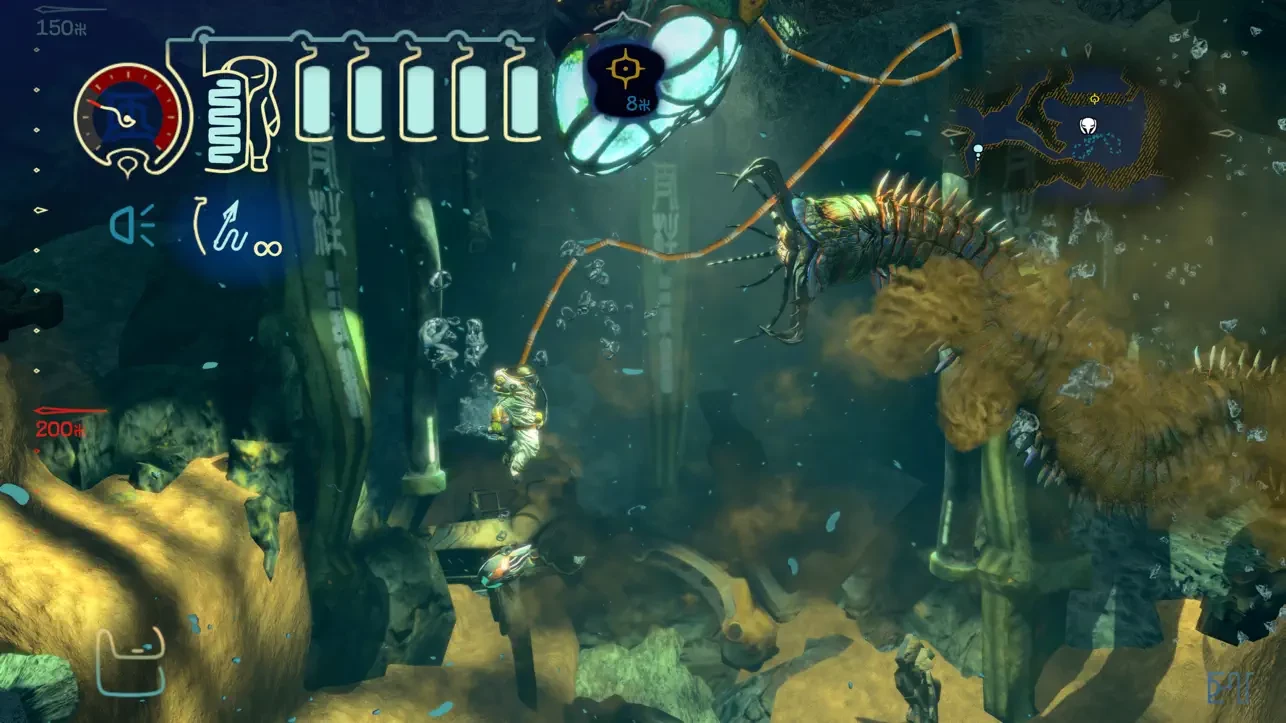

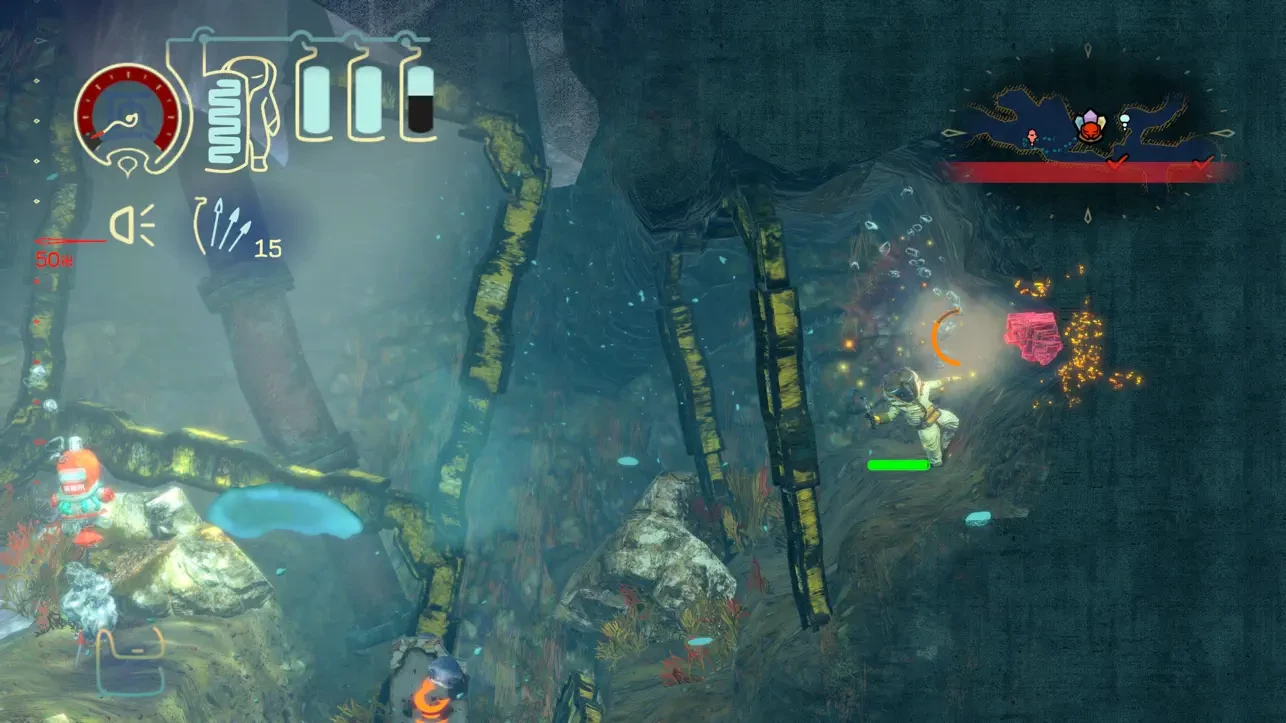
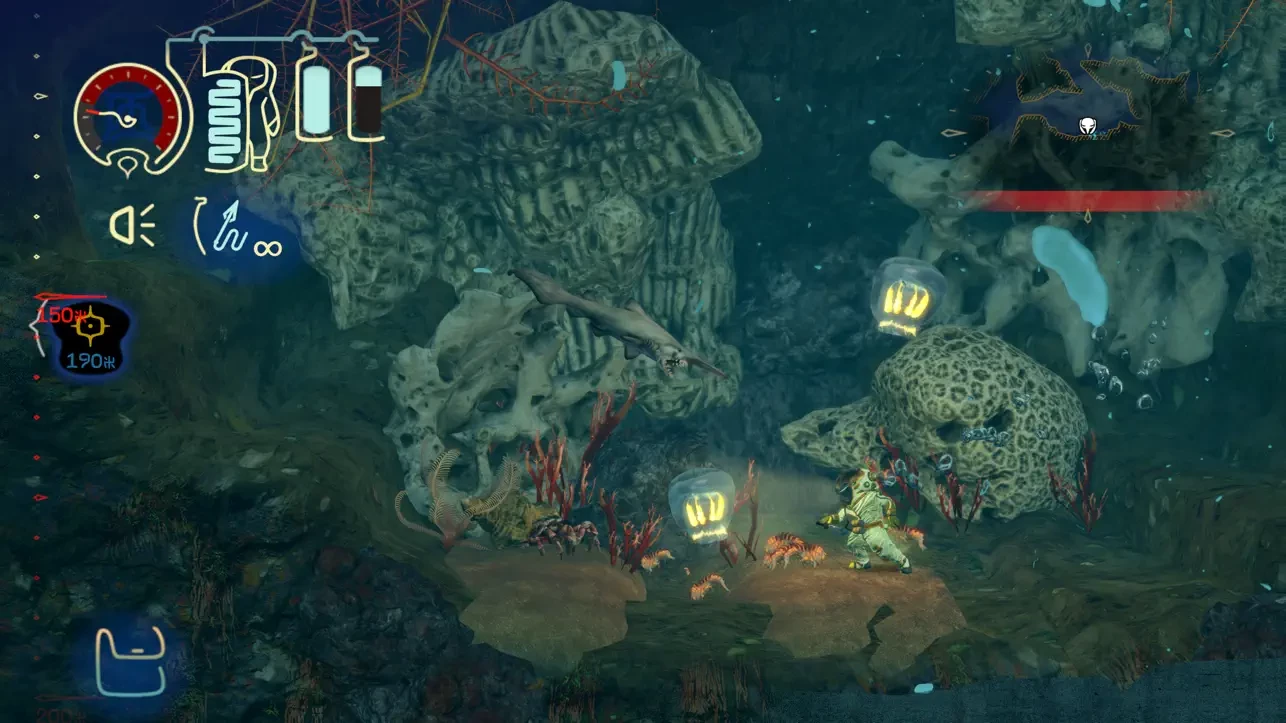
Shinsekai: Into the Depths is a slow-burning exploration game that trades speed and spectacle for atmosphere and tension. Developed by Capcom, it delivers an experience where every movement feels deliberate and every decision carries weight. Rather than placing the player in a loud or chaotic world, the game invites them into a quiet, crushing underwater environment where survival depends on patience and awareness.
The story unfolds in a future where rising seas have swallowed the surface world. Humanity now survives beneath the ocean, protected by fragile technology and sealed habitats. You play as a lone explorer sent to investigate a mysterious collapse within this underwater civilization. The narrative is revealed gradually through environmental details, scattered logs, and encounters with remnants of human presence. This understated approach allows the setting itself to become the primary storyteller.
Movement is central to the experience. Navigating underwater space feels heavy and restrained, reflecting the pressure and resistance of the deep sea. Every dive consumes oxygen, forcing players to plan routes carefully and remain aware of their surroundings. The constant need to manage air creates a persistent sense of danger, even in moments of calm exploration.
Combat exists in Shinsekai: Into the Depths, but it is never the main focus. Encounters with hostile creatures are deliberate and often risky. Players must consider positioning, resource usage, and timing rather than relying on fast reflexes. Many confrontations can be avoided entirely, rewarding observation and caution over aggression. This design choice reinforces the game’s survival-driven identity.
The underwater world is divided into distinct regions, each with its own visual tone and environmental hazards. Frozen depths, volcanic zones, and abandoned facilities all feel uniquely threatening. Temperature plays a crucial role, requiring players to balance warmth and energy as they venture deeper. These mechanics add another layer of tension, making exploration feel earned rather than effortless.
Visually, the game leans toward a hand-painted art style that emphasizes mood over realism. Soft lighting, muted colors, and subtle animations create a haunting sense of beauty. The ocean feels vast and lonely, with moments of stillness that allow players to absorb the scale of their surroundings. Sound design enhances this feeling, using muffled audio and distant echoes to reinforce isolation.
Progression in Shinsekai: Into the Depths is tied to upgrades that improve survivability rather than raw power. Enhancements to oxygen capacity, mobility, and equipment allow players to access previously unreachable areas. This gradual sense of growth mirrors the journey deeper into the unknown, where preparation becomes as important as courage.
What sets the game apart is its emotional restraint. Shinsekai does not rush to impress or overwhelm. It trusts the player to engage with its systems, absorb its atmosphere, and reflect on the fragile relationship between humanity and nature. The ocean is not portrayed as a villain, but as an indifferent force that demands respect.
Shinsekai: Into the Depths is a thoughtful and immersive experience that rewards patience and curiosity. For players who enjoy atmospheric exploration and survival-focused design, it offers a quiet yet powerful journey into the unknown, where every descent feels meaningful and every breath matters.
MAC OS X 10.15+
Run the downloaded image and drag the application to the Applications folder shortcut.
Once copying is complete, the application can be launched via Launchpad.
Frequently Asked Questions
Mount the image and run Open Gatekeeper friendly.
Press Enter to bypass Gatekeeper in the Terminal window.
Drag the application to the Applications folder.
The application is ready for use.
ATTENTION! SIP must be disabled. Learn more >
Restart your Mac and hold down Command + R to enter Recovery Mode.
Open Terminal from the Utilities menu.
Enter the command: csrutil disable
Restart your Mac.
This is a common Gatekeeper issue. Follow these steps:
1. Open Terminal
2. Enter: sudo xattr -rd com.apple.quarantine /Applications/AppName.app
3. Replace "AppName" with the actual application name
4. Press Enter and enter your password
Yes, all our downloads are thoroughly checked for viruses and malware.
We use multiple antivirus engines to scan every file.
Our team tests each application before publishing.
We never bundle adware or unwanted software.
Yes, we regularly update our applications to the latest versions.
You can check our website for updates or subscribe to our newsletter.
We strive to provide the most recent versions within 24-48 hours of release.
If a download link is not working, please:
1. Try a different browser
2. Clear your browser cache and cookies
3. Try the alternative download links provided
4. Contact our support team if the issue persists