


SimplePlanes 2
Download SimplePlanes 2
Run the downloaded image and drag the application to the Applications folder shortcut.
Once copying is complete, the application can be launched via Launchpad.
Previous Versions
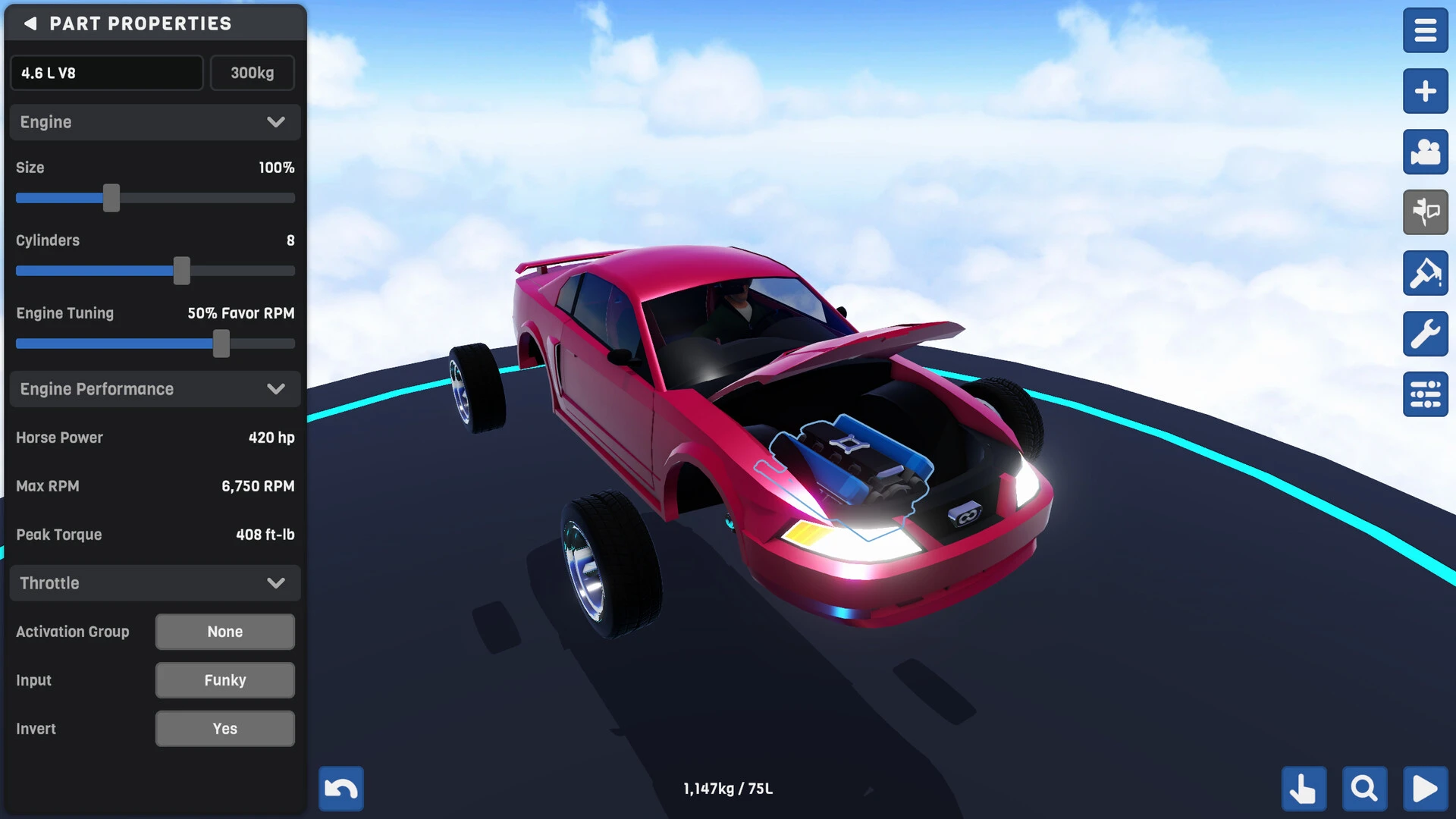

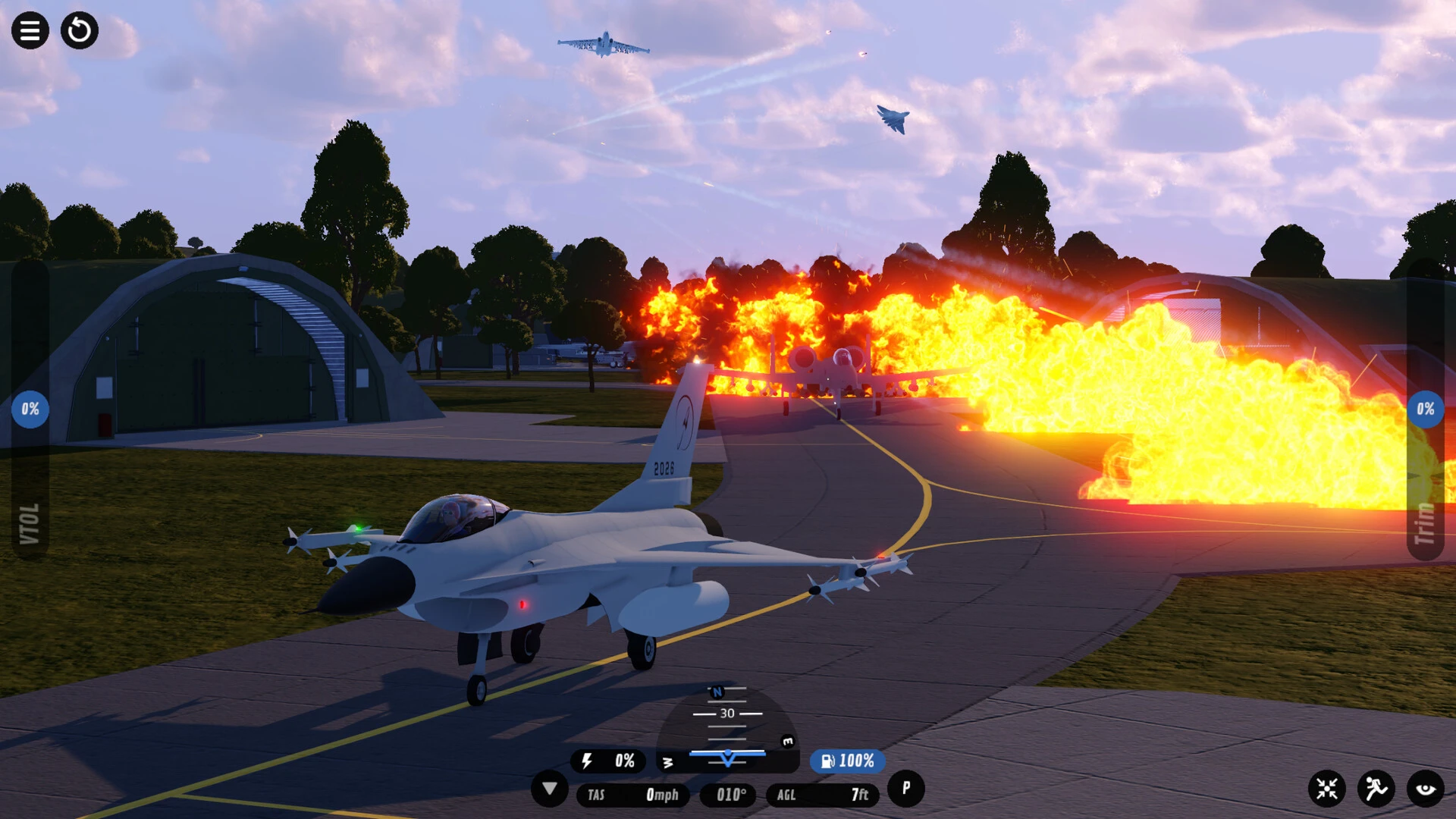

SimplePlanes 2 is an advanced evolution of the popular aircraft building simulation genre, designed to give players greater creative freedom, improved physics, and more realistic flight mechanics. As the successor to the original concept, it expands on the idea of building, testing, and flying custom aircraft in a free environment where imagination is the only limit.
Advanced Aircraft Construction System
One of the most outstanding features of SimplePlanes 2 is its detailed construction system. Players can assemble aircraft using modular parts, allowing for complete customization. They can create everything from small propeller planes to enormous futuristic jets or experimental flying machines.
The construction interface is designed to be both intuitive and powerful. It allows for precise adjustments, enabling users to optimize weight distribution, engine thrust, and wing position. This level of control encourages experimentation and helps players understand the principles of real aviation in a simplified way.
Realistic Physics and Flight Simulation
SimplePlanes 2 introduces improved physics that makes flight behavior more realistic and dynamic. Aerodynamics, drag, lift, and thrust are simulated to create authentic flight experiences. If an aircraft is poorly designed, it can lose control, stall, or fail to take off properly.
This realism makes every successful flight rewarding. Players must repeatedly test and refine their designs, learning from mistakes and improving performance over time. This adds challenge and educational value to the game.
Exploration and Testing Modes
The game offers multiple environments where players can test their aircraft. These include open skies, islands, mountains, and obstacle courses. Each environment presents different challenges, such as strong winds, long-distance flights, or emergency landings.
Test modes are essential for improving designs. Players can simulate crashes, perform wing strength tests, or evaluate fuel efficiency. This helps refine aircraft before attempting longer missions or challenges.
Creativity and Community Collaboration
A highlight of SimplePlanes 2 is its community-driven content. Players can share their aircraft designs online and download creations from others. This creates a vast library of unique and creative machines, ranging from realistic replicas to entirely fictional flight concepts.
The community aspect fosters collaboration and inspiration. Players often learn new construction techniques by studying other players' designs and modifying them for improvement.
Educational Value
Beyond entertainment, SimplePlanes 2 has significant educational benefits. It introduces players to the basic principles of physics, engineering, and aviation. Concepts such as lift, thrust, and balance are best understood through hands-on experience.
This makes the game popular not only with gamers but also with students and aviation enthusiasts.
Conclusion
SimplePlanes 2 represents a powerful combination of creativity, science, and simulation. With its advanced construction tools, realistic physics, and strong community support, it offers an engaging experience for anyone interested in aircraft design and flight mechanics. Whether you're a beginner exploring aviation or a creative builder pushing the boundaries of engineering, this game offers endless opportunities to learn, experiment, and fly.
OS: macOS 11 Big Sur or laterProcessor: Intel or Apple M1Memory: 8 GBRAM Graphics: Metal, 3 GB VRAMStorage: 6 GB
Run the downloaded image and drag the application to the Applications folder shortcut.
Once copying is complete, the application can be launched via Launchpad.
Frequently Asked Questions
Mount the image and run Open Gatekeeper friendly.
Press Enter to bypass Gatekeeper in the Terminal window.
Drag the application to the Applications folder.
The application is ready for use.
ATTENTION! SIP must be disabled. Learn more >
Restart your Mac and hold down Command + R to enter Recovery Mode.
Open Terminal from the Utilities menu.
Enter the command: csrutil disable
Restart your Mac.
This is a common Gatekeeper issue. Follow these steps:
1. Open Terminal
2. Enter: sudo xattr -rd com.apple.quarantine /Applications/AppName.app
3. Replace "AppName" with the actual application name
4. Press Enter and enter your password
Yes, all our downloads are thoroughly checked for viruses and malware.
We use multiple antivirus engines to scan every file.
Our team tests each application before publishing.
We never bundle adware or unwanted software.
Yes, we regularly update our applications to the latest versions.
You can check our website for updates or subscribe to our newsletter.
We strive to provide the most recent versions within 24-48 hours of release.
If a download link is not working, please:
1. Try a different browser
2. Clear your browser cache and cookies
3. Try the alternative download links provided
4. Contact our support team if the issue persists