


Sniper Elite: Nazi Zombie Army 2
Download Sniper Elite: Nazi Zombie Army 2
Run the downloaded image and drag the application to the Applications folder shortcut.
Once the copy is complete, you can launch the application from Launchpad.
Previous Versions
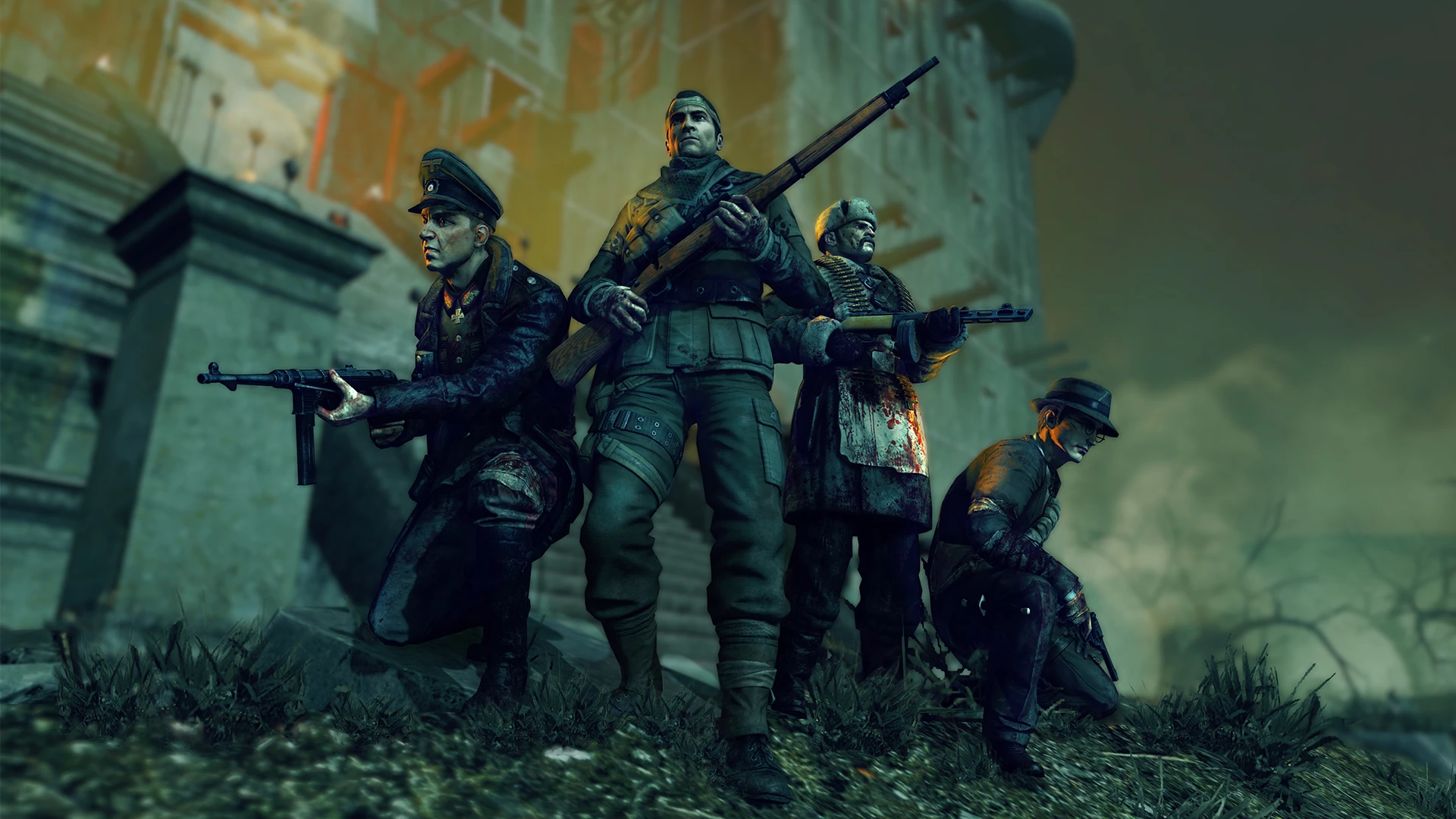
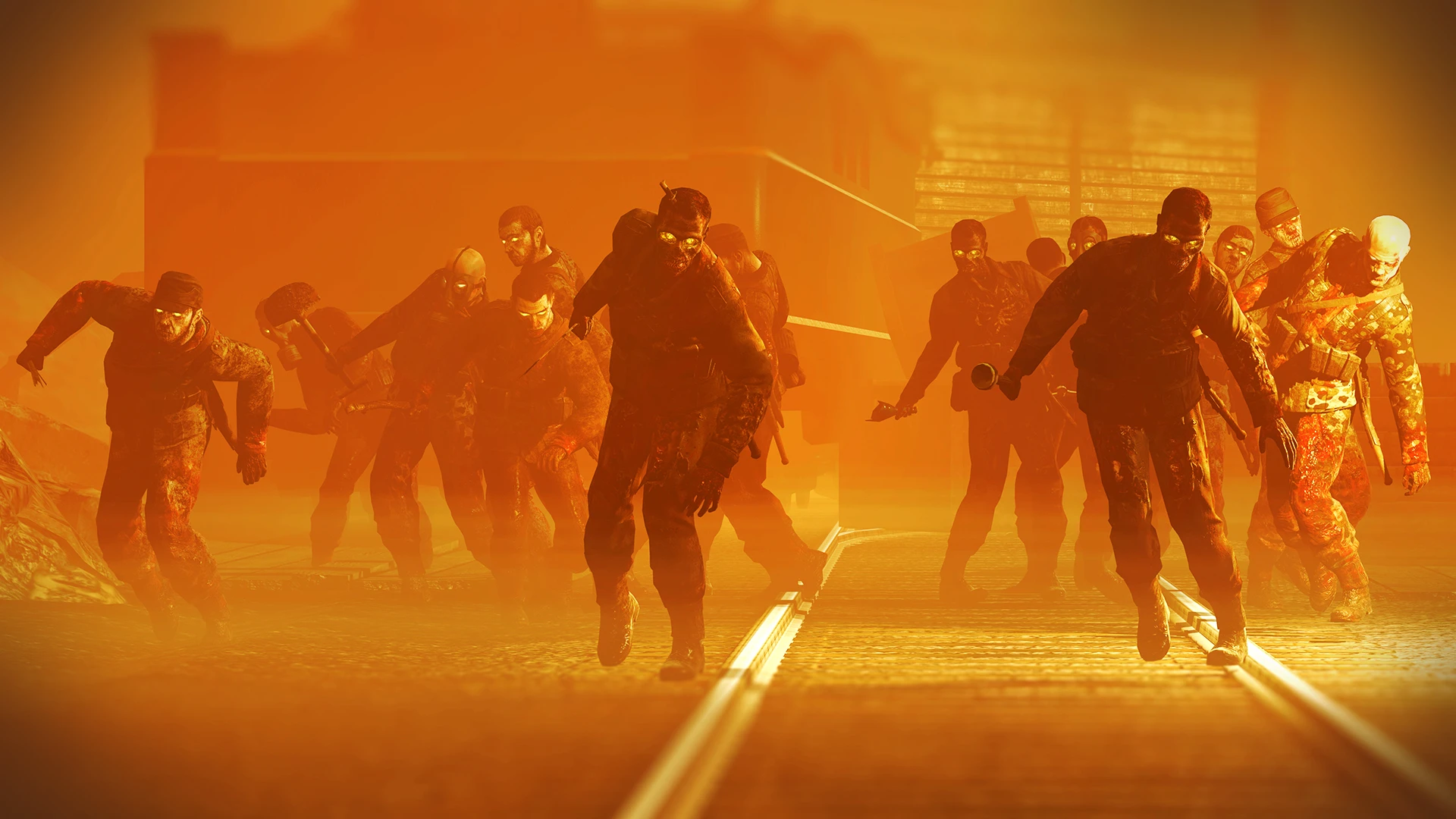

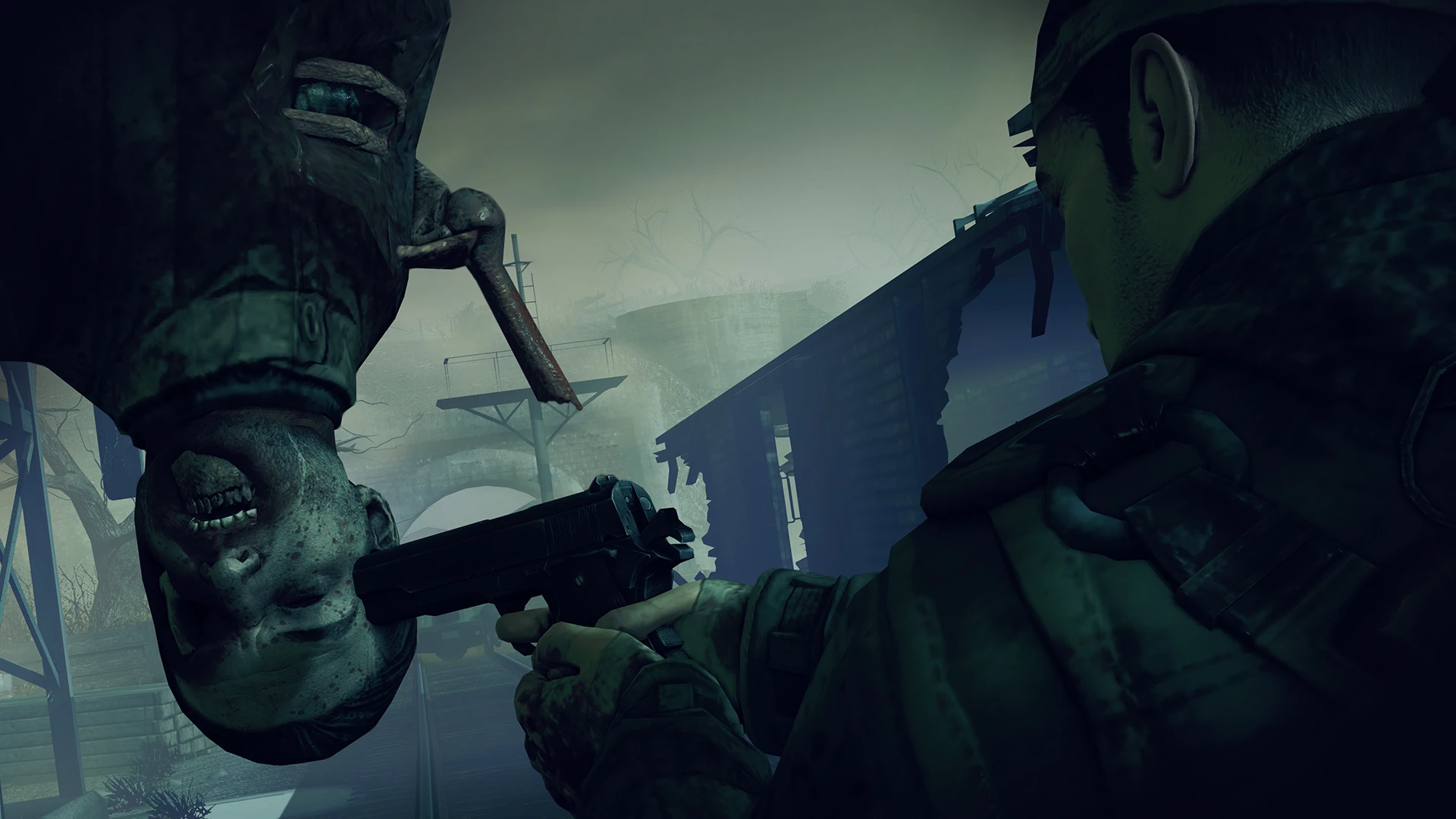
In the world of shooter games, few titles blend tactical gameplay, historical settings, and supernatural horror as effectively as Sniper Elite: Nazi Zombie Army 2. Developed by Rebellion Developments, this spin-off of the popular Sniper Elite series combines the franchise’s signature precision shooting mechanics with waves of undead enemies, delivering a high-octane, adrenaline-pumping experience for fans of both shooters and horror. With its unique mix of stealth, strategy, and chaos, the game offers an unforgettable adventure through war-torn environments overrun by zombies.
Set in an alternate history of World War II, Sniper Elite: Nazi Zombie Army 2 picks up where its predecessor left off, thrusting players into the midst of Europe plagued by Nazi experiments gone horribly wrong. The player takes on the role of elite snipers tasked with halting the undead threat while unraveling the sinister plots behind the zombie outbreak. This dark, twisted version of history adds depth and intrigue to the fast-paced, action-oriented gameplay. The storyline, while not overly complex, provides context and motivation, keeping players engaged as they navigate increasingly dangerous battlefields.
Gameplay in Nazi Zombie Army 2 revolves around the franchise’s hallmark sniper mechanics. Players must rely on precision aiming, calculated shots, and careful use of cover to survive waves of zombies and grotesque boss creatures. Unlike standard shooters, the game emphasizes tactical thinking over sheer firepower. Headshots, environmental awareness, and strategic positioning can turn the tide of battle, rewarding skill and patience. The slow-motion “X-Ray Kill Cam,” a signature feature of the Sniper Elite series, adds a visceral thrill to each successful shot, showcasing the impact of bullets in meticulous detail.
The game also supports cooperative multiplayer, allowing up to four players to team up and tackle missions together. Cooperation is key, as players can coordinate attacks, cover each other’s advances, and develop strategies to handle the relentless waves of undead. Multiplayer adds significant replay value, as no two sessions are ever quite the same, and teamwork becomes essential for surviving the later, more challenging levels.
Visually, Nazi Zombie Army 2 maintains a dark, gritty aesthetic consistent with its alternate history setting. Battlefields are detailed and atmospheric, ranging from desolate villages to eerie, fog-filled forests. The zombies themselves are grotesque and varied, with unique designs that make encounters feel unpredictable and tense. Sound design plays an equally important role, with chilling moans, distant gunfire, and explosive effects creating a sense of immersion that heightens the suspense and excitement.
In conclusion, Sniper Elite: Nazi Zombie Army 2 is a thrilling combination of precision shooting, tactical strategy, and supernatural horror. Its blend of single-player and cooperative multiplayer, coupled with immersive environments and skill-based gameplay, ensures that every encounter feels intense and rewarding. For fans of shooters seeking a game that challenges both accuracy and tactical thinking while delivering waves of undead chaos, Nazi Zombie Army 2 stands as a must-play title, offering hours of thrilling, zombie-filled action.
macOS
Run the downloaded image and drag the application to the Applications folder shortcut.
Once the copy is complete, you can launch the application from Launchpad.
Frequently Asked Questions
Mount the image and run Open Gatekeeper friendly.
Press Enter to bypass Gatekeeper in the Terminal window.
Drag the application to the Applications folder.
The application is ready for use.
ATTENTION! SIP must be disabled. Learn more >
Restart your Mac and hold down Command + R to enter Recovery Mode.
Open Terminal from the Utilities menu.
Enter the command: csrutil disable
Restart your Mac.
This is a common Gatekeeper issue. Follow these steps:
1. Open Terminal
2. Enter: sudo xattr -rd com.apple.quarantine /Applications/AppName.app
3. Replace "AppName" with the actual application name
4. Press Enter and enter your password
Yes, all our downloads are thoroughly checked for viruses and malware.
We use multiple antivirus engines to scan every file.
Our team tests each application before publishing.
We never bundle adware or unwanted software.
Yes, we regularly update our applications to the latest versions.
You can check our website for updates or subscribe to our newsletter.
We strive to provide the most recent versions within 24-48 hours of release.
If a download link is not working, please:
1. Try a different browser
2. Clear your browser cache and cookies
3. Try the alternative download links provided
4. Contact our support team if the issue persists