


Spaceflight Simulator
Download Spaceflight Simulator
Run the downloaded image and drag the application to the Applications folder shortcut.
Once copying is complete, the application can be launched via Launchpad.
Previous Versions
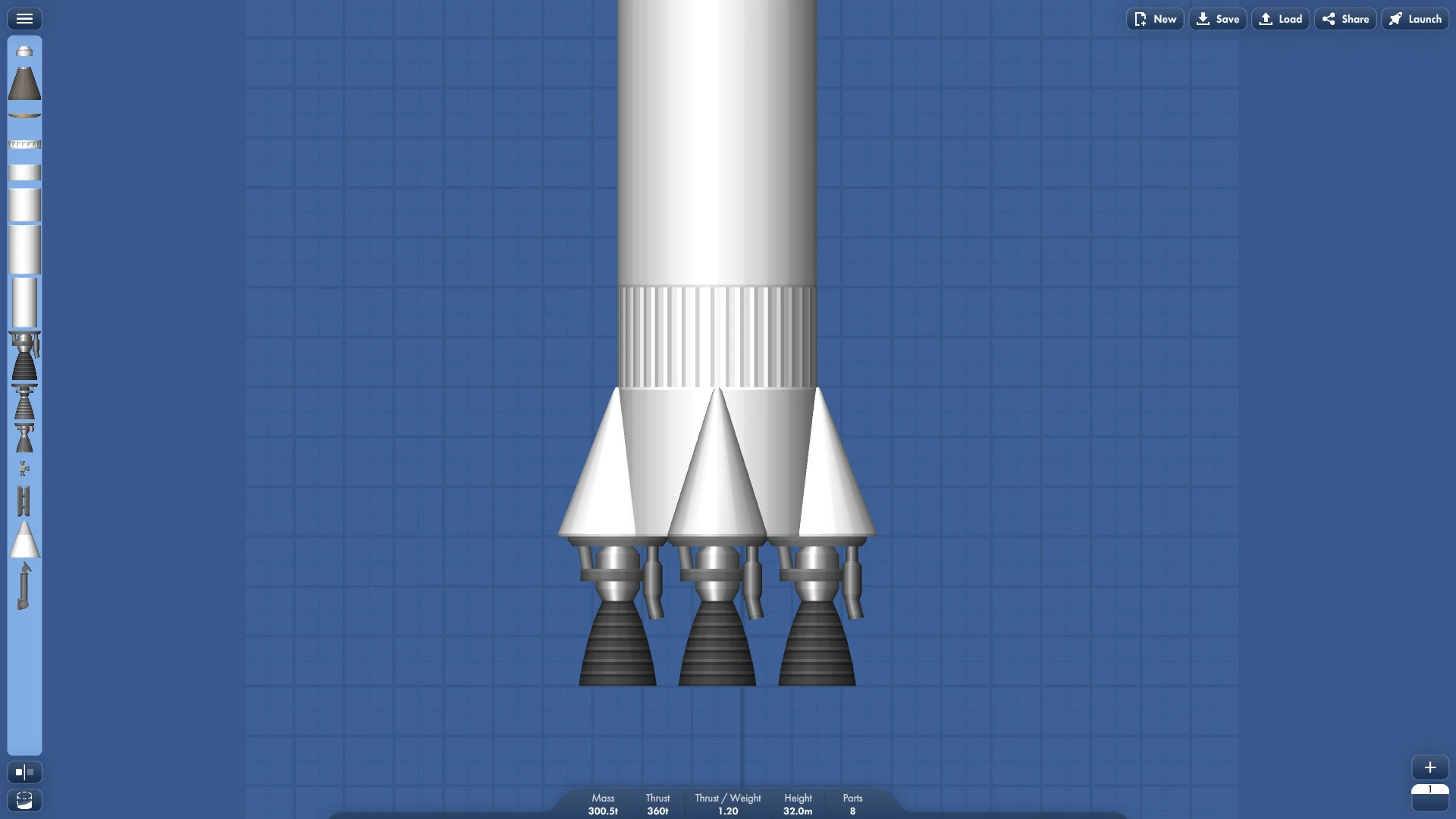
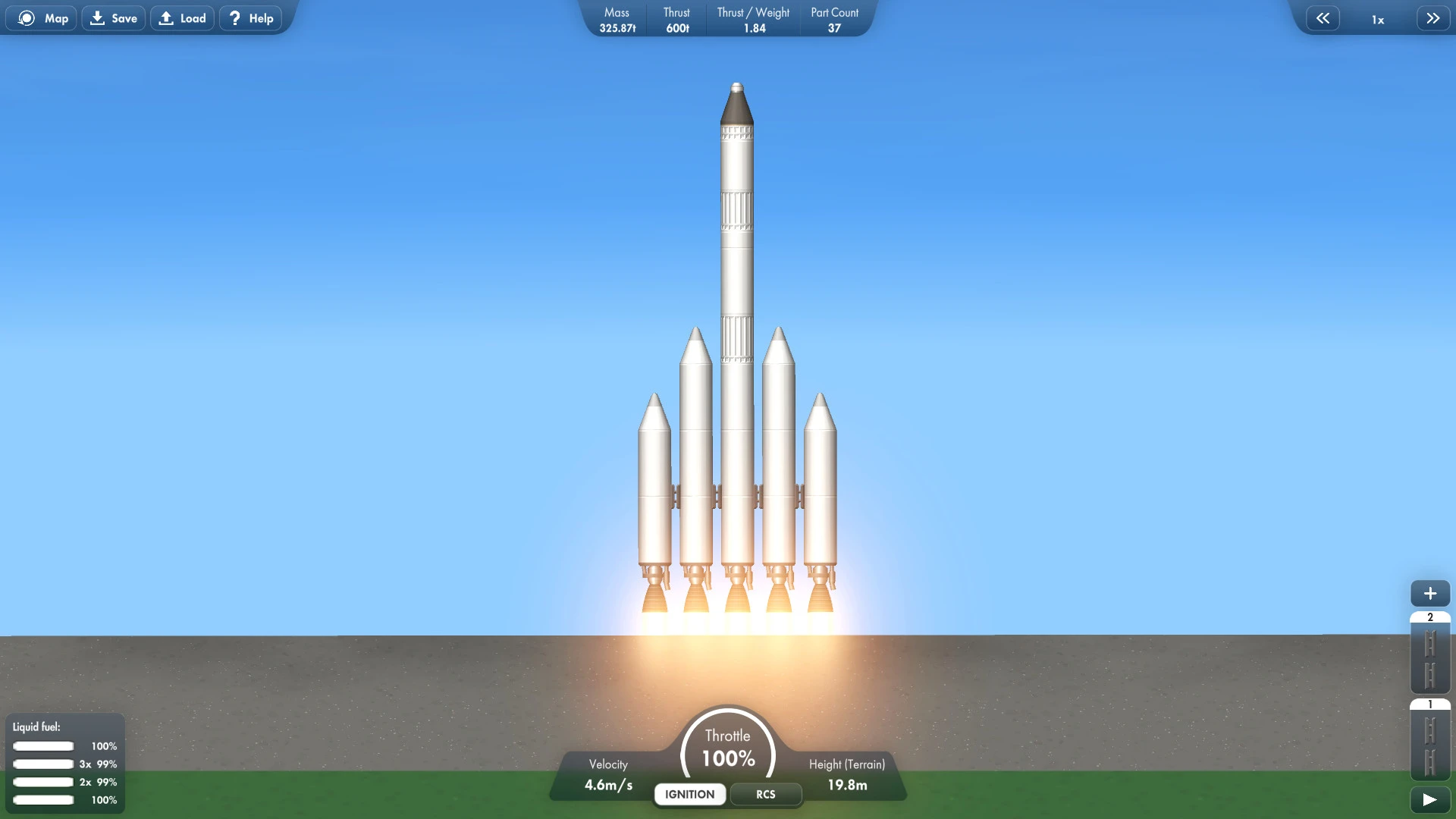
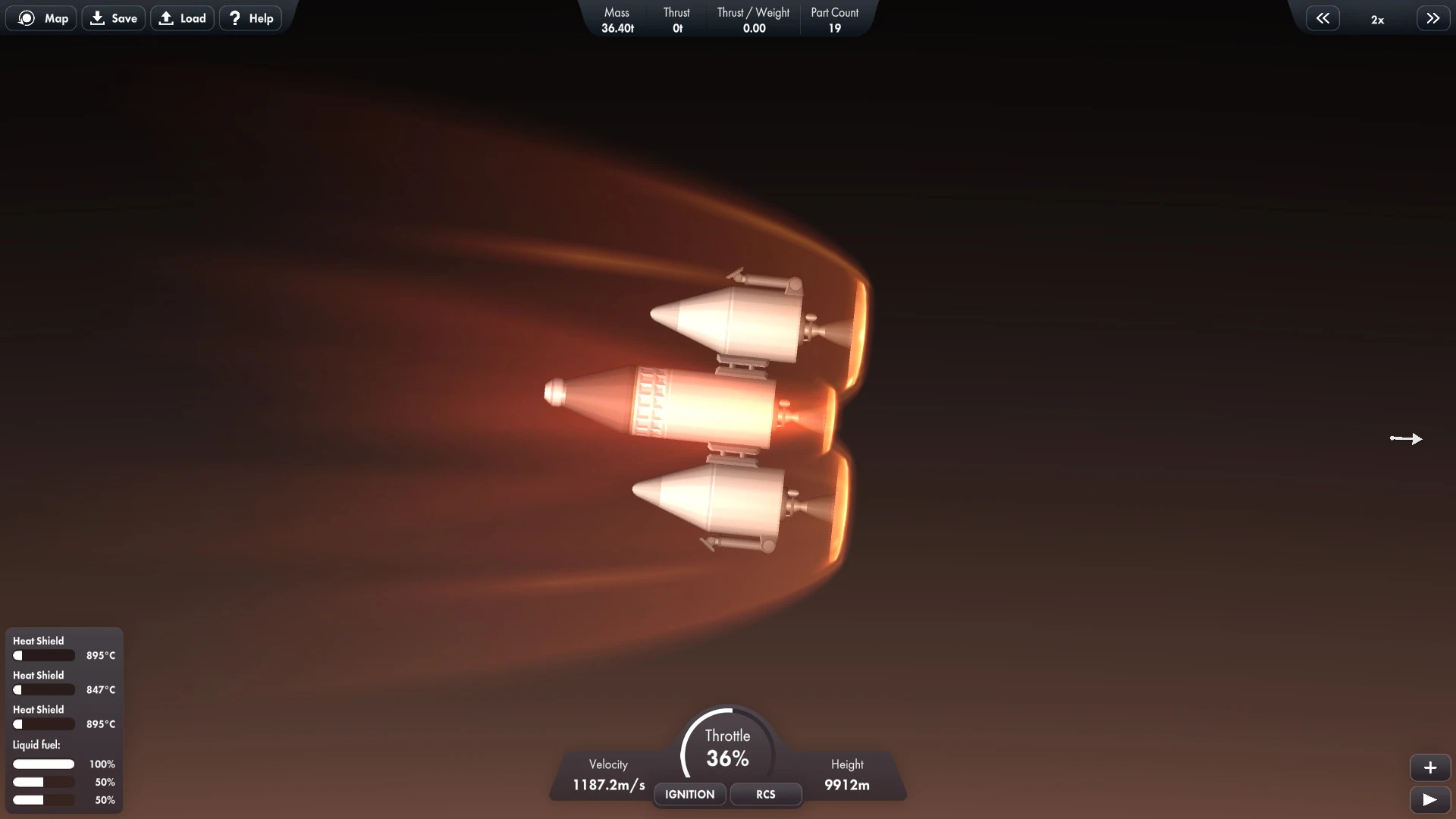
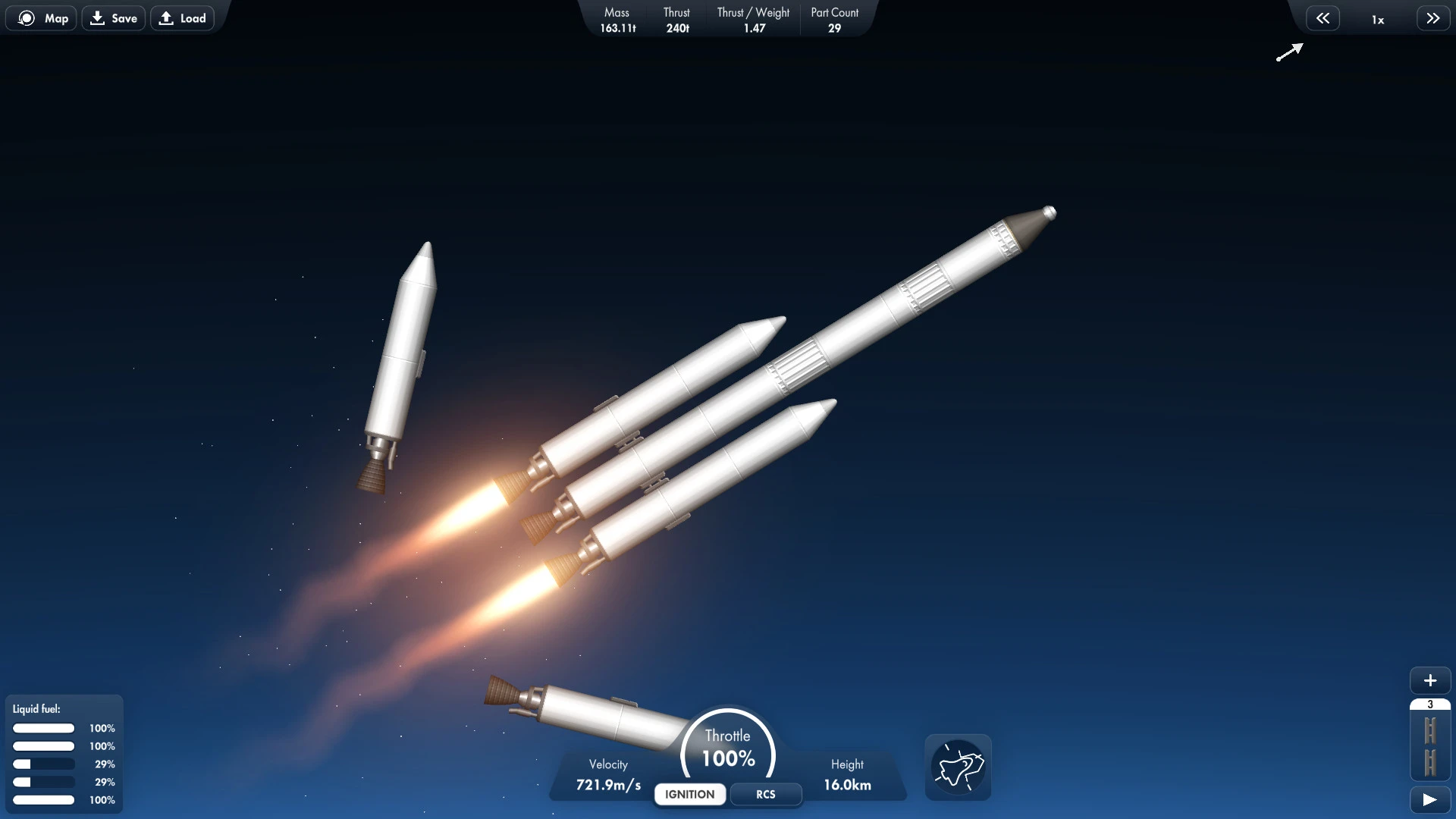
The thrill of space exploration has always captured the imagination of humankind, and Spaceflight Simulator brings this dream to life in a way that is both accessible and deeply engaging. Unlike traditional space games that focus solely on combat or storytelling, Spaceflight Simulator emphasizes realism, creativity, and discovery, allowing players to experience the complexities of rocketry and orbital mechanics in an intuitive and entertaining format.
At its core, Spaceflight Simulator is a sandbox game where players design, build, and launch their own spacecraft. The game provides a variety of parts and components, ranging from simple fuel tanks and engines to advanced command modules, giving players complete freedom to construct rockets of all shapes and sizes. This flexibility encourages experimentation, as each design impacts the physics and performance of the spacecraft. Successfully launching a rocket requires careful attention to balance, thrust, and trajectory, providing a satisfying challenge for those who enjoy hands-on problem-solving.
The gameplay emphasizes realism without being intimidating. While players must consider real-world physics principles like gravity, thrust-to-weight ratio, and orbital mechanics, the game’s controls and interface are user-friendly. Tutorials and guides help beginners understand complex concepts, while experienced players can push the boundaries of spaceflight, attempting ambitious missions such as reaching the Moon or building multi-stage rockets for interplanetary travel. This combination of accessibility and depth ensures that Spaceflight Simulator appeals to both casual gamers and aspiring aerospace enthusiasts.
One of the standout features of the game is its dynamic flight simulation. Rockets respond accurately to physics, and players must constantly adjust their maneuvers to maintain the correct trajectory. Atmospheric drag, orbital speed, and gravitational pulls from celestial bodies all factor into the success of a mission, creating a realistic and immersive experience. Every successful launch is a testament to careful planning, while failures provide valuable lessons in rocket science, making the learning process enjoyable and rewarding.
The game also encourages creativity beyond pure simulation. Players can design futuristic spacecraft, attempt daring rescue missions, or simply enjoy sightseeing from space. The vastness of the game’s universe provides endless opportunities for exploration, and the satisfaction of reaching orbit or landing on another celestial body is unparalleled. Moreover, the community of players shares designs, tips, and challenges, adding an additional layer of engagement and inspiration for new and veteran players alike.
Visually, Spaceflight Simulator balances simplicity with clarity. While not graphically intensive, the game uses clean and effective visuals to represent spacecraft, planets, and orbits. This approach ensures that players focus on strategy, physics, and creativity without being distracted by unnecessary details. The combination of clear visuals and responsive controls creates an environment where learning and experimentation are effortless and fun.
In conclusion, Spaceflight Simulator is a remarkable blend of education and entertainment. By simulating the challenges and joys of spaceflight, it inspires curiosity, problem-solving, and creativity. Whether you are a space enthusiast, a budding engineer, or simply someone looking for an engaging and unique gaming experience, Spaceflight Simulator offers countless hours of exploration, experimentation, and excitement. It is a game that not only entertains but also enlightens, giving players the thrill of commanding their own journey through the cosmos.
OS: macOS 10.12+ 64-bitProcessor: IntelRAM: 4 GBVideo card: SM 4.0 512MB VRAMDisk space: 500 MB
Run the downloaded image and drag the application to the Applications folder shortcut.
Once copying is complete, the application can be launched via Launchpad.
Frequently Asked Questions
Mount the image and run Open Gatekeeper friendly.
Press Enter to bypass Gatekeeper in the Terminal window.
Drag the application to the Applications folder.
The application is ready for use.
ATTENTION! SIP must be disabled. Learn more >
Restart your Mac and hold down Command + R to enter Recovery Mode.
Open Terminal from the Utilities menu.
Enter the command: csrutil disable
Restart your Mac.
This is a common Gatekeeper issue. Follow these steps:
1. Open Terminal
2. Enter: sudo xattr -rd com.apple.quarantine /Applications/AppName.app
3. Replace "AppName" with the actual application name
4. Press Enter and enter your password
Yes, all our downloads are thoroughly checked for viruses and malware.
We use multiple antivirus engines to scan every file.
Our team tests each application before publishing.
We never bundle adware or unwanted software.
Yes, we regularly update our applications to the latest versions.
You can check our website for updates or subscribe to our newsletter.
We strive to provide the most recent versions within 24-48 hours of release.
If a download link is not working, please:
1. Try a different browser
2. Clear your browser cache and cookies
3. Try the alternative download links provided
4. Contact our support team if the issue persists