


Stardeus
Download Stardeus
Run the downloaded image and drag the application to the Applications folder shortcut.
Once copying is complete, the application can be launched via Launchpad.
Previous Versions
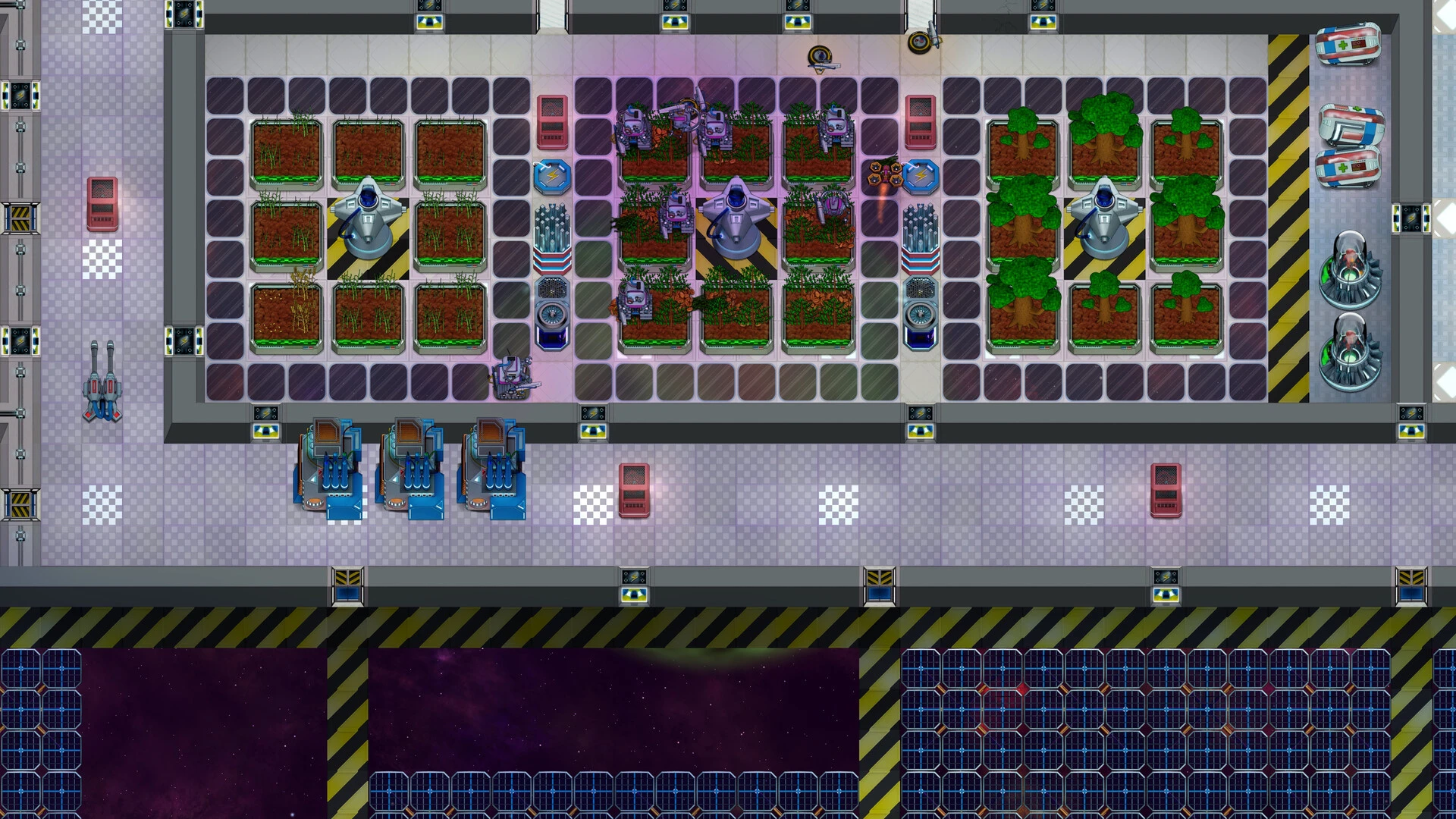
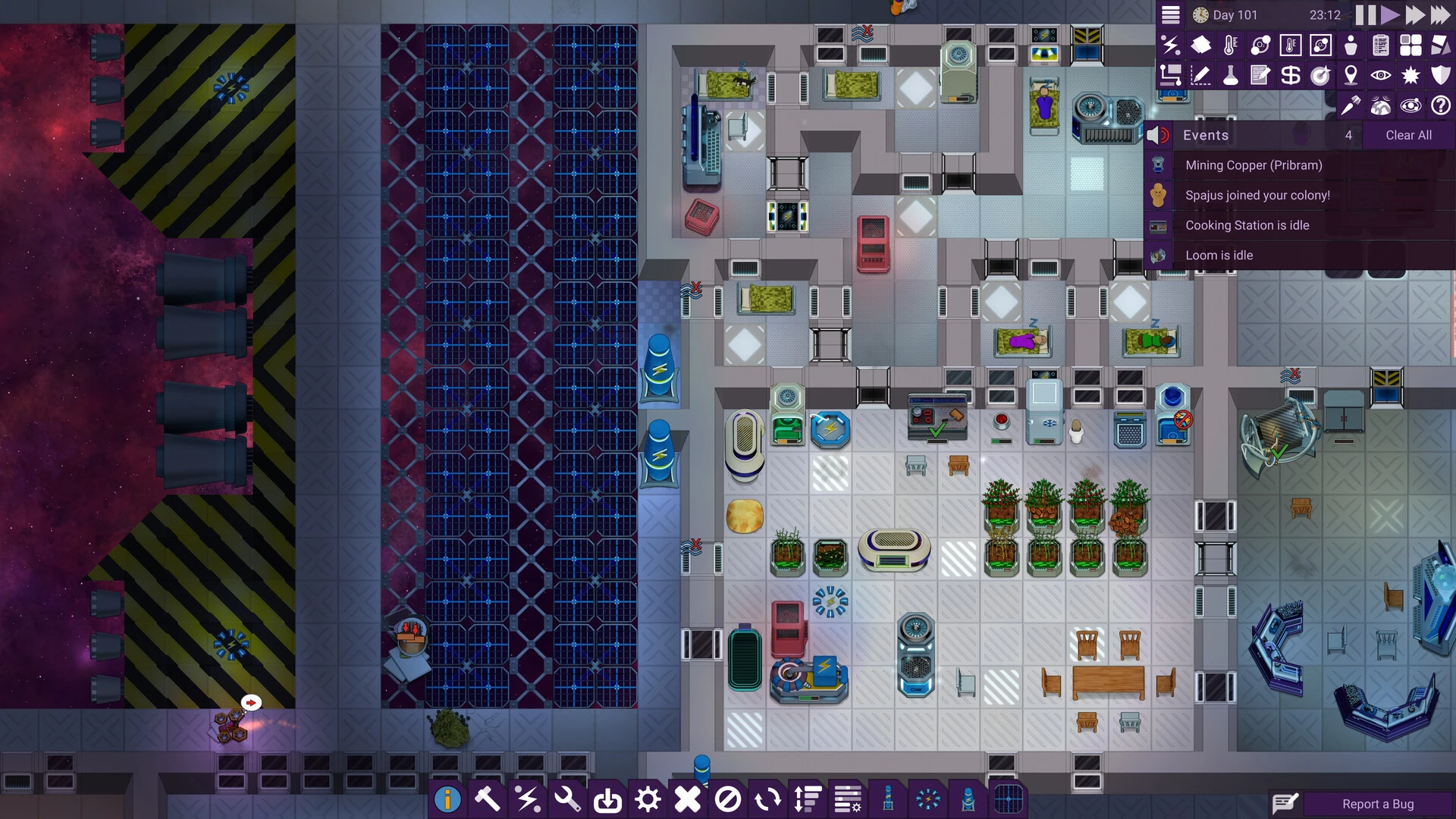
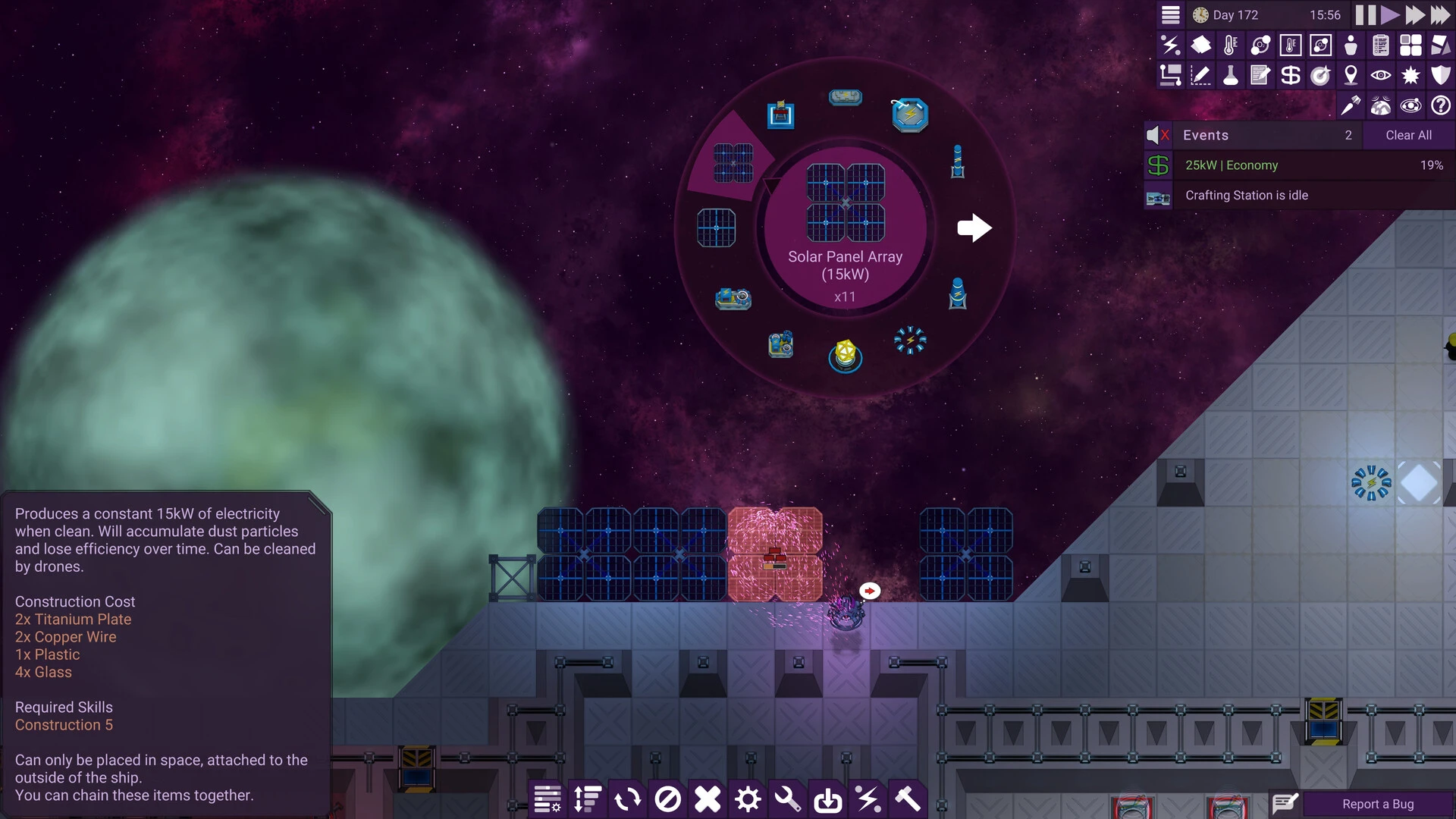
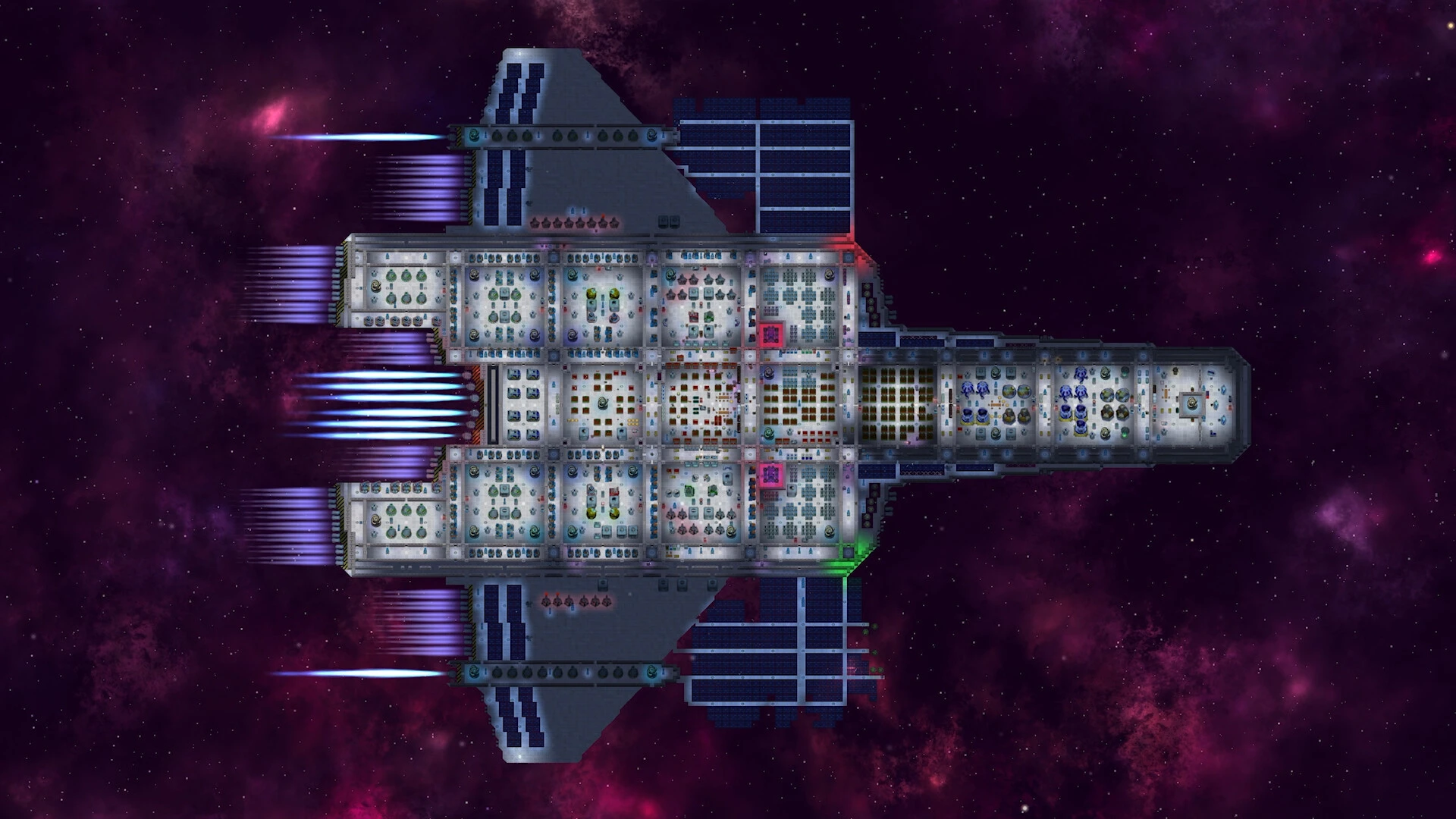
In the vast landscape of simulation and management games, Stardeus stands out as a deep, intricate, and compelling experience that challenges players to build and manage human civilization in space. Developed with a focus on creativity, strategy, and resource management, Stardeus offers a unique blend of colony-building, survival mechanics, and complex logistics, making it a must-play for fans of space-themed simulation games.
At its core, Stardeus tasks players with establishing a thriving space colony. Starting with a handful of colonists and limited resources, players must expand their settlements, secure vital supplies, and develop technology to survive and prosper. The game emphasizes planning and foresight, requiring players to balance short-term survival with long-term growth. Every decision, from resource allocation to colony expansion, has a direct impact on the sustainability and success of the settlement.
One of the standout features of Stardeus is its focus on individual colonist management. Each member of the colony possesses unique traits, skills, and needs, creating a dynamic system where player choices directly influence the well-being and productivity of their population. Players must monitor health, morale, and efficiency, ensuring that colonists are happy, healthy, and capable of performing critical tasks. This level of detail adds a layer of depth and realism, turning the game into more than just a city-building simulator—it becomes a complex management challenge where every life matters.
Resource management in Stardeus is both challenging and rewarding. Players must mine raw materials, produce essential goods, and manage energy and food supplies to keep their colony operational. The scarcity of resources and the harsh environment of space require careful planning and strategic foresight. Mismanagement can quickly lead to crises, forcing players to adapt and innovate to survive. This system of cause and effect makes each decision feel meaningful, creating a sense of tension and accomplishment as the colony grows and thrives.
Exploration and expansion are central to the experience. Players can venture into uncharted space, discover new planets, and establish outposts to secure additional resources. Each new location presents unique challenges and opportunities, encouraging creative problem-solving and strategic thinking. The sense of discovery and the risk-reward dynamic of expanding into unknown territory keep the gameplay fresh and engaging.
Visually, Stardeus embraces a functional yet appealing style. The interface is designed to provide players with the information they need without overwhelming them, while the detailed environments, machinery, and colonist animations bring the space colony to life. The game’s soundtrack complements the immersive setting, enhancing the feeling of isolation, challenge, and achievement as players guide humanity into the stars.
In conclusion, Stardeus is a rich, immersive, and intellectually stimulating simulation game that offers more than just colony management. Its focus on detailed colonist systems, complex resource management, and strategic expansion creates a deeply engaging experience that rewards careful planning, creativity, and adaptability. For fans of space exploration, management challenges, and survival strategy, Stardeus delivers an unforgettable journey into humanity’s potential future among the stars.
OS: macOS 10.13+Processor: x64 architecture with SSE2RAM: 4 GBVideo card: Metal capable Intel and AMD GPUs with Compute Shader supportDisk space: 1 GB
Run the downloaded image and drag the application to the Applications folder shortcut.
Once copying is complete, the application can be launched via Launchpad.
Frequently Asked Questions
Mount the image and run Open Gatekeeper friendly.
Press Enter to bypass Gatekeeper in the Terminal window.
Drag the application to the Applications folder.
The application is ready for use.
ATTENTION! SIP must be disabled. Learn more >
Restart your Mac and hold down Command + R to enter Recovery Mode.
Open Terminal from the Utilities menu.
Enter the command: csrutil disable
Restart your Mac.
This is a common Gatekeeper issue. Follow these steps:
1. Open Terminal
2. Enter: sudo xattr -rd com.apple.quarantine /Applications/AppName.app
3. Replace "AppName" with the actual application name
4. Press Enter and enter your password
Yes, all our downloads are thoroughly checked for viruses and malware.
We use multiple antivirus engines to scan every file.
Our team tests each application before publishing.
We never bundle adware or unwanted software.
Yes, we regularly update our applications to the latest versions.
You can check our website for updates or subscribe to our newsletter.
We strive to provide the most recent versions within 24-48 hours of release.
If a download link is not working, please:
1. Try a different browser
2. Clear your browser cache and cookies
3. Try the alternative download links provided
4. Contact our support team if the issue persists