


Stoneshard
Download Stoneshard
Run the downloaded image and drag the application to the Applications folder shortcut.
Once the copy is complete, you can launch the application from Launchpad.
Previous Versions
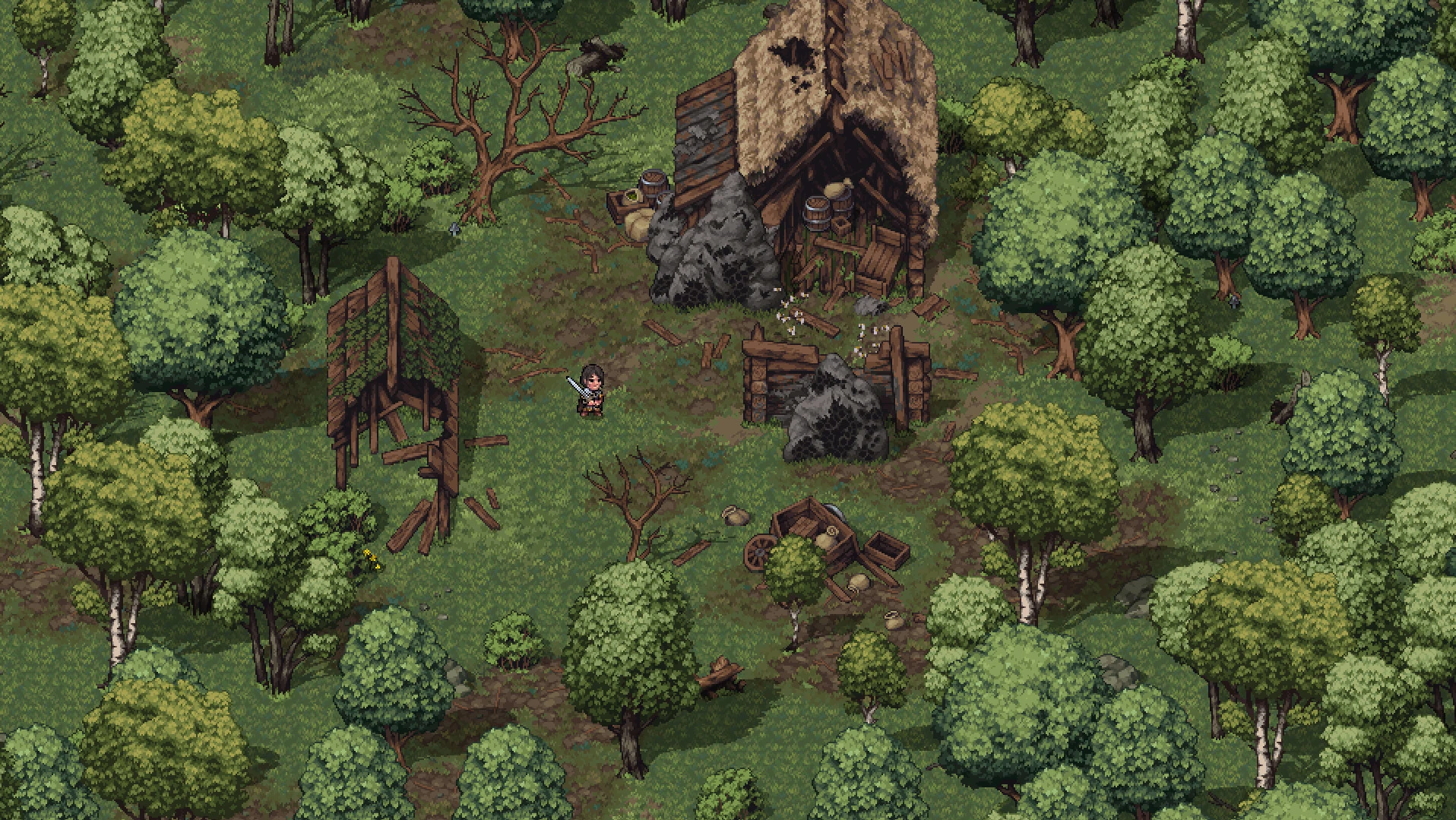
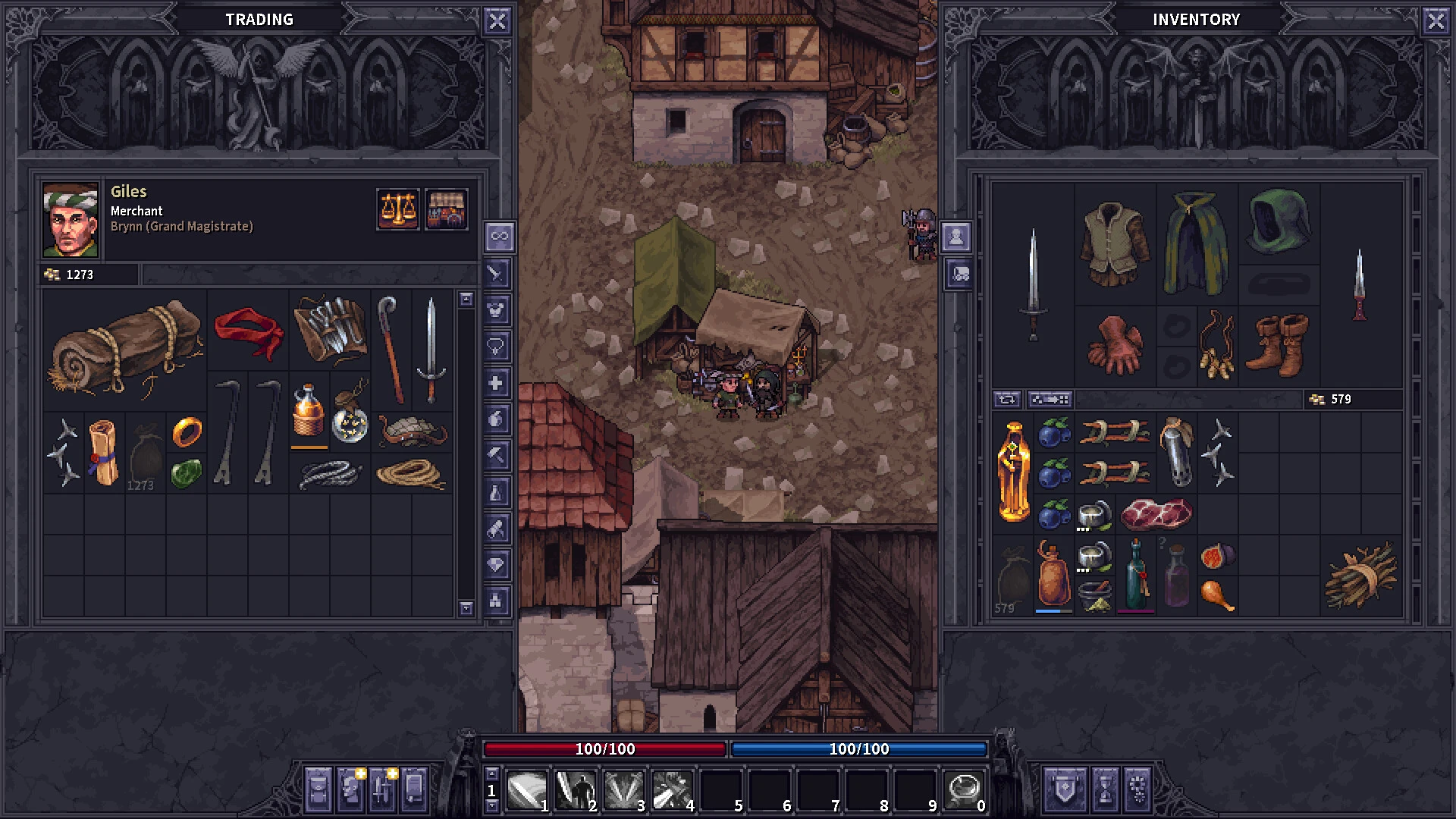
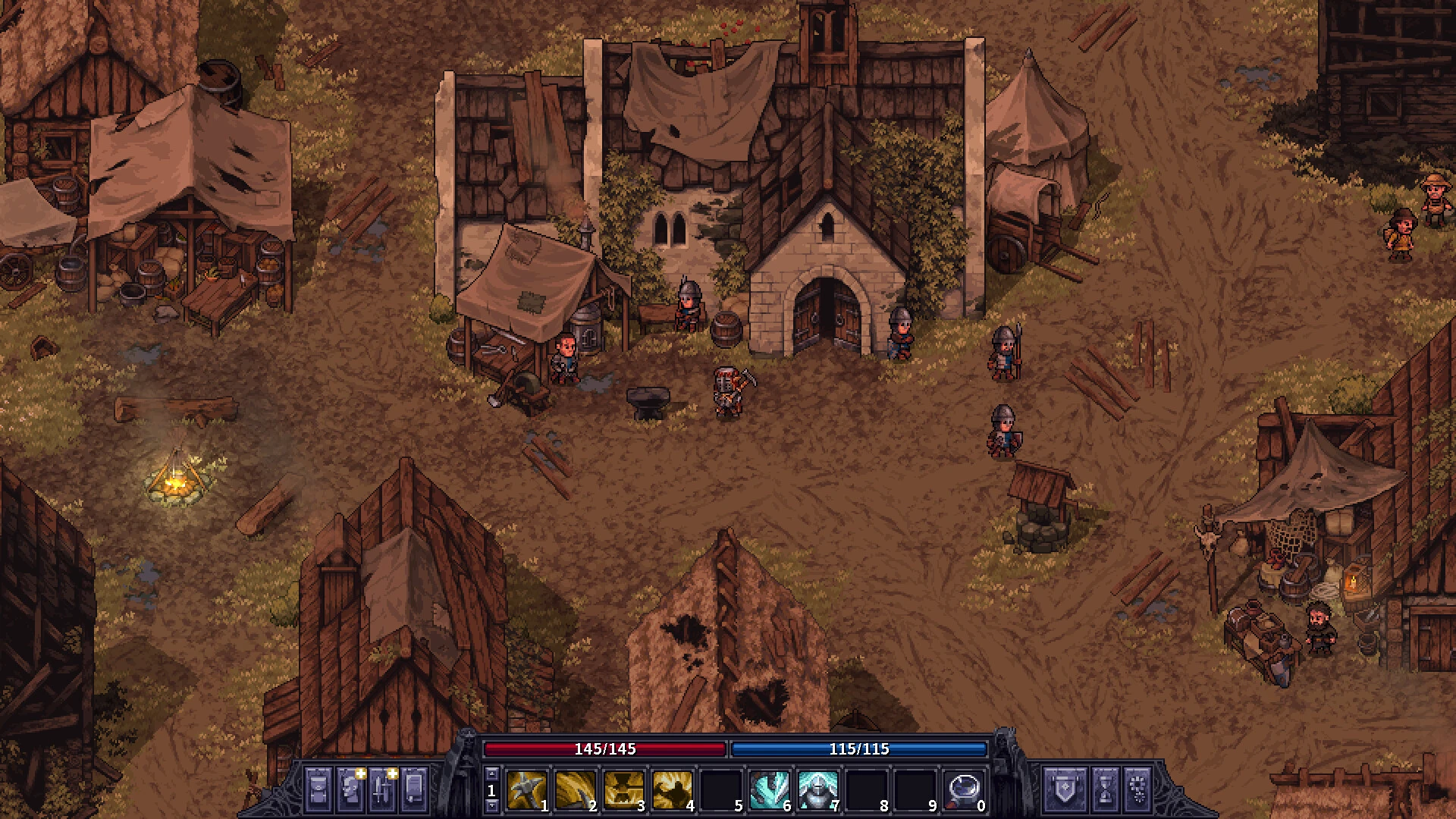
For players who enjoy strategic combat, survival mechanics, and classic role-playing adventures, Stoneshard offers one of the most rewarding indie gaming experiences of the moment. Developed by Ink Stains Games, this demanding turn-based RPG combines open-world exploration, tactical combat, and deep character progression to create an unforgettable journey through a dark fantasy world.
Players looking for official updates and information about the game can visit the official Stoneshard website or the game's official Steam page: Stoneshard on Steam.
A Unique Dark Fantasy Adventure
Stoneshard puts players in the shoes of a medieval mercenary traveling through a war-torn kingdom, filled with dangers, mysteries, and opportunities. Unlike traditional RPGs that guide players down predefined paths, this game gives you complete freedom to explore, fight, trade, and build your own story.
The world of Aldor comes alive with ruined villages, treacherous forests, ancient dungeons, and hostile factions. Each location offers new challenges, valuable loot, and hidden secrets that encourage exploration. The game's official website describes it as an open-world RPG focused on survival, tactical decision-making, and player freedom.
Tactical Combat That Rewards Skill
Combat in Stoneshard is one of its greatest strengths. Every battle requires planning, positioning, and resource management. Players must anticipate various moves, as a single mistake can lead to serious injury or even death.
Unlike action RPGs that rely on lightning-fast reflexes, Stoneshard rewards patience and strategy. Different enemy factions require distinct combat approaches, forcing players to constantly adapt their tactics.
Deep Character Progression
Character customization is another standout feature. Players can create warriors, archers, sorcerers, or hybrid fighters based on their preferred playstyle. The game includes hundreds of skills, abilities, and equipment combinations that allow for highly customized builds. Steam lists over 200 skills and hundreds of equipment options in the current version.
There are no strict class limitations, giving players the freedom to experiment and discover powerful combinations.
Survival Mechanics for Realism
One of the features that makes Stoneshard unique is its realistic survival system. Players must manage injuries, hunger, fatigue, mental state, and medical conditions while exploring dangerous areas. These mechanics make every expedition meaningful and add tension to every decision.
This survival-focused design creates a true sense of immersion, making victories feel earned rather than automatic.
Pixel Art and Atmospheric Design
Visually, Stoneshard stands out for its detailed pixel art, dynamic weather effects, and beautifully designed environments. The dark fantasy setting is rich and immersive, while the soundtrack adds emotional depth to exploration and combat.
Conclusions
Stoneshard is not a casual RPG. It challenges players to think carefully, prepare intelligently, and accept the consequences of their decisions. For fans of complex strategy games, roguelike adventures, and immersive fantasy worlds, Stoneshard offers an experience worth exploring. Its combination of tactical gameplay, survival systems, and open-world freedom makes it one of the most promising indie RPGs of recent years.
▎Apple Silicon (ARM)- macOS Tahoe 26.4.1 and later. - Apple Silicon (M1-M5, M Pro/Max/Ultra).- 8 GB of shared memory.- ±3 GB free space.▎Gamepad support is not provided.
Run the downloaded image and drag the application to the Applications folder shortcut.
Once the copy is complete, you can launch the application from Launchpad.
Frequently Asked Questions
Mount the image and run Open Gatekeeper friendly.
Press Enter to bypass Gatekeeper in the Terminal window.
Drag the application to the Applications folder.
The application is ready for use.
ATTENTION! SIP must be disabled. Learn more >
Restart your Mac and hold down Command + R to enter Recovery Mode.
Open Terminal from the Utilities menu.
Enter the command: csrutil disable
Restart your Mac.
This is a common Gatekeeper issue. Follow these steps:
1. Open Terminal
2. Enter: sudo xattr -rd com.apple.quarantine /Applications/AppName.app
3. Replace "AppName" with the actual application name
4. Press Enter and enter your password
Yes, all our downloads are thoroughly checked for viruses and malware.
We use multiple antivirus engines to scan every file.
Our team tests each application before publishing.
We never bundle adware or unwanted software.
Yes, we regularly update our applications to the latest versions.
You can check our website for updates or subscribe to our newsletter.
We strive to provide the most recent versions within 24-48 hours of release.
If a download link is not working, please:
1. Try a different browser
2. Clear your browser cache and cookies
3. Try the alternative download links provided
4. Contact our support team if the issue persists