


Stranded Sails – Explorers of the Cursed Islands
Download Stranded Sails – Explorers of the Cursed Islands
Run the downloaded image and drag the application to the Applications folder shortcut.
Once the copy is complete, you can launch the application from Launchpad.
Previous Versions
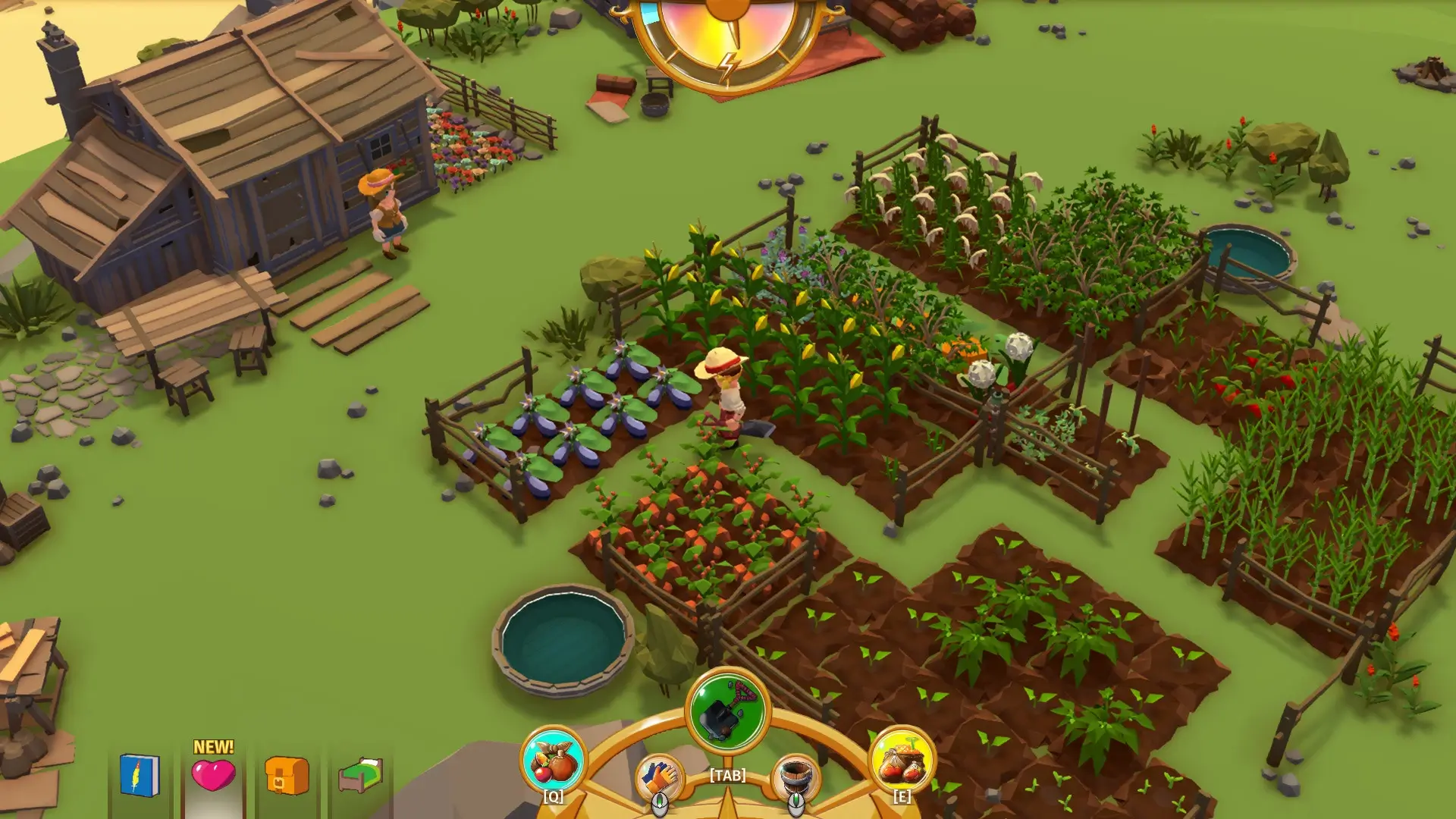


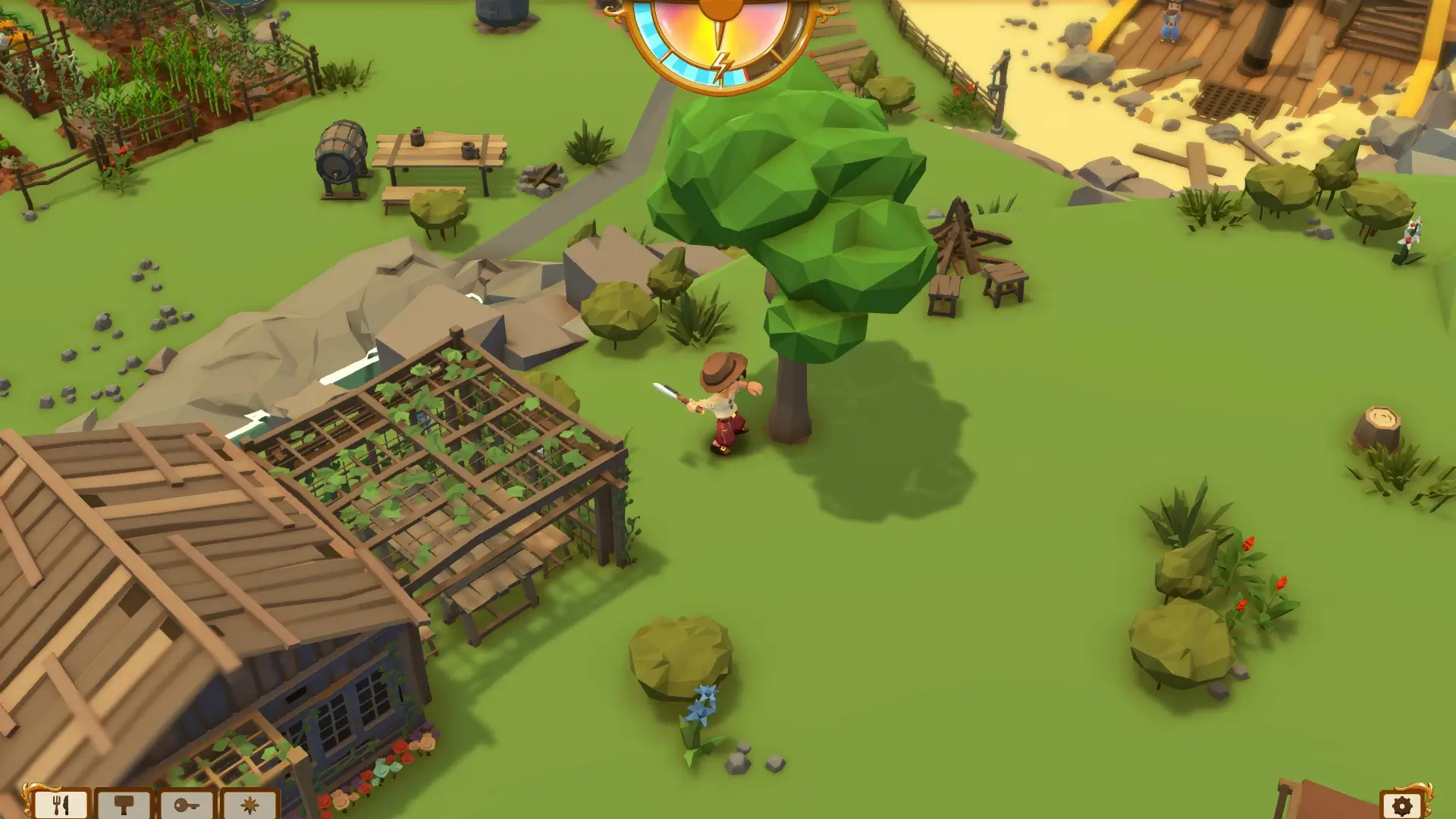
In a gaming landscape often dominated by high-octane action and hyper-realistic graphics, Stranded Sails: Explorers of the Cursed Islands stands out as a charming and thoughtful adventure. Developed by Lemonbomb Entertainment, this game offers a refreshing blend of survival mechanics, farming simulation, and exploration, all wrapped in a colorful and inviting world. With its unique combination of gameplay elements, it appeals to both casual gamers and those who enjoy more strategic and deliberate pacing.
The story begins with a classic survival scenario: after a shipwreck, players find themselves stranded on a mysterious archipelago. The islands, however, are no ordinary deserted lands. They are dotted with secrets, puzzles, and remnants of past civilizations, offering a sense of discovery around every corner. Players take on the role of an explorer who must adapt to this new environment, gather resources, and gradually rebuild a life amidst the challenges of the islands. This narrative-driven approach gives Stranded Sails a depth that goes beyond typical survival games, making each decision feel meaningful.
Gameplay in Stranded Sails is centered around resource management and crafting. Players must gather materials, grow crops, and hunt for food to sustain themselves and their crew. What sets this game apart is the way it integrates exploration and survival: every trip into the wild brings new opportunities, dangers, and hidden treasures. The crafting system is intuitive, allowing players to build tools, shelters, and other essential items to survive and thrive. This encourages careful planning and strategic thinking, rewarding those who balance risk and preparation wisely.
Exploration is perhaps the most captivating aspect of the game. Each island feels alive, with lush environments, dynamic weather, and hidden nooks that encourage curiosity. Players can sail between islands, uncovering new landscapes and unlocking story elements that enrich the experience. The game’s map design ensures a sense of progression, gradually introducing more complex environments and tougher challenges as the player advances. This keeps the gameplay engaging and continuously rewarding.
Visually, Stranded Sails embraces a bright, stylized art style that complements its adventurous spirit. The characters are expressive, the islands are vibrant, and the animations are fluid, creating a world that feels welcoming and immersive. Combined with an uplifting soundtrack, the game delivers an experience that is relaxing yet consistently engaging. Even when facing the trials of survival, the game maintains a light-hearted charm that makes the journey enjoyable.
Moreover, the game encourages interaction with a crew, adding a social element to the survival experience. Players can manage their team, assign tasks, and witness how different characters respond to challenges. This layer of management deepens the gameplay, creating a sense of responsibility and connection that few survival games achieve.
In conclusion, Stranded Sails: Explorers of the Cursed Islands is a delightful adventure that combines exploration, survival, and resource management in a harmonious way. Its colorful world, thoughtful mechanics, and engaging story make it a standout in the genre. For players seeking an experience that balances challenge with charm, and strategy with discovery, this game offers a rewarding and memorable journey through the mysterious, cursed islands.
Requires macOS 10.15.0 or later
Run the downloaded image and drag the application to the Applications folder shortcut.
Once the copy is complete, you can launch the application from Launchpad.
Frequently Asked Questions
Mount the image and run Open Gatekeeper friendly.
Press Enter to bypass Gatekeeper in the Terminal window.
Drag the application to the Applications folder.
The application is ready for use.
ATTENTION! SIP must be disabled. Learn more >
Restart your Mac and hold down Command + R to enter Recovery Mode.
Open Terminal from the Utilities menu.
Enter the command: csrutil disable
Restart your Mac.
This is a common Gatekeeper issue. Follow these steps:
1. Open Terminal
2. Enter: sudo xattr -rd com.apple.quarantine /Applications/AppName.app
3. Replace "AppName" with the actual application name
4. Press Enter and enter your password
Yes, all our downloads are thoroughly checked for viruses and malware.
We use multiple antivirus engines to scan every file.
Our team tests each application before publishing.
We never bundle adware or unwanted software.
Yes, we regularly update our applications to the latest versions.
You can check our website for updates or subscribe to our newsletter.
We strive to provide the most recent versions within 24-48 hours of release.
If a download link is not working, please:
1. Try a different browser
2. Clear your browser cache and cookies
3. Try the alternative download links provided
4. Contact our support team if the issue persists