


Warfare Legacy Collection
Download Warfare Legacy Collection
Run the downloaded image and drag the application to the Applications folder shortcut.
Once copying is complete, the application can be launched via Launchpad.
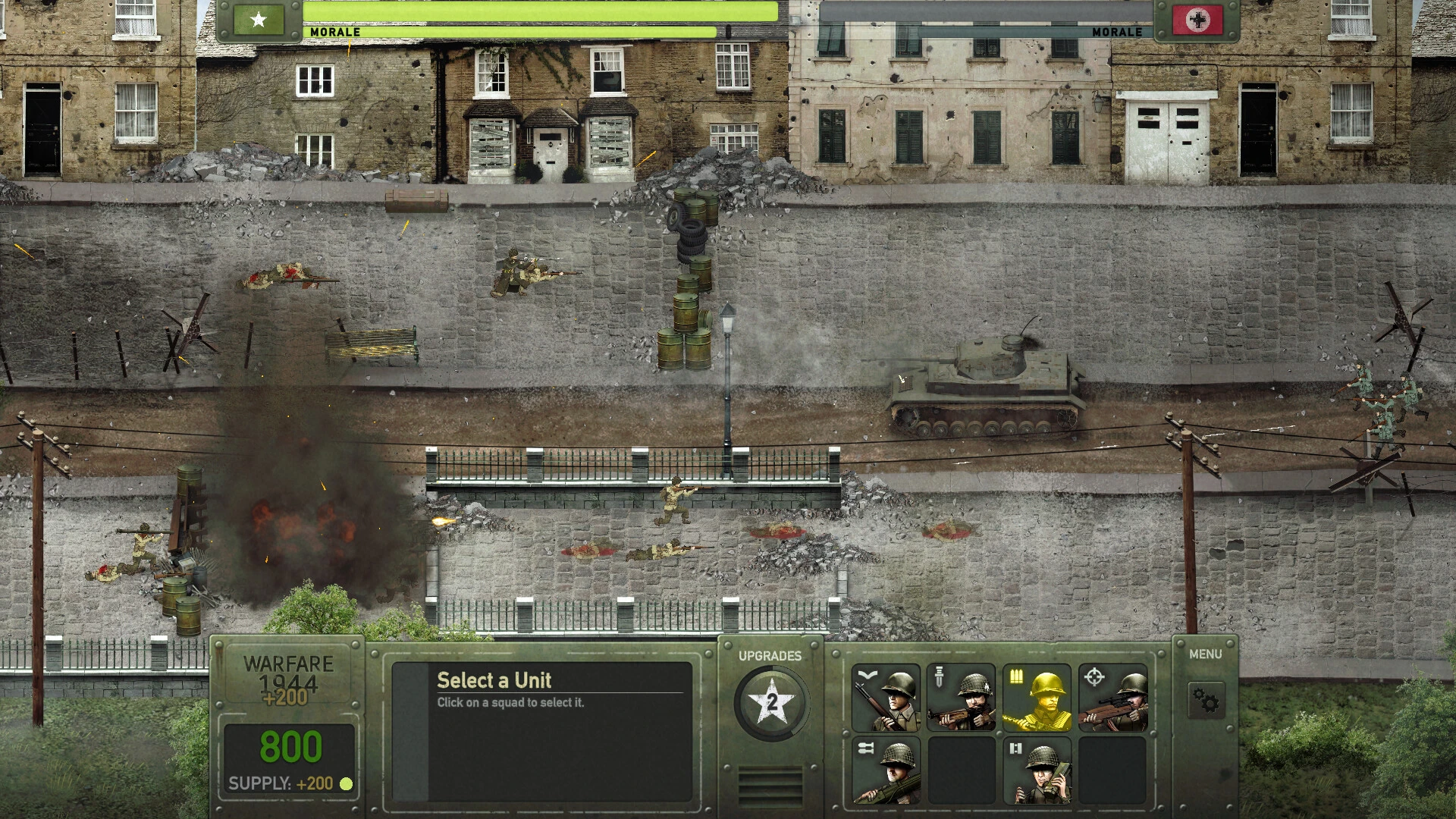
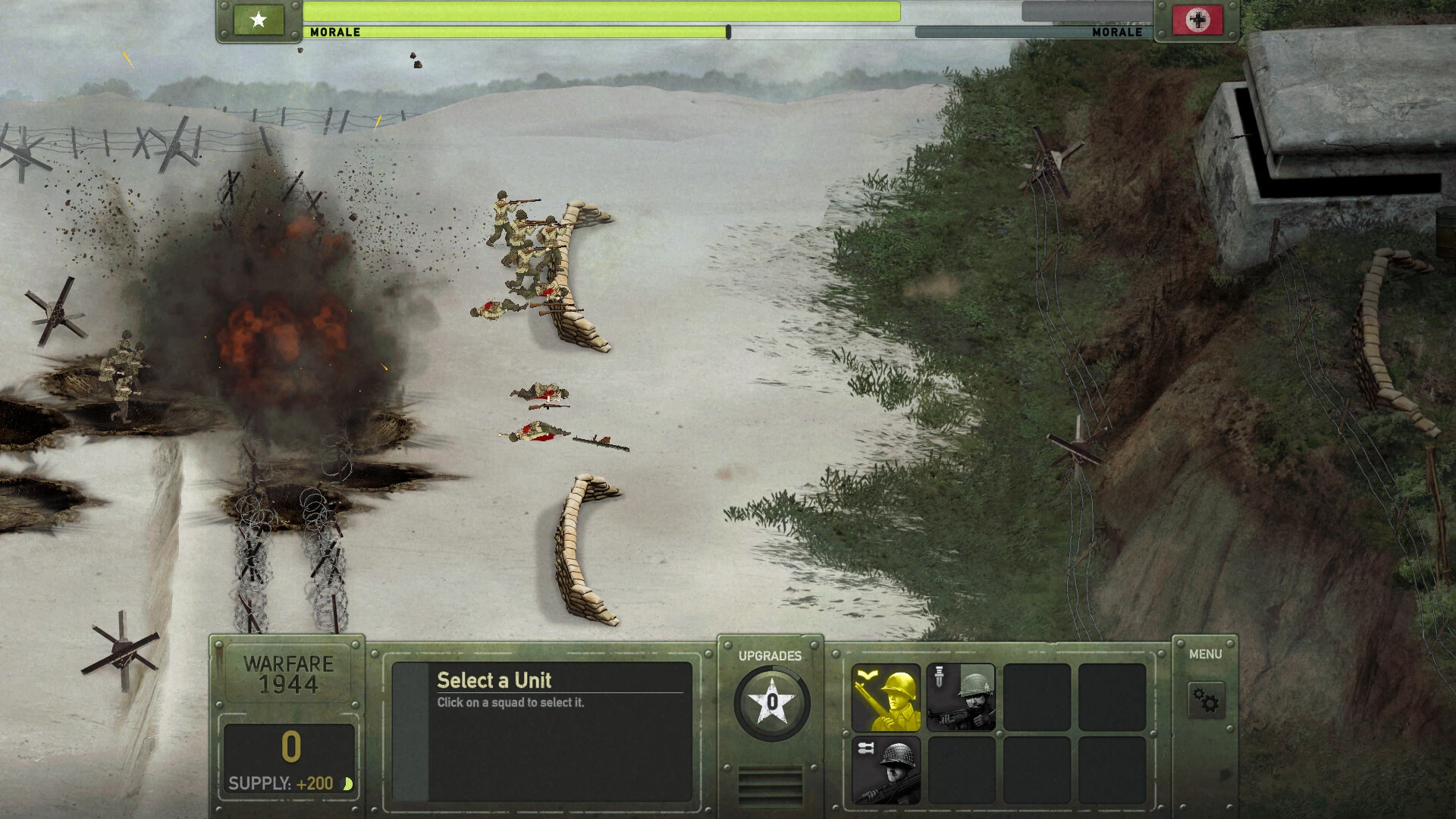
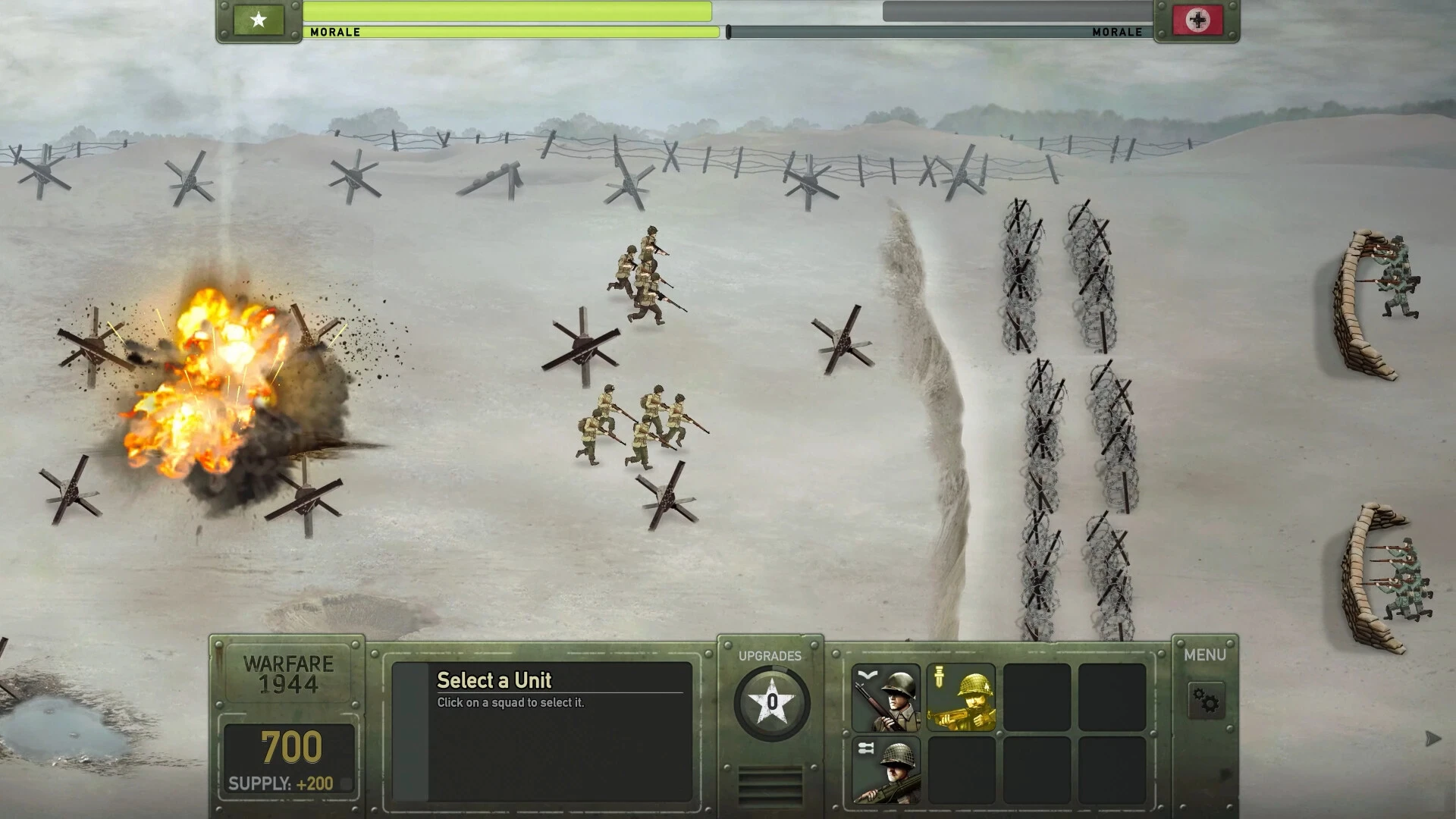
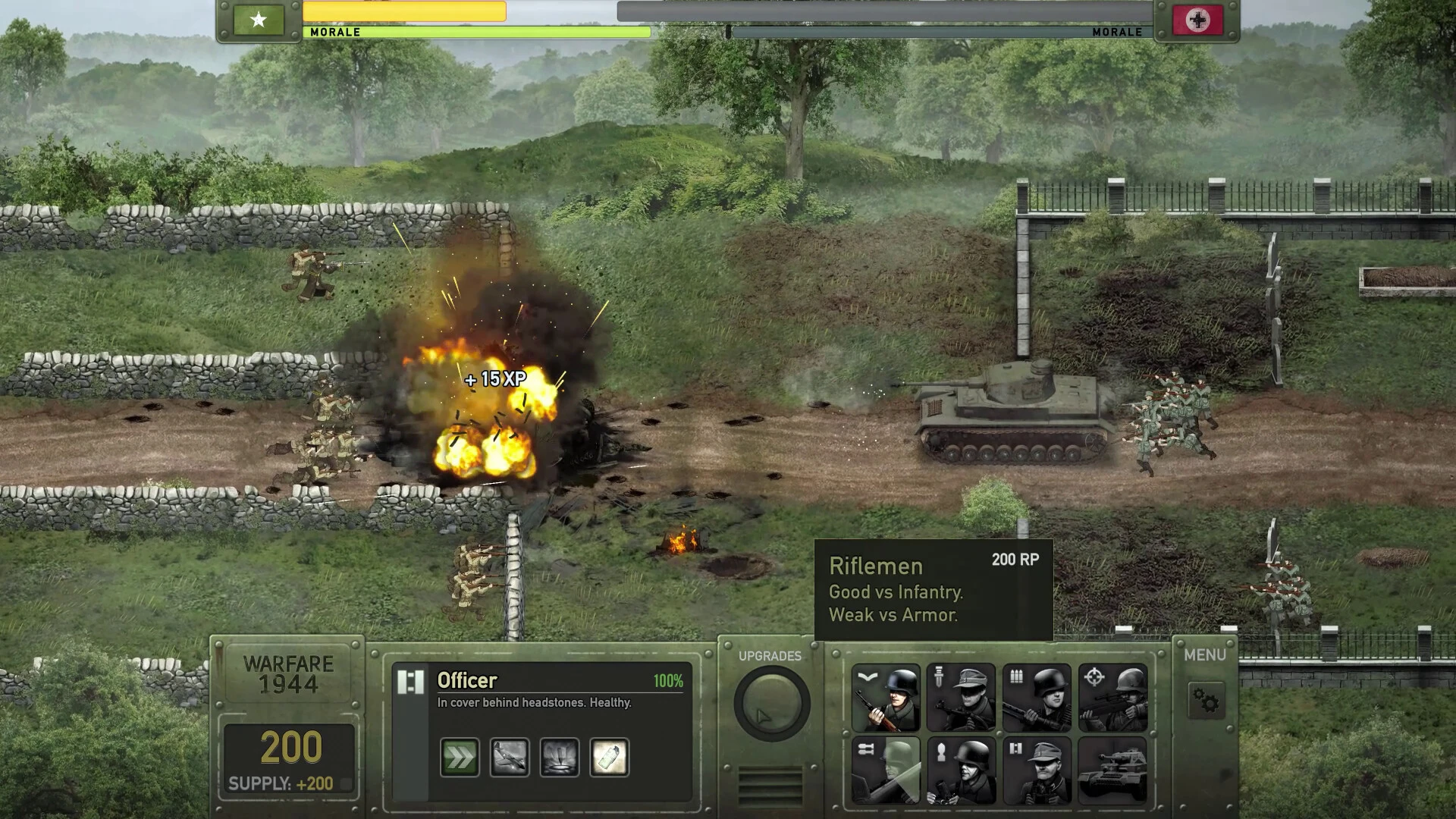
Warfare Legacy Collection is a remarkable strategy game series that brings players into the heart of military command, blending tactical combat, strategic planning, and historical depth. As a compilation of the series’ most influential entries, the collection offers a comprehensive look at the evolution of warfare in digital form. Players are not only tested on their battlefield tactics but also on their ability to manage resources, adapt to challenges, and make critical decisions under pressure.
At its core, Warfare Legacy Collection revolves around commanding armies in turn-based battles that emphasize planning and foresight. Players deploy units, position forces, and execute maneuvers on diverse terrains that mimic real-world battlefields. Unlike simpler strategy games, success in Warfare depends on more than brute force. Understanding unit strengths and weaknesses, anticipating enemy movements, and exploiting terrain advantages are crucial for victory. Every battle feels like a chess match, where one misstep can turn triumph into defeat.
The collection stands out for its historical authenticity. It draws inspiration from real-world conflicts, offering players a glimpse into various eras of military history. From medieval skirmishes to modern tactical operations, each scenario requires players to adjust their strategies and adopt new approaches. This historical grounding gives the series educational value, allowing players to experience the challenges faced by commanders throughout history while engaging in exciting gameplay.
Warfare Legacy Collection also emphasizes strategic management beyond the battlefield. Players must oversee resources, recruit and upgrade units, and make decisions that impact long-term outcomes. Diplomacy and alliances often play a role, forcing players to weigh the benefits of negotiation against the risks of confrontation. This added layer of complexity ensures that the game is not just about combat but about thinking like a true military leader.
One of the most compelling aspects of the series is its replayability. Each campaign and battle offers multiple paths to success, encouraging experimentation and creative problem-solving. Players can choose different strategies, from aggressive assaults to cautious defensive operations, and see how their decisions influence the flow of battle. This freedom makes each playthrough unique, keeping the experience fresh and engaging for both newcomers and veteran strategists.
Visuals and interface design in Warfare Legacy Collection are clean and functional, prioritizing clarity and tactical awareness. Units, terrain, and battlefield conditions are clearly represented, allowing players to make informed decisions quickly. While the graphics are not focused on cinematic flair, the emphasis on readability and usability ensures that the strategic elements remain front and center.
In conclusion, Warfare Legacy Collection is a celebration of strategy, history, and tactical thinking. By combining intense battlefield engagements, strategic resource management, and historical depth, it offers an immersive experience for anyone who enjoys planning, problem-solving, and leadership challenges. The collection is not only a testament to the evolution of the series but also a reminder that great strategy games reward patience, foresight, and careful consideration. For players seeking a tactical journey that challenges both mind and reflexes, Warfare Legacy Collection delivers a rich and rewarding experience.
OS: macOS 10.12 (Sierra) or laterProcessor: 2.0 GHz Dual CoreRAM: 4 GB RAM
Run the downloaded image and drag the application to the Applications folder shortcut.
Once copying is complete, the application can be launched via Launchpad.
Frequently Asked Questions
Mount the image and run Open Gatekeeper friendly.
Press Enter to bypass Gatekeeper in the Terminal window.
Drag the application to the Applications folder.
The application is ready for use.
ATTENTION! SIP must be disabled. Learn more >
Restart your Mac and hold down Command + R to enter Recovery Mode.
Open Terminal from the Utilities menu.
Enter the command: csrutil disable
Restart your Mac.
This is a common Gatekeeper issue. Follow these steps:
1. Open Terminal
2. Enter: sudo xattr -rd com.apple.quarantine /Applications/AppName.app
3. Replace "AppName" with the actual application name
4. Press Enter and enter your password
Yes, all our downloads are thoroughly checked for viruses and malware.
We use multiple antivirus engines to scan every file.
Our team tests each application before publishing.
We never bundle adware or unwanted software.
Yes, we regularly update our applications to the latest versions.
You can check our website for updates or subscribe to our newsletter.
We strive to provide the most recent versions within 24-48 hours of release.
If a download link is not working, please:
1. Try a different browser
2. Clear your browser cache and cookies
3. Try the alternative download links provided
4. Contact our support team if the issue persists