


Sundered: Eldritch Edition
Download Sundered: Eldritch Edition
Run the downloaded image and drag the application to the Applications folder shortcut.
Once copying is complete, the application can be launched via Launchpad.
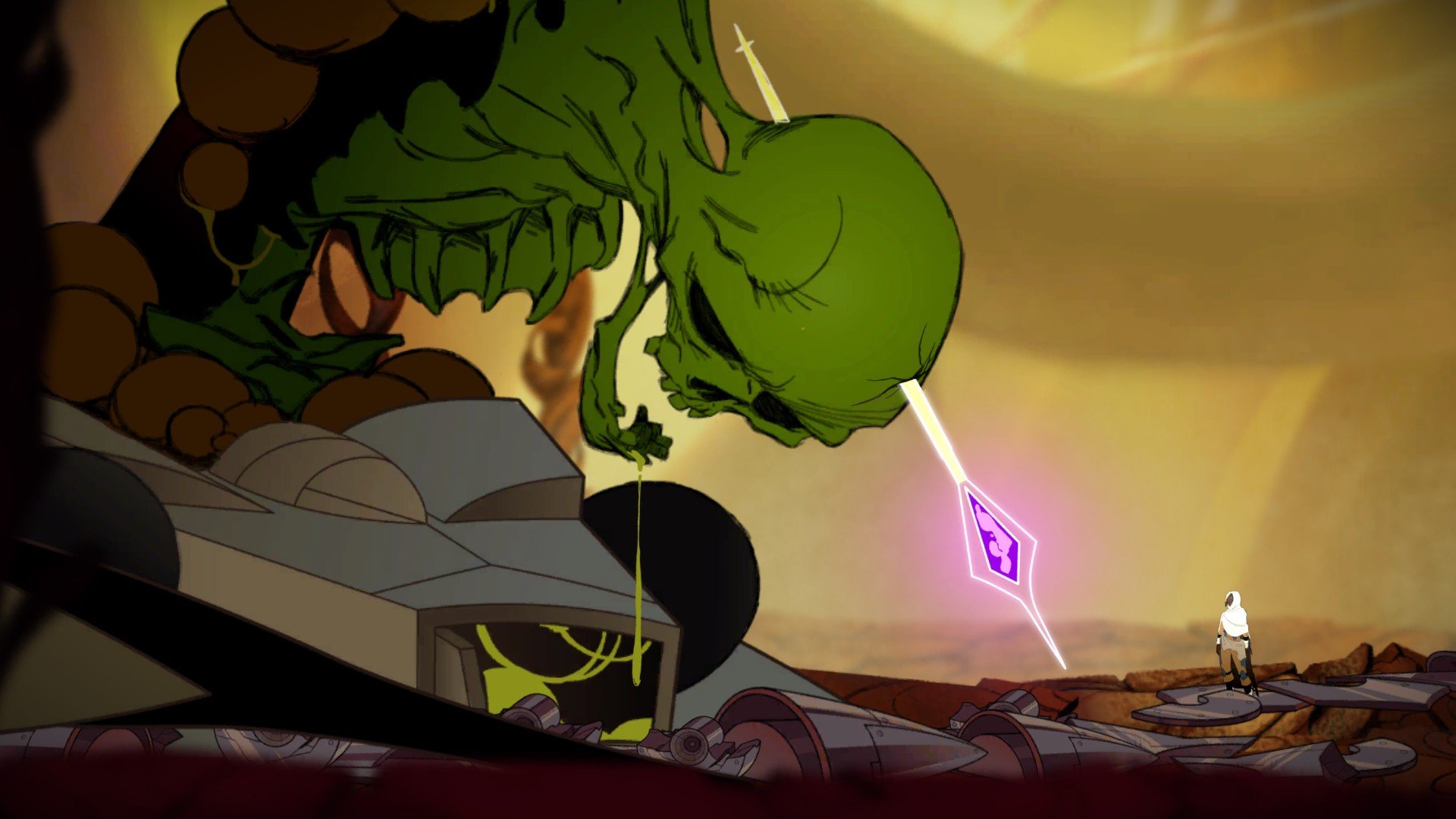
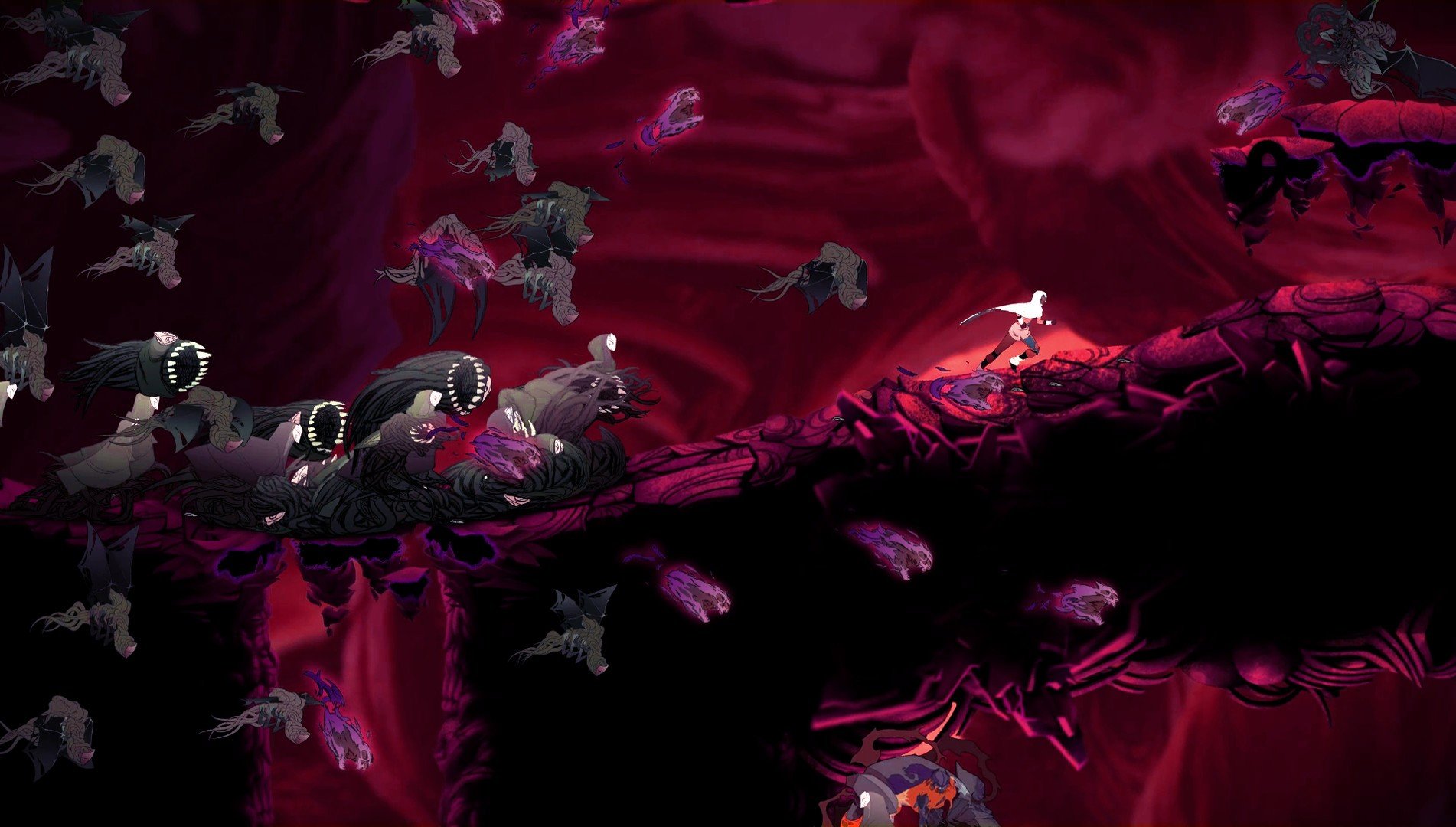
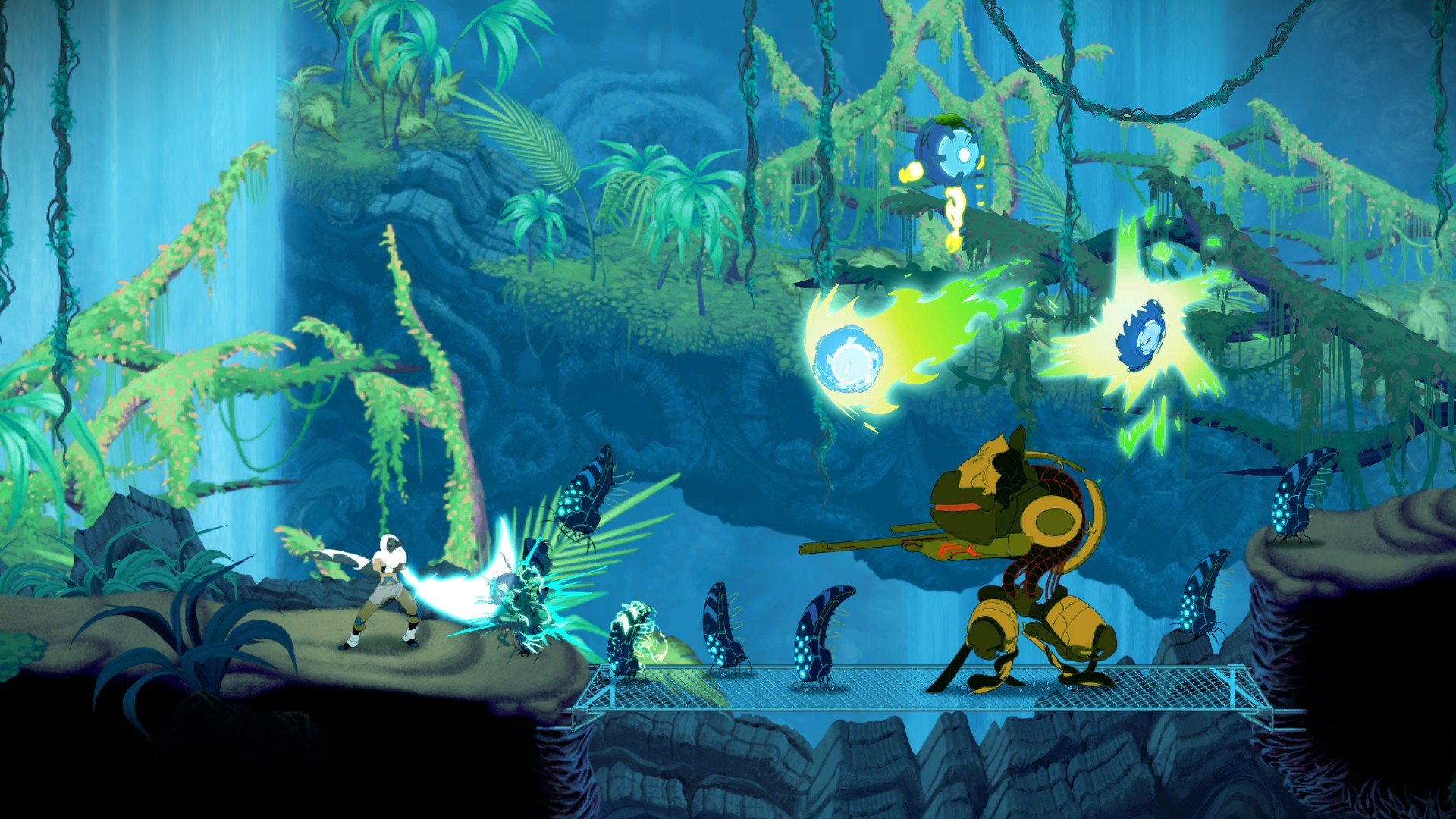
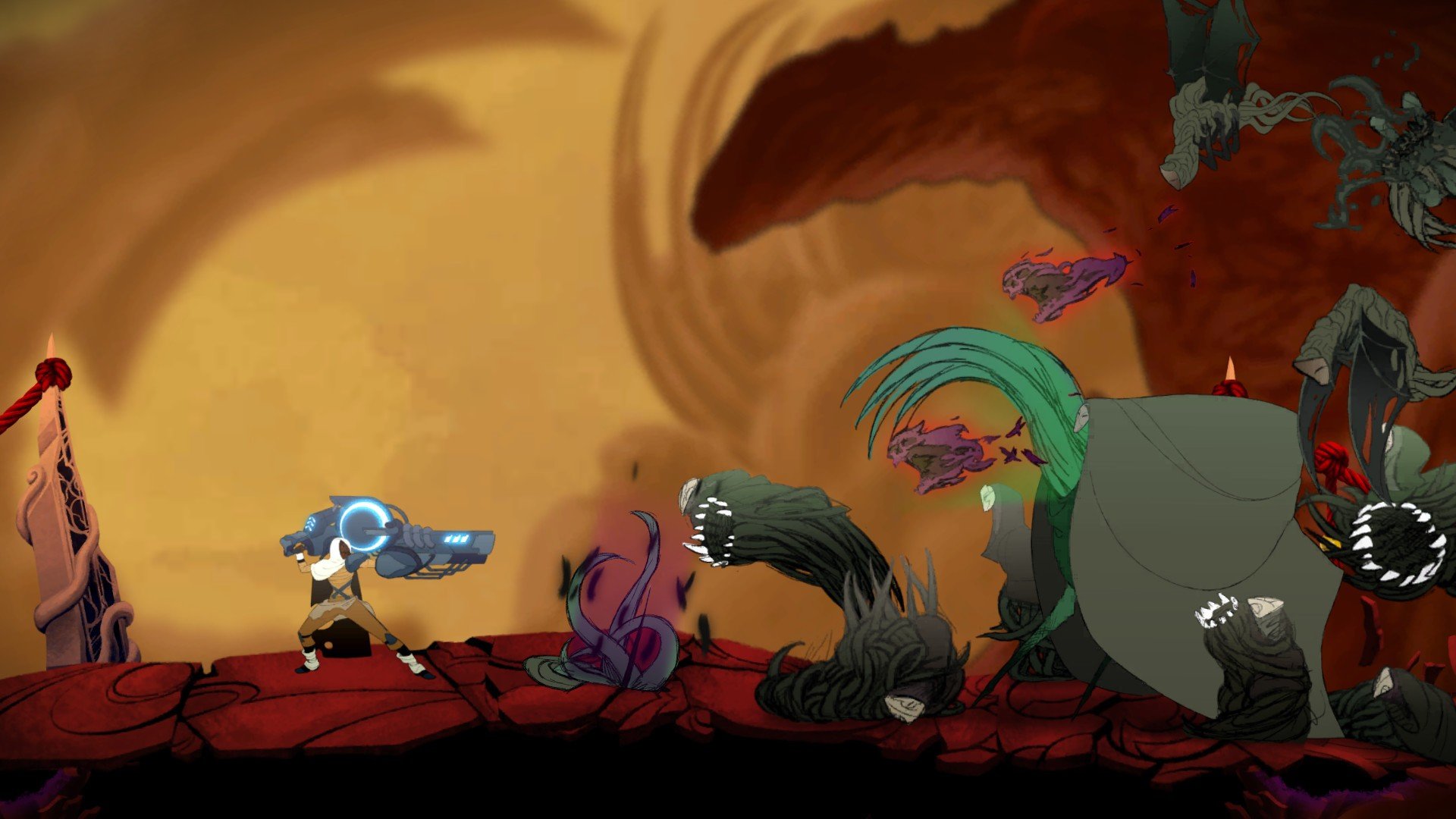
In the crowded world of video games, where polished perfection often overshadows unpredictability, Sundered: Eldritch Edition stands out as a bold experiment in atmospheric design and player agency. This version of the game brings together all previous updates and enhancements, offering both seasoned gamers and curious newcomers a compelling blend of exploration, combat, and narrative ambiguity.
At its core, Sundered: Eldritch Edition is a handcrafted Metroidvania — a type of 2D action‑adventure that emphasizes freeform exploration, skill progression, and interconnected environments. Players take on the role of Eshe, a lone wanderer trapped in a crumbling landscape teeming with nightmarish creatures and shifting terrain. Every descent into the depths carries the promise of danger and discovery, pushing the player to confront grotesque foes and unravel the mysteries of this strange world.
What truly defines Sundered is its unique approach to choice and consequence. Instead of merely acquiring power through conventional upgrades, players are repeatedly faced with a haunting dilemma: resist or embrace the ancient eldritch forces that permeate the environment. Each corrupted relic offers strength, but at a cost. As Eshe absorbs these dark energies, her humanity slips further away, shaping the narrative and affecting which endings are possible. This delicate balance between survival and self‑sacrifice gives the game a philosophical edge rare in action games.
The Eldritch Edition update significantly expanded the experience by adding support for local cooperative play, allowing up to four players to march into the depths together. This transforms the solitary struggle into a shared spectacle of chaos and strategy. Whether coordinating attacks against colossal bosses or navigating procedurally generated caverns with friends, the cooperative mode adds new layers of complexity and fun.
Graphically, Sundered blends rich, hand‑drawn art with fluid animation to create environments that feel both organic and oppressive. The visual style captures the game’s Lovecraftian tone without descending into pure horror for horror’s sake. Shadows writhe with purpose, and every corridor seems alive, inviting players to uncover its secrets. These artistic choices are complemented by relentless enemy design and boss encounters that demand quick reflexes and careful tactics.
Critically, the game’s ever‑changing world — part handcrafted, part procedural — ensures that no two playthroughs feel identical. This unpredictability rewards experimentation but also raises the stakes, as familiar paths can suddenly become perilous mazes. Players will die often, yet each death becomes a lesson; each respawn in the central hub is an opportunity to refine build strategies and pursue fresh paths through the caverns.
Despite occasional critiques from the community — some finding parts of the combat or pacing uneven — Sundered: Eldritch Edition remains a compelling title that challenges players both visually and intellectually. Its blend of artistry, choice‑driven mechanics, and cooperative play makes it a memorable entry in the Metroidvania genre. Ultimately, Sundered doesn’t just test your skill — it asks what you’re willing to sacrifice for power, making every decision resonate long after the screen fades.
OS: OS X YosemiteProcessor: 2.4 GHz Intel Core i5RAM: 4 GBVideo card: Intel Iris 1536Disk space: 3 GB
Run the downloaded image and drag the application to the Applications folder shortcut.
Once copying is complete, the application can be launched via Launchpad.
Frequently Asked Questions
Mount the image and run Open Gatekeeper friendly.
Press Enter to bypass Gatekeeper in the Terminal window.
Drag the application to the Applications folder.
The application is ready for use.
ATTENTION! SIP must be disabled. Learn more >
Restart your Mac and hold down Command + R to enter Recovery Mode.
Open Terminal from the Utilities menu.
Enter the command: csrutil disable
Restart your Mac.
This is a common Gatekeeper issue. Follow these steps:
1. Open Terminal
2. Enter: sudo xattr -rd com.apple.quarantine /Applications/AppName.app
3. Replace "AppName" with the actual application name
4. Press Enter and enter your password
Yes, all our downloads are thoroughly checked for viruses and malware.
We use multiple antivirus engines to scan every file.
Our team tests each application before publishing.
We never bundle adware or unwanted software.
Yes, we regularly update our applications to the latest versions.
You can check our website for updates or subscribe to our newsletter.
We strive to provide the most recent versions within 24-48 hours of release.
If a download link is not working, please:
1. Try a different browser
2. Clear your browser cache and cookies
3. Try the alternative download links provided
4. Contact our support team if the issue persists