


Syberia 2
Download Syberia 2
Open the downloaded folder and follow the standard installation procedure.
Once installation is complete, the game can be launched via Launchpad.
Previous Versions
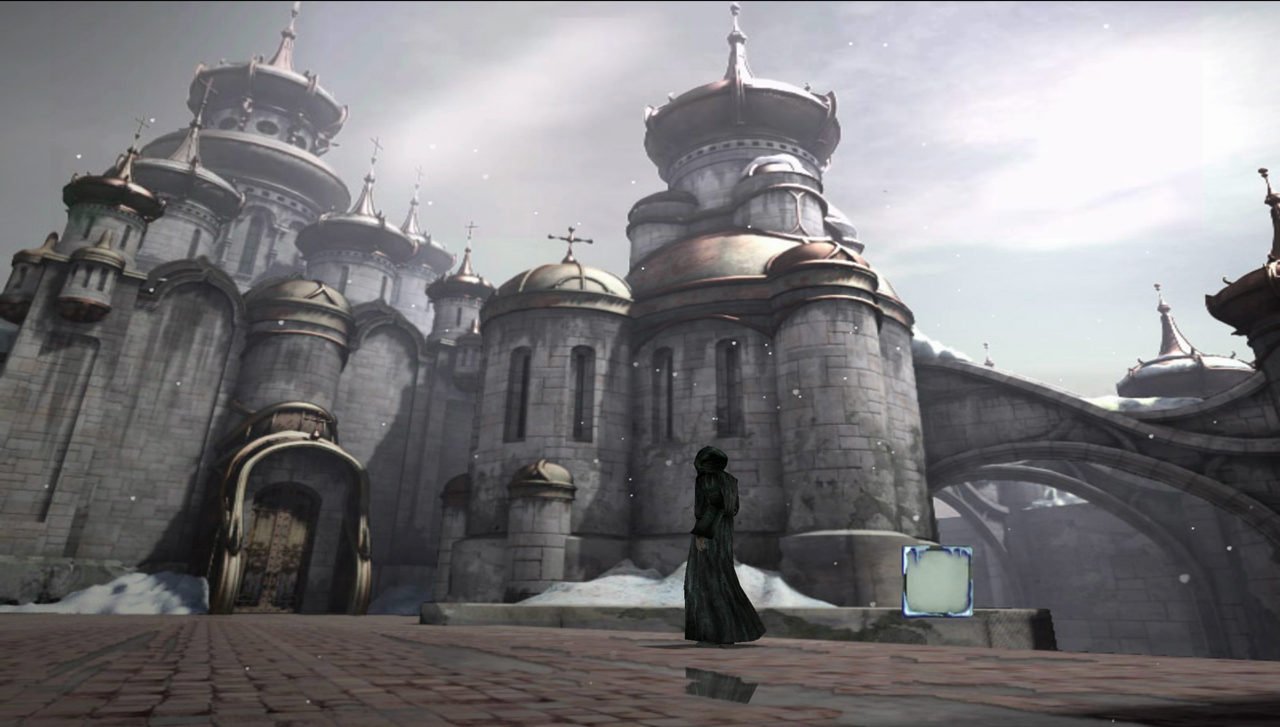
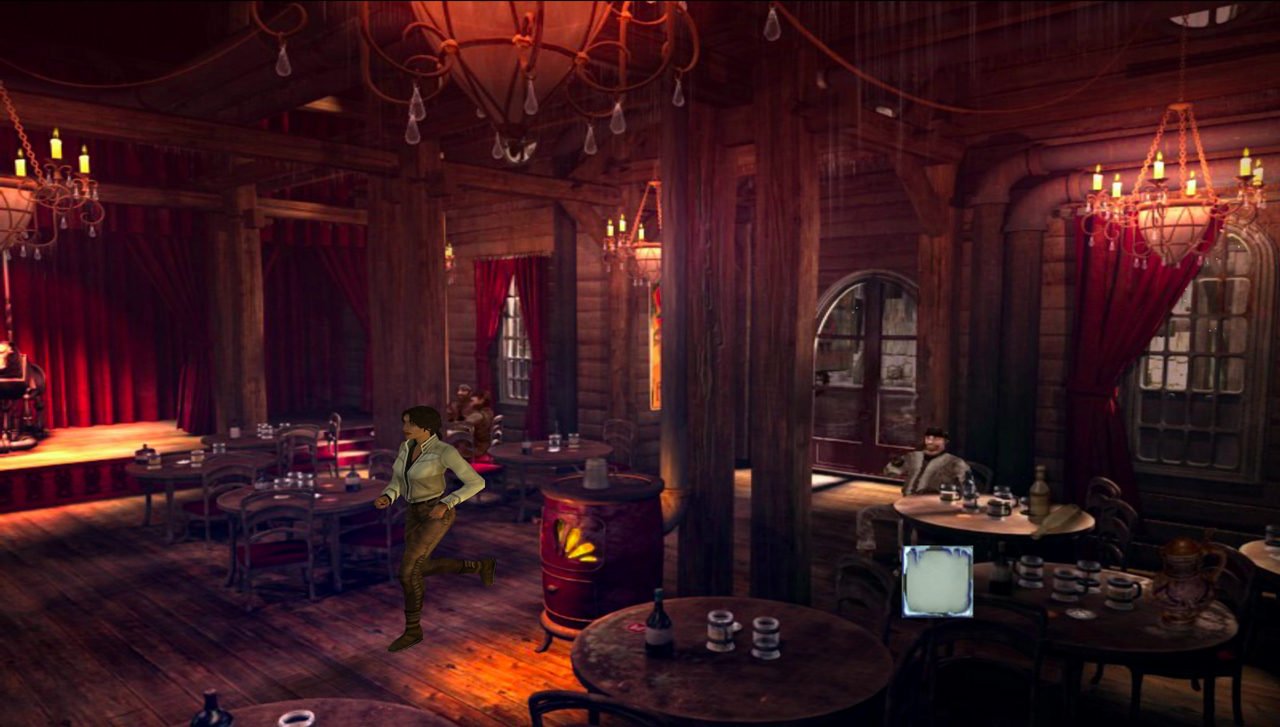
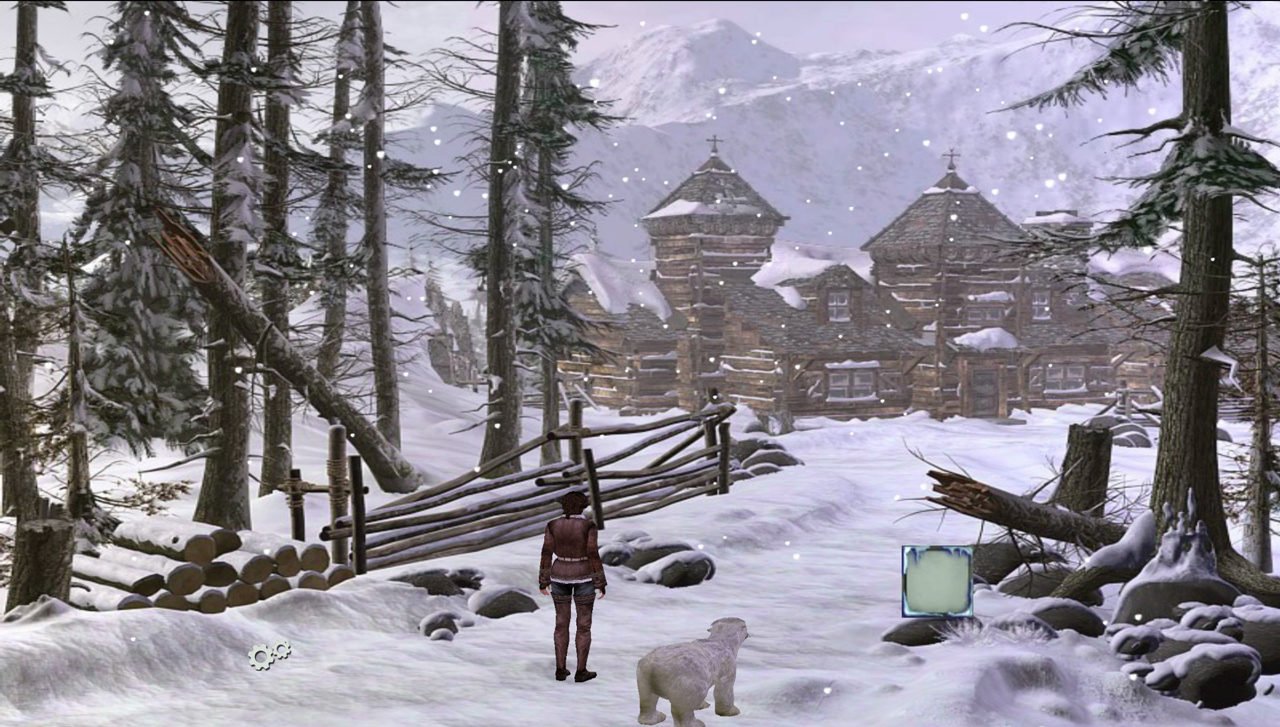
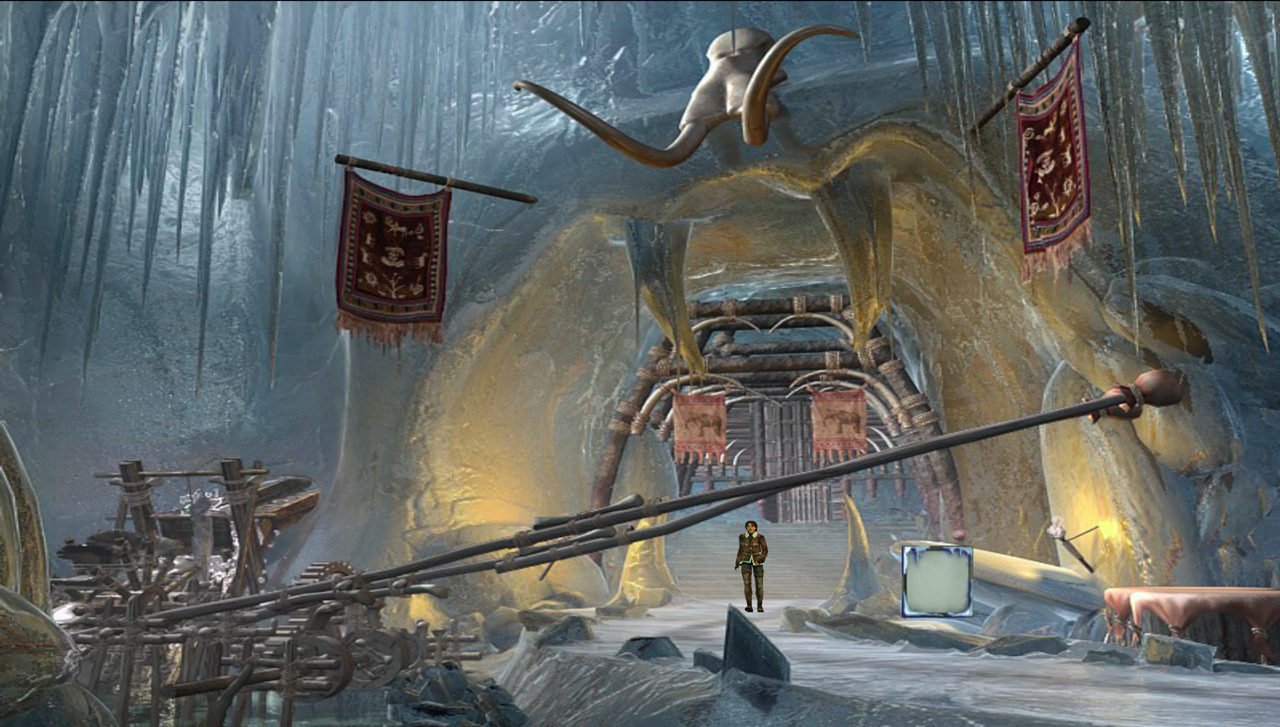
Syberia II continues the quiet, thoughtful adventure that began in the first Syberia game, expanding its world while deepening its emotional impact. Rather than focusing on action or speed, the game invites players into a slow and immersive journey across frozen landscapes, forgotten towns, and dreamlike locations. It is a story-driven experience that values atmosphere, character, and curiosity above all else.
The narrative follows Kate Walker as she travels eastward in search of Hans Voralberg, a brilliant but elusive inventor chasing a childhood dream. Their journey takes them beyond the familiar edges of civilization into remote regions shaped by cold, tradition, and mystery. The story unfolds gradually, allowing players to absorb the environment and reflect on the motivations of each character. This measured pacing gives the narrative a sense of realism and emotional depth.
One of the most striking aspects of Syberia II is its world design. The environments feel isolated yet alive, filled with mechanical wonders and remnants of cultures shaped by harsh climates. Snow-covered villages, abandoned factories, and ancient temples all tell their own stories through visual detail. The game encourages exploration, rewarding players who take the time to observe their surroundings rather than rushing forward.
Puzzles remain a central part of the gameplay. They are closely tied to the world and its logic, often involving intricate machines or cultural customs. Solving these challenges requires patience and careful thought, reinforcing the game’s slower rhythm. The puzzles are not meant to frustrate but to immerse players more deeply in the setting, making each solution feel like a natural progression of the journey.
Characters encountered along the way add warmth and personality to the cold landscapes. Each individual has a distinct background, beliefs, and way of speaking. Conversations often reveal quiet humor or unexpected wisdom, helping to balance the somber tone of the environment. Kate herself evolves throughout the story, becoming more confident and reflective as she moves further from her former life.
The visual and audio presentation enhances the overall experience. Detailed backgrounds, subtle animations, and carefully composed scenes create a cinematic feel. The music is gentle and atmospheric, supporting moments of discovery and reflection without overwhelming them. Sound design, from mechanical noises to environmental effects, adds authenticity and immersion.
What sets Syberia II apart is its emotional restraint. The game does not rely on dramatic twists or constant tension. Instead, it focuses on themes of dreams, persistence, and the cost of following one’s passion. The journey feels personal, not just for the characters, but for the player as well.
In conclusion, Syberia II is a thoughtful continuation of a unique adventure. Through its rich environments, meaningful puzzles, and quiet storytelling, it offers an experience that lingers long after the journey ends. It is a reminder that some stories are best told slowly, allowing space for wonder, reflection, and connection.
System: OS X 10.9.0Processor: 1.5 GHz or faster (Intel only)Memory: System 512 MBGraphics: Video RAM: 128 MB, ATI Radeon HD 2400 XT, NVIDIA GeForce 8600M GT, Intel HD GraphicsStorage: 2.5 GB
Open the downloaded folder and follow the standard installation procedure.
Once installation is complete, the game can be launched via Launchpad.
Frequently Asked Questions
Mount the image and run Open Gatekeeper friendly.
Press Enter to bypass Gatekeeper in the Terminal window.
Drag the application to the Applications folder.
The application is ready for use.
ATTENTION! SIP must be disabled. Learn more >
Restart your Mac and hold down Command + R to enter Recovery Mode.
Open Terminal from the Utilities menu.
Enter the command: csrutil disable
Restart your Mac.
This is a common Gatekeeper issue. Follow these steps:
1. Open Terminal
2. Enter: sudo xattr -rd com.apple.quarantine /Applications/AppName.app
3. Replace "AppName" with the actual application name
4. Press Enter and enter your password
Yes, all our downloads are thoroughly checked for viruses and malware.
We use multiple antivirus engines to scan every file.
Our team tests each application before publishing.
We never bundle adware or unwanted software.
Yes, we regularly update our applications to the latest versions.
You can check our website for updates or subscribe to our newsletter.
We strive to provide the most recent versions within 24-48 hours of release.
If a download link is not working, please:
1. Try a different browser
2. Clear your browser cache and cookies
3. Try the alternative download links provided
4. Contact our support team if the issue persists