


Talisman: Digital Edition
Download Talisman: Digital Edition
Unzip the archive and follow the standard installation procedure.
The installation is completed by choosing a location to place the game.
It is recommended to specify the Applications folder.
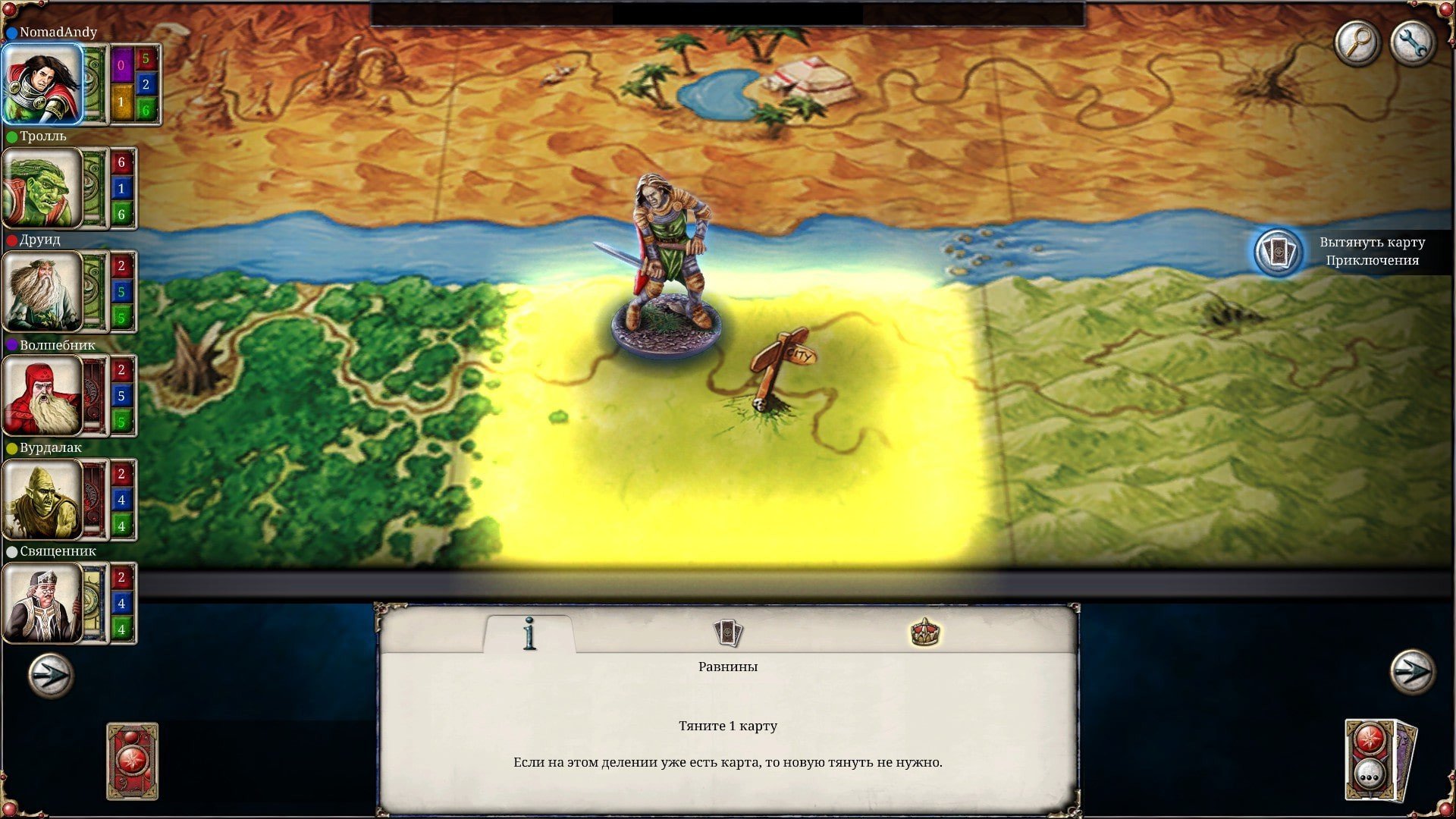
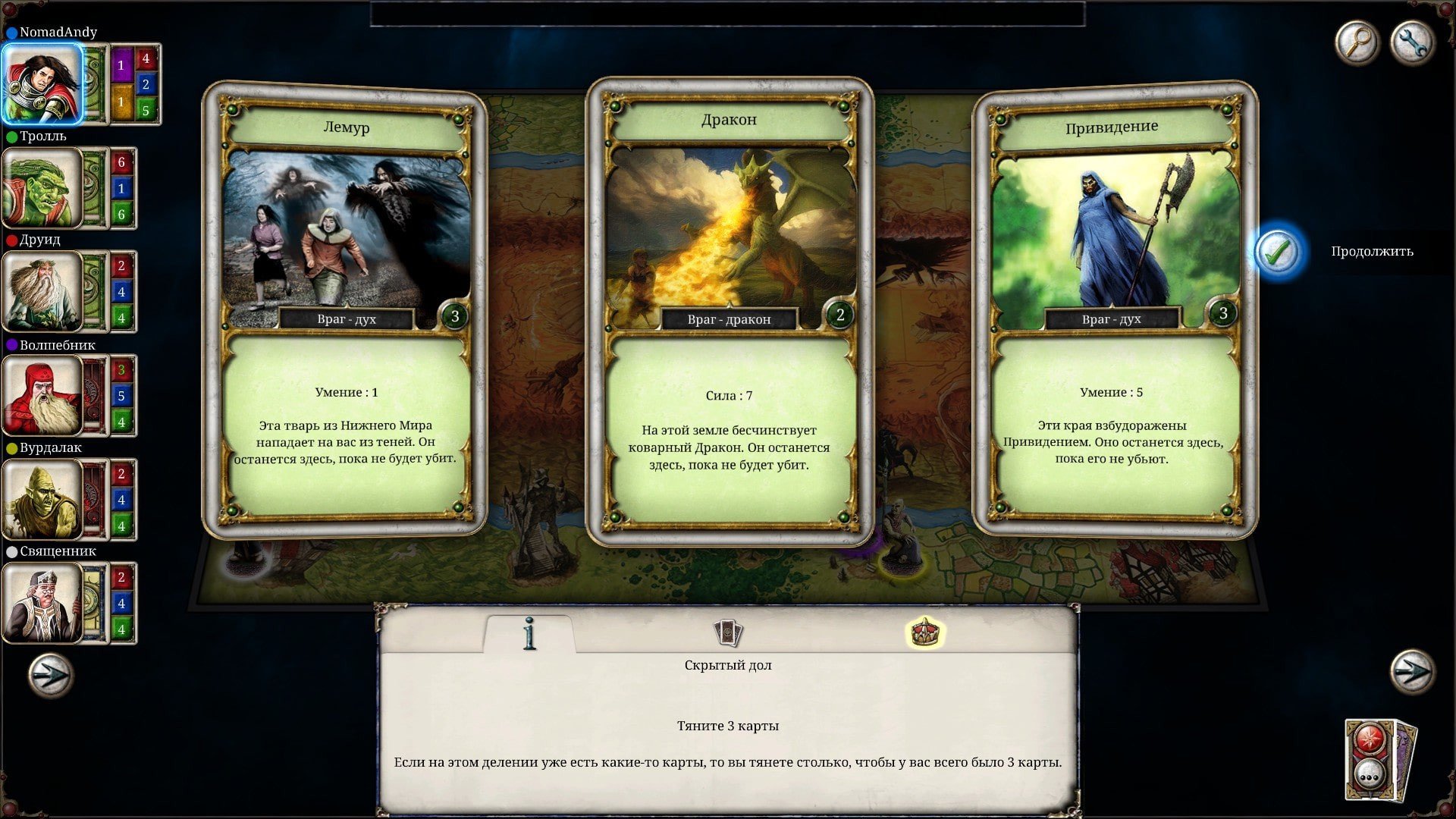
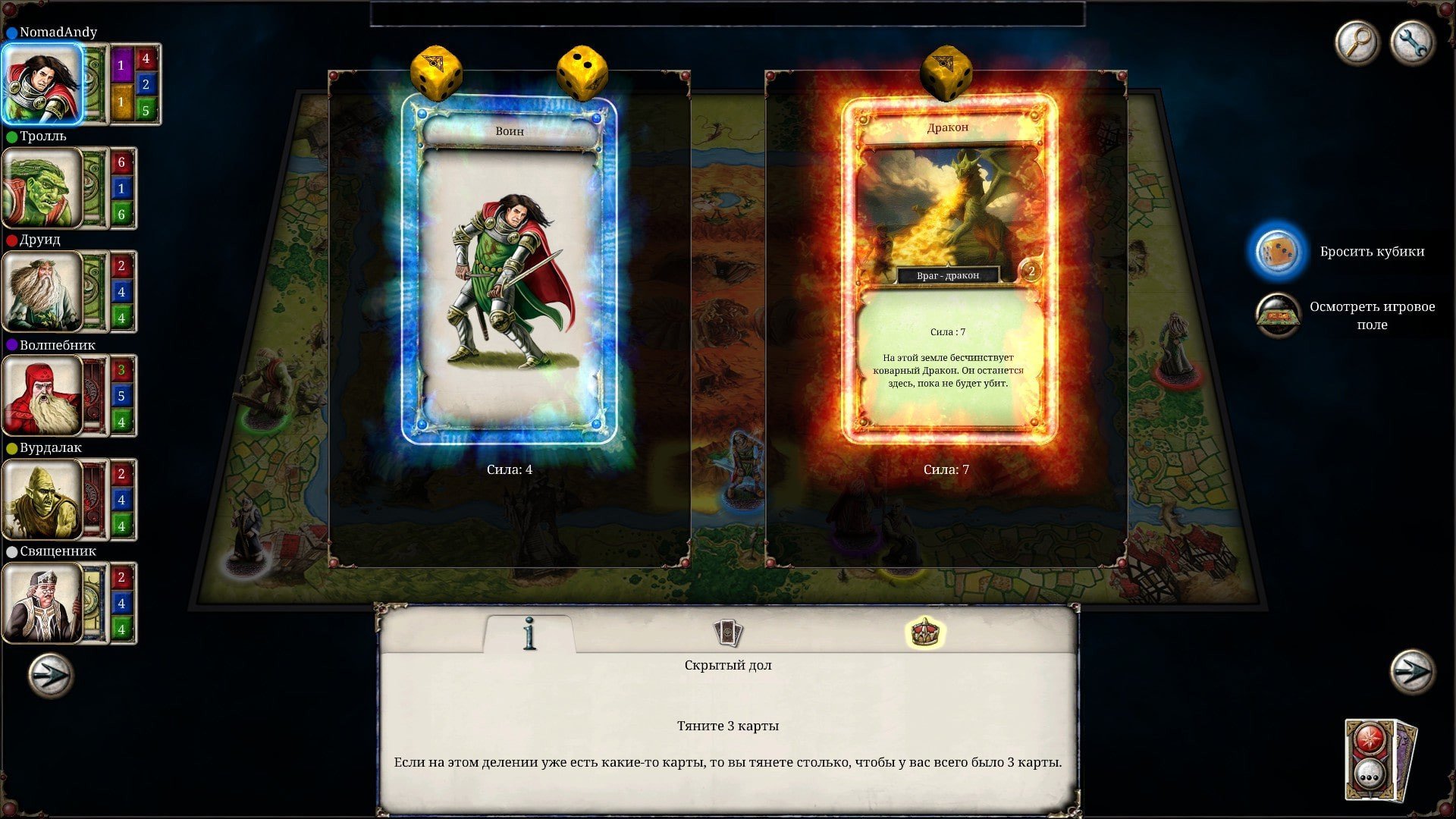
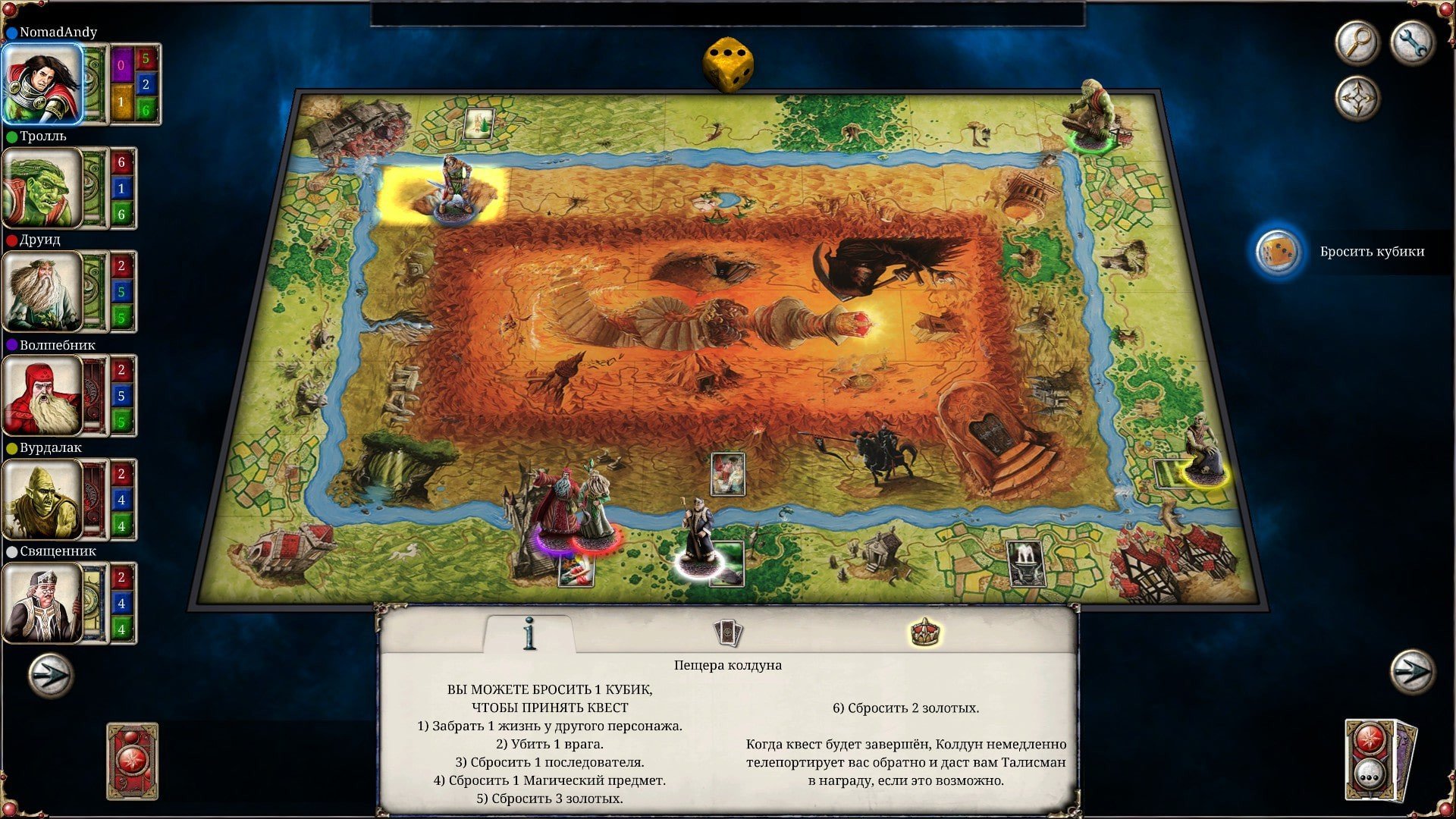
Board games have long held a special place in the hearts of players, offering opportunities for strategy, chance, and social interaction. Talisman: Digital Edition brings this classic fantasy board game into the digital realm, capturing its charm while enhancing accessibility and gameplay depth. With a blend of adventure, strategy, and luck, the game invites players to embark on a magical journey where every decision could lead to triumph or disaster.
Gameplay and Mechanics
Talisman: Digital Edition faithfully recreates the experience of the original board game, allowing players to explore a mystical realm filled with dangers, treasures, and surprises. Players choose from a diverse set of characters, each with unique abilities and attributes that influence gameplay. From the brave Warrior to the cunning Wizard, each character offers a distinct approach to strategy, encouraging multiple playthroughs and experimentation.
The game unfolds as players move their characters across a board divided into three regions: the Outer, Middle, and Inner regions. Along the way, they encounter enemies, collect magical items, and face events that can drastically alter their journey. Dice rolls introduce an element of chance, ensuring that no two games are ever alike. Success requires a combination of tactical planning, clever use of items, and adaptability to unexpected challenges.
Combat and resource management are key aspects of gameplay. Players must engage in battles against creatures and rival adventurers while managing health, strength, and magical resources. Strategic use of spells, weapons, and special abilities can mean the difference between victory and defeat. The digital edition also introduces streamlined mechanics for quicker play, making it easier for both newcomers and veteran players to enjoy the game without losing its strategic depth.
Multiplayer and Replayability
One of the standout features of Talisman: Digital Edition is its multiplayer functionality. Players can compete against friends or AI opponents, either locally or online. The multiplayer experience adds excitement and unpredictability, as each player’s choices and strategies influence the outcome. The game also offers solo play for those who enjoy mastering tactics against challenging AI opponents.
Replayability is further enhanced by the variety of characters, board layouts, and random events. Each session feels unique, with different challenges, encounters, and opportunities to shape the adventure. This ensures that players remain engaged and motivated to explore new strategies and tactics.
Visuals and Audio
Talisman: Digital Edition features beautifully rendered digital graphics that capture the magical and whimsical tone of the original board game. Character models, spell effects, and board details are vibrant and detailed, creating an immersive fantasy world. The audio design complements the visuals, with enchanting music and sound effects that bring battles, events, and magical encounters to life.
Conclusion
Talisman: Digital Edition successfully translates a beloved board game into the digital space, preserving its charm while introducing modern conveniences and enhancements. With its combination of strategy, adventure, and chance, the game offers an engaging experience for both solo players and groups. Its replayability, unique characters, and immersive world make it a standout digital board game that can entertain for hours. Whether you are a long-time fan of Talisman or new to the franchise, this edition provides a magical journey filled with excitement, challenges, and endless possibilities.
System: macOS 10.11Memory: 512 MB RAMGraphics: 256MB Video MemoryDisk space: 600 MB available space
Unzip the archive and follow the standard installation procedure.
The installation is completed by choosing a location to place the game.
It is recommended to specify the Applications folder.
Frequently Asked Questions
Mount the image and run Open Gatekeeper friendly.
Press Enter to bypass Gatekeeper in the Terminal window.
Drag the application to the Applications folder.
The application is ready for use.
ATTENTION! SIP must be disabled. Learn more >
Restart your Mac and hold down Command + R to enter Recovery Mode.
Open Terminal from the Utilities menu.
Enter the command: csrutil disable
Restart your Mac.
This is a common Gatekeeper issue. Follow these steps:
1. Open Terminal
2. Enter: sudo xattr -rd com.apple.quarantine /Applications/AppName.app
3. Replace "AppName" with the actual application name
4. Press Enter and enter your password
Yes, all our downloads are thoroughly checked for viruses and malware.
We use multiple antivirus engines to scan every file.
Our team tests each application before publishing.
We never bundle adware or unwanted software.
Yes, we regularly update our applications to the latest versions.
You can check our website for updates or subscribe to our newsletter.
We strive to provide the most recent versions within 24-48 hours of release.
If a download link is not working, please:
1. Try a different browser
2. Clear your browser cache and cookies
3. Try the alternative download links provided
4. Contact our support team if the issue persists