


The Farmer Was Replaced
Download The Farmer Was Replaced
Run the downloaded image and drag the application to the Applications folder shortcut.
Once copying is complete, the application can be launched via Launchpad.
Previous Versions
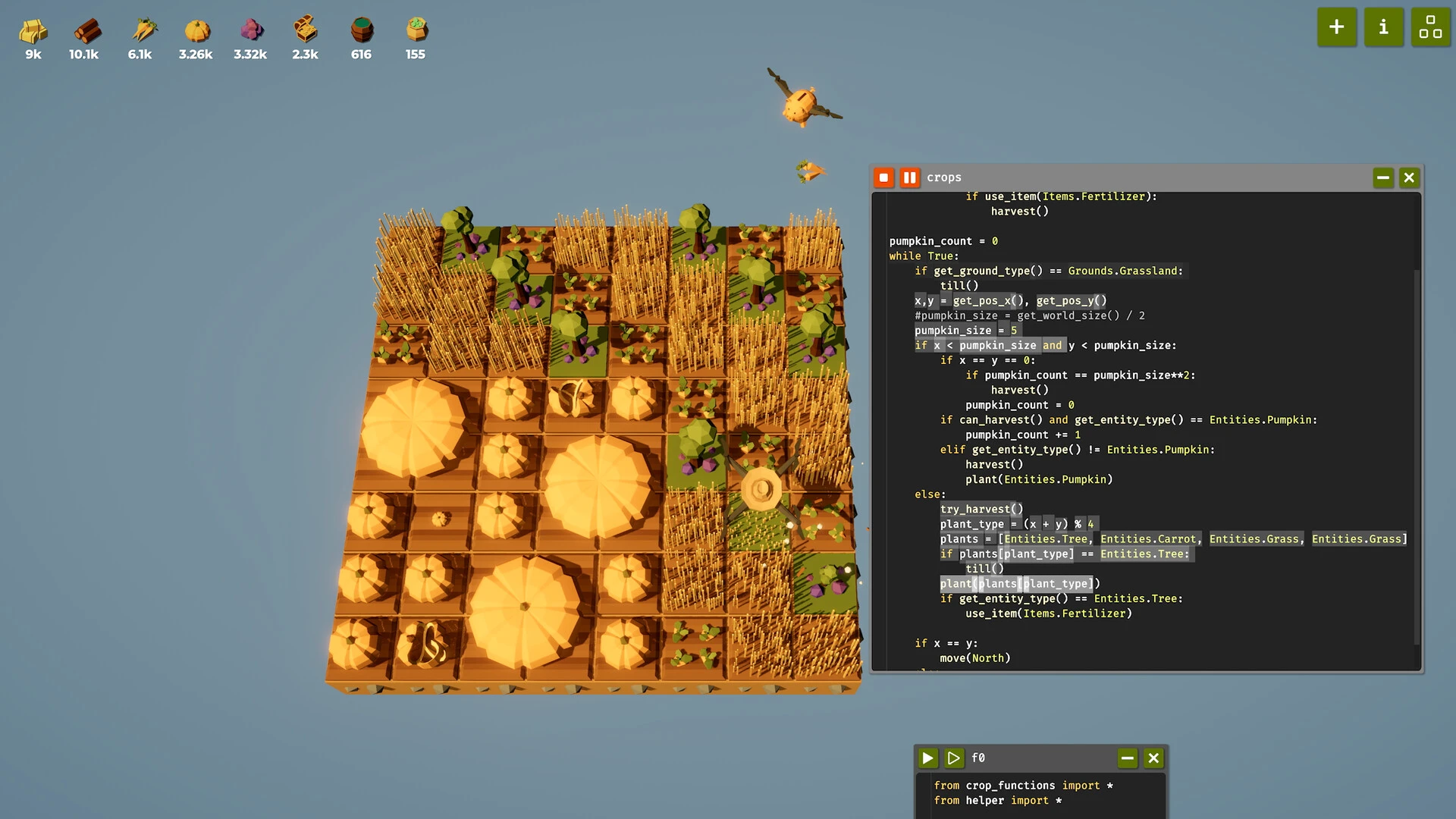
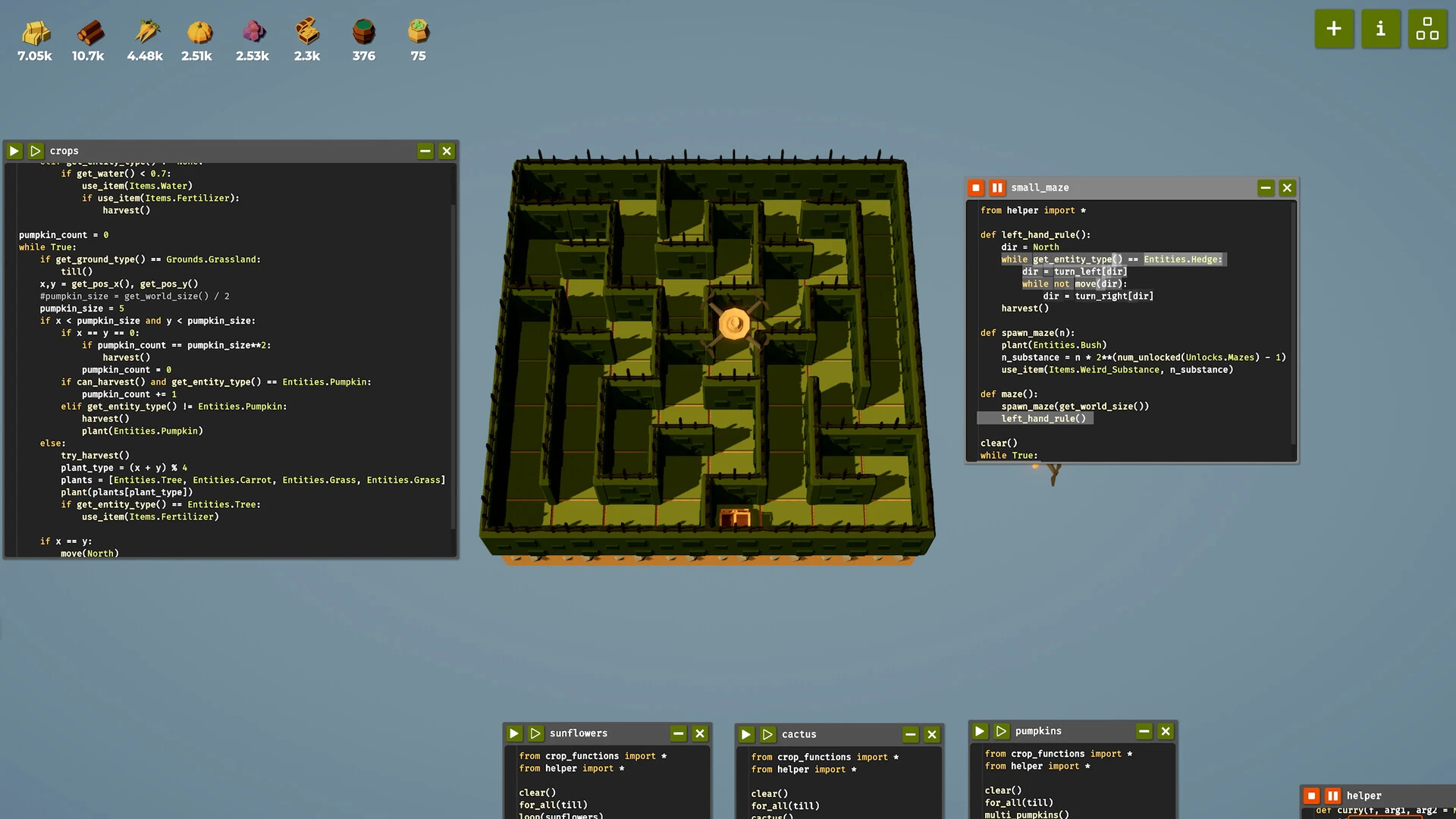
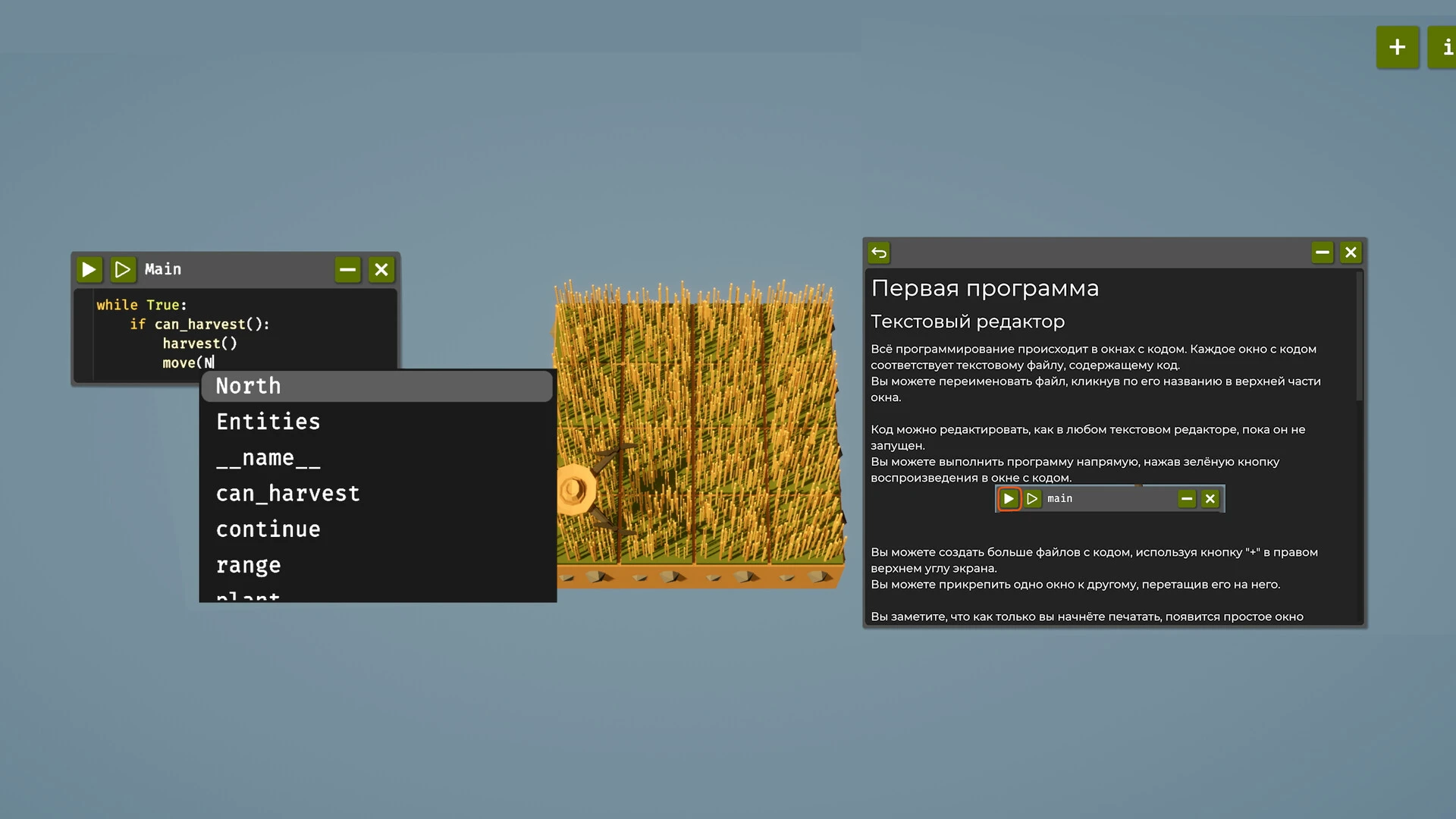
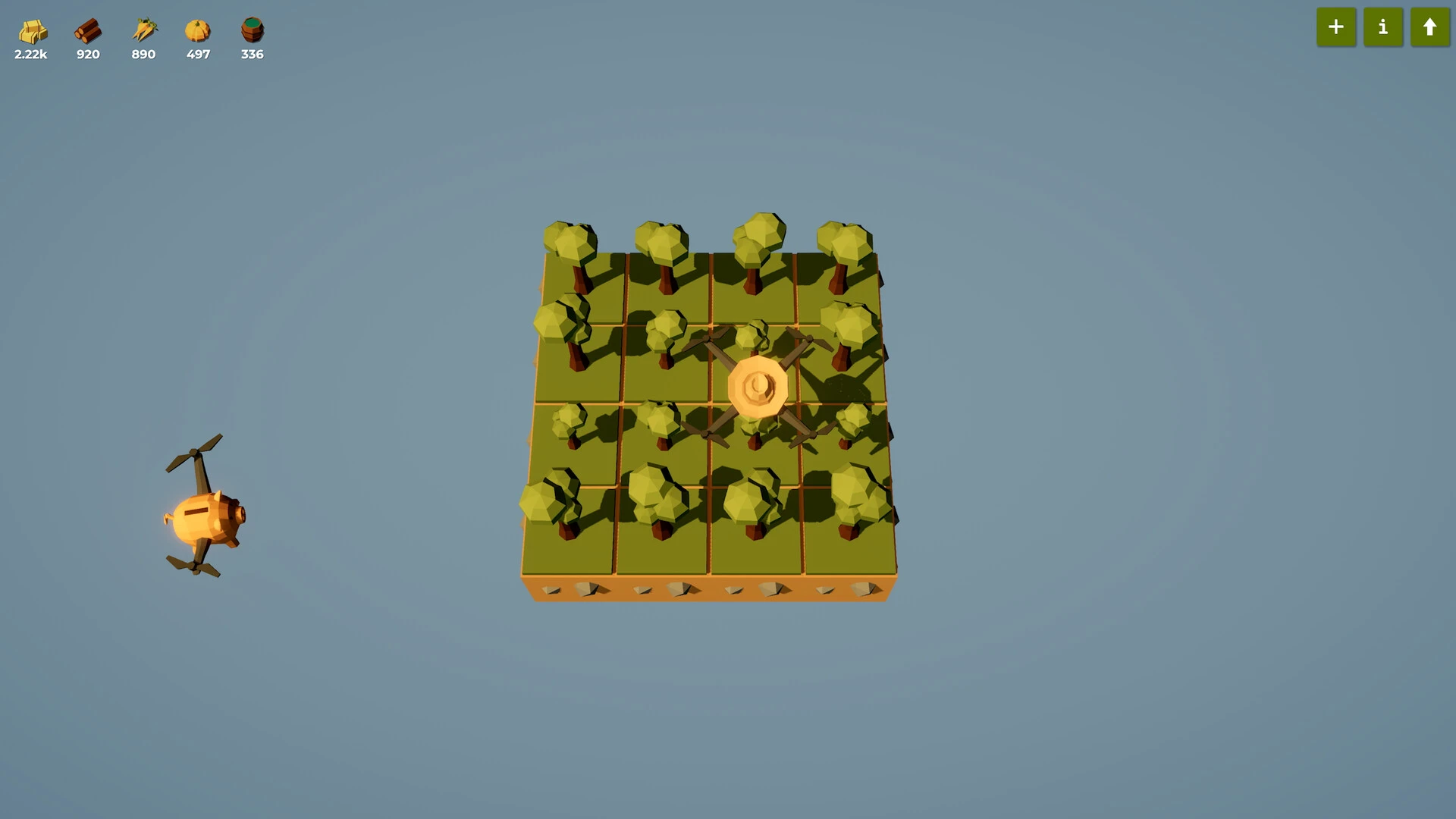
The Farmer Was Replaced is an innovative farming and automation simulation game that combines programming logic with strategic resource management. Unlike traditional farming games, which focus solely on manual planting and harvesting, this game introduces automation and programming mechanics that challenge players to think creatively and efficiently. It has gained popularity among gamers, programmers, and puzzle enthusiasts who enjoy strategy combined with technical problem-solving.
One of the most unique aspects of The Farmer Was Replaced is its automation-centric gameplay. Instead of directly controlling a farmer, players write commands and create automated systems that manage farming activities. Crops can be planted, watered, harvested, and arranged through programmable actions, making the game a combination of farming simulation and programming experience.
The game introduces players to basic programming concepts in an interactive and engaging way. Users create scripts and logical sequences to optimize farm production and improve efficiency. This educational element makes the game appealing not only to experienced players but also to beginners interested in learning programming principles through hands-on experience.
Another major advantage of The Farmer Was Replaced is its progression system. As players advance, they unlock automation tools, upgrades, and more complex farming systems. The early stages focus on simple tasks, while later phases require advanced optimization and strategic planning. This gradual learning curve keeps the game challenging and rewarding throughout.
The game's visual style is clean and minimalist, allowing players to focus on the mechanics and strategy rather than unnecessary distractions. The simple graphics are easy to read and make it easier to monitor farm activity and automation systems. This design approach helps players understand processes clearly as they manage increasingly complex operations.
Resource management also plays a significant role in The Farmer Was Replaced. Players must balance crop production, land use, and automation efficiency to maximize productivity. Strategic planning becomes essential as the farm expands and new technologies become available. This creates a satisfying sense of progress and accomplishment.
Another interesting feature of the game is its problem-solving element. Each farming challenge can be solved in multiple ways, encouraging experimentation and creativity. Players often improve and redesign their automated systems to achieve faster production or more efficient resource use. This replayability keeps the gameplay experience fresh and engaging over time.
The Farmer Was Replaced is often compared to automation and strategy titles like Factorio, Stardew Valley, and Autonauts. However, its focus on programming logic and code-based automation gives it a unique identity within the farming simulation genre.
The game has also become popular in education because it introduces logical thinking and automation concepts in a fun environment. Teachers and programming enthusiasts sometimes recommend it as an entertaining way to explore programming fundamentals without traditional classroom methods.
Performance optimization is another positive aspect of The Farmer Was Replaced. The game runs smoothly on most modern systems and doesn't require high-end hardware, making it accessible to a wide range of players. Its lightweight design ensures stable gameplay even during large-scale automated farming operations.
In conclusion, The Farmer Was Replaced is a creative and engaging farming automation game that combines strategy, programming, and resource management into a unique gaming experience. Its educational programming mechanics, progression system, and problem-solving challenges set it apart within the simulation genre. Whether for entertainment, learning, or strategic experimentation, The Farmer Was Replaced offers a novel and rewarding experience for players interested in automation and creative game systems.
OS: macOS 10.13+Processor: Apple Silicon is supported / Intel 2.0 GHzRAM: 2 GB RAMVideo card: Intel HD Graphics 3000Disk space: 1 GB
Run the downloaded image and drag the application to the Applications folder shortcut.
Once copying is complete, the application can be launched via Launchpad.
Frequently Asked Questions
Mount the image and run Open Gatekeeper friendly.
Press Enter to bypass Gatekeeper in the Terminal window.
Drag the application to the Applications folder.
The application is ready for use.
ATTENTION! SIP must be disabled. Learn more >
Restart your Mac and hold down Command + R to enter Recovery Mode.
Open Terminal from the Utilities menu.
Enter the command: csrutil disable
Restart your Mac.
This is a common Gatekeeper issue. Follow these steps:
1. Open Terminal
2. Enter: sudo xattr -rd com.apple.quarantine /Applications/AppName.app
3. Replace "AppName" with the actual application name
4. Press Enter and enter your password
Yes, all our downloads are thoroughly checked for viruses and malware.
We use multiple antivirus engines to scan every file.
Our team tests each application before publishing.
We never bundle adware or unwanted software.
Yes, we regularly update our applications to the latest versions.
You can check our website for updates or subscribe to our newsletter.
We strive to provide the most recent versions within 24-48 hours of release.
If a download link is not working, please:
1. Try a different browser
2. Clear your browser cache and cookies
3. Try the alternative download links provided
4. Contact our support team if the issue persists